Editorial overview
Aggregated Overview
Official materials document publishing, workspaces, approvals, reporting, and social integrations. G2 showed 4.5/5 from 904 reviews, but only limited review text was assessed, so experience-level conclusions remain cautious.
This profile combines documented product information and independent evidence where available. It is not a hands-on test unless TechZella explicitly identifies one.
Overview
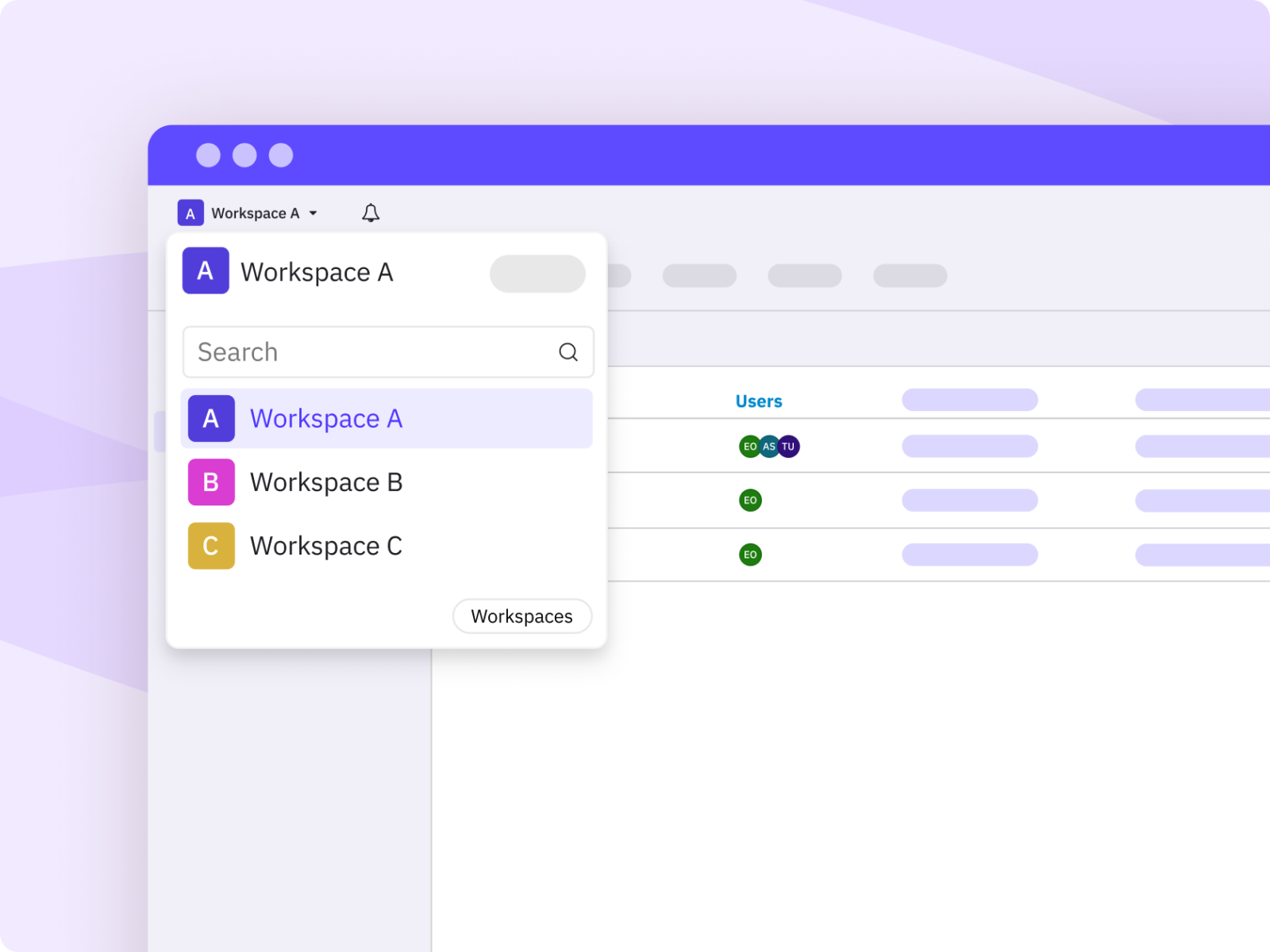
Sendible is a cloud-based social media management product for planning and publishing content, monitoring conversations, and creating reports. Its tools organize brands, locations, and client work through workspaces.
The company says it began in London in 2009 and joined software group ASG in 2021. Its stated audience includes agencies, multi-location businesses, in-house teams, and software integrators.
Sendible Decision Snapshot
A quick way to understand who this product may suit, where its limits matter, and which facts are most relevant before you compare alternatives.
Best suited toAgencies and multi-location teams that need separate brand workspaces, shared publishing workflows, approvals, and client-facing reports.
Look elsewhere ifTeams seeking a permanent free plan, or a buyer needing API access on standard self-service plans, should confirm fit: trial access is temporary and API functions are described for integrations and Enterprise SSO, and should evaluate alternatives such as Agorapulse or Sprout Social instead.
PlatformsAPI, Google Chrome Extension, SaaS, Web
TechZella assessment8.0/10
Sendible — What Sets It Apart?
These are the product-specific differences that may matter when deciding whether the software fits your workflow. They are based on documented evidence rather than a universal ranking.
- Unlimited users on all listed plans, with plan capacity organized around workspaces and social profiles.
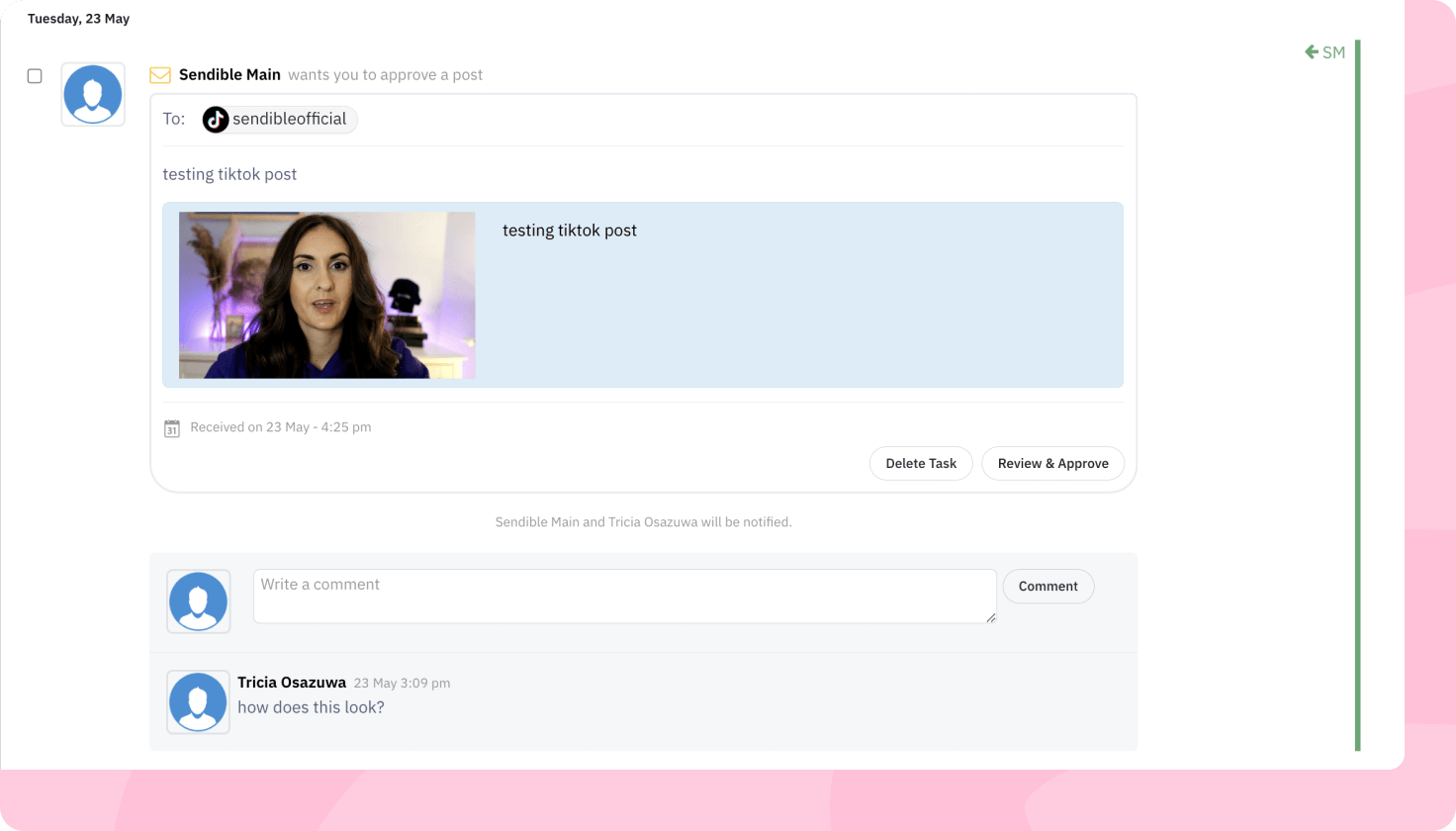
- Agency and multi-location features include dedicated workspaces, approval workflows, branded reports, and white-label options.
- Sendible describes API-based social functionality for software integrators, plus API-based SSO for qualifying Enterprise customers.
Editorial assessmentSendible Pros & Cons
Pros
- Unlimited users are included on all listed plans.
- Workspace allowances and features are clearly tiered for agencies and multi-location organizations.
- Higher plans include approval workflows, content libraries, branded reports, and advanced permissions.
- The platform connects to multiple social networks and workflow tools.
Cons
- There is no permanent free plan listed.
- White-label requires an additional fee on Elite and Enterprise, but the amount is not published on the pricing page.
- Enterprise SSO access requires approval and is not presented as a self-serve integration.
- Some Instagram publishing functions require a Professional account and Facebook login.
Sendible Gotchas & Operational Limits
These are documented constraints or practical friction points that may matter before you adopt the product.
Instagram auto-publishing requires an Instagram Professional account and Facebook login to connect it.
Teams using personal Instagram accounts or lacking appropriate Meta access may need to change account setup or use reminder-based posting for some content.
Evidence source ↗Sendible's public pricing describes a 14-day trial, then requests a payment card; adding a card during the trial triggers billing at the trial's end.
Trial users should track the end date and decide whether to continue before automatic billing begins.
Evidence source ↗The white-label offering costs extra on Elite and Enterprise, with no add-on amount shown on the pricing page.
Agencies considering branded client-facing access need a quote to calculate the full subscription cost.
Evidence source ↗Sendible Pricing & Plans
Core
$35
month
One workspace; unlimited users, scheduling, AI credits, bulk scheduling, monitoring and replies, and standard reports. Annual billing is advertised at a 15% discount.
Check current pricing →Plus
$99
month
Three workspaces; adds assignment and approvals to Core features. Annual billing is advertised at a 15% discount.
Check current pricing →Premium
$199
month
Seven workspaces; adds content libraries, custom branded reports, campaigns, and dedicated onboarding. Annual billing is advertised at a 15% discount.
Check current pricing →Elite
$299
month
Fifteen workspaces; adds dynamic fields for bulk posting and advanced user permissions. White-label is an additional-fee option.
Check current pricing →Enterprise
$750
month
Fifty workspaces; includes all features, SSO, and a dedicated account manager. White-label is an additional-fee option.
Check current pricing →Free trial
$0
14 days
Trial without a card required at sign-up. A card added during the trial is billed when the trial ends.
Check current pricing →Pricing may change. Verify current plans on the vendor's website.
Cost contextTotal Cost & Hidden Costs
Additional costs or implementation requirements that are documented in the available evidence.
White-label add-on
White-label is an additional-fee option on Elite and Enterprise. The public pricing page does not state the add-on price, so request a quote when estimating total cost.
Evidence source ↗Annual billing
Sendible lists a 15% discount for annual payment compared with monthly billing.
Evidence source ↗Sendible Competitors & Alternatives
Compare similar products directly, then see which alternatives may make more sense when your requirements differ.
Direct competitors
These products address broadly similar requirements. The descriptions focus on documented reasons a buyer might compare them with Sendible.
CapabilitiesSendible Features
Publishing and planning
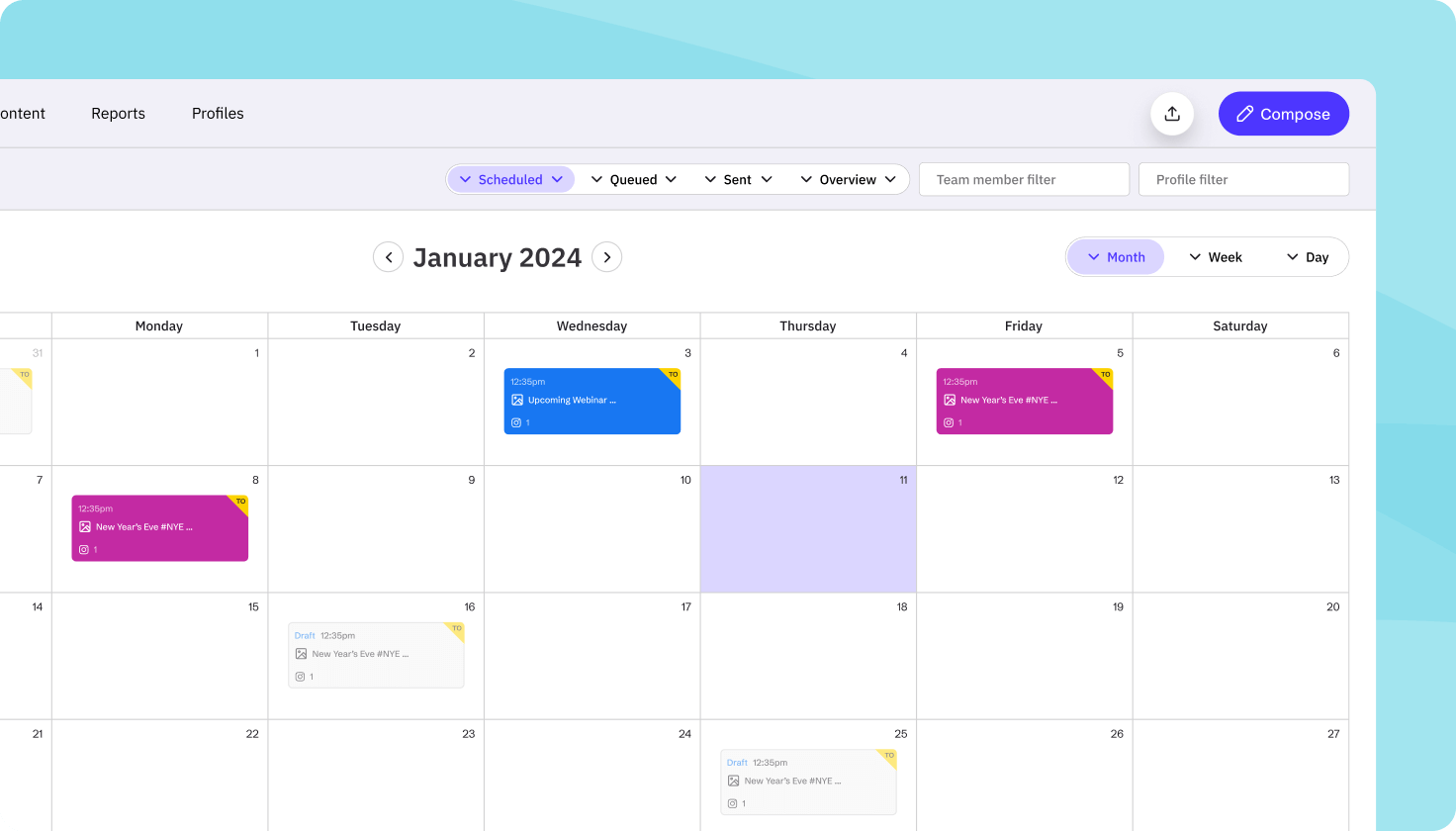
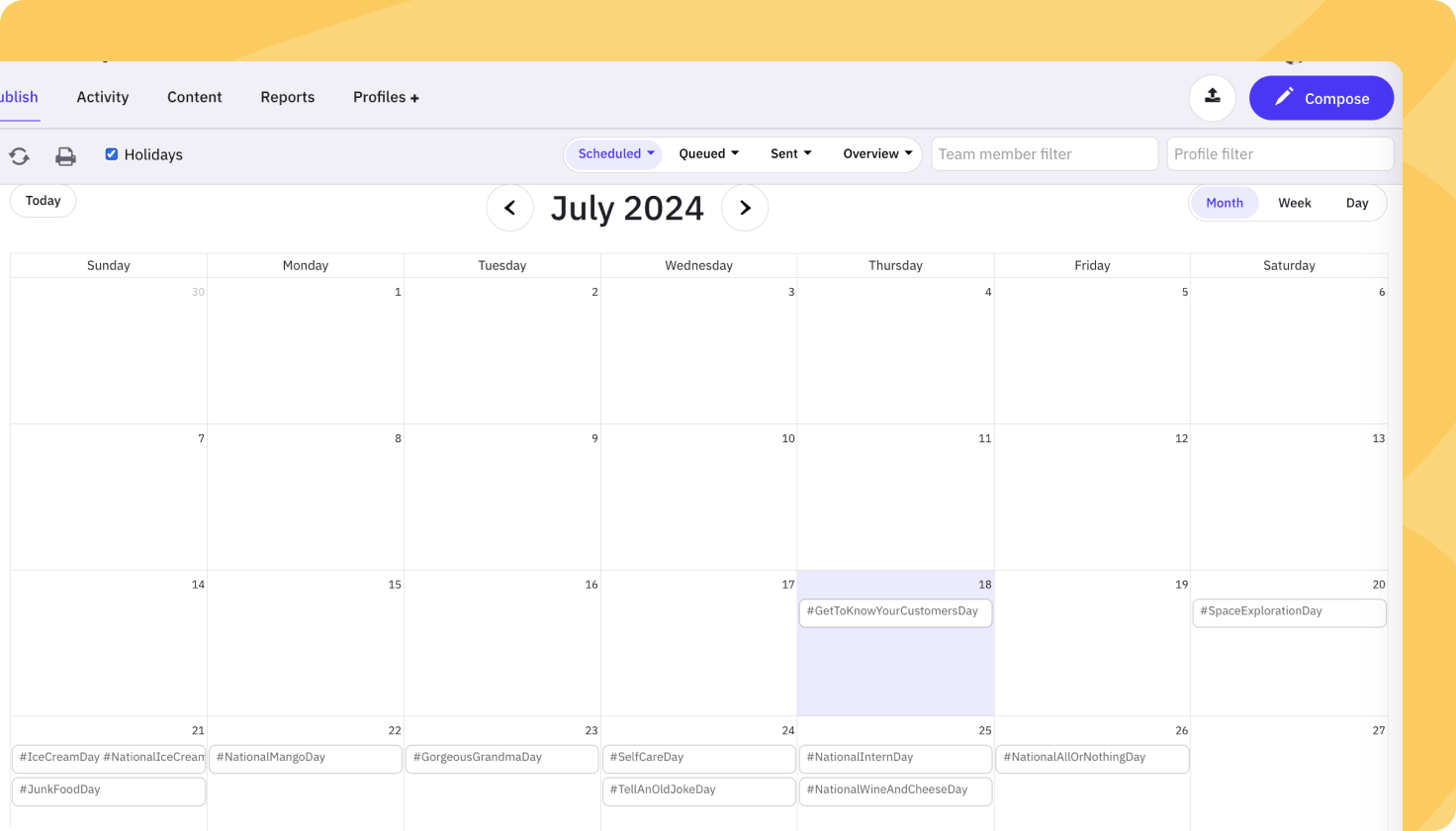
- Schedule social posts across supported networks
- Bulk schedule content
- Organize content by campaigns and workspaces
- Recycle evergreen posts through smart queues
- Use content libraries for reusable posts and assets
Collaboration
- Assign incoming items to teammates
- Request approvals before publishing
- Create separate workspaces for brands, clients, or locations
- Apply advanced user permissions on Elite and above
Monitoring and reporting
- Manage replies through a priority inbox
- Monitor social profiles
- Generate standard and custom branded reports
- Automate delivery of reports to stakeholders
Integrations and AI
- Connect social networks including Instagram, Facebook, LinkedIn, TikTok, Threads, and Google Business Profile
- Integrate with Canva and Google Drive
- Use AI Assist to generate or refine captions
- Use a Chrome extension to curate and schedule web content
- API-based SSO is available to approved Enterprise customers
Sendible Specifications
| Deployment | Cloud-based SaaS |
|---|
| Web access | Yes |
|---|
| Mobile apps | Terms of service describe access through mobile apps |
|---|
| Browser extension | Google Chrome extension |
|---|
| API | API options are described for integrators; API-based SSO is for approved Enterprise customers |
|---|
| Free trial | 14 days; no card required at sign-up |
|---|
| Permanent free plan | Not listed on the pricing page |
|---|
| Users | Unlimited on listed plans |
|---|
| Workspaces | 1, 3, 7, 15, or 50 by plan |
|---|
| Annual billing discount | 15% advertised |
|---|
| Company registration | Sendible Limited, company number 06815657 |
|---|
Exit planningMigration & Lock-In
Documented portability, standards, export, or switching considerations. No switching-cost score is shown unless the evidence supports one.
Our evidence-based assessmentTechZella Score
A proprietary editorial score based on product capabilities, usability, value, performance, support and user sentiment evidence.
8.0/10Moderate confidence
Official materials document publishing, workspaces, approvals, reporting, and social integrations. G2 showed 4.5/5 from 904 reviews, but only limited review text was assessed, so experience-level conclusions remain cautious.
Methodology v1.0. The assessment weighs feature coverage (25%), ease of use (15%), value for money (20%), performance (15%), support (10%) and user sentiment (15%), using researched product evidence and verified review evidence where available. It is a TechZella editorial assessment, not a direct user-review average.
Editorial transparency
Our Review Methodology
Key claims are linked to the sources used to verify them. This evidence record is separate from third-party user ratings.
TechZella evaluates software using documented product capabilities, pricing information, usability and value considerations, independent user evidence where available, and competitive context. The assessment is an editorial review, not a hands-on test unless one is explicitly identified. Our editorial assessment is based on 5 documented sources.
What TechZella adds- Unlimited users on all listed plans, with plan capacity organized around workspaces and social profiles.
- Agency and multi-location features include dedicated workspaces, approval workflows, branded reports, and white-label options.
- Sendible describes API-based social functionality for software integrators, plus API-based SSO for qualifying Enterprise customers.
Important limitations- There is no permanent free plan listed; the stated trial lasts 14 days.
- White-label functionality is an additional-fee option on Elite and Enterprise, and its add-on price is not stated on the pricing page.
- API availability is not presented as a general self-service developer API; the documented SSO API is restricted to Enterprise and requires approval.
Evidence-backed claimsSendible started in London in 2009.The company history page states that Sendible began in London in 2009; Companies House records Sendible Limited's incorporation in 2009.
View source ↗Verified 2026-10-07All listed subscriptions include unlimited users.The official pricing page states unlimited users across its plans.
View source ↗Verified 2026-10-07Sendible offers a 14-day free trial without requiring a card at sign-up.The pricing page identifies a 14-day trial and no card required; it also explains billing if a card is added during the trial.
View source ↗Verified 2026-10-07The listed plans range from one to 50 workspaces.The pricing page lists Core, Plus, Premium, Elite, and Enterprise with workspace allowances of 1, 3, 7, 15, and 50.
View source ↗Verified 2026-10-07Sendible supports integrations with social networks and content tools including Instagram, Facebook, LinkedIn, TikTok, Threads, Google Business Profile, Canva, and Google Drive.The integrations page lists the supported networks and design/workflow integrations.
View source ↗Verified 2026-10-07The Enterprise plan includes SSO, while API-based SSO access requires approval.Pricing lists SSO in Enterprise; the SSO feature page says access is exclusive to Enterprise and requires a submitted use case and security documentation for approval.
View source ↗Verified 2026-10-07G2 listed Sendible at 4.5 out of 5 from 904 reviews.The public G2 seller profile displayed the average and review count.
View source ↗Verified 2026-10-07 Independent review sources
Sendible Ratings & Reviews
Ratings are published by the respective review platforms and may change over time.
Common questionsSendible FAQs
Answers begin with the clearest available response, followed by the context that helps you act on it.
Does Sendible offer a free trial?
Yes. Its pricing page lists a 14-day trial without a card required at sign-up.
Does Sendible have a free plan?
The current pricing page lists paid plans and a time-limited trial, not a permanent free tier.
Which platforms does Sendible support?
Sendible is a web-based SaaS product. The vendor also documents mobile apps, an API, and a Chrome extension.
Does Sendible provide an API?
Yes. Sendible describes API use for software integrators and API-based SSO. SSO access is described for Enterprise customers and requires approval; the reviewed sources do not establish a generally available public API for all plans.
What integrations are available?
Documented examples include Instagram, Facebook, LinkedIn, TikTok, Threads, Google Business Profile, Canva, and Google Drive.
How much does Sendible cost?
Publicly reported monthly list prices range from $35 for Core to $750 for Enterprise. Annual billing is advertised at a 15% discount. Confirm current amounts with the vendor.
Community feedback
Reviews
No reviews yet. Be the first to share your experience.
Write a Review
Please log in to submit a review.
What Has Changed
This history records material data changes detected when TechZella re-researched the profile.
2026-10-07Research update changed: Pricing, Features, Specifications, Alternatives, Competitors, Trusted ratings, Description.
Recently added Social Media Management