Editorial overview
Aggregated Overview
Official materials document channel scheduling, analytics, engagement tools, mobile apps, integrations, and a public API. Review-platform ratings and summaries generally favor usability and scheduling, while also reporting occasional posting disruptions and limits in advanced analytics.
This profile combines documented product information and independent evidence where available. It is not a hands-on test unless TechZella explicitly identifies one.
Decision guideBuffer Decision Snapshot
A quick way to understand who this product may suit, where its limits matter, and which facts are most relevant before you compare alternatives.
Best suited toCreators, small businesses, agencies, nonprofits, and higher-education teams that need a shared social publishing calendar, channel-level pricing, and lightweight analytics.
Look elsewhere ifOrganizations that require advanced custom reporting, audience demographics, or analytics through the API should assess alternatives: Buffer documents gaps in these capabilities, and should evaluate alternatives such as Hootsuite or Later instead.
PlatformsAndroid, GraphQL API, iOS, SaaS, Web
TechZella assessment8.3/10
Overview
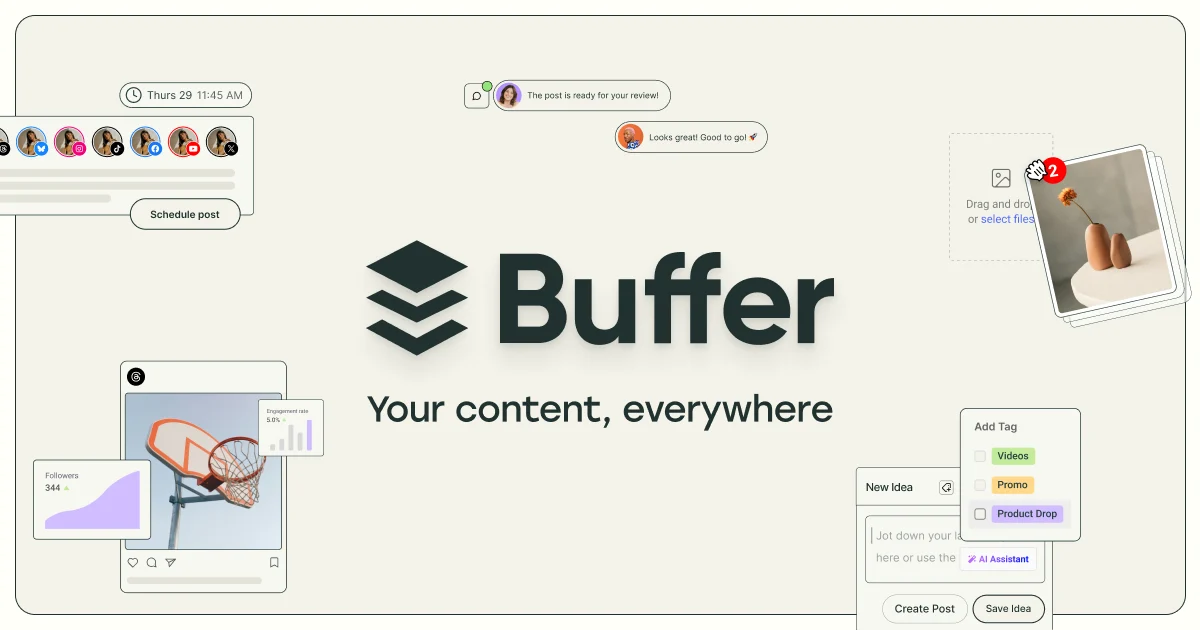
Buffer is a social media management platform for creating, scheduling, publishing, and reviewing posts from a shared workspace. It connects to social networks and provides channel-specific publishing, analytics, and engagement features.
The product suits individuals and small teams that want a common content calendar and publishing workflow. Paid plans charge by connected channel, while the Team plan includes unlimited users.
Buffer — What Sets It Apart?
These are the product-specific differences that may matter when deciding whether the software fits your workflow. They are based on documented evidence rather than a universal ranking.
- The free plan includes API access, analytics, and a community inbox, alongside limits of three connected channels and ten scheduled posts per channel.
- Paid plans use per-channel pricing with lower per-channel rates above ten channels.
- The public GraphQL API is available on Free, Essentials, and Team plans, with plan-specific request limits.
7 key claims verifiedOur editorial team checked this profile against company information, pricing information, product documentation. Supported by 6 documented sources.
Editorial assessmentBuffer Pros & Cons
Pros
- Free plan includes a modest but functional set of planning, analytics, community, and API capabilities.
- Paid channel pricing supports adding or removing social accounts without a per-seat charge on Team.
- Broad coverage of social platforms and integrations is documented by Buffer.
- G2 and Capterra show positive aggregate ratings, with review summaries commonly noting ease of use and scheduling.
Cons
- Per-channel costs accumulate as an organization connects more accounts.
- Buffer documents limits in Insights, including the absence of audience demographics and a drag-and-drop custom report builder.
- API capabilities do not currently include full analytics or comment reading and replying.
- Review-platform summaries report occasional technical disruptions, platform disconnections, or posting issues.
Buffer Gotchas & Operational Limits
These are documented constraints or practical friction points that may matter before you adopt the product.
The free plan permits up to three connected channels and has a lifetime limit of eight distinct channels per social network.
Removing an account does not reset the free-plan per-network connection counter, which can constrain experimentation or channel turnover.
Evidence source ↗Buffer describes paid scheduled-post allowances as unlimited but caps usage at 5,000 posts per channel under its fair-use policy.
Teams with unusually high publishing volume should validate whether their intended use fits the documented cap.
Evidence source ↗Buffer's API keys and app clients are managed by organization owners, and request limits vary by plan.
A developer may need owner involvement, and integrations that make frequent requests may need higher limits.
Evidence source ↗Buffer Pricing & Plans
Free
$0
month
Up to 3 channels, 10 scheduled posts per channel, 100 ideas, one user, Insights, community inbox, and API access.
Check current pricing →Essentials
$6 per channel monthly; $5 per channel monthly with annual billing
month
One user, unlimited scheduled posts, unlimited ideas, advanced analytics, API access, hashtag manager, and first-comment scheduling. Volume discounts apply above 10 channels.
Check current pricing →Team
$12 per channel monthly; $10 per channel monthly with annual billing
month
Includes unlimited users, approval workflows, access levels, analytics, and unlimited scheduled posts. Volume discounts apply above 10 channels.
Check current pricing →Pricing may change. Verify current plans on the vendor's website.
Cost contextTotal Cost & Hidden Costs
Additional costs or implementation requirements that are documented in the available evidence.
Per-channel subscription
Essentials begins at $6 per channel monthly or $5 per channel monthly with annual billing. Team begins at $12 per channel monthly or $10 with annual billing. Rates decrease for channels above ten.
Evidence source ↗Channel-based scaling
A paid account's cost depends on connected channel count; Team includes unlimited users, while Essentials includes one user.
Evidence source ↗Quick Comparison
Compare the product with documented alternatives across the factors that can change a buying decision. Each row is evidence-backed rather than a generic feature checklist.
Buffer vs. Metricool
Documented comparisonOnly factors supported by the available research are shown. The comparison is descriptive, not a ranking.
Compare optionsBuffer Competitors & Alternatives
Compare similar products directly, then see which alternatives may make more sense when your requirements differ.
At a glance
Social Media ManagementOnly factors supported by the available research are shown. The comparison is descriptive, not a ranking.
Direct competitors
These products address broadly similar requirements. The descriptions focus on documented reasons a buyer might compare them with Buffer.
CapabilitiesBuffer Features
Publishing and planning
- Queue and schedule posts across connected social channels
- Visual content calendar
- Platform-specific post customization
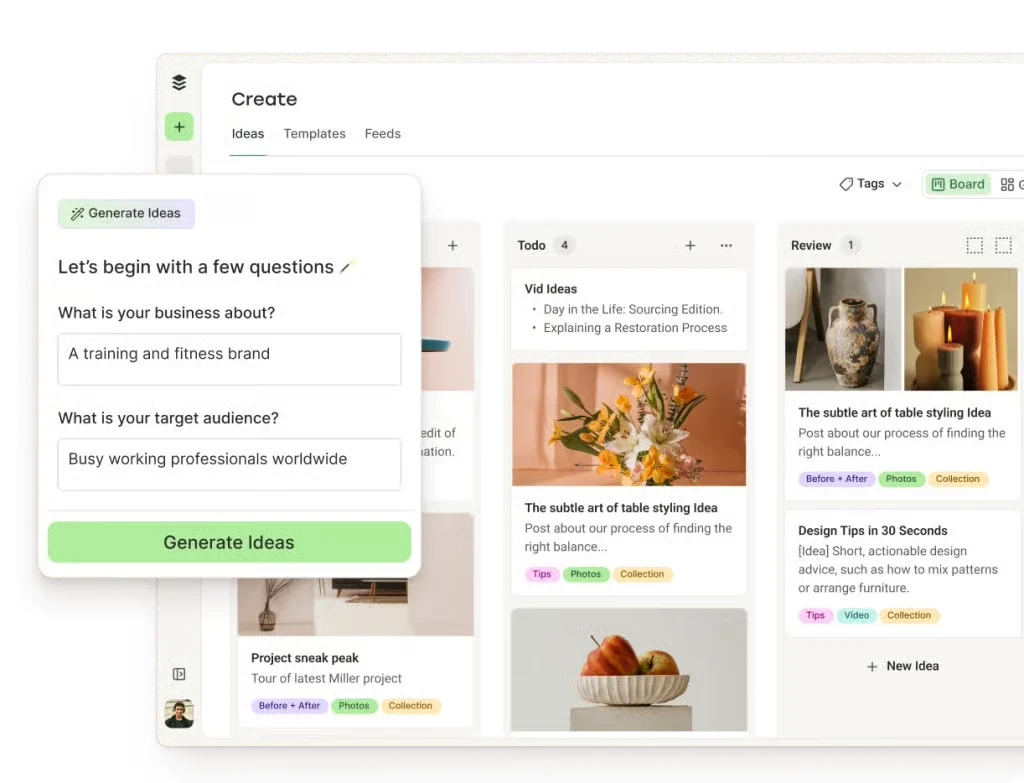
- Drafts and ideas library
- First-comment scheduling on eligible paid plans
- Notification-based publishing where a channel or format requires it
Analytics and engagement
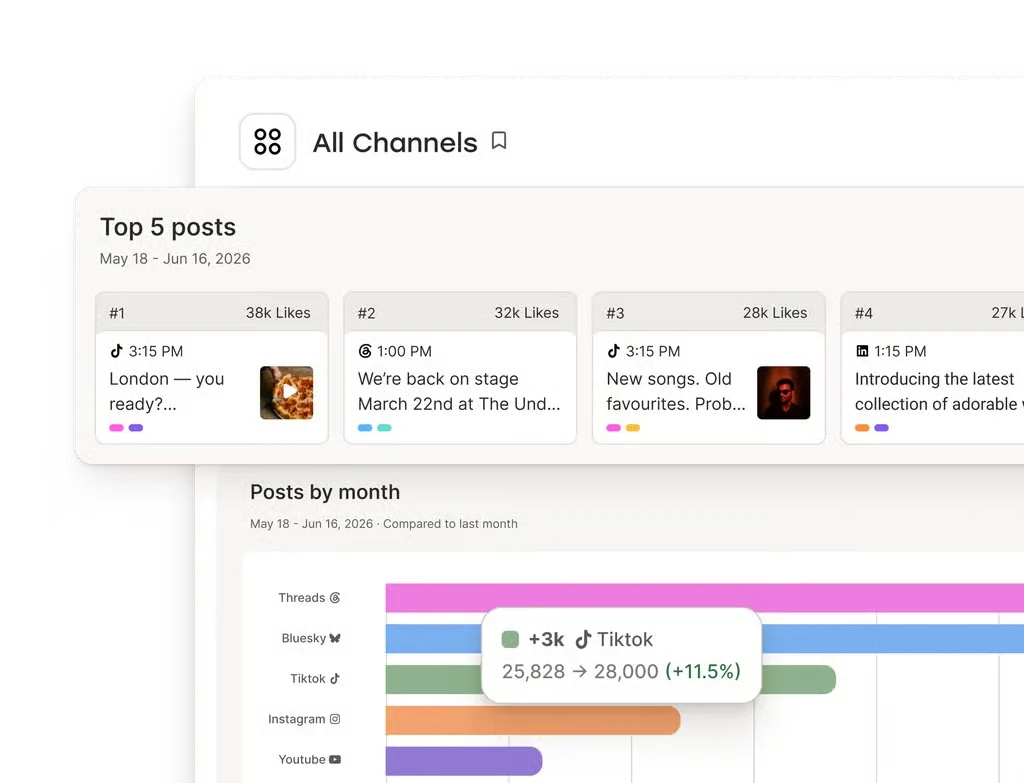
- Insights with channel and cross-channel performance views
- Community inbox for comments on supported channels
- AI-powered performance takeaways
- Paid-plan analytics exports
Team and integrations
- Team-plan approval workflows and access levels
- Integrations include Canva, Google Drive, Dropbox, Zapier, IFTTT, Make, n8n, WordPress, Claude, and ChatGPT
- Public GraphQL API, available on all current plans
- Android and iOS apps
Buffer Specifications
| Deployment | Cloud-hosted web application and mobile apps |
|---|
| API | Public GraphQL API; all current plans include access |
|---|
| API rate limits | 100 requests per 15 minutes per key; daily and 30-day limits vary by plan |
|---|
| Free-plan users | 1 |
|---|
| Paid Team users | Unlimited |
|---|
| Free-plan channel limit | 3 connected channels; lifetime limit of 8 distinct channels per social network |
|---|
| Free-plan scheduled posts | 10 per channel |
|---|
| Paid-plan scheduled posts | Up to 5,000 per channel under the fair-use policy |
|---|
| Free trial | 14 days for paid plans |
|---|
| Integrations | Canva, Bitly, ChatGPT, Claude, Cursor, Dropbox, Google Drive, IFTTT, Make, n8n, WordPress, Zapier, and others |
|---|
Exit planningMigration & Lock-In
Documented portability, standards, export, or switching considerations. No switching-cost score is shown unless the evidence supports one.
Legacy API transition
Buffer announced retirement of its legacy REST API for February 1, 2027; developers using it should review the migration path to the public API.
Evidence source ↗Our evidence-based assessmentTechZella Score
A proprietary editorial score based on product capabilities, usability, value, performance, support and user sentiment evidence.
8.3/10Moderate confidence
Official materials document channel scheduling, analytics, engagement tools, mobile apps, integrations, and a public API. Review-platform ratings and summaries generally favor usability and scheduling, while also reporting occasional posting disruptions and limits in advanced analytics.
Methodology v1.0. The assessment weighs feature coverage (25%), ease of use (15%), value for money (20%), performance (15%), support (10%) and user sentiment (15%), using researched product evidence and verified review evidence where available. It is a TechZella editorial assessment, not a direct user-review average.
Editorial transparency
Our Review Methodology
Key claims are linked to the sources used to verify them. This evidence record is separate from third-party user ratings.
TechZella evaluates software using documented product capabilities, pricing information, usability and value considerations, independent user evidence where available, and competitive context. The assessment is an editorial review, not a hands-on test unless one is explicitly identified. Our editorial assessment is based on 6 documented sources.
What TechZella adds- The free plan includes API access, analytics, and a community inbox, alongside limits of three connected channels and ten scheduled posts per channel.
- Paid plans use per-channel pricing with lower per-channel rates above ten channels.
- The public GraphQL API is available on Free, Essentials, and Team plans, with plan-specific request limits.
Important limitations- Buffer Insights is positioned for in-dashboard performance checks; its help documentation says it lacks a drag-and-drop custom report builder, audience demographics, and best-time-to-post recommendations.
- The API does not currently provide full analytics, comment reading or replies, Start Page editing, or native media uploads.
- The free plan limits accounts to three connected channels and ten scheduled posts per channel; it also has a lifetime connection limit of eight distinct channels per social network.
Evidence-backed claimsBuffer began as a project in November 2010.Buffer's company history identifies November 2010 as the start of the project.
View source ↗Verified 2026-10-07Buffer offers Free, Essentials, and Team plans, with paid pricing based on connected channel count.The official pricing page lists these plans and per-channel price points, including volume discounts.
View source ↗Verified 2026-10-07The Free plan supports up to three channels and ten scheduled posts per channel.The pricing page specifies the channel limit and per-channel post limit.
View source ↗Verified 2026-10-07Buffer provides a public GraphQL API on all current plans.The API page documents GraphQL capabilities, plan availability, and plan-specific request limits.
View source ↗Verified 2026-10-07Buffer supports publishing and analytics across a set of named social channels, with capabilities varying by channel.Buffer's channel guide lists supported networks and shows channel-specific publishing, analytics, and engagement availability.
View source ↗Verified 2026-10-07Buffer Insights does not currently include audience demographics or a drag-and-drop custom report builder.Buffer's analytics help article explicitly identifies these as differences from its former Analyze product.
View source ↗Verified 2026-10-07G2 reports a 4.3/5 rating from 1,041 Buffer reviews.The G2 Buffer product review page shows its aggregate rating and review count.
View source ↗Verified 2026-10-07 Independent review sources
Buffer Ratings & Reviews
Ratings are published by the respective review platforms and may change over time.
Community feedback
Reviews
No reviews yet. Be the first to share your experience.
Write a Review
Please log in to submit a review.
FAQ
Does Buffer have a free plan? Yes. It supports up to three channels, ten scheduled posts per channel, and one user.
Does Buffer offer a free trial? Yes. Buffer offers a 14-day trial for paid plans. Its free plan can also be used without starting a trial.
Does Buffer have an API? Yes. Its public GraphQL API is available on all current plans, with request limits that vary by plan.
Which platforms can connect to Buffer? Supported channels include Instagram, Facebook, TikTok, LinkedIn, X, YouTube, Threads, Pinterest, Google Business Profile, Bluesky, Mastodon, and Substack. Feature support varies by channel.
Can teams approve posts before publishing? Buffer’s Team plan includes content approval workflows and access levels.
What Has Changed
This history records material data changes detected when TechZella re-researched the profile.
2026-10-07Research update changed: Pricing, Features, Specifications, Alternatives, Competitors, Trusted ratings, Description.
Recently added software