
Sprout's API is available on Advanced and requires internal implementation ownership.
Teams should confirm they have engineering, data or IT capacity before relying on custom integrations or automated reporting.
Evidence source ↗
Sprout Social is a cloud-based platform for social publishing, engagement, analytics and listening, with integrations for customer-care and marketing workflows.
The product covers publishing, engagement, analytics, listening, customer-care integrations and mobile access. Public reviews commonly praise centralized management and interface usability, while noting high per-seat costs. Scores are editorial assessments, not hands-on test results.
This profile combines documented product information and independent evidence where available. It is not a hands-on test unless TechZella explicitly identifies one.
Sprout Social is a cloud-based social media management platform from Sprout Social, Inc., founded in 2010 and headquartered in Chicago. It combines publishing, engagement, analytics and social listening with customer-care and business-tool integrations.
The service supports workflows across social networks including Facebook, Instagram, LinkedIn, TikTok, Threads, Pinterest, YouTube, X and Bluesky. Account-type restrictions apply, so teams should verify that their specific profiles are supported.
A quick way to understand who this product may suit, where its limits matter, and which facts are most relevant before you compare alternatives.
Marketing and customer-care teams that coordinate publishing, engagement and reporting across multiple social profiles, with integrations to service and analytics tools.
Solo users or small teams seeking only basic scheduling may find the per-seat subscription costly relative to their needs, and should evaluate alternatives such as Hootsuite or Buffer instead.
Android, API, iOS, SaaS, Web
7.9/10
These are the product-specific differences that may matter when deciding whether the software fits your workflow. They are based on documented evidence rather than a universal ranking.
These are documented constraints or practical friction points that may matter before you adopt the product.
Teams should confirm they have engineering, data or IT capacity before relying on custom integrations or automated reporting.
Evidence source ↗Buyers should inventory social account types and permissions before onboarding to avoid unsupported publishing or management workflows.
Evidence source ↗Annual and monthly prices verified on Sprout's Essentials trial page. Includes up to five social profiles and publishing-focused capabilities.
Check current pricing →Includes up to five social profiles, Smart Inbox and collaboration features, according to Sprout's plan guide.
Check current pricing →Adds unlimited social profiles, approval workflows, competitor insights and message tagging, according to Sprout's plan guide.
Check current pricing →Adds API access, helpdesk integrations, customer-care reporting and additional workflow capabilities, according to Sprout's plan guide.
Check current pricing →Contact sales for tailored pricing and enterprise onboarding and support options.
Check current pricing →Pricing may change. Verify current plans on the vendor's website.
Compare similar products directly, then see which alternatives may make more sense when your requirements differ.
These products address broadly similar requirements. The descriptions focus on documented reasons a buyer might compare them with Sprout Social.


| Deployment | Cloud-based SaaS |
|---|---|
| Mobile apps | iOS and Android |
| API | Public API; Advanced plan with account permissions |
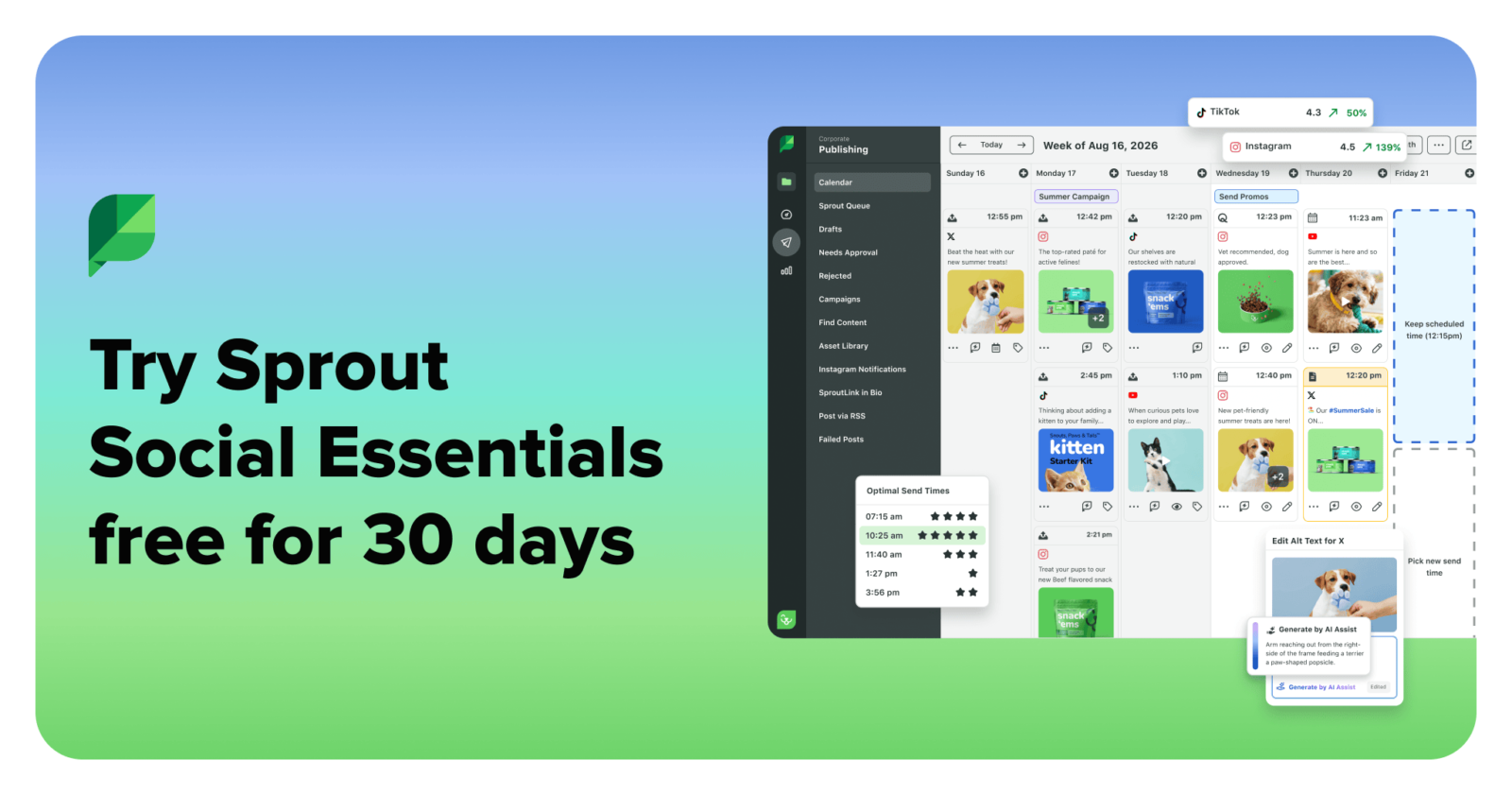
| Free trial | 30 days; no credit card required |
| Free plan | Not listed on the official pricing page |
| Pricing model | Per seat; published prices for Essentials, Standard, Professional and Advanced; custom Enterprise pricing |
| Headquarters | Chicago, Illinois, United States |
Verified installation, hosting, administration, or environment details that can affect implementation.
| Installation or hosting | Cloud-based SaaS, accessed through the web platform; native iOS and Android apps are also available. Source ↗ |
|---|---|
| API availability | Public API access is included with Advanced, subject to an account owner's granting API permissions. Source ↗ |
A proprietary editorial score based on product capabilities, usability, value, performance, support and user sentiment evidence.
The product covers publishing, engagement, analytics, listening, customer-care integrations and mobile access. Public reviews commonly praise centralized management and interface usability, while noting high per-seat costs. Scores are editorial assessments, not hands-on test results.
Methodology v1.0. The assessment weighs feature coverage (25%), ease of use (15%), value for money (20%), performance (15%), support (10%) and user sentiment (15%), using researched product evidence and verified review evidence where available. It is a TechZella editorial assessment, not a direct user-review average.
Key claims are linked to the sources used to verify them. This evidence record is separate from third-party user ratings.
TechZella evaluates software using documented product capabilities, pricing information, usability and value considerations, independent user evidence where available, and competitive context. The assessment is an editorial review, not a hands-on test unless one is explicitly identified. Our editorial assessment is based on 6 documented sources.
The company press page lists its founding year as 2010.
View source ↗Verified 2026-10-07The company's contact page lists its Chicago headquarters at 131 S Dearborn St., Suite 700.
View source ↗Verified 2026-10-07The official Essentials trial page states the trial duration and that no credit card is required.
View source ↗Verified 2026-10-07The Essentials trial page states $79 per seat/month billed annually and $99 per seat/month billed monthly.
View source ↗Verified 2026-10-07The support article lists profile types that can be connected and notes account-type restrictions.
View source ↗Verified 2026-10-07Sprout's API documentation says API access is available to Advanced users with appropriate permissions.
View source ↗Verified 2026-10-07Sprout's August 19, 2026 announcement says Trellis had become available to every customer on every plan the previous month.
View source ↗Verified 2026-10-07Yes. Sprout’s Essentials trial page advertises a 30-day trial without a credit card.
The official pricing page lists paid subscriptions and a free trial, but does not list a free plan.
Supported account types include X, Facebook, TikTok, LinkedIn, Instagram Business, Pinterest, YouTube brand accounts, Bluesky, Threads and WhatsApp. Specific features vary by network and profile type.
Yes. Its Public API is available to Advanced users with the required account permissions. It exposes selected owned-profile, post, message and analytics data, with documented exclusions.
Documented integrations include Zendesk, HubSpot, Microsoft Dynamics 365, Salesforce, Shopify, Tableau, Canva, Dropbox, Google Drive, Slack and Google Analytics GA4, among others.
No reviews yet. Be the first to share your experience.
Please log in to submit a review.
This history records material data changes detected when TechZella re-researched the profile.