
Starter is limited to 10 workspace members and 10 projects.
Teams that exceed either limit may need to compare the Teams plan or a different arrangement.
Evidence source ↗
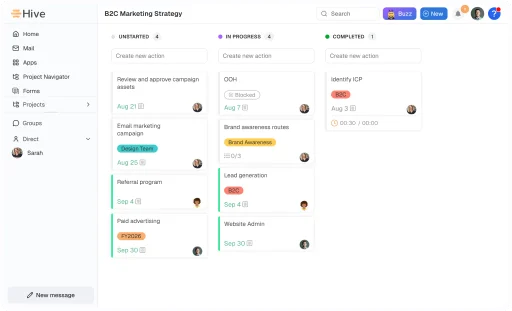
Hive is a project and work management platform for organizing tasks, projects, team collaboration, and workflows. It offers browser, desktop, and mobile access, with AI features and a GraphQL API.
Hive documents multiple project views, automations, collaboration tools, integrations, and AI capabilities. G2 shows a 4.6/5 rating from 668 reviews, with visible reviews praising flexibility and raising onboarding and setup concerns. Scores are editorial assessments, not hands-on test results.
This profile combines documented product information and independent evidence where available. It is not a hands-on test unless TechZella explicitly identifies one.
A quick way to understand who this product may suit, where its limits matter, and which facts are most relevant before you compare alternatives.
Teams that want project planning, task tracking, team communication, and workflow automation within one configurable workspace.
Teams that need offline mobile work may find Hive unsuitable; a G2 reviewer specifically reported being unable to update tasks or forms without connectivity, and should evaluate alternatives such as Asana or monday.com instead.
Android, iOS, macOS, Web, Windows
7.9/10
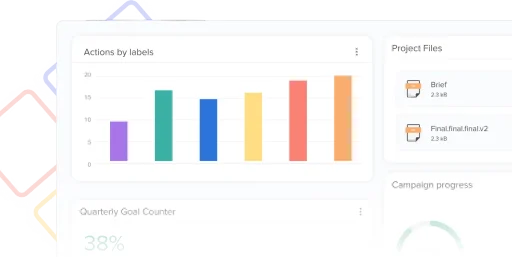
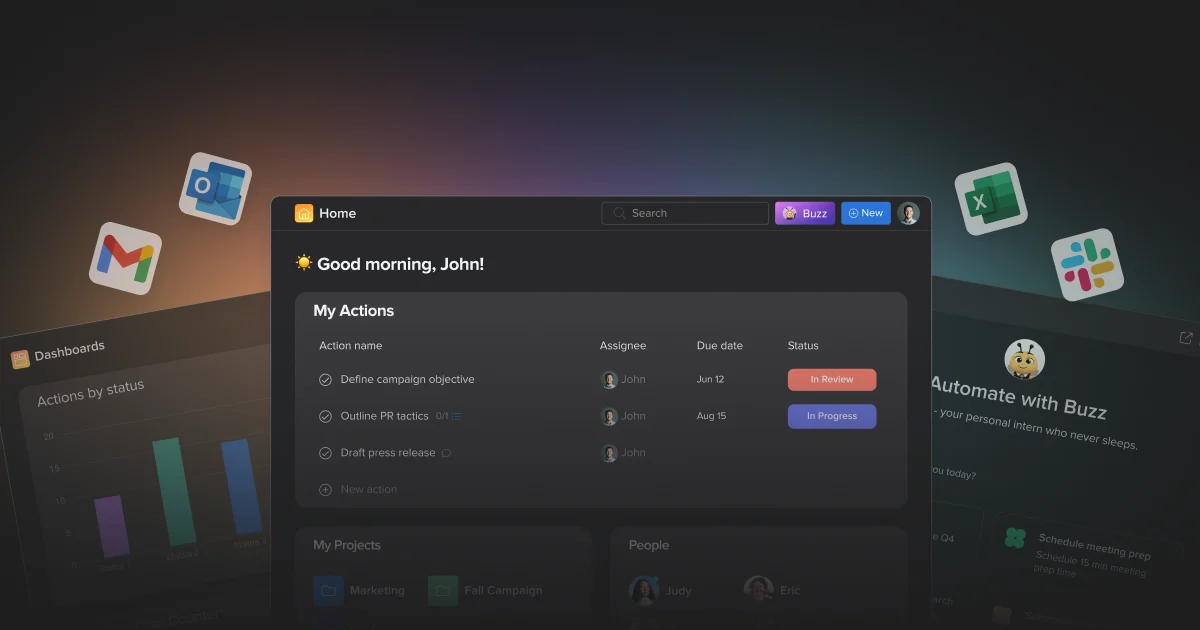
Hive is a project and work management platform for organizing projects, tasks, and team collaboration. Its product includes multiple project views, dashboards, workflow automation, time tracking, and AI tools.
Teams can access Hive through a browser, Windows or Mac desktop application, and iOS or Android mobile application. Its integrations include Slack, Zoom, Jira, GitHub, Salesforce, and Zapier.
These are the product-specific differences that may matter when deciding whether the software fits your workflow. They are based on documented evidence rather than a universal ranking.
These are documented constraints or practical friction points that may matter before you adopt the product.
Teams that exceed either limit may need to compare the Teams plan or a different arrangement.
Evidence source ↗Teams sharing many files or adding more members should check plan limits before adopting the free tier.
Evidence source ↗Teams working in low-connectivity locations should verify that their required mobile tasks work online before committing.
Evidence source ↗Free plan; includes up to 10 workspace members, 200 MB storage, unlimited tasks, and 1,000 AI credits per month.
Check current pricing →Listed at $5 per user per month. Includes up to 10 workspace members, up to 10 projects, Gantt view, cloud storage integrations, and 3,000 AI credits per month. Confirm billing cadence with the pricing selector.
Check current pricing →Listed at $12 per user per month. Includes unlimited workspace members, shareable forms, time tracking, portfolios, custom fields, and 5,000 AI credits per month. Confirm billing cadence with the pricing selector.
Check current pricing →Custom pricing; listed features include an Enterprise API, enhanced security and permission controls, unlimited onboarding, and a dedicated customer success manager.
Check current pricing →Pricing may change. Verify current plans on the vendor's website.
Compare similar products directly, then see which alternatives may make more sense when your requirements differ.
These products address broadly similar requirements. The descriptions focus on documented reasons a buyer might compare them with Hive.


| Deployment | Cloud workspace accessed through browser, desktop, and mobile applications |
|---|---|
| Desktop platforms | Windows and macOS |
| Mobile platforms | iOS and Android |
| API | API reference documented; Enterprise API listed on pricing page |
| Free trial | 14 days, no credit card required |
| Free plan member limit | Up to 10 workspace members |
| Free plan storage | 200 MB |
| Starter limits | Up to 10 workspace members and 10 projects |
| Project export | Formats vary by view; include CSV and Excel, with additional options for Gantt views |
Verified installation, hosting, administration, or environment details that can affect implementation.
| Hosting and access | Cloud-based workspace accessed through a browser, desktop apps, and mobile apps; no self-hosted option was verified in the reviewed sources. Source ↗ |
|---|
Documented portability, standards, export, or switching considerations. No switching-cost score is shown unless the evidence supports one.
Project views support exports in formats including CSV, Excel, PDF, PNG, and, for Gantt views, Microsoft Project.
Evidence source ↗Hive documents importing and exporting projects when moving them between workspaces.
Evidence source ↗A proprietary editorial score based on product capabilities, usability, value, performance, support and user sentiment evidence.
Hive documents multiple project views, automations, collaboration tools, integrations, and AI capabilities. G2 shows a 4.6/5 rating from 668 reviews, with visible reviews praising flexibility and raising onboarding and setup concerns. Scores are editorial assessments, not hands-on test results.
Methodology v1.0. The assessment weighs feature coverage (25%), ease of use (15%), value for money (20%), performance (15%), support (10%) and user sentiment (15%), using researched product evidence and verified review evidence where available. It is a TechZella editorial assessment, not a direct user-review average.
Key claims are linked to the sources used to verify them. This evidence record is separate from third-party user ratings.
TechZella evaluates software using documented product capabilities, pricing information, usability and value considerations, independent user evidence where available, and competitive context. The assessment is an editorial review, not a hands-on test unless one is explicitly identified. Our editorial assessment is based on 5 documented sources.
The official pricing page lists four plans and identifies the Free plan as $0, Starter at $5 per user per month, Teams at $12 per user per month, and Enterprise as contact sales.
View source ↗Verified 2026-10-07The official plan comparison specifies both limits for Hive Free.
View source ↗Verified 2026-10-07Hive’s product applications page and quick-start documentation list browser, desktop, and mobile access; the help guide identifies Mac, Windows, iOS, and Android downloads.
View source ↗Verified 2026-10-07Hive’s API reference describes API requests, and its pricing page lists an Enterprise API under Enterprise.
View source ↗Verified 2026-10-07Hive’s integration help collection includes setup materials for these services.
View source ↗Verified 2026-10-07Hive help documents CSV and Excel exports across views, PDF and image formats for several views, and Microsoft Project export for Gantt view.
View source ↗Verified 2026-10-07No reviews yet. Be the first to share your experience.
Please log in to submit a review.
Does Hive have a free plan? Yes. The official pricing page lists a $0 plan with limits including 200 MB storage and up to 10 workspace members.
Does Hive offer a free trial? Hive documents a 14-day trial with access to the full suite during the first two weeks, without requiring a credit card.
Which platforms does Hive support? Hive supports browser access and provides desktop applications for Windows and macOS, along with iOS and Android applications.
Does Hive provide an API? Yes. Hive publishes API documentation, and its pricing page lists an Enterprise API as an Enterprise plan feature.
Can Hive export project data? Yes. Export formats depend on the project view and include CSV and Excel; Gantt exports also include Microsoft Project format.