
Paid subscriptions start at two seats; Asana says it does not sell one-user paid plans.
A solo buyer who needs paid features may have to pay for a multi-seat minimum.
Evidence source ↗
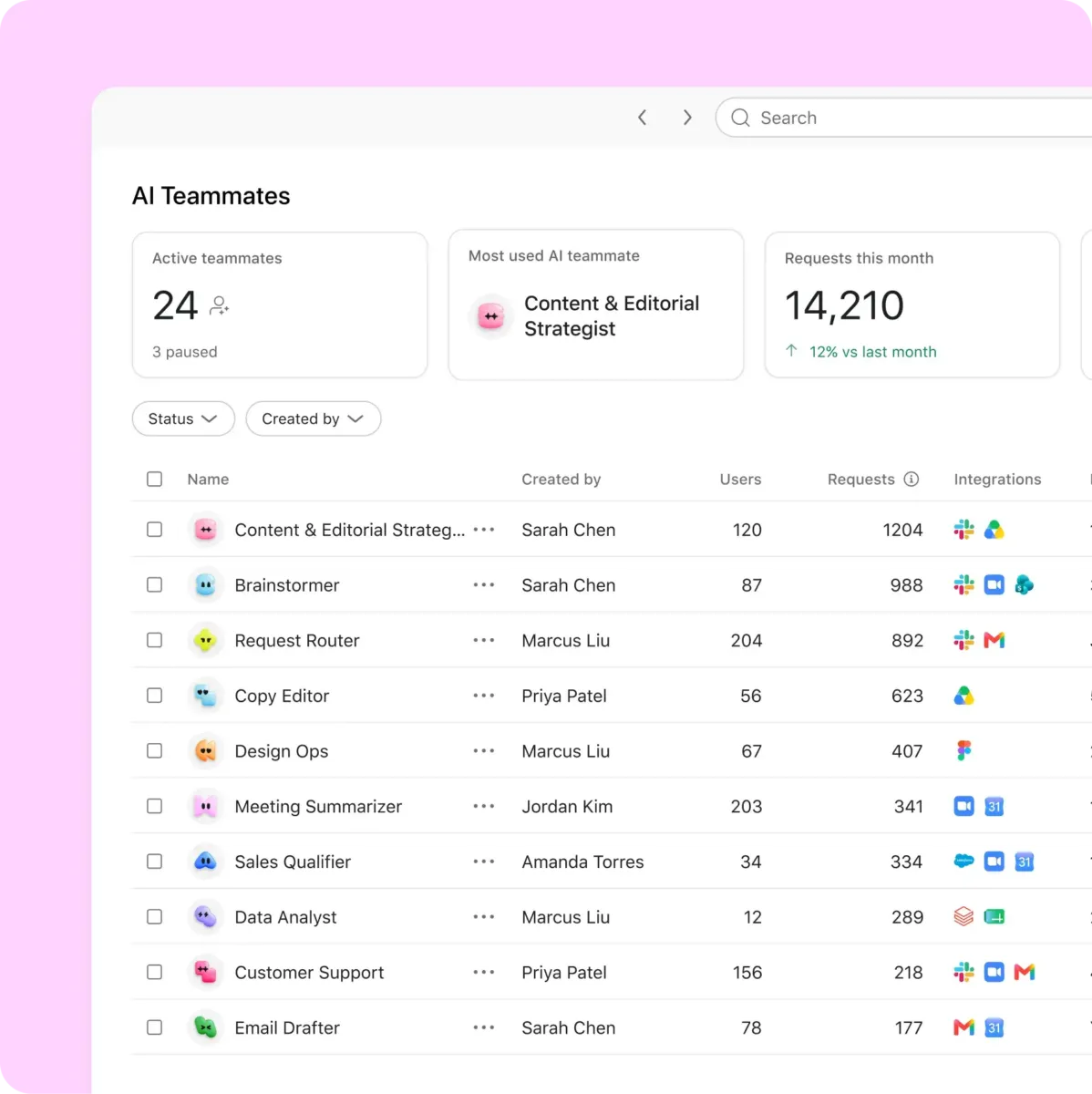
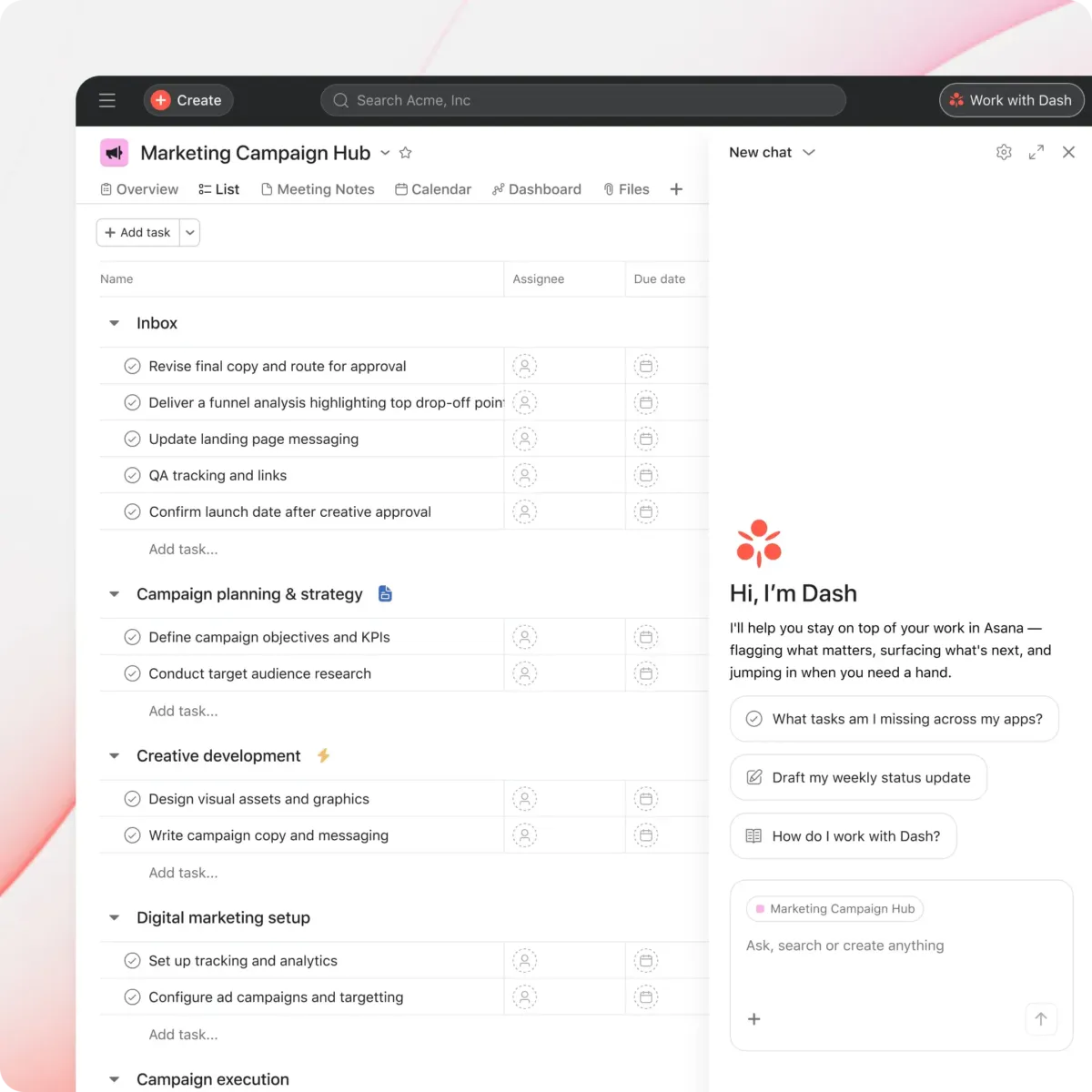
Asana is a cloud work and project management platform for organizing tasks, projects, goals, and workflows. It offers web, desktop, and mobile apps, integrations, and a REST API.
The product offers multiple project views, forms, rules, reporting, portfolios, integrations, and API access. G2's public summary highlights usability and task management, while also noting a learning curve. Scores are editorial assessments, not hands-on test results.
This profile combines documented product information and independent evidence where available. It is not a hands-on test unless TechZella explicitly identifies one.
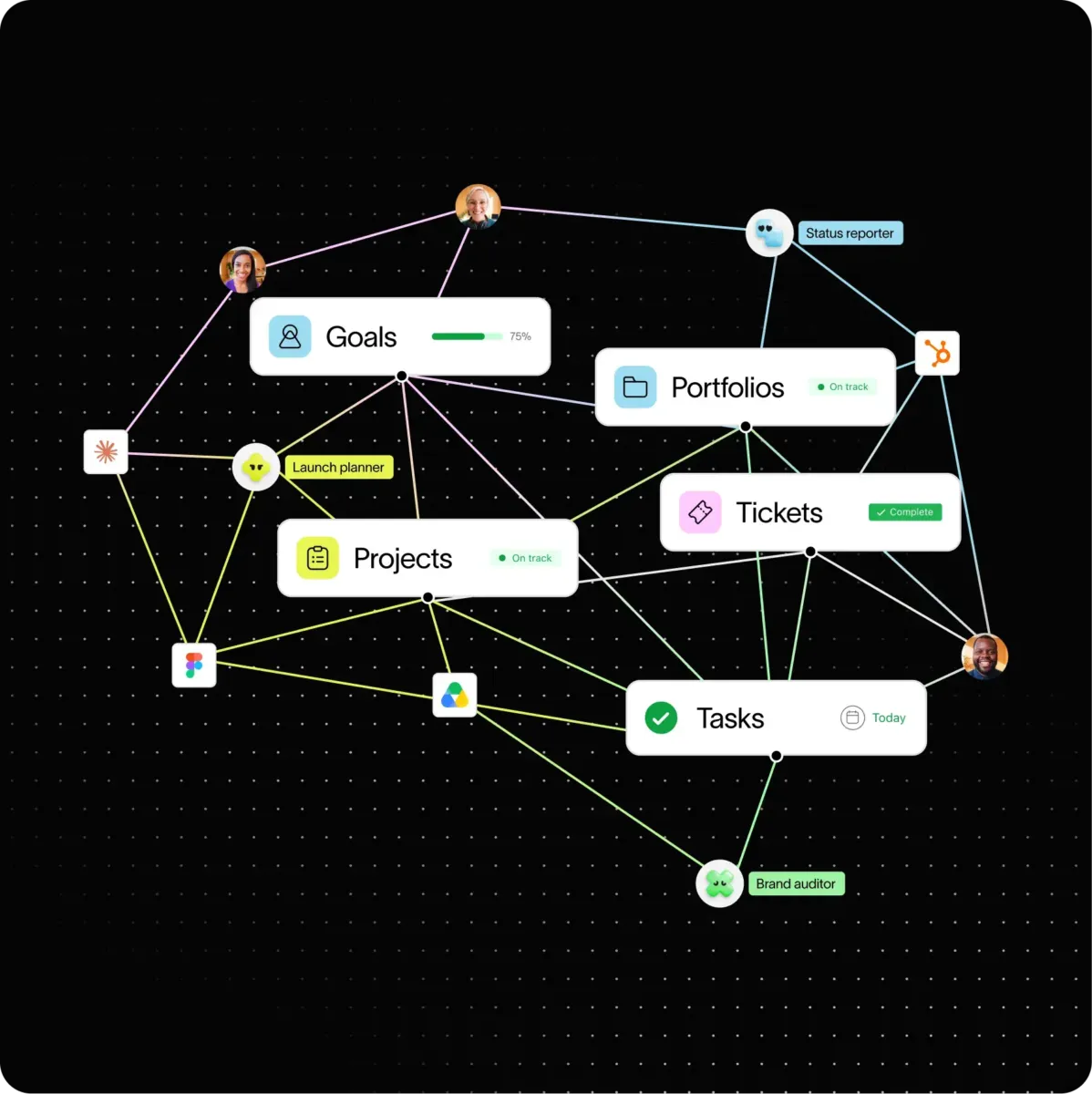
Asana is a work and project management platform for structuring tasks, projects, and team workflows. Teams can assign tasks, set due dates, view work in lists, boards, calendars, timelines, and Gantt charts, and connect project activity to goals or portfolios on applicable plans.
The product also supports forms and rules for intake and recurring processes. Its app directory lists connections to services including Slack, Microsoft Teams, Google Drive, Zoom, Salesforce, and Jira. Asana provides a REST API for custom applications and integrations.
A quick way to understand who this product may suit, where its limits matter, and which facts are most relevant before you compare alternatives.
Teams coordinating projects and recurring cross-functional work that need task ownership, multiple project views, forms, rules, and integrations. Advanced and enterprise plans add portfolio, goal, resource, and administrative capabilities.
Individuals seeking a paid one-person subscription, teams that need native Linux desktop support, or buyers needing Scrum-specific development workflows as their primary system may find Asana's plan model or scope mismatched, and should evaluate alternatives such as monday.com instead.
Android, iOS, macOS, Web, Windows
8.3/10
These are the product-specific differences that may matter when deciding whether the software fits your workflow. They are based on documented evidence rather than a universal ranking.
These are documented constraints or practical friction points that may matter before you adopt the product.
A solo buyer who needs paid features may have to pay for a multi-seat minimum.
Evidence source ↗Linux users need to use Asana through a supported browser rather than a native desktop application.
Evidence source ↗Integrations with sustained or bursty request volume need retry handling and workload planning.
Evidence source ↗Free plan for up to two users; includes basic task and project management.
Check current pricing →Adds timeline and Gantt views, reporting dashboards, rules, forms, custom fields, and unlimited free guests.
Check current pricing →Adds portfolios, goals, resource management, approvals, and proofing.
Check current pricing →Adds enterprise-level controls including SAML authentication and SCIM user provisioning.
Check current pricing →Enterprise plan tier with custom pricing; confirm current feature and contract details with Asana.
Check current pricing →Additional AI request pricing listed separately from the subscription plans.
Check current pricing →Pricing may change. Verify current plans on the vendor's website.
Compare similar products directly, then see which alternatives may make more sense when your requirements differ.
| Decision factor | Asana | monday.com |
|---|---|---|
| Free plan | Personal is free for up to two users and includes unlimited tasks and projects. | monday work management's free plan is for up to two seats and includes up to three boards. Source ↗ |
| Entry paid price | Starter is $10.99 per user monthly with annual billing, or $13.49 monthly with monthly billing. | monday.com Basic lists $9 per seat monthly with annual billing, shown for a ten-seat account. Source ↗ |
| Timeline and Gantt views | Starter includes timeline and Gantt views. | Standard includes timeline and Gantt views. Source ↗ |
| Automations | Starter lists unlimited automations. | Standard lists 250 automation actions per month. Source ↗ |
Only factors supported by the available research are shown. The comparison is descriptive, not a ranking.
These products address broadly similar requirements. The descriptions focus on documented reasons a buyer might compare them with Asana.
| Deployment | Cloud service |
|---|---|
| Web application | Supported |
| Mobile apps | iOS and Android |
| Desktop apps | macOS 13.7.8 or later; Windows 10 or later; Linux not supported |
| API | REST API; JSON or form-encoded requests; JSON responses |
| Standard API rate limits | 150 requests per minute for free domains; 1,500 for paid domains |
| Free plan user limit | 2 users |
| Paid plan minimum | 2 seats |
| Free trial | Contact sales to discuss a trial; standard duration not specified in the Help Center |
| Headquarters location | San Francisco, California, United States; address field omitted because current address was not independently confirmed |
Verified installation, hosting, administration, or environment details that can affect implementation.
| Desktop app | Native apps are available for macOS 13.7.8 or later and Windows 10 or later; Linux is not supported. Source ↗ |
|---|---|
| API | The REST API uses resource-oriented URLs, accepts JSON or form-encoded requests, and returns JSON. Source ↗ |
A proprietary editorial score based on product capabilities, usability, value, performance, support and user sentiment evidence.
The product offers multiple project views, forms, rules, reporting, portfolios, integrations, and API access. G2's public summary highlights usability and task management, while also noting a learning curve. Scores are editorial assessments, not hands-on test results.
Methodology v1.0. The assessment weighs feature coverage (25%), ease of use (15%), value for money (20%), performance (15%), support (10%) and user sentiment (15%), using researched product evidence and verified review evidence where available. It is a TechZella editorial assessment, not a direct user-review average.
Key claims are linked to the sources used to verify them. This evidence record is separate from third-party user ratings.
TechZella evaluates software using documented product capabilities, pricing information, usability and value considerations, independent user evidence where available, and competitive context. The assessment is an editorial review, not a hands-on test unless one is explicitly identified. Our editorial assessment is based on 5 documented sources.
The official pricing page lists Personal at $0 and specifies two users.
View source ↗Verified 2026-10-07The official pricing page shows both billing rates for Starter.
View source ↗Verified 2026-10-07The official pricing page lists these capabilities among Advanced plan features.
View source ↗Verified 2026-10-07The Help Center gives supported macOS and Windows versions and explicitly says Linux is unsupported.
View source ↗Verified 2026-10-07The developer documentation describes the API as RESTful and documents its request and response formats.
View source ↗Verified 2026-10-07The company filing states its incorporation month and year and gives a San Francisco principal executive office address.
View source ↗Verified 2026-10-07Asana's rate-limits page provides separate free- and paid-domain limits and documents 429 responses.
View source ↗Verified 2026-10-07Answers begin with the clearest available response, followed by the context that helps you act on it.
No reviews yet. Be the first to share your experience.
Please log in to submit a review.
This history records material data changes detected when TechZella re-researched the profile.