Editorial overview
Aggregated Overview
The feature assessment reflects documented project views, automation, reporting, integrations, and portfolio capabilities. User sentiment is informed by G2's displayed 4.4 out of 5 rating; this is not a TechZella rating or a hands-on test.
This profile combines documented product information and independent evidence where available. It is not a hands-on test unless TechZella explicitly identifies one.
Decision guideSmartsheet Decision Snapshot
A quick way to understand who this product may suit, where its limits matter, and which facts are most relevant before you compare alternatives.
Best suited toTeams that need configurable project tracking, spreadsheet-style work plans, automated processes, and portfolio visibility across projects.
Look elsewhere ifTeams requiring a permanent free plan, API access on the entry plan, or very large sheets beyond documented cell limits may need another fit or a higher Smartsheet plan, and should evaluate alternatives such as Asana instead.
PlatformsAndroid, iOS, REST API, SaaS, Web
TechZella assessment8.2/10
Overview
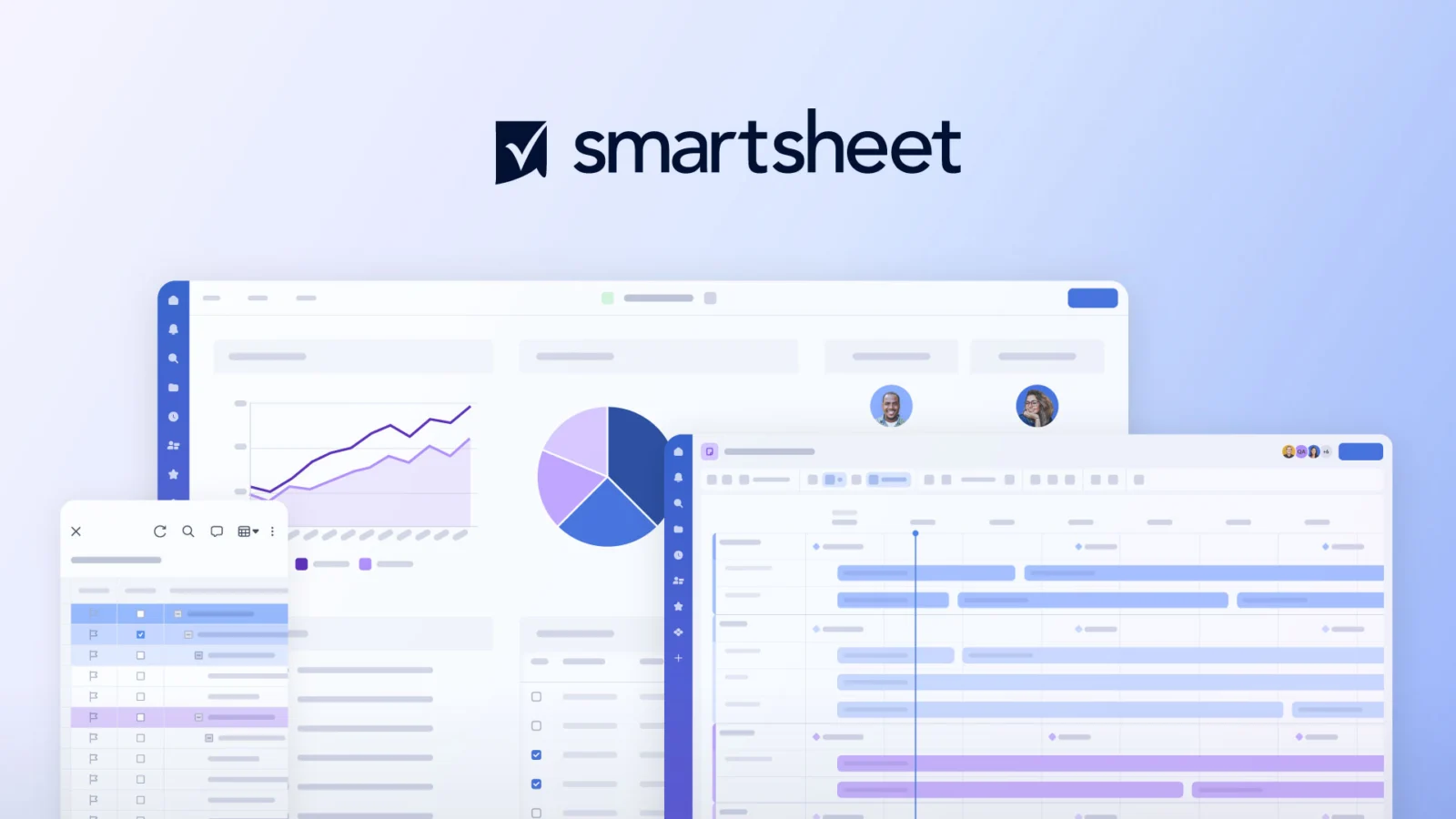
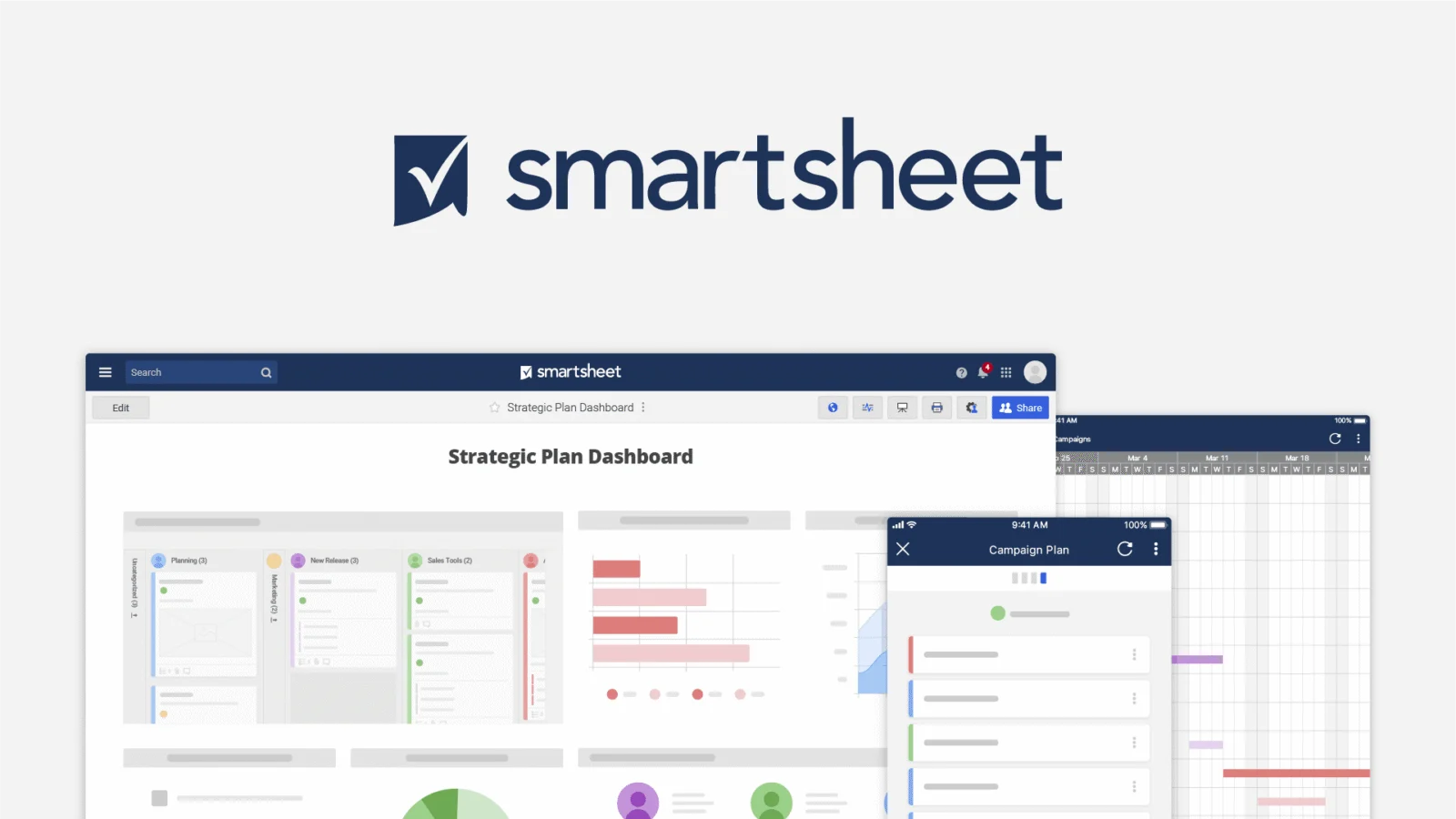
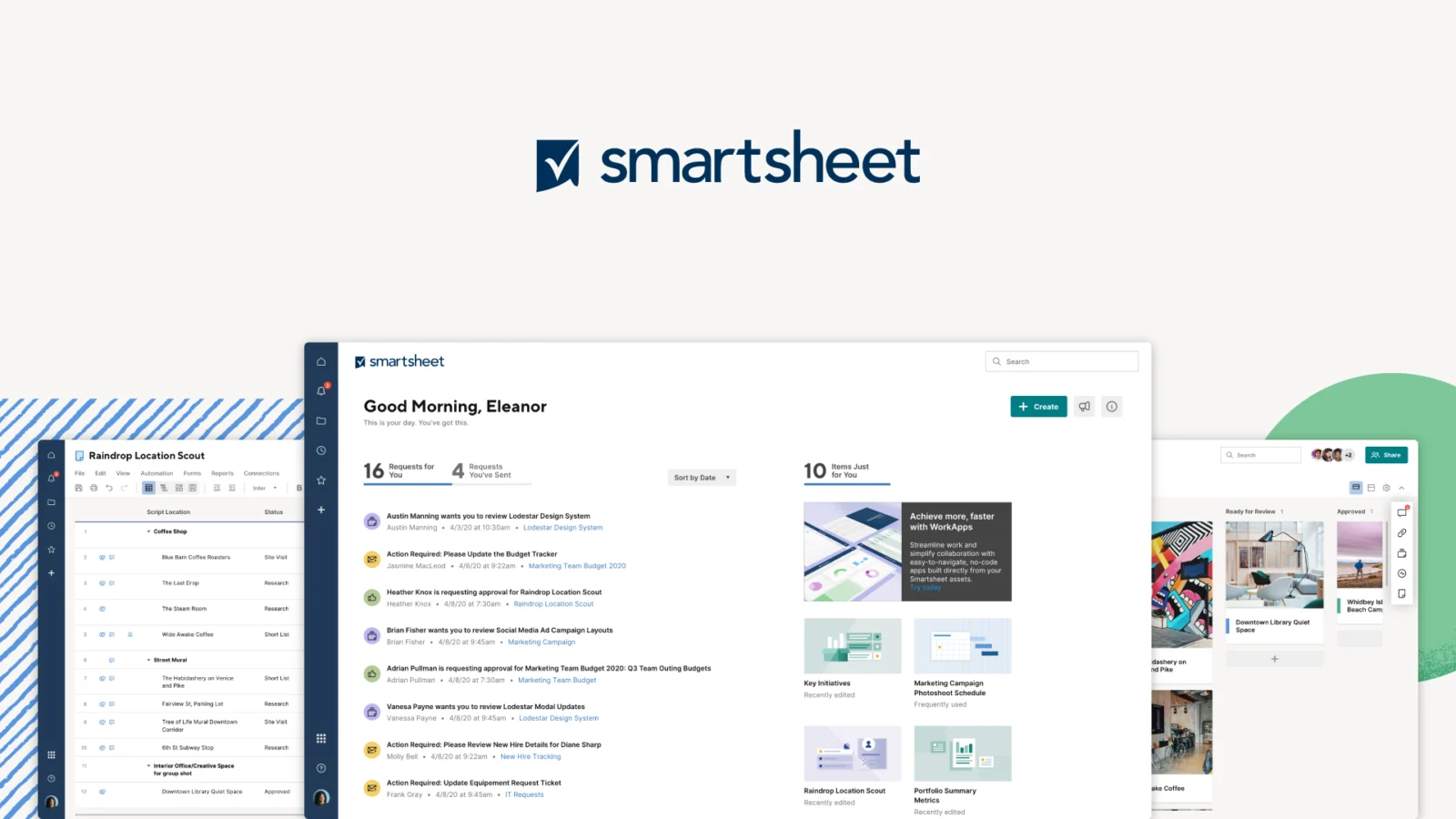
Smartsheet is a cloud work management service for planning, tracking, and coordinating projects, processes, and portfolios. Its sheet-based interface supports multiple ways to view work, including grid, Gantt, board, calendar, table, and timeline views.
Teams can connect sheets with forms, reports, dashboards, and automated workflows. Business and higher plans add capabilities such as workload tracking, while Enterprise and Advanced Work Management add portfolio-oriented features.
Smartsheet — What Sets It Apart?
These are the product-specific differences that may matter when deciding whether the software fits your workflow. They are based on documented evidence rather than a universal ranking.
- Combines sheet-based work tracking with Gantt, board, calendar, table, and timeline views.
- Higher plans add portfolio management and premium applications such as Control Center, Dynamic View, Data Shuttle, and DataMesh.
- Offers a 30-day Business-plan trial without collecting payment details, while its discontinued Free plan is unavailable to new signups.
7 key claims verifiedOur editorial team checked this profile against company information, pricing information, product documentation. Supported by 6 documented sources.
Editorial assessmentSmartsheet Pros & Cons
Pros
- Offers several project views, including Gantt, board, calendar, and table.
- Connects work tracking with forms, dashboards, reports, and workflow automation.
- Higher plans provide portfolio, workload, administrative, and integration capabilities.
- Lists mobile apps for Android and iOS.
Cons
- New customers cannot sign up for a permanent free plan.
- API access is limited to Business and Enterprise plans.
- Enterprise and Advanced Work Management prices require a sales quote.
- Standard sheets have documented cell, row, and column limits.
- The desktop app is scheduled for retirement on or after January 6, 2027.
Smartsheet Gotchas & Operational Limits
These are documented constraints or practical friction points that may matter before you adopt the product.
The 30-day trial provides Business-plan access, but is not a continuing free tier.
Trial users who do not move to a paid plan or join an eligible organizational plan lose editing access; trial sheets become read-only for 30 days and are then deleted.
Evidence source ↗The Smartsheet API is restricted to Business and Enterprise plans.
Teams planning custom integrations or API-driven automations should confirm plan eligibility before designing the solution.
Evidence source ↗The Smartsheet desktop app and browser extensions are deprecated and scheduled for retirement on or after January 6, 2027.
Desktop-app users should transition to the browser-based web app before the retirement date.
Evidence source ↗Smartsheet Pricing & Plans
Pro
$9 per member
month, billed annually
For 1–10 members; includes unlimited Contributors, multiple project views, unlimited sheets, forms and reports, and 250 automations per month.
Check current pricing →Pro
$12 per member
month, billed monthly
Monthly-billed Pro option for 1–10 members.
Check current pricing →Business
$19 per member
month, billed annually
For 3 or more members; includes unlimited Guests and Contributors, workload tracking, unlimited automations, and 1 TB attachment storage.
Check current pricing →Business
$24 per member
month, billed monthly
Monthly-billed Business option for 3 or more members.
Check current pricing →Enterprise
Custom
Custom-priced plan for organizations with at least 10 members; includes features such as SAML-based SSO, portfolios, and directory integrations.
Check current pricing →Advanced Work Management
Custom
Custom-priced plan with premium applications including Control Center, Dynamic View, Data Shuttle, DataMesh, and Connectors.
Check current pricing →Free trial
$0
30 days
Trial access to Business-plan features; no billing information is required. This is not a continuing free plan.
Check current pricing →Pricing may change. Verify current plans on the vendor's website.
Cost contextTotal Cost & Hidden Costs
Additional costs or implementation requirements that are documented in the available evidence.
Premium applications
The pricing page lists Dynamic View starting at $125 per month and Data Shuttle starting at $100 per month, with availability and other premium features varying by plan.
Evidence source ↗Smartsheet Competitors & Alternatives
Compare similar products directly, then see which alternatives may make more sense when your requirements differ.
Direct competitors
These products address broadly similar requirements. The descriptions focus on documented reasons a buyer might compare them with Smartsheet.
CapabilitiesSmartsheet Features
Project planning and tracking
- Grid, Gantt, board, calendar, and table views
- Timeline view on Business and higher plans
- Workload tracking on Business and higher plans
- Portfolio and scenario planning on Enterprise and higher plans
Work coordination
- Forms for collecting work requests
- Reports and dashboards
- Automated workflows
- Sheet sharing and collaboration
Integrations and extensibility
- 175+ listed integrations
- REST API access for Business and Enterprise plans
- Integrations include Jira, Salesforce, Slack, Microsoft Teams, Power BI, and Google services
Premium capabilities
- Control Center
- Dynamic View
- Data Shuttle
- DataMesh
- Connectors
Smartsheet Specifications
| Deployment | Cloud SaaS |
|---|
| Browser support | Recent major versions of Chrome, Firefox, Microsoft Edge, and Safari as applicable to operating system |
|---|
| Mobile apps | Android and iOS |
|---|
| API | REST API, available to Business and Enterprise users |
|---|
| Standard sheet limit | 500,000 cells; 20,000 rows and 400 columns |
|---|
| Trial | 30 days, with Business-plan access |
|---|
| Free plan | Discontinued for new signups as of August 28, 2024 |
|---|
| Desktop app | Deprecated; scheduled retirement on or after January 6, 2027 |
|---|
Exit planningMigration & Lock-In
Documented portability, standards, export, or switching considerations. No switching-cost score is shown unless the evidence supports one.
Data portability
The plan comparison lists sheet export across Pro, Business, Enterprise, and Advanced Work Management plans.
Evidence source ↗Our evidence-based assessmentTechZella Score
A proprietary editorial score based on product capabilities, usability, value, performance, support and user sentiment evidence.
8.2/10Moderate confidence
The feature assessment reflects documented project views, automation, reporting, integrations, and portfolio capabilities. User sentiment is informed by G2's displayed 4.4 out of 5 rating; this is not a TechZella rating or a hands-on test.
Methodology v1.0. The assessment weighs feature coverage (25%), ease of use (15%), value for money (20%), performance (15%), support (10%) and user sentiment (15%), using researched product evidence and verified review evidence where available. It is a TechZella editorial assessment, not a direct user-review average.
Editorial transparency
Our Review Methodology
Key claims are linked to the sources used to verify them. This evidence record is separate from third-party user ratings.
TechZella evaluates software using documented product capabilities, pricing information, usability and value considerations, independent user evidence where available, and competitive context. The assessment is an editorial review, not a hands-on test unless one is explicitly identified. Our editorial assessment is based on 6 documented sources.
What TechZella adds- Combines sheet-based work tracking with Gantt, board, calendar, table, and timeline views.
- Higher plans add portfolio management and premium applications such as Control Center, Dynamic View, Data Shuttle, and DataMesh.
- Offers a 30-day Business-plan trial without collecting payment details, while its discontinued Free plan is unavailable to new signups.
Important limitations- New users cannot sign up for the discontinued Free plan.
- The documented API is restricted to Business and Enterprise plans.
- Standard sheets have a 500,000-cell limit; some features and connectors are unsupported above 5,000 rows or 200 columns.
- Smartsheet's desktop app and browser extensions are scheduled for retirement on or after January 6, 2027.
Evidence-backed claimsSmartsheet was founded in 2005 and is headquartered in Bellevue, Washington.The company About page lists its founding year and Bellevue headquarters.
View source ↗Verified 2026-10-07Pro costs $9 per member monthly when billed annually or $12 per member monthly when billed monthly.The official pricing page displays the two Pro billing options and the 1–10 member range.
View source ↗Verified 2026-10-07Business costs $19 per member monthly when billed annually or $24 per member monthly when billed monthly.The official pricing page displays both Business billing options and a minimum of three members.
View source ↗Verified 2026-10-07New users can start a 30-day trial with access to Business-plan features.The official trial FAQ states that the trial lasts 30 days and provides Business-plan access without requiring billing information.
View source ↗Verified 2026-10-07The Smartsheet API is restricted to Business and Enterprise plans.The official API introduction states the plan restriction and documents the API base URL.
View source ↗Verified 2026-10-07Smartsheet lists more than 175 integrations, including Jira, Salesforce, Slack, and Microsoft and Google products.The official integrations page describes the available integration ecosystem and names featured tools.
View source ↗Verified 2026-10-07The standard sheet limit is 500,000 cells, with separate limits for rows and columns.The system requirements page documents sheet-size limits and exceptions for Table View.
View source ↗Verified 2026-10-07 Independent review sources
Smartsheet Ratings & Reviews
Ratings are published by the respective review platforms and may change over time.
Community feedback
Reviews
No reviews yet. Be the first to share your experience.
Write a Review
Please log in to submit a review.
FAQ
Does Smartsheet have a free plan?
Its Free plan is discontinued for new signups as of August 28, 2024. New users can instead start a 30-day trial or choose a paid plan.
Does Smartsheet offer a free trial?
Yes. The 30-day trial provides Business-plan access and does not require billing information. Trial sheets become read-only for 30 days after expiration and are then deleted unless retained through an eligible plan or transfer.
Does Smartsheet have an API?
Yes. The Smartsheet REST API provides programmatic access to resources such as sheets, folders, and users. Official documentation restricts API access to Business and Enterprise plans.
Which platforms does Smartsheet support?
Smartsheet supports browser access on Windows, Mac, Linux, and ChromeOS, and lists mobile apps for Android and iOS. The desktop app is scheduled for retirement on or after January 6, 2027.
What integrations does Smartsheet offer?
Smartsheet lists more than 175 integrations, including Jira, Salesforce, Slack, Microsoft Teams, Power BI, OneDrive, Google Drive, and Google Calendar.
Recently added software