
Free includes no more than five users and five projects.
Teams exceeding either limit need to assess a paid plan before adopting the free tier as a long-term workspace.
Evidence source ↗
Teamwork.com is cloud-based project management software for planning and delivering client work. It includes task management, time tracking, resource planning, and project financial tools.
Official materials document project planning, billable time tracking, client access, resource management, and financial reporting. G2 displays a 4.4/5 rating from 1,211 reviews; its accessible summary mentions broad project features and task organization, alongside reports of complexity and occasional lag on large projects.
This profile combines documented product information and independent evidence where available. It is not a hands-on test unless TechZella explicitly identifies one.
Teamwork.com is a cloud project-management platform developed by the Cork-based company Teamwork.com, founded in 2007. It focuses on coordinating client-facing project delivery, with project plans, tasks, time records, and client work managed in one service.
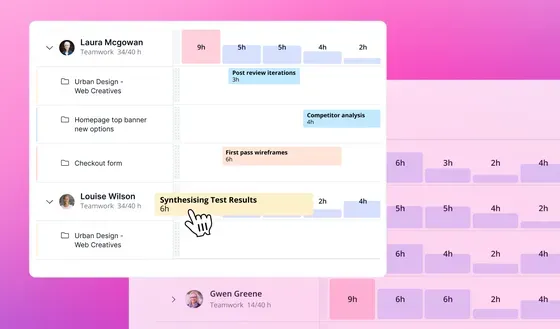
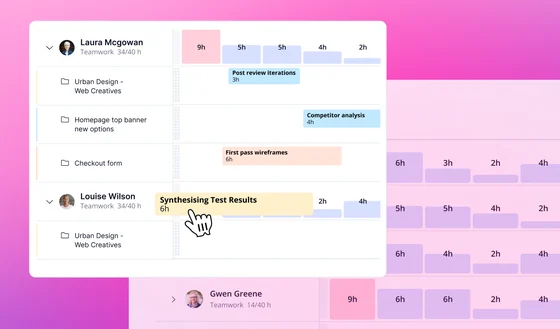
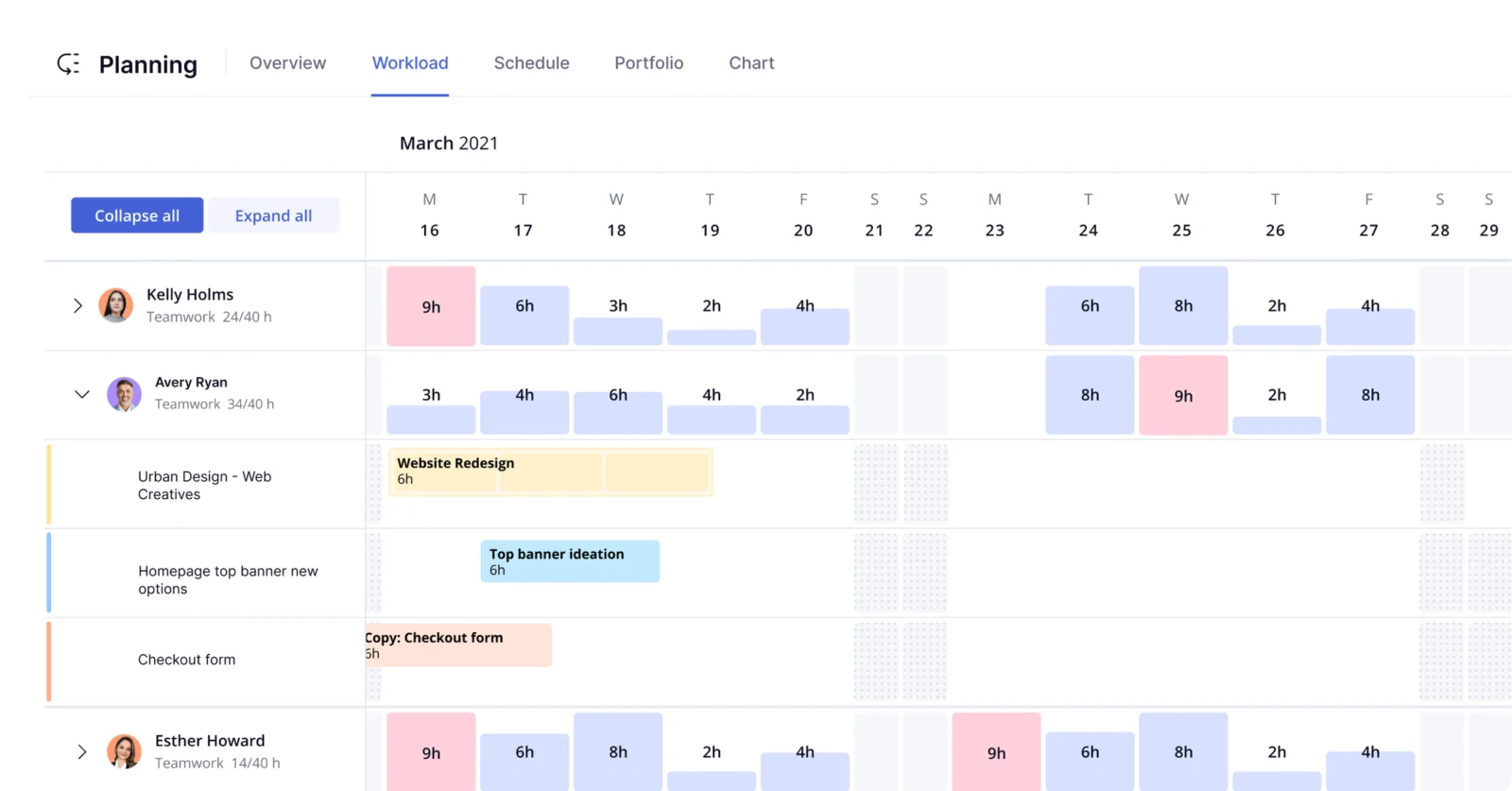
Its service-business features extend beyond task tracking. Depending on plan, teams can add workload and capacity planning, budgets, invoicing from logged time, resource scheduling, and profitability reporting. Client users can also be included in project work.
A quick way to understand who this product may suit, where its limits matter, and which facts are most relevant before you compare alternatives.
Professional services teams and agencies that need to coordinate client projects while tracking billable time, budgets, workload, and project profitability.
Teams seeking only a lightweight personal task list may not need its client, time, capacity, and financial-management functions. Enterprise plan pricing requires a sales conversation, and should evaluate alternatives such as Asana or ClickUp instead.
Android, API, iOS, SaaS, Web
8.0/10
These are the product-specific differences that may matter when deciding whether the software fits your workflow. They are based on documented evidence rather than a universal ranking.
These are documented constraints or practical friction points that may matter before you adopt the product.
Teams exceeding either limit need to assess a paid plan before adopting the free tier as a long-term workspace.
Evidence source ↗Organizations requiring SSO or stronger administrative controls should confirm plan eligibility and quoted terms before purchase.
Evidence source ↗Up to five users and five projects. Includes project views, time logging, client organization, chat-tool connections, and 100 automations.
Check current pricing →Paid plan with project views, templates, billable time tracking, and a 14-day free trial.
Check current pricing →Adds workload and capacity planning, time budgets, retainers, invoicing from logged time, and listed connections to HubSpot and QuickBooks. A 14-day trial is advertised.
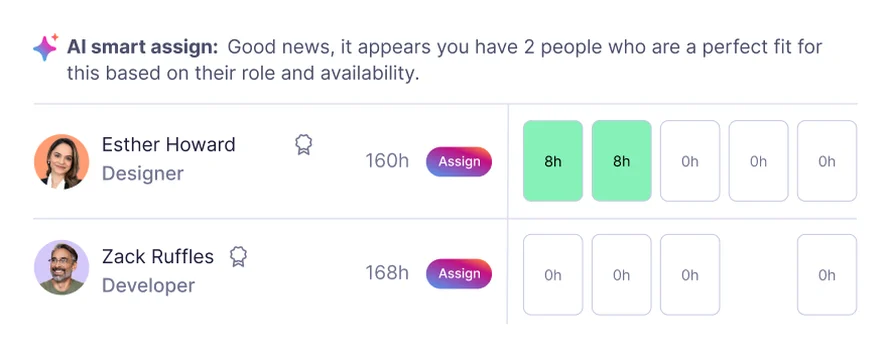
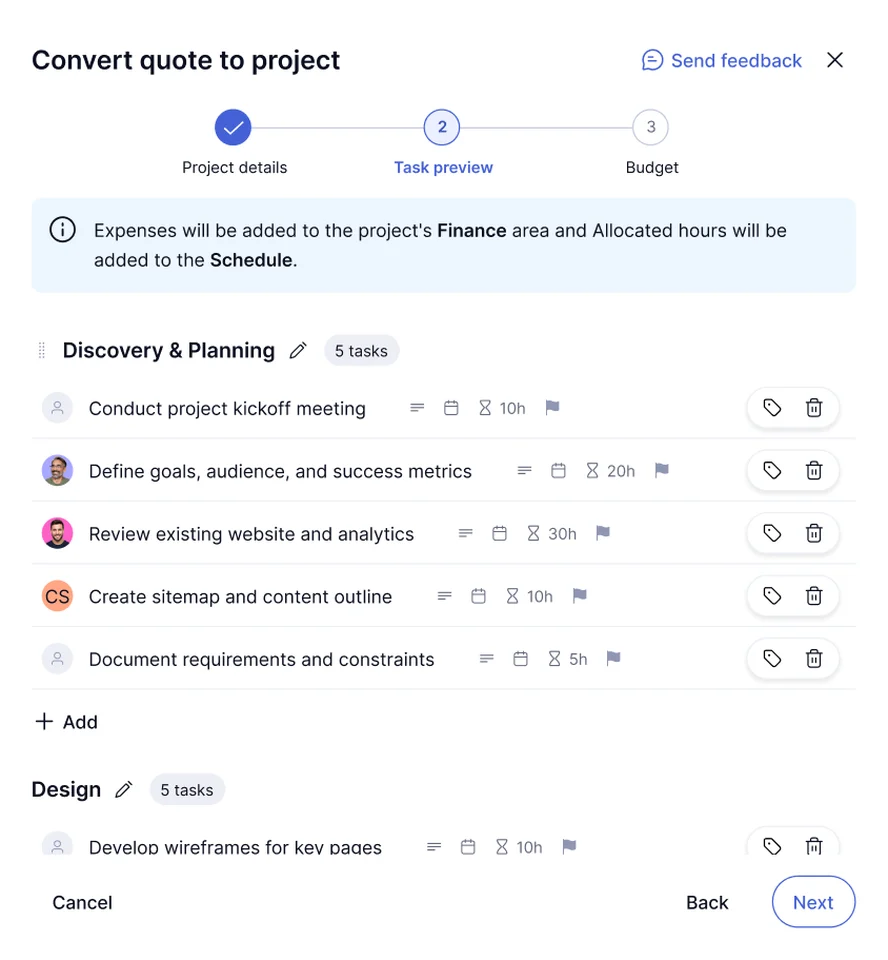
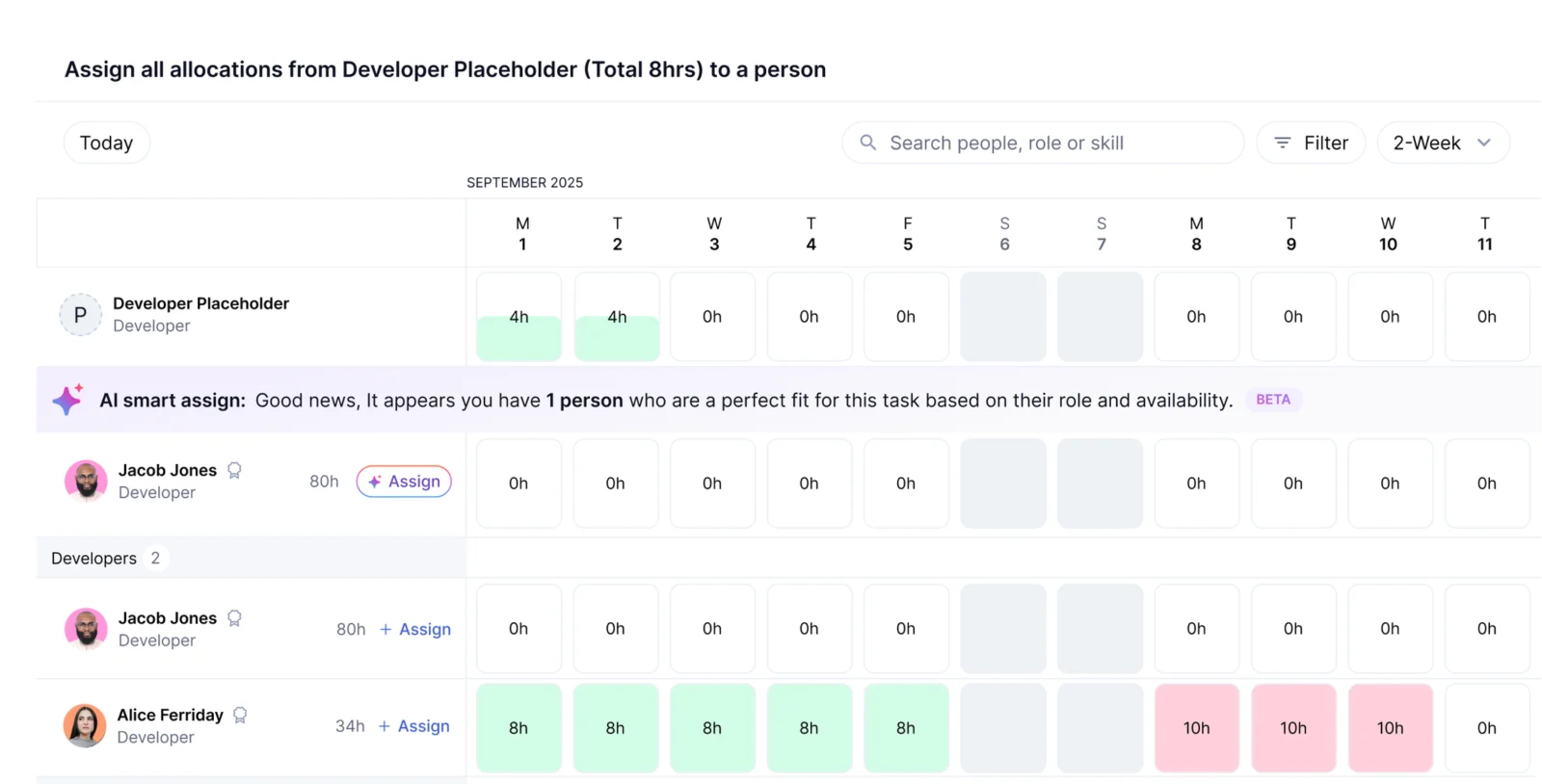
Check current pricing →Adds quoting, tentative-work planning, role- or skill-based scheduling, multi-currency budgets, and revenue, cost, and profitability insights.
Check current pricing →Adds advanced security, single sign-on, dedicated success management, priority support, and implementation support.
Check current pricing →Pricing may change. Verify current plans on the vendor's website.
Compare similar products directly, then see which alternatives may make more sense when your requirements differ.
These products address broadly similar requirements. The descriptions focus on documented reasons a buyer might compare them with Teamwork.com.
| Deployment | Cloud-hosted SaaS |
|---|---|
| Web access | Available |
| Mobile apps | Android and iOS |
| API | Teamwork.com API documentation available |
| Hosting regions | United States and European Union |
| Security certifications | Vendor lists SOC 2 Type 2 and ISO/IEC 27001:2022 |
| Free plan limits | 5 users and 5 projects |
| Free trial | 14 days for Basics and Accelerate |
| Integrations | Directory includes Slack, Microsoft Office, HubSpot, QuickBooks, Salesforce, and NetSuite |
Verified installation, hosting, administration, or environment details that can affect implementation.
| Installation or hosting | Cloud-hosted service; vendor identifies AWS infrastructure and US and EU hosting locations. Source ↗ |
|---|
A proprietary editorial score based on product capabilities, usability, value, performance, support and user sentiment evidence.
Official materials document project planning, billable time tracking, client access, resource management, and financial reporting. G2 displays a 4.4/5 rating from 1,211 reviews; its accessible summary mentions broad project features and task organization, alongside reports of complexity and occasional lag on large projects.
Methodology v1.0. The assessment weighs feature coverage (25%), ease of use (15%), value for money (20%), performance (15%), support (10%) and user sentiment (15%), using researched product evidence and verified review evidence where available. It is a TechZella editorial assessment, not a direct user-review average.
Key claims are linked to the sources used to verify them. This evidence record is separate from third-party user ratings.
TechZella evaluates software using documented product capabilities, pricing information, usability and value considerations, independent user evidence where available, and competitive context. The assessment is an editorial review, not a hands-on test unless one is explicitly identified. Our editorial assessment is based on 4 documented sources.
The company's AI information page identifies its founding year and headquarters.
View source ↗Verified 2026-10-07The current pricing page states both limits for Free.
View source ↗Verified 2026-10-07The pricing page shows the annual-billing rate and a 14-day free trial.
View source ↗Verified 2026-10-07The pricing page lists the annual-billing rate and features including workload planning and client invoicing from logged time.
View source ↗Verified 2026-10-07The developer portal links to Teamwork.com API documentation; the integrations page lists apps and partner integrations.
View source ↗Verified 2026-10-07Teamwork.com's security page names these certifications and identifies AWS-hosted US and EU servers.
View source ↗Verified 2026-10-07Yes. The official pricing page lists a free plan for up to five users and five projects.
Basics and Accelerate advertise a 14-day trial. The pricing page says no credit card is required to start.
Yes. The developer portal links to Teamwork.com API documentation for custom integrations and data workflows.
The integration directory includes Slack, Microsoft Office, QuickBooks, HubSpot, Salesforce, and NetSuite, with plan and integration details varying by connection.
Teamwork.com is a cloud service with web access and documented Android and iOS mobile apps. The vendor also describes desktop and mobile apps.
No reviews yet. Be the first to share your experience.
Please log in to submit a review.