
Free Forever includes 60 MB of storage, while Unlimited lists unlimited storage.
Teams storing many attachments may need a paid plan or an external file-storage workflow.
Evidence source ↗
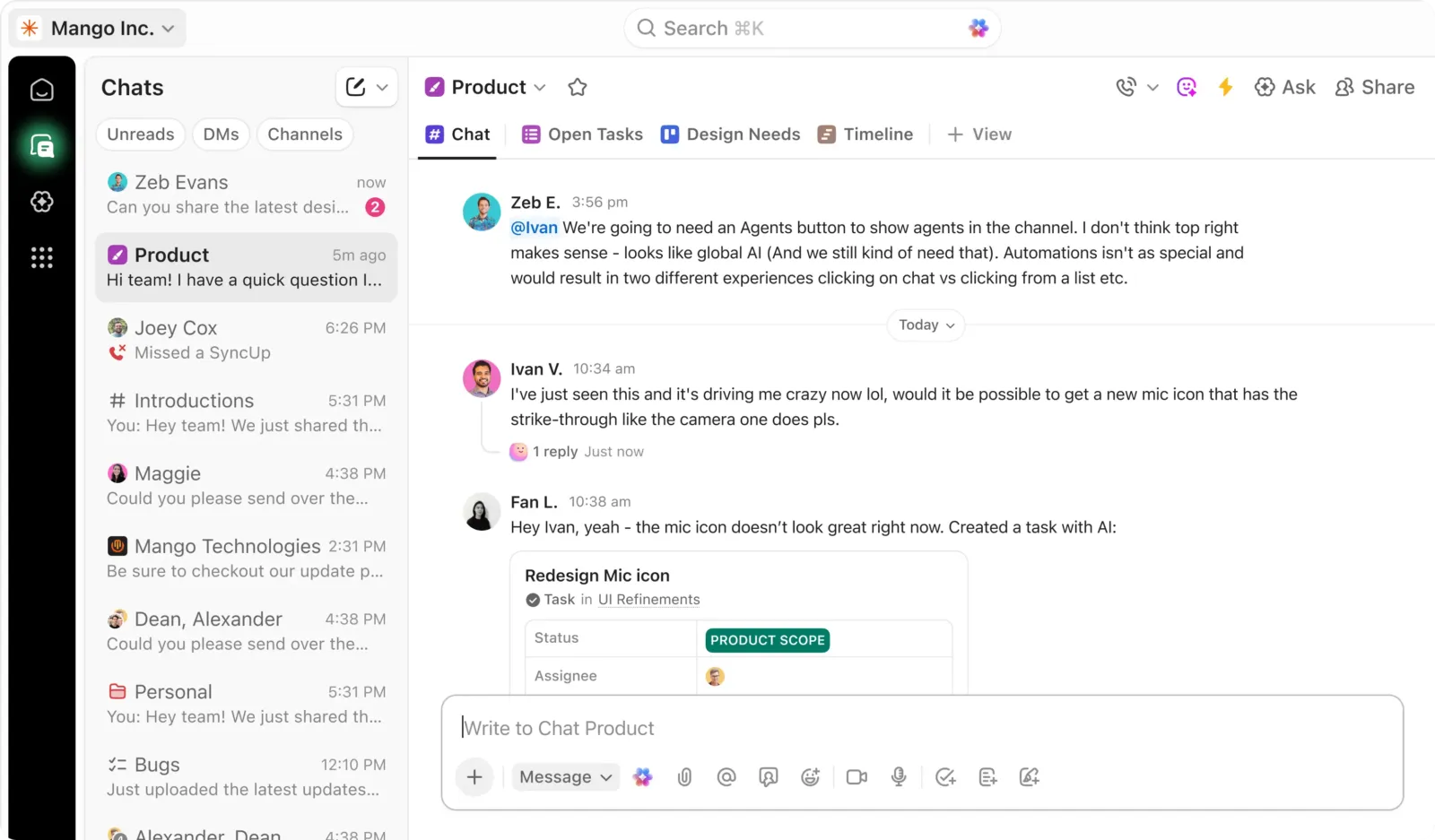
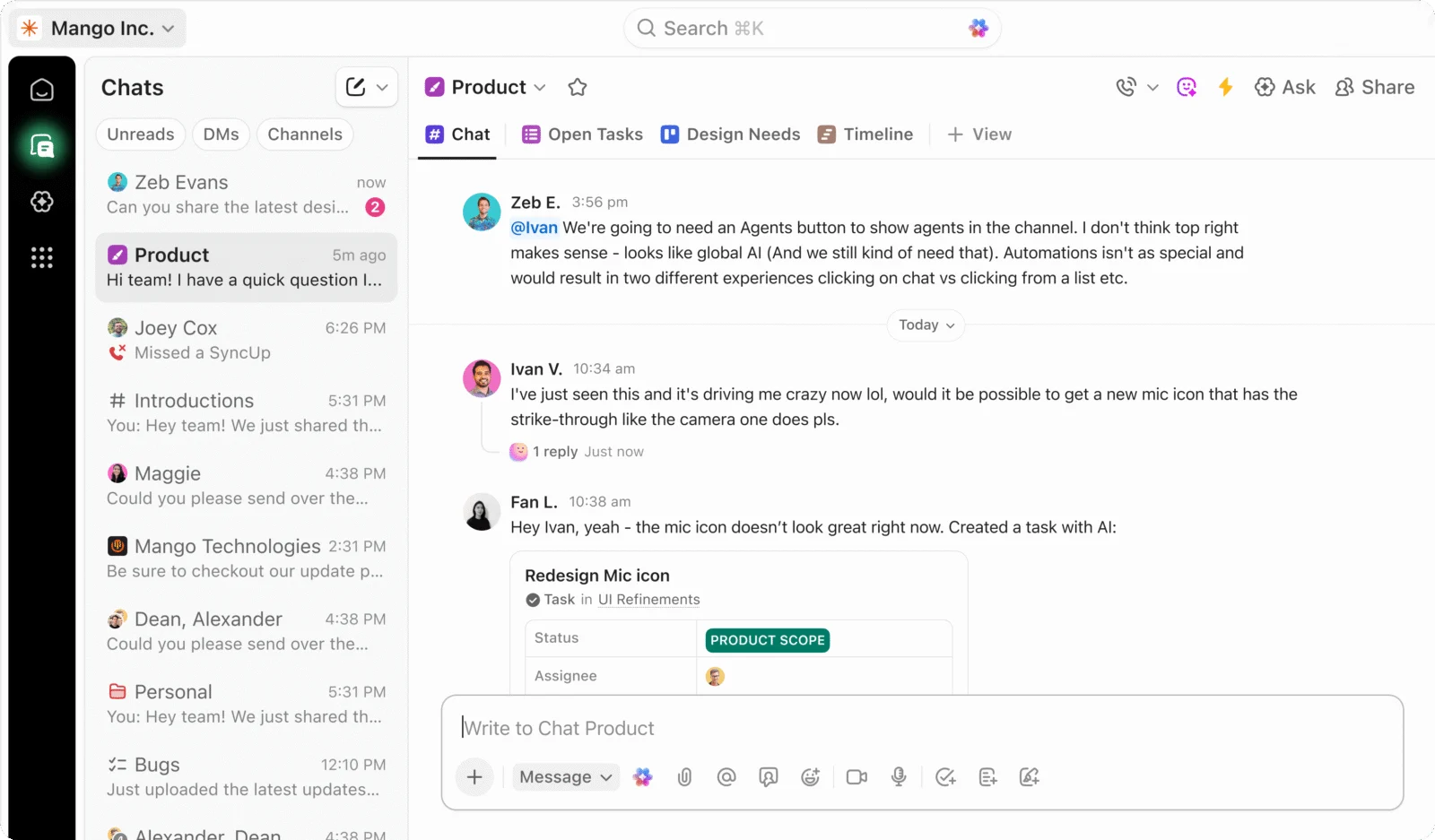
ClickUp is a cloud work-management platform for tasks, projects, documents, communication, reporting, and workflow automation. It also offers optional AI features and integrations.
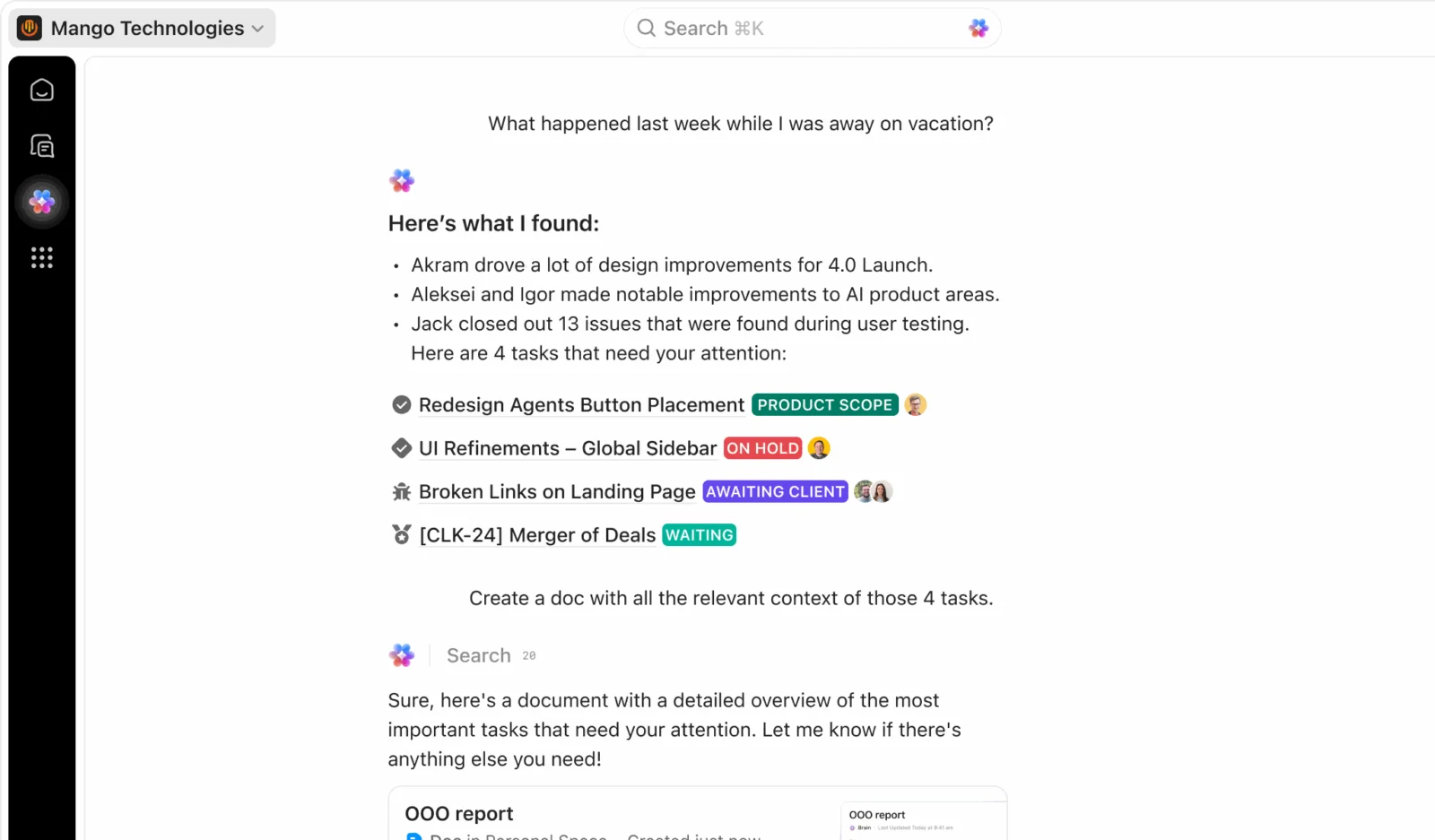
The product combines project tracking, documents, dashboards, automations, communication, and optional AI in one configurable workspace. Public reviews praise flexibility and breadth while recurring review themes include a learning curve, workspace complexity, and occasional slow loading.
This profile combines documented product information and independent evidence where available. It is not a hands-on test unless TechZella explicitly identifies one.
ClickUp is a cloud-based work-management platform that brings tasks, projects, documents, communication, dashboards, and workflow automation into a shared workspace. Teams can configure work structures, custom statuses, fields, and views.
The product supports both general project tracking and software-team workflows, including sprints and integrations with development tools. Its breadth can reduce the need to switch between separate work apps, but public reviews also point to a learning curve and the need for workspace governance.
A quick way to understand who this product may suit, where its limits matter, and which facts are most relevant before you compare alternatives.
Teams that want configurable project tracking, documentation, collaboration, reporting, and automation in a shared workspace, especially cross-functional and software teams.
Teams seeking a deliberately minimal task list may find the number of features and configuration choices difficult to govern. The free plan also limits attachment storage to 60 MB, and should evaluate alternatives such as Asana or monday.com instead.
Android, macOS, SaaS, Web, Windows
8.1/10
These are the product-specific differences that may matter when deciding whether the software fits your workflow. They are based on documented evidence rather than a universal ranking.
These are documented constraints or practical friction points that may matter before you adopt the product.
Teams storing many attachments may need a paid plan or an external file-storage workflow.
Evidence source ↗Integrations with frequent synchronization or high request volumes may require throttling or a plan with higher limits.
Evidence source ↗Organizations needing restricted external-collaborator permissions should review paid-plan guest controls before inviting clients.
Evidence source ↗Unlimited tasks and members; 60 MB storage. Includes Docs, Kanban boards, Sprint Management, Calendar view, and other listed features.
Check current pricing →Adds unlimited storage, integrations, custom fields, Gantt charts, native time tracking, and other features.
Check current pricing →Adds advanced dashboards, webhooks and automation integrations, and other listed features.
Check current pricing →Includes enterprise permissions and governance, SAML SSO, SCIM provisioning, audit logs, data residency, and other enterprise features.
Check current pricing →Optional AI plan listing Brain Assistant, AI chat with named models, writing, enterprise search, and AI Super Credits.
Check current pricing →Optional AI plan listing expanded AI features, including AI Notetaker, AI Fields, AI Automations, and additional Super Agent usage.
Check current pricing →Pricing may change. Verify current plans on the vendor's website.
Compare similar products directly, then see which alternatives may make more sense when your requirements differ.
| Decision factor | ClickUp | Asana |
|---|---|---|
| Core scope | Combines task and project management with Docs, chat, goals, time tracking, and other workspace features. | The vendor comparison describes Asana as a project and work-management platform with a simpler setup experience. Source ↗ |
| Included capabilities | ClickUp's comparison highlights native time tracking, Docs, multiple views, and sprint tooling. | ClickUp's comparison identifies those capabilities as areas where Asana's product differs; feature availability depends on Asana plan. Source ↗ |
| Pricing model | Free Forever is available; Unlimited is listed at $7 per user monthly with annual billing, and Business at $12. | The comparison page lists Asana plan prices, with rates dependent on plan and annual billing. Source ↗ |
| Setup and learning curve | ClickUp's wider configuration options can require more initial setup and governance. | The comparison describes Asana as simpler to learn and faster for teams with straightforward workflows. Source ↗ |
Only factors supported by the available research are shown. The comparison is descriptive, not a ranking.
These products address broadly similar requirements. The descriptions focus on documented reasons a buyer might compare them with ClickUp.



| Deployment | Cloud-hosted SaaS |
|---|---|
| Web application | Yes |
| Desktop applications | macOS, Windows, Linux |
| Mobile applications | iOS, Android |
| API | Public ClickUp API; rate limits vary by workspace plan |
| Integrations | 1,000+ third-party integrations listed by ClickUp |
| Free plan storage | 60 MB |
| Data residency | Regional data residency available to Enterprise customers |
| Hosting infrastructure | AWS |
| Free trial | Free Forever plan available; separate paid-plan trial not verified |
Verified installation, hosting, administration, or environment details that can affect implementation.
| Hosting | Cloud-hosted service; customer data is hosted on AWS infrastructure. Source ↗ |
|---|---|
| Data residency | Enterprise customers can select supported regional hosting locations, including the United States, Europe, and Asia-Pacific regions. Source ↗ |
| Client applications | Web, macOS, Windows, Linux, iOS, and Android applications are documented. Source ↗ |
Documented portability, standards, export, or switching considerations. No switching-cost score is shown unless the evidence supports one.
ClickUp lists import paths for Asana, Trello, Todoist, Jira, Monday.com, Basecamp, Wrike, and Confluence.
Evidence source ↗ClickUp documents data export and custom exporting features, but the reviewed sources do not establish a complete export format or migration guarantee.
Evidence source ↗A proprietary editorial score based on product capabilities, usability, value, performance, support and user sentiment evidence.
The product combines project tracking, documents, dashboards, automations, communication, and optional AI in one configurable workspace. Public reviews praise flexibility and breadth while recurring review themes include a learning curve, workspace complexity, and occasional slow loading.
Methodology v1.0. The assessment weighs feature coverage (25%), ease of use (15%), value for money (20%), performance (15%), support (10%) and user sentiment (15%), using researched product evidence and verified review evidence where available. It is a TechZella editorial assessment, not a direct user-review average.
Key claims are linked to the sources used to verify them. This evidence record is separate from third-party user ratings.
TechZella evaluates software using documented product capabilities, pricing information, usability and value considerations, independent user evidence where available, and competitive context. The assessment is an editorial review, not a hands-on test unless one is explicitly identified. Our editorial assessment is based on 7 documented sources.
The company timeline gives March 2017 as its founding date.
View source ↗Verified 2026-10-07The current pricing page lists these workspace tiers and distinguishes the free plan, per-user paid plans, and custom Enterprise pricing.
View source ↗Verified 2026-10-07The help page documents desktop apps for macOS, Windows, and Linux, and mobile apps for iOS and Android.
View source ↗Verified 2026-10-07The API guide describes API 2.0, personal API tokens, OAuth for apps, and plan-dependent API limits.
View source ↗Verified 2026-10-07The integrations page describes third-party integrations and names native integrations including Slack, GitHub, GitLab, Zapier, and webhooks.
View source ↗Verified 2026-10-07The official pricing page lists these free-plan limits and inclusions.
View source ↗Verified 2026-10-07The security page describes regional hosting options for Enterprise customers.
View source ↗Verified 2026-10-07Answers begin with the clearest available response, followed by the context that helps you act on it.
No reviews yet. Be the first to share your experience.
Please log in to submit a review.