
The Web API has a five-requests-per-second limit per base, regardless of plan.
High-frequency integrations need queueing, retries, or another architecture; Business and Enterprise plans do not remove this per-base rate limit.
Evidence source ↗
Airtable combines relational databases, customizable views, interfaces, and automations for building shared work applications. Its Omni assistant can help create apps and work with data using natural-language requests.
Airtable combines linked relational data, configurable views, interfaces, automations, integrations, and AI app-building features. G2's displayed rating is positive, while its public summary notes mobile limitations, advanced-feature learning demands, and performance concerns with large data.
This profile combines documented product information and independent evidence where available. It is not a hands-on test unless TechZella explicitly identifies one.
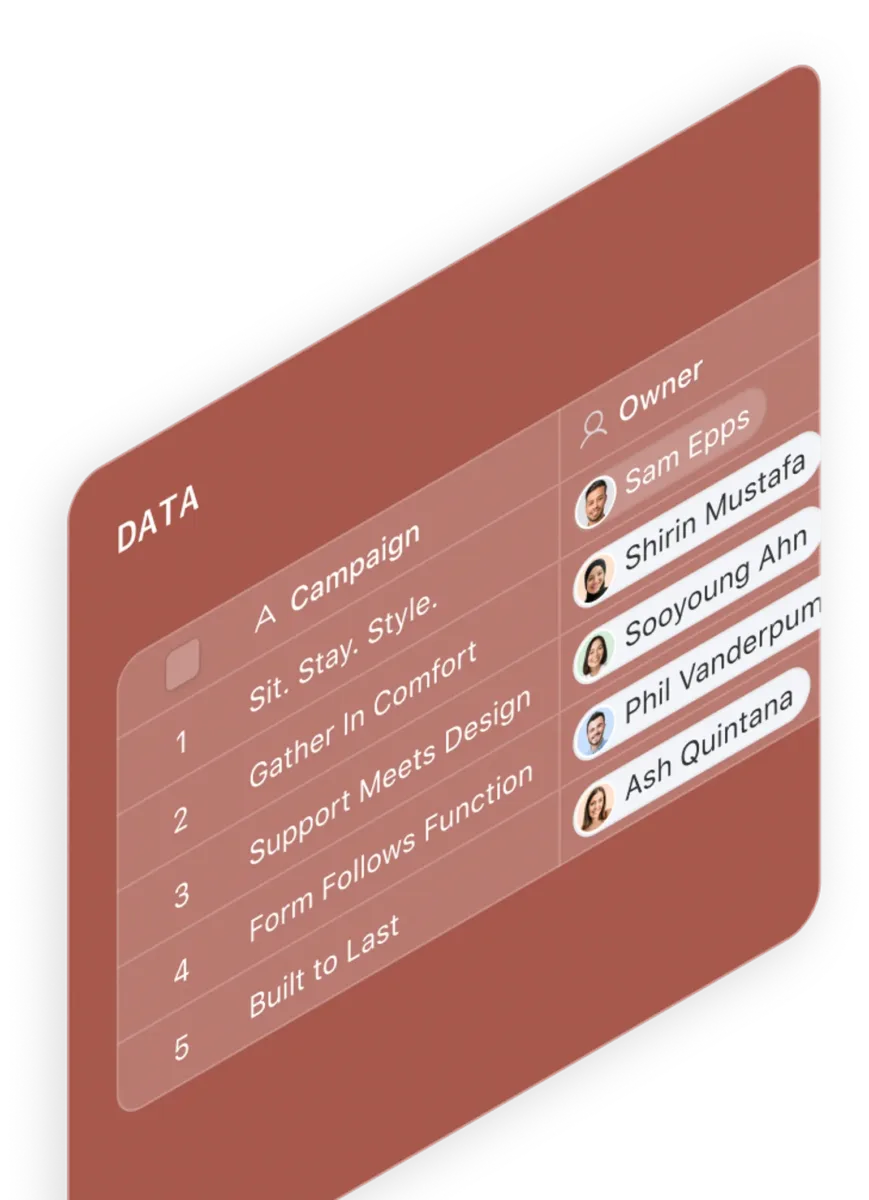
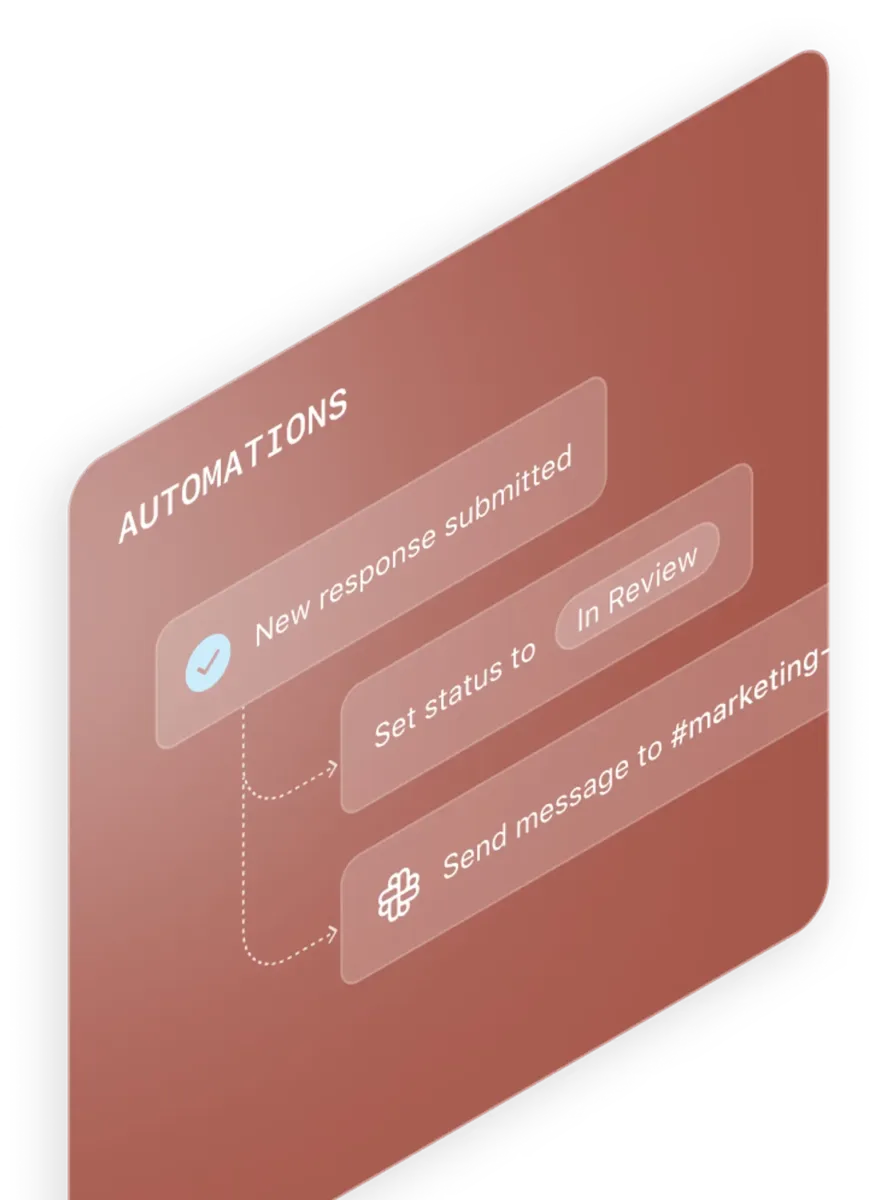
Airtable is a hosted work-application platform built around relational databases. Teams organize records in linked tables, create views and interfaces, and add automations for repeatable processes.
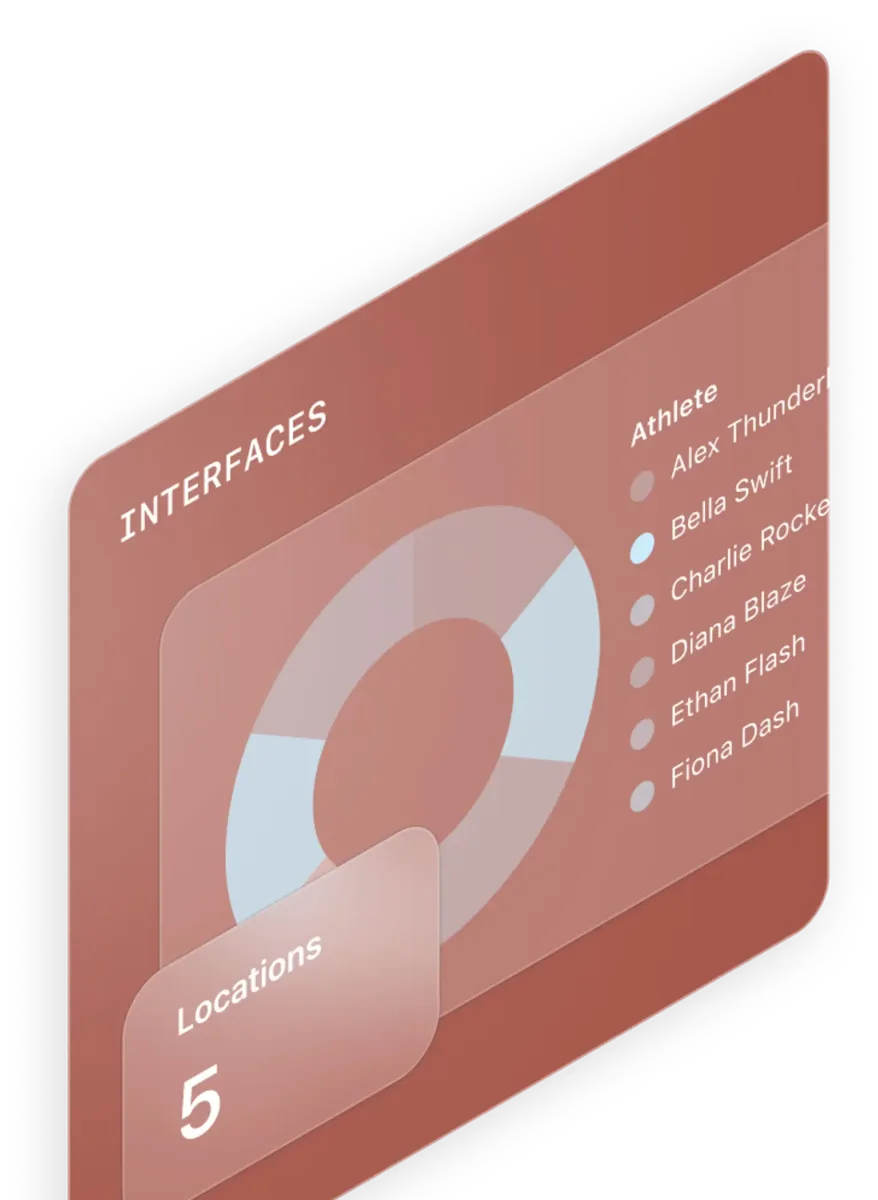
The product supports project and operational workflows across industries. Its interfaces can present selected data and actions to different users, while integrations and an API connect bases to other services.
Airtable’s Omni assistant can help build or update apps and data using natural-language requests. Its capabilities depend on permissions, and using Omni fully requires AI credits and Airtable AI to be enabled.
A quick way to understand who this product may suit, where its limits matter, and which facts are most relevant before you compare alternatives.
Teams that need adaptable project or operations workflows built on linked data, with different interfaces for contributors and viewers.
Teams that need unrestricted high-volume API traffic, full automation editing on mobile, or a conventional fixed project-management system may encounter plan limits or workflow gaps, and should evaluate alternatives such as monday.com instead.
Android, iOS, macOS, Web, Windows
8.1/10
These are the product-specific differences that may matter when deciding whether the software fits your workflow. They are based on documented evidence rather than a universal ranking.
These are documented constraints or practical friction points that may matter before you adopt the product.
High-frequency integrations need queueing, retries, or another architecture; Business and Enterprise plans do not remove this per-base rate limit.
Evidence source ↗Users who configure or manage automations need to use desktop or browser access.
Evidence source ↗A workflow that must write changes back to its source system needs another integration method.
Evidence source ↗Free plan for individual users, very small teams, or lightweight needs.
Check current pricing →Paid plan for teams that need more capacity than the Free plan.
Check current pricing →Paid plan for departments and organizations needing additional scale and administrative features.
Check current pricing →Custom-priced organization plan; contact Airtable sales for pricing.
Check current pricing →Pricing may change. Verify current plans on the vendor's website.
Compare similar products directly, then see which alternatives may make more sense when your requirements differ.
| Decision factor | Airtable | monday.com |
|---|---|---|
| Core data structure | Bases are relational databases with linked records across tables. | Work Management organizes work in boards, items, and column types. Source ↗ |
| Pricing model | Team is $20 per user per month when billed annually; Business is $45 per user per month annually. | The Standard plan is listed at $12 per seat per month when billed annually; its plan page shows other tiers and a free option. Source ↗ |
| Free plan | Airtable offers a free plan for individual users, very small teams, or lightweight needs. | monday.com Work Management's free plan allows up to two seats and three boards. Source ↗ |
| Mobile apps | Airtable offers iOS and Android apps, with some features unavailable on mobile. | monday.com lists iOS and Android apps among its plan features. Source ↗ |
Only factors supported by the available research are shown. The comparison is descriptive, not a ranking.
These products address broadly similar requirements. The descriptions focus on documented reasons a buyer might compare them with Airtable.

| Hosting | Hosted service; web, desktop, and mobile applications |
|---|---|
| Desktop applications | macOS and Windows |
| Mobile applications | iOS and Android |
| Free plan | Available; no separate time-limited trial listed |
| API | REST-style Web API using JSON |
| API rate limit | 5 requests per second per base across plans |
| Monthly API calls | Free: 1,000 per workspace; Team: 100,000 per workspace; Business and Enterprise Scale: unlimited, subject to rate limits |
| Records per base | Free: 1,000; Team: 50,000; Business: 125,000; Enterprise Scale: 500,000+ |
| Attachment storage per base | Free: 1 GB; Team: 20 GB; Business: 100 GB; Enterprise Scale: 1 TB |
| Integrations | Native integrations, partner extensions, third-party services, webhooks, and API connections |
| Security | 256-bit SSL/TLS encryption in transit and 256-bit AES encryption at rest, as documented by Airtable |
| Company address | 1 Front Street, Floor 28, San Francisco, CA 94111, United States |
Verified installation, hosting, administration, or environment details that can affect implementation.
| Hosting | Airtable is provided as a hosted service, with web access and downloadable desktop and mobile apps; no self-hosted deployment option was verified. Source ↗ |
|---|
Documented portability, standards, export, or switching considerations. No switching-cost score is shown unless the evidence supports one.
Airtable documents CSV table exports and access to data through its API. CSV import can create a base or table.
Evidence source ↗A proprietary editorial score based on product capabilities, usability, value, performance, support and user sentiment evidence.
Airtable combines linked relational data, configurable views, interfaces, automations, integrations, and AI app-building features. G2's displayed rating is positive, while its public summary notes mobile limitations, advanced-feature learning demands, and performance concerns with large data.
Methodology v1.0. The assessment weighs feature coverage (25%), ease of use (15%), value for money (20%), performance (15%), support (10%) and user sentiment (15%), using researched product evidence and verified review evidence where available. It is a TechZella editorial assessment, not a direct user-review average.
Key claims are linked to the sources used to verify them. This evidence record is separate from third-party user ratings.
TechZella evaluates software using documented product capabilities, pricing information, usability and value considerations, independent user evidence where available, and competitive context. The assessment is an editorial review, not a hands-on test unless one is explicitly identified. Our editorial assessment is based on 7 documented sources.
The company's About page states that it started in 2012.
View source ↗Verified 2026-10-07The official pricing page lists the free option, Team at $20 per user monthly when billed annually, Business at $45 per user monthly when billed annually, and custom Enterprise Scale pricing.
View source ↗Verified 2026-10-07Airtable documents five requests per second per base, with monthly call limits for Free and Team plans and unlimited monthly calls for Business and Enterprise Scale, subject to rate limits.
View source ↗Verified 2026-10-07The official download page lists macOS, Windows, iOS, and Android applications and minimum operating-system requirements.
View source ↗Verified 2026-10-07Its integration guide lists Slack, Dropbox, Box, Gmail, Google Drive, Typeform, Zapier, Make, Workato, APIs, and other connection methods.
View source ↗Verified 2026-10-07Its security practices page specifies 256-bit SSL/TLS encryption in transit and 256-bit AES encryption at rest.
View source ↗Verified 2026-10-07The public G2 Airtable reviews page displayed that aggregate rating and review count when accessed.
View source ↗Verified 2026-10-07Answers begin with the clearest available response, followed by the context that helps you act on it.
No reviews yet. Be the first to share your experience.
Please log in to submit a review.