
The free plan's 50-post limit is cumulative rather than a recurring monthly allowance.
A small team can exhaust the free allocation over time, even if it deletes old posts.
Evidence source ↗
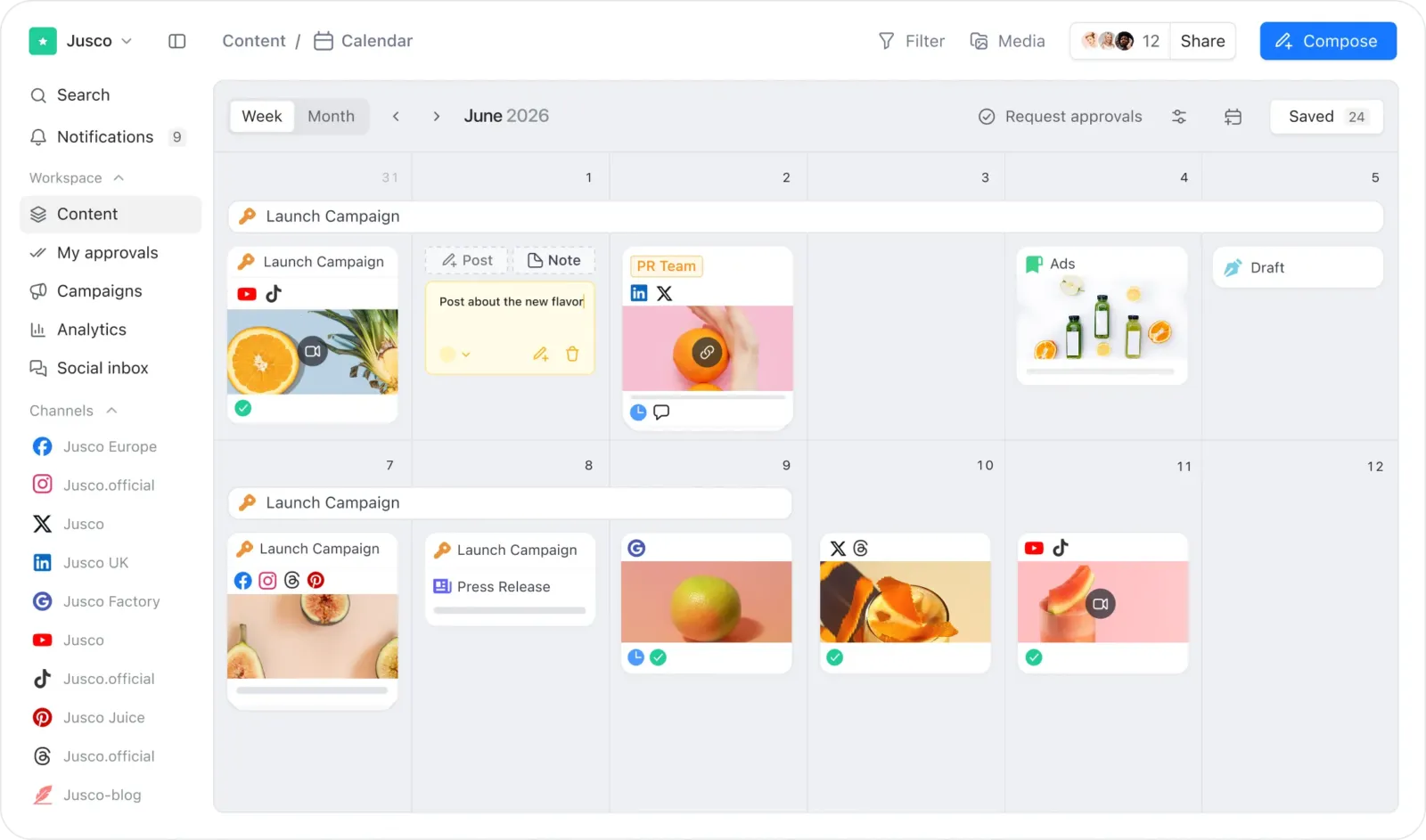
Planable is a cloud-based social media management tool for planning, reviewing, approving, and scheduling content. It supports multiple social networks, workspaces, and team workflows.
Official documentation confirms multi-channel planning, approvals, publishing, mobile apps, integrations, and a public API. Public review scores are positive, while visible reviewer feedback and plan details point to post limits and add-on costs as purchase considerations.
This profile combines documented product information and independent evidence where available. It is not a hands-on test unless TechZella explicitly identifies one.
Planable is a social media management platform for teams that plan, review, approve, and publish content collaboratively. Workspaces organize pages, calendars, users, campaigns, and approval flows by client, brand, or location.
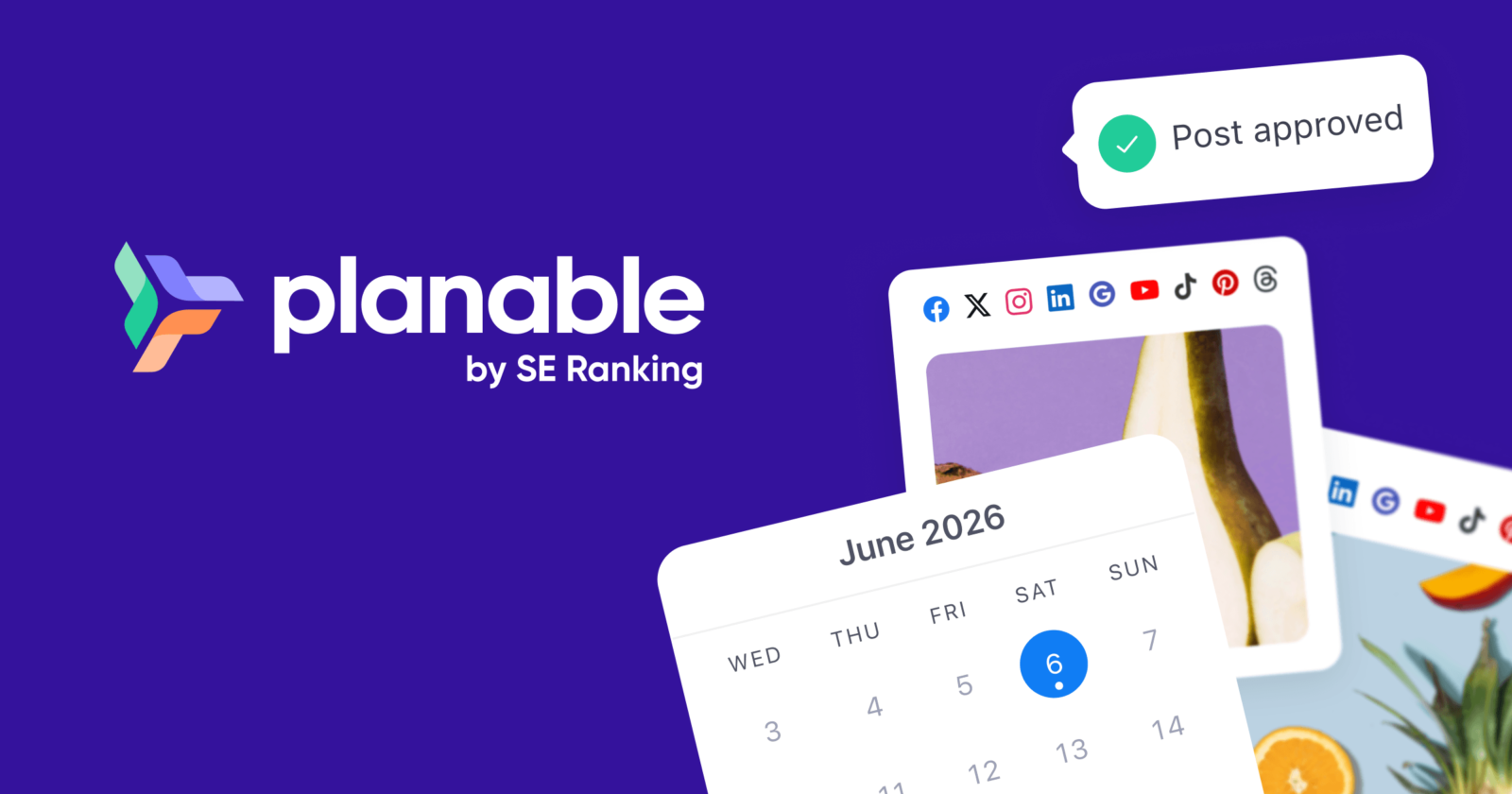
Planable connects Facebook, LinkedIn, Instagram, X, Google Business Profile, YouTube, TikTok, Pinterest, and Threads. Its iOS and Android apps support creating, editing, reviewing, approving, and scheduling content on mobile.
The product is oriented toward marketing teams and agencies managing shared publishing workflows. It also supports non-social marketing content such as blogs, newsletters, press releases, and briefs.
A quick way to understand who this product may suit, where its limits matter, and which facts are most relevant before you compare alternatives.
Marketing agencies and brand teams coordinating social content, client feedback, and approvals across several channels or workspaces.
Teams seeking an unlimited-post entry plan, or buyers who need included cross-channel analytics without paying for an add-on, and should evaluate alternatives such as Buffer or Hootsuite instead.
Android, iOS, REST API, SaaS, Web
8.0/10
These are the product-specific differences that may matter when deciding whether the software fits your workflow. They are based on documented evidence rather than a universal ranking.
These are documented constraints or practical friction points that may matter before you adopt the product.
A small team can exhaust the free allocation over time, even if it deletes old posts.
Evidence source ↗Teams relying on aggregated cross-network reporting should confirm the included analytics coverage before purchase.
Evidence source ↗Some publishing flows can require a person to complete an action on a phone rather than rely solely on automatic publication.
Evidence source ↗Teams should assign an owner or administrator to create tokens and restrict access to required workspaces and actions.
Evidence source ↗Up to 50 total created posts. The limit does not reset periodically or when posts are deleted.
Check current pricing →Pricing page lists $33 per workspace monthly on annual billing; pricing help lists $39 monthly or $390 annually. The plan includes 60 posts per workspace per month and four social pages per workspace.
Check current pricing →Pricing page lists $49 per workspace monthly on annual billing; pricing help lists $59 monthly or $590 annually. The plan includes 150 posts per workspace per month and ten social pages per workspace.
Check current pricing →Custom-priced for team and organizational requirements. Confirm current terms with Planable.
Check current pricing →Paid add-on for analytics and reporting. Pricing help lists a 30-day trial for add-ons.
Check current pricing →Add-on for managing comments and direct messages. Pricing help lists a 30-day trial for add-ons.
Check current pricing →Add-on for tracking mentions and topics. Pricing help lists a 30-day trial for add-ons.
Check current pricing →Pricing may change. Verify current plans on the vendor's website.
Compare similar products directly, then see which alternatives may make more sense when your requirements differ.
These products address broadly similar requirements. The descriptions focus on documented reasons a buyer might compare them with Planable.
| Deployment | Cloud-hosted SaaS |
|---|---|
| Web access | Web application |
| Mobile apps | iOS and Android |
| API | Public REST API; tokens support read or write scopes and workspace restrictions |
| Social networks | Facebook, LinkedIn, Instagram, X, Google Business Profile, YouTube, TikTok, Pinterest, Threads |
| Free plan limit | 50 total created posts; limit does not reset |
| Paid plan limits | Basic: 60 posts and 4 pages per workspace monthly; Pro: 150 posts and 10 pages per workspace monthly |
| Integrations | Zapier, Slack, Canva, MCP, public API |
| Free trial | Free plan available; pricing help describes 30-day trials for add-ons |
Verified installation, hosting, administration, or environment details that can affect implementation.
| Hosting | Cloud-hosted SaaS accessed through the web application; native mobile apps are available for iOS and Android. Source ↗ |
|---|
A proprietary editorial score based on product capabilities, usability, value, performance, support and user sentiment evidence.
Official documentation confirms multi-channel planning, approvals, publishing, mobile apps, integrations, and a public API. Public review scores are positive, while visible reviewer feedback and plan details point to post limits and add-on costs as purchase considerations.
Methodology v1.0. The assessment weighs feature coverage (25%), ease of use (15%), value for money (20%), performance (15%), support (10%) and user sentiment (15%), using researched product evidence and verified review evidence where available. It is a TechZella editorial assessment, not a direct user-review average.
Key claims are linked to the sources used to verify them. This evidence record is separate from third-party user ratings.
TechZella evaluates software using documented product capabilities, pricing information, usability and value considerations, independent user evidence where available, and competitive context. The assessment is an editorial review, not a hands-on test unless one is explicitly identified. Our editorial assessment is based on 5 documented sources.
The company history identifies Planable's start at a 2016 hackathon in Transylvania.
View source ↗Verified 2026-10-07Its support page lists Facebook, LinkedIn, Instagram, X, Google Business Profile, YouTube, TikTok, Pinterest, and Threads.
View source ↗Verified 2026-10-07The official integrations page identifies a full REST API, and the help article documents API tokens, scopes, and supported data operations.
View source ↗Verified 2026-10-07The API help article describes these operations and outlines token permissions.
View source ↗Verified 2026-10-07The pricing help article specifies the cumulative free-plan post limit and paid plan prices.
View source ↗Verified 2026-10-07Planable's company history records both developments under 2025.
View source ↗Verified 2026-10-07Answers begin with the clearest available response, followed by the context that helps you act on it.
No reviews yet. Be the first to share your experience.
Please log in to submit a review.
This history records material data changes detected when TechZella re-researched the profile.