
The minimum is five users, and the platform fee includes at least two core apps.
Small teams should compare the minimum subscription cost with lighter CRM or project tools before configuring a plan.
Evidence source ↗
Scoro combines CRM and sales pipeline tools with project delivery, time tracking, resource planning, estimating, and invoicing for service businesses.
Scoro documents a broad, modular service-business workflow spanning CRM, delivery, time, resources, and finance. Public ratings are positive, but review text also reports interface complexity and occasional support or forecasting concerns. Scores assess published evidence, not hands-on testing.
This profile combines documented product information and independent evidence where available. It is not a hands-on test unless TechZella explicitly identifies one.
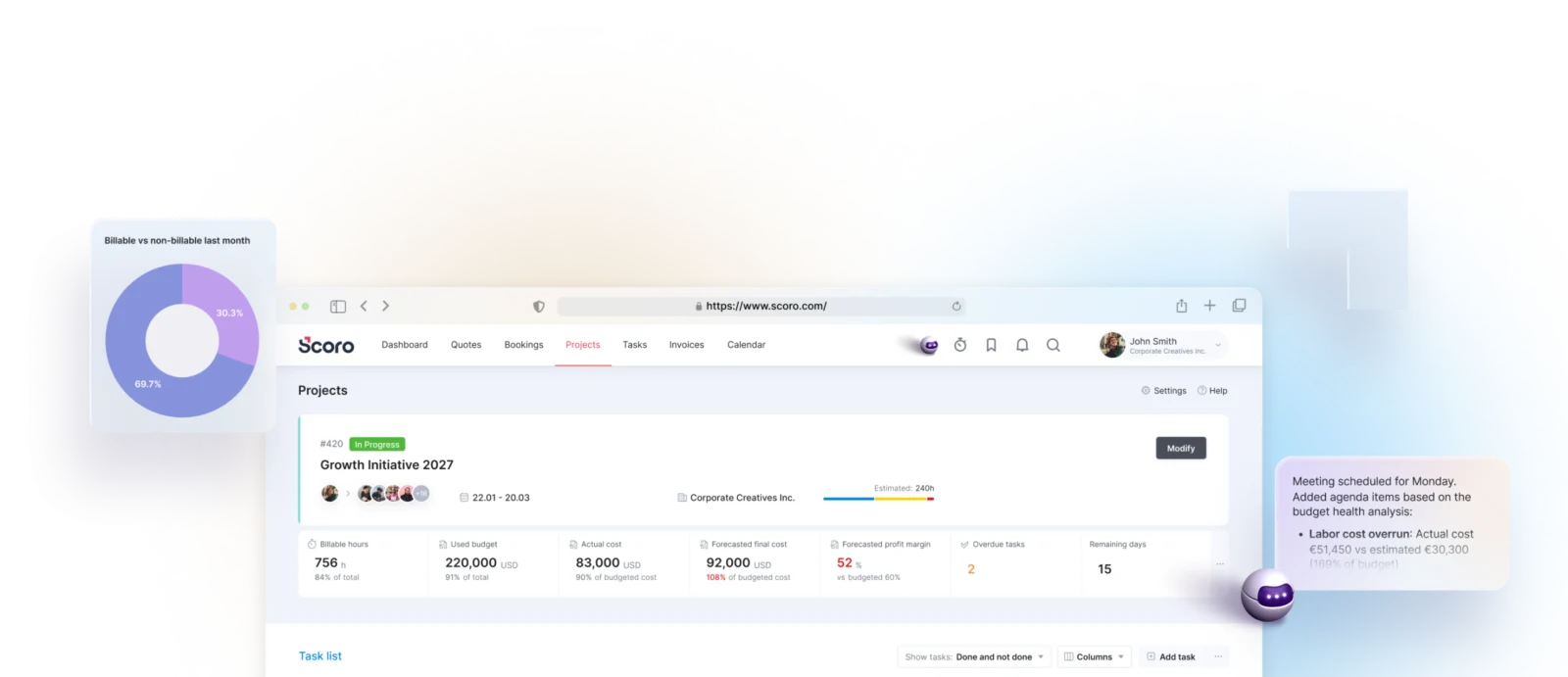
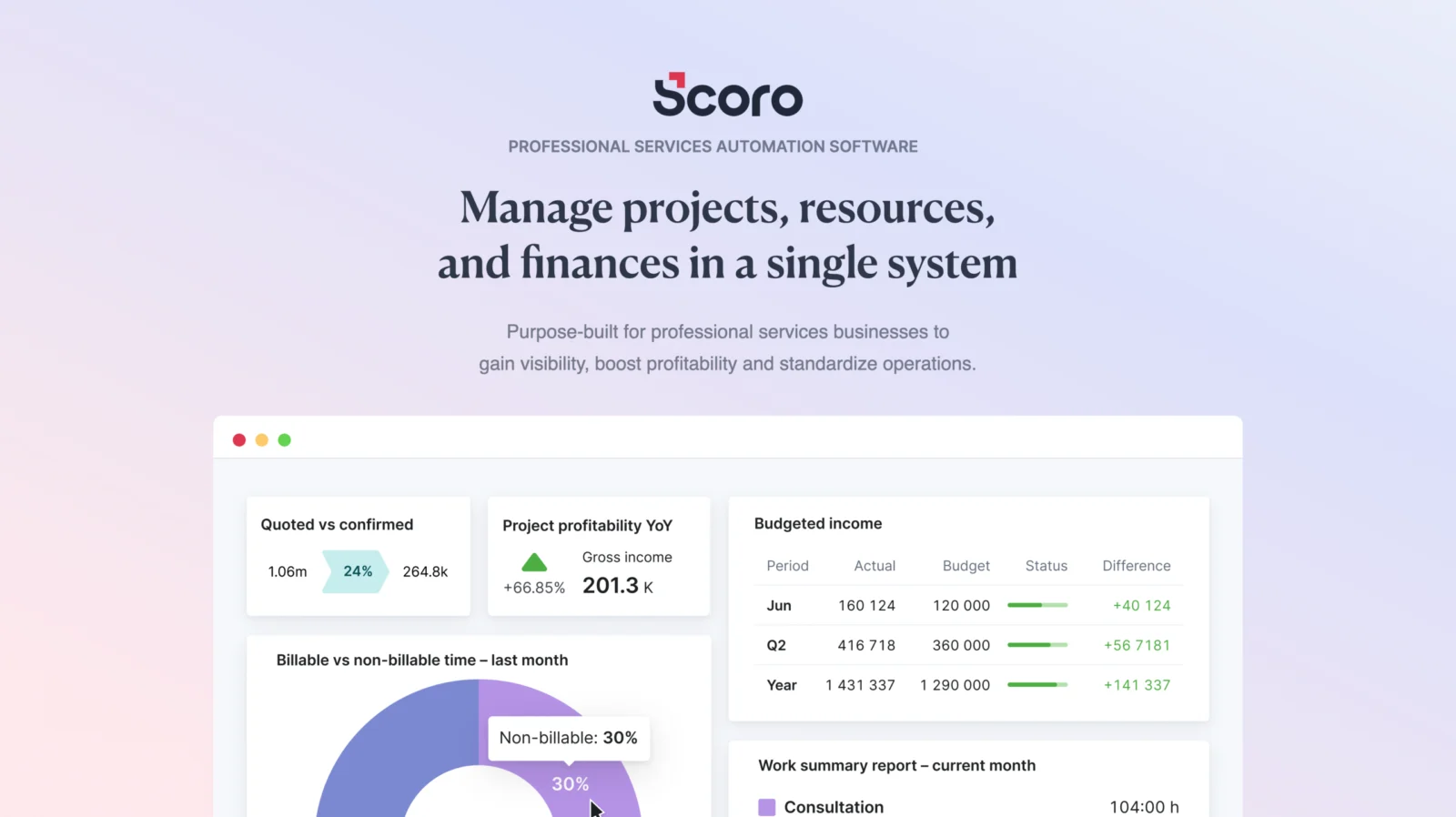
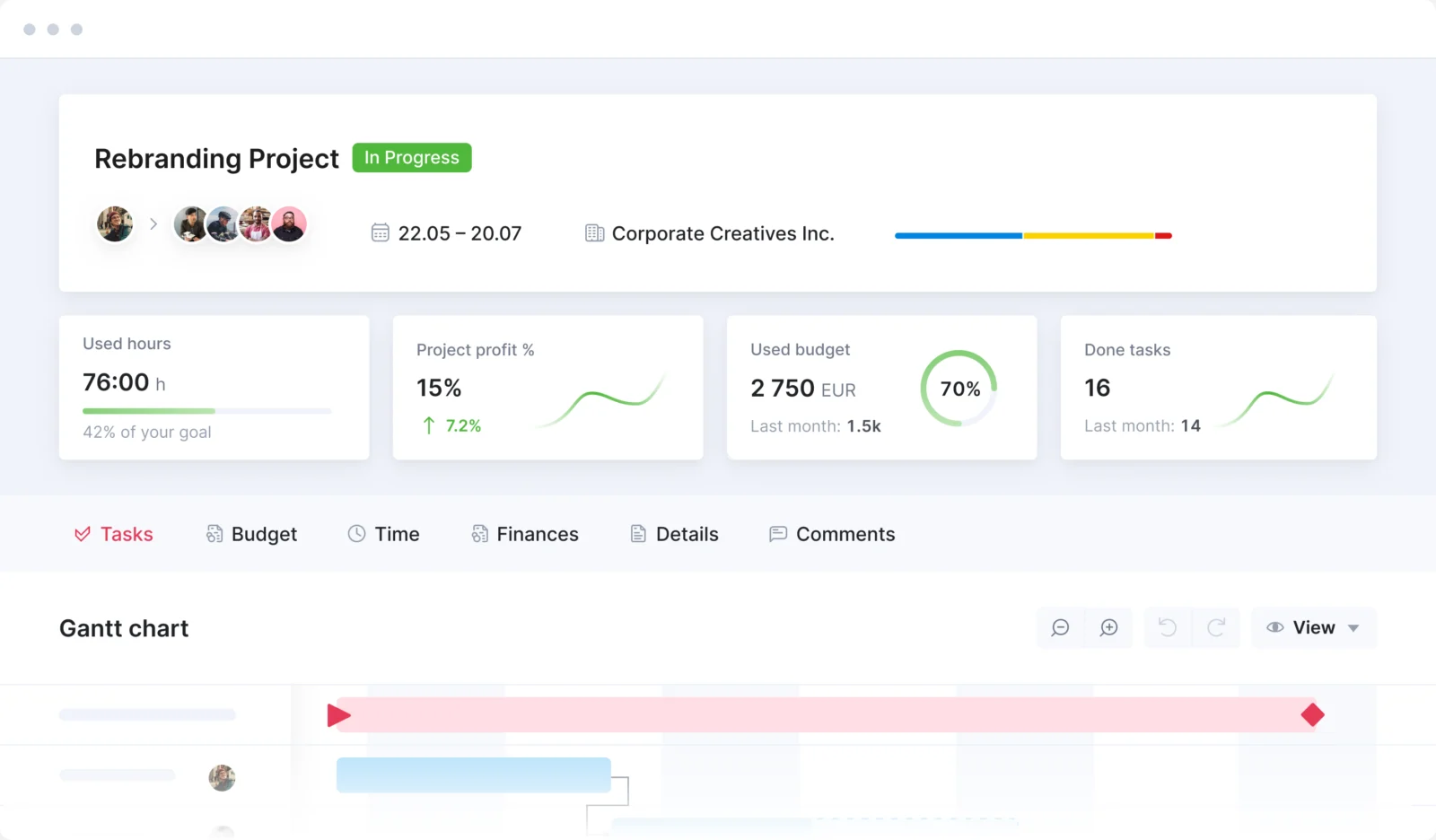
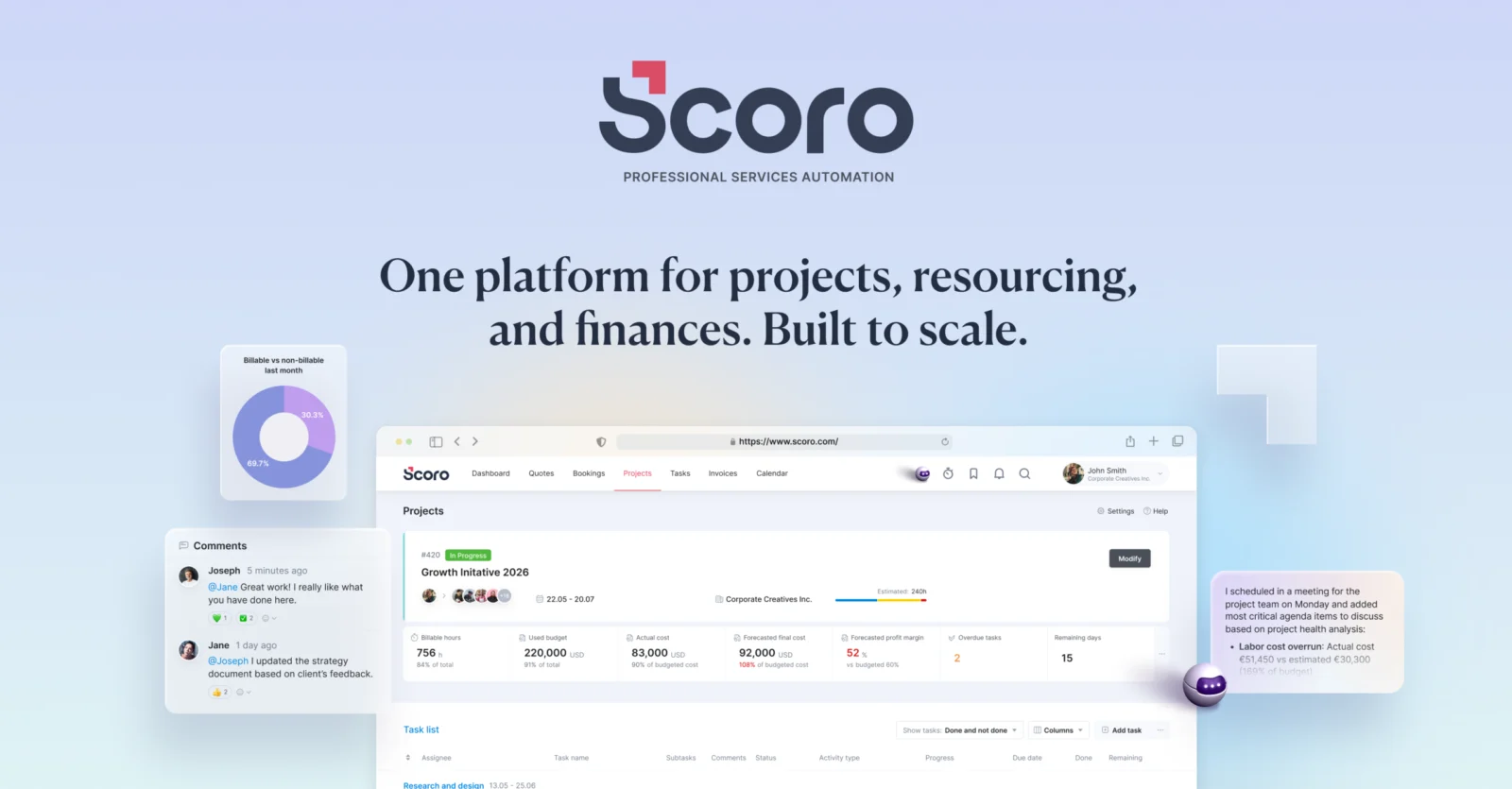
Scoro is modular software for service businesses. Its Sell app provides client and contact management, deal tracking, sales pipelines, and sales reports. Other apps cover project delivery, time, resources, estimates, expenses, and invoicing.
That combination is relevant when a team wants sales records connected to delivery and project finances. Buyers should account for the five-user minimum, app selection, and potentially paid integrations or extras.
A quick way to understand who this product may suit, where its limits matter, and which facts are most relevant before you compare alternatives.
Agencies, consultancies, and other service firms that want client and pipeline records connected to project delivery, resource planning, time tracking, quotes, and billing.
Teams seeking a standalone CRM, a plan for fewer than five users, or an implementation with no paid extras or onboarding considerations should compare alternatives, and should evaluate alternatives such as Productive or Teamwork.com instead.
Android, iOS, REST API, SaaS, Web
8.0/10
These are the product-specific differences that may matter when deciding whether the software fits your workflow. They are based on documented evidence rather than a universal ranking.
These are documented constraints or practical friction points that may matter before you adopt the product.
Small teams should compare the minimum subscription cost with lighter CRM or project tools before configuring a plan.
Evidence source ↗Teams building integrations should assess beta-change risk and consider a migration plan for any existing v2 integration.
Evidence source ↗The subscription headline alone may not reflect the cost of the accounting, CRM, or specialist integrations a team needs.
Evidence source ↗Official pricing page lists combinations from this price. Five-user minimum; at least two core apps are included in a combination. App selection changes the price.
Check current pricing →Listed combination includes Do, Deliver, Track, and Resource apps.
Check current pricing →Listed combination includes Estimate, Deliver, Track, and Invoice apps.
Check current pricing →Listed combination covers Sell, Estimate, Do, Deliver, Track, Resource, Spend, Invoice, and advanced apps.
Check current pricing →Fully featured trial; no credit card required.
Check current pricing →Pricing may change. Verify current plans on the vendor's website.
Compare similar products directly, then see which alternatives may make more sense when your requirements differ.
These products address broadly similar requirements. The descriptions focus on documented reasons a buyer might compare them with Scoro.


| Deployment | Hosted SaaS |
|---|---|
| Web access | Modern web browsers |
| Mobile | iOS and Android apps; Scoro Time supports offline time entry |
| Minimum users | 5 |
| Minimum app combination | 2 core apps |
| API | REST API v4 beta; API v2 remains available and supported |
| Data import and export | CSV and XLS formats are supported, according to Scoro's security overview |
Verified installation, hosting, administration, or environment details that can affect implementation.
| Hosting | Hosted SaaS; Scoro's security page describes customer sites hosted on Scoro infrastructure. Source ↗ |
|---|---|
| Mobile access | Official mobile apps are available for iOS and Android; Scoro Time supports offline time entry that syncs when connectivity returns. Source ↗ |
Documented portability, standards, export, or switching considerations. No switching-cost score is shown unless the evidence supports one.
The pricing page lists data import and export as platform functionality. Scoro's security page identifies CSV and XLS as supported import and export formats.
Evidence source ↗Scoro describes onboarding options that can include workflow mapping, site configuration, data migration, integration setup, and training; listed onboarding detail depends on package and team size.
Evidence source ↗A proprietary editorial score based on product capabilities, usability, value, performance, support and user sentiment evidence.
Scoro documents a broad, modular service-business workflow spanning CRM, delivery, time, resources, and finance. Public ratings are positive, but review text also reports interface complexity and occasional support or forecasting concerns. Scores assess published evidence, not hands-on testing.
Methodology v1.0. The assessment weighs feature coverage (25%), ease of use (15%), value for money (20%), performance (15%), support (10%) and user sentiment (15%), using researched product evidence and verified review evidence where available. It is a TechZella editorial assessment, not a direct user-review average.
Key claims are linked to the sources used to verify them. This evidence record is separate from third-party user ratings.
TechZella evaluates software using documented product capabilities, pricing information, usability and value considerations, independent user evidence where available, and competitive context. The assessment is an editorial review, not a hands-on test unless one is explicitly identified. Our editorial assessment is based on 4 documented sources.
The official pricing page states the trial duration and that no credit card is required.
View source ↗Verified 2026-11-27The official pricing page lists app combinations, per-user monthly starting prices, and a five-user minimum.
View source ↗Verified 2026-11-27The pricing page lists client and contact management, deal tracking, pipeline management, and sales reports under Sell.
View source ↗Verified 2026-11-27The API help article and reference describe v4 as beta, identify REST operations, and document OAuth 2.0 authentication.
View source ↗Verified 2026-11-27The official integrations overview and pricing page list these integration options and explain that availability can vary.
View source ↗Verified 2026-11-27Scoro's official contact page states the company was founded in 2013.
View source ↗Verified 2026-11-27Answers begin with the clearest available response, followed by the context that helps you act on it.
No reviews yet. Be the first to share your experience.
Please log in to submit a review.