
The Enterprise plan requires at least five users.
Smaller teams must select another plan or pay for the five-user minimum.
Evidence source ↗
Salesflare is a cloud CRM for small and midsize B2B teams, combining sales pipelines with automatic contact and activity capture, email tracking, and follow-up workflows.
Official documentation verifies automated CRM data capture, pipeline management, email tracking, workflows, integrations, mobile apps, and a REST API. G2 and Capterra show positive ratings; these scores are editorial assessments, not hands-on test results.
This profile combines documented product information and independent evidence where available. It is not a hands-on test unless TechZella explicitly identifies one.
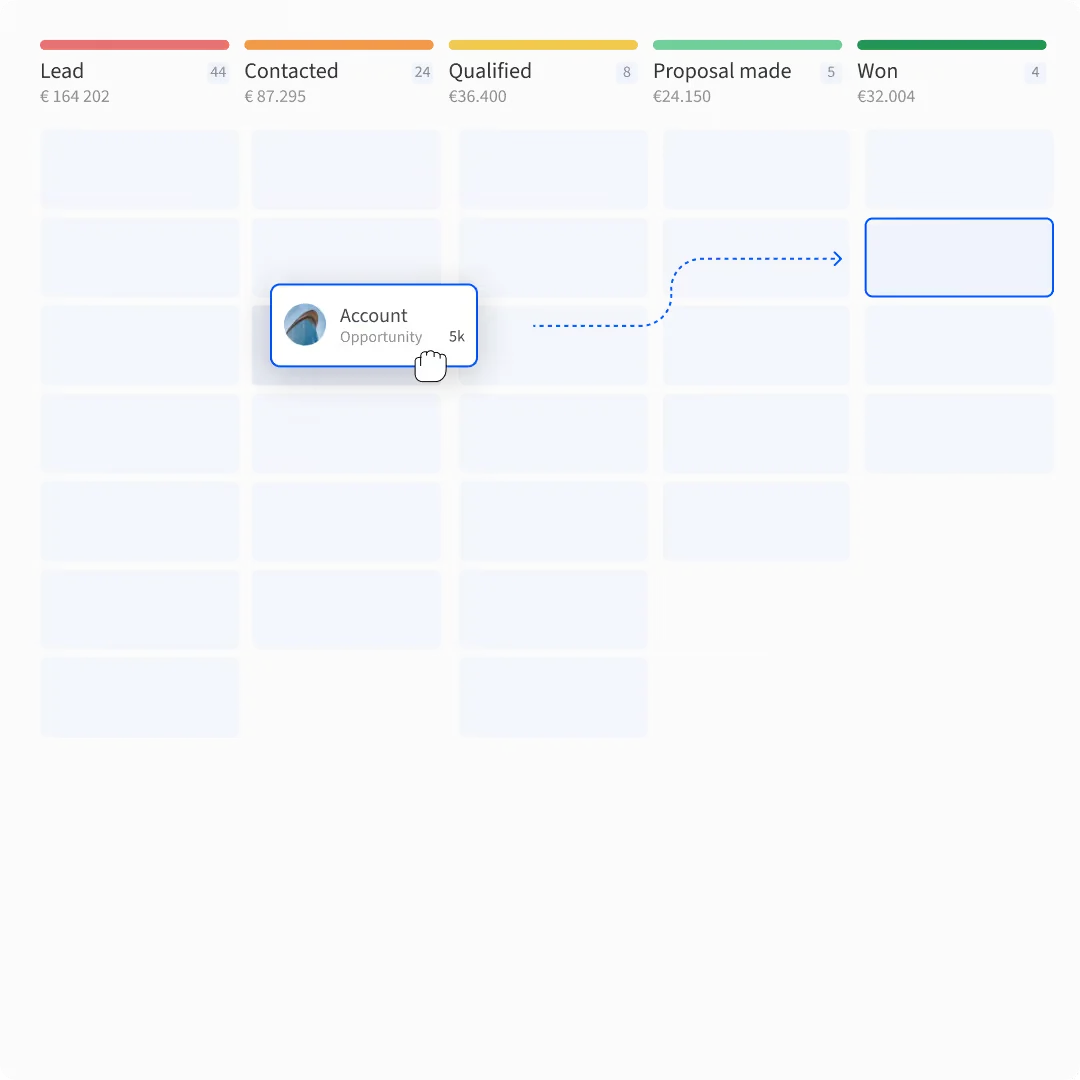
Salesflare is a cloud CRM designed for small and midsize B2B sales teams. It combines contact and company records with visual sales pipelines and activity timelines.
After users connect email and calendars, Salesflare can populate records and log interactions. This focus on automatic capture may suit teams seeking less manual CRM upkeep.
A quick way to understand who this product may suit, where its limits matter, and which facts are most relevant before you compare alternatives.
Small and midsize B2B sales teams that use Gmail or Outlook and want contact records, interactions, and follow-ups captured with less manual CRM entry.
Teams seeking a free permanent plan, extensive enterprise customization, or lead prospecting credits beyond plan allowances should compare other products or plans, and should evaluate alternatives such as Pipedrive or HubSpot Sales Hub instead.
Android, Chrome extension, iOS, SaaS, Web
8.5/10
These are the product-specific differences that may matter when deciding whether the software fits your workflow. They are based on documented evidence rather than a universal ranking.
These are documented constraints or practical friction points that may matter before you adopt the product.
Smaller teams must select another plan or pay for the five-user minimum.
Evidence source ↗Teams using prospect search heavily should include additional credits in their budget.
Evidence source ↗Teams needing these controls or reporting capabilities must evaluate Pro pricing.
Evidence source ↗$39 per user/month with monthly billing. Includes five lead credits per month. 30-day free trial available.
Check current pricing →$64 per user/month with monthly billing. Adds multi-email workflows, user permissions, custom dashboards, and 100 lead credits.
Check current pricing →$124 per user/month with monthly billing. Five-user minimum; includes migration assistance, tailored training, account manager, and 250 lead credits.
Check current pricing →Pricing may change. Verify current plans on the vendor's website.
Compare similar products directly, then see which alternatives may make more sense when your requirements differ.
| Decision factor | Salesflare | Pipedrive |
|---|---|---|
| Pricing model | Growth starts at $29 per user per month with annual billing, or $39 with monthly billing. | Pipedrive Lite lists US$14 per seat per month with annual billing. Source ↗ |
| CRM data capture | Automatically gathers contact and company details and logs connected email, meetings, and calls. | Pipedrive describes lead, contact, deal, and calendar management on Lite; Growth adds full email sync and tracking. Source ↗ |
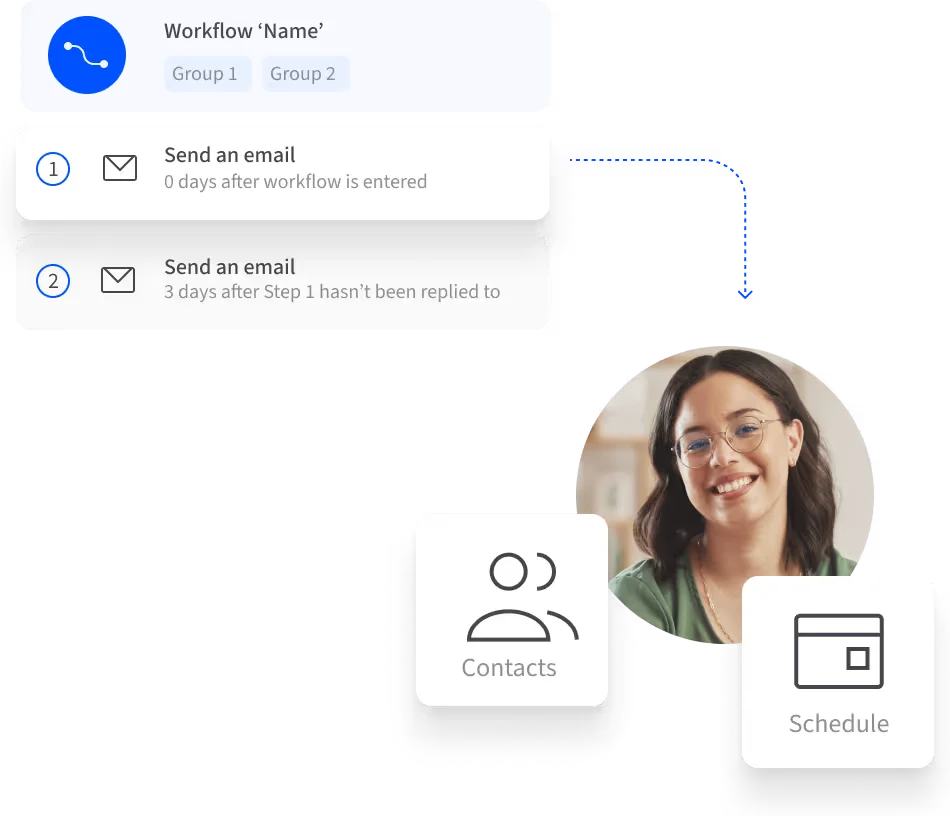
| Email workflows | Growth includes personalized campaigns; multi-email workflows are included in Pro. | Pipedrive Growth lists automated tasks and personalized email sequences. Source ↗ |
| Free trial | 30-day trial without a credit card. | 14-day trial without a credit card. Source ↗ |
Only factors supported by the available research are shown. The comparison is descriptive, not a ranking.
These products address broadly similar requirements. The descriptions focus on documented reasons a buyer might compare them with Salesflare.



| Primary audience | Small and midsize B2B sales teams |
|---|---|
| Deployment | Cloud-hosted SaaS |
| Data location | Google Cloud servers in St. Ghislain, Belgium |
| API | REST API; JSON responses; bearer-token authentication |
| Client platforms | Web, iOS, Android, Chrome sidebars |
| Free trial | 30 days; no credit card required |
| Included lead-search credits | Growth: 5 monthly; Pro: 100 monthly; Enterprise: 250 monthly |
| Enterprise minimum | Five users |
| Security controls documented | Encryption at rest and in transit; daily backups; CASA Tier 2 verification described by vendor |
Verified installation, hosting, administration, or environment details that can affect implementation.
| Hosting | Cloud-hosted SaaS. Salesflare states customer data is stored on Google Cloud servers in St. Ghislain, Belgium. Source ↗ |
|---|---|
| Client access | Web application, iOS and Android apps, and supported browser sidebars for email and LinkedIn workflows. Source ↗ |
Documented portability, standards, export, or switching considerations. No switching-cost score is shown unless the evidence supports one.
Salesflare documents imports and CSV or Excel exports for accounts, contacts, and opportunities. Enterprise includes vendor-assisted data migration.
Evidence source ↗A published Salesforce migration guide describes exporting Salesforce records, preparing the files, and importing account, contact, and opportunity data into Salesflare.
Evidence source ↗A proprietary editorial score based on product capabilities, usability, value, performance, support and user sentiment evidence.
Official documentation verifies automated CRM data capture, pipeline management, email tracking, workflows, integrations, mobile apps, and a REST API. G2 and Capterra show positive ratings; these scores are editorial assessments, not hands-on test results.
Methodology v1.0. The assessment weighs feature coverage (25%), ease of use (15%), value for money (20%), performance (15%), support (10%) and user sentiment (15%), using researched product evidence and verified review evidence where available. It is a TechZella editorial assessment, not a direct user-review average.
Key claims are linked to the sources used to verify them. This evidence record is separate from third-party user ratings.
TechZella evaluates software using documented product capabilities, pricing information, usability and value considerations, independent user evidence where available, and competitive context. The assessment is an editorial review, not a hands-on test unless one is explicitly identified. Our editorial assessment is based on 5 documented sources.
The pricing page lists Growth, Pro, and Enterprise plans and a 30-day trial without a credit card.
View source ↗Verified 2026-11-27The plan comparison lists five included credits and separate prices for additional monthly credits.
View source ↗Verified 2026-11-27The API documentation describes REST endpoints, JSON responses, API keys, and bearer-token authentication.
View source ↗Verified 2026-11-27Salesflare's data-location help article identifies Google Cloud servers in St. Ghislain, Belgium.
View source ↗Verified 2026-11-27G2's CRM Grid report lists the founding year as 2014 and headquarters as Antwerp, Flemish Region.
View source ↗Verified 2026-11-27The pricing page describes its mobile app for both platforms, and the App Store lists the iOS app.
View source ↗Verified 2026-11-27The security article says data is encrypted at rest and in transit and that automated backups are made daily.
View source ↗Verified 2026-11-27Answers begin with the clearest available response, followed by the context that helps you act on it.
No reviews yet. Be the first to share your experience.
Please log in to submit a review.