Editorial overview
Aggregated Overview
The assessment reflects documented associative exploration, data connectivity, visualization, APIs, and plan limits, alongside Gartner Peer Insights ratings. Ease and value scores are editorial judgments, not hands-on test results.
This profile combines documented product information and independent evidence where available. It is not a hands-on test unless TechZella explicitly identifies one.
Overview
Qlik Sense is Qlik’s analytics and business intelligence software for creating interactive applications, dashboards, and reports from connected data sources. Its associative engine lets users explore relationships by making selections, while Insight Advisor can suggest analyses and visualizations.
It is available through Qlik Cloud and in client-managed Windows environments. Qlik also provides a Windows Desktop application for local and offline development. Buyers should plan for data modeling and assess which deployment and capacity model fits their needs.
Qlik Sense Decision Snapshot
A quick way to understand who this product may suit, where its limits matter, and which facts are most relevant before you compare alternatives.
Best suited toOrganizations that want interactive analytics across multiple sources and can invest in data preparation, modeling, and capacity planning.
Look elsewhere ifTeams seeking a low-cost, fixed-price dashboard tool may find Qlik's capacity-based subscriptions and app-size limits require careful usage forecasting, and should evaluate alternatives such as Microsoft Power BI or Tableau instead.
PlatformsCloud, iOS, SaaS, Web, Windows
TechZella assessment8.0/10
Qlik Sense — What Sets It Apart?
These are the product-specific differences that may matter when deciding whether the software fits your workflow. They are based on documented evidence rather than a universal ranking.
- The associative engine lets users explore relationships and excluded values through selections, rather than limiting analysis to a single predefined query path.
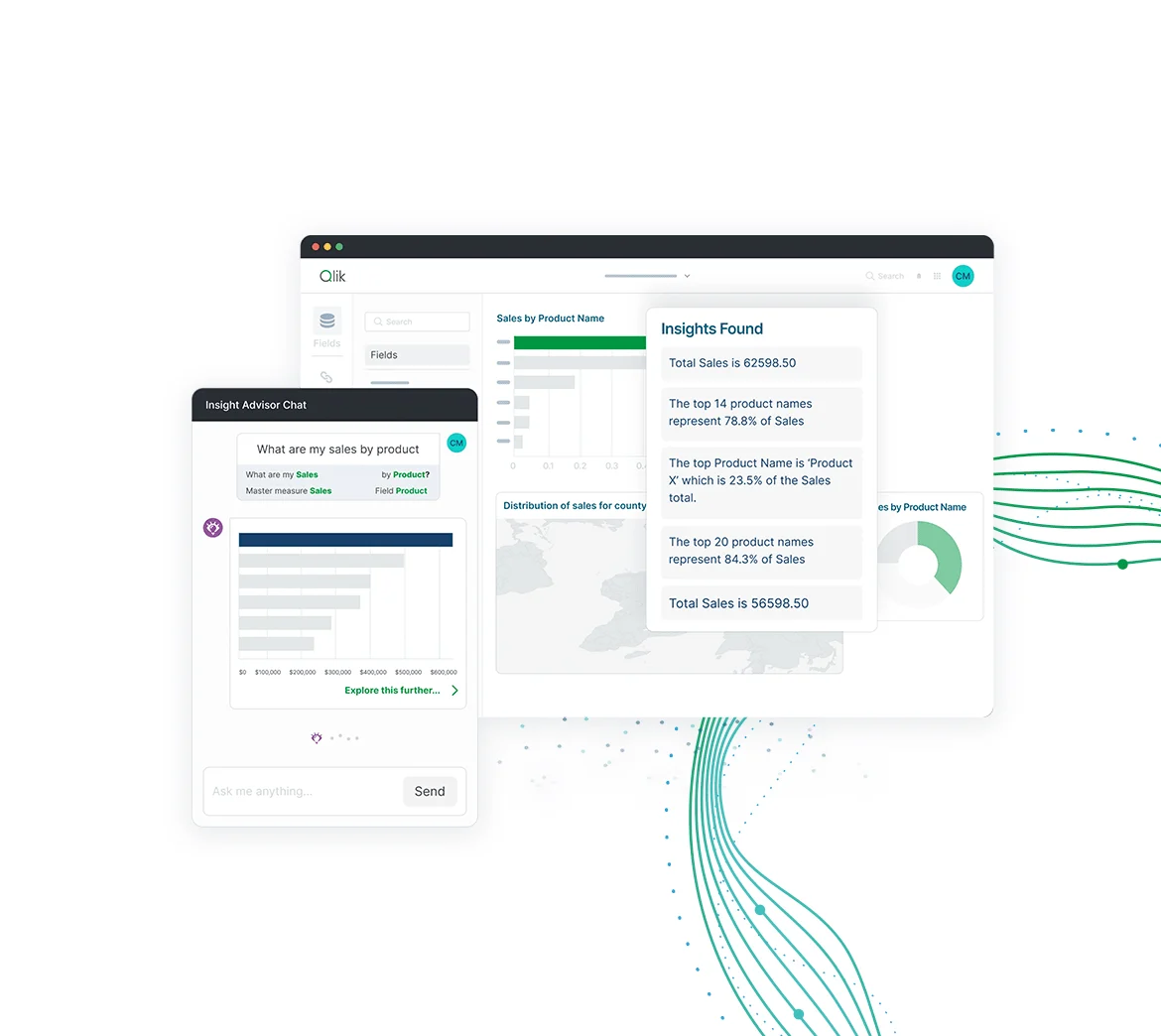
- Insight Advisor can create visualizations from natural-language searches or selected fields.
- The platform supports embedding and extension through APIs, JavaScript libraries, and web components.
Editorial assessmentQlik Sense Pros & Cons
Pros
- Associative engine supports exploratory analysis across connected data.
- Insight Advisor can generate analyses from natural-language searches or selected fields.
- Developer APIs support extensions, mashups, and embedded analytics.
- Qlik publishes cloud pricing tiers and offers a full-version trial.
Cons
- Cloud plan capacity and app-size limits vary by tier.
- Qlik documentation notes that some Windows APIs are unavailable in SaaS.
- Review evidence identifies careful data modeling as important for avoiding unexpected associations or performance issues.
Qlik Sense Gotchas & Operational Limits
These are documented constraints or practical friction points that may matter before you adopt the product.
Qlik Cloud Analytics pricing uses included analysis capacity, and the vendor says charges may apply when usage exceeds plan capacity.
Buyers should estimate analyzed data volume and review plan thresholds before selecting a subscription.
Evidence source ↗The Qlik Repository Service API and .NET SDK described for Windows are not available in Qlik Sense SaaS.
Teams planning automation or embedded integrations should confirm that their required API exists in their intended deployment.
Evidence source ↗Qlik Sense Pricing & Plans
Starter
$300
month, billed annually
For 10 users and 10 GB of data for analysis. Additional users are available for purchase.
Check current pricing →Standard
$825
month, billed annually
Starts with 25 GB of data for analysis; additional capacity is available in 25 GB increments.
Check current pricing →Premium
$2,750
month, billed annually
Starts with 50 GB of data for analysis; additional capacity is available in 25 GB or 250 GB packs.
Check current pricing →Enterprise
Get a Quote
Starts at 250 GB of data for analysis; larger app and multi-region options are listed.
Check current pricing →Pricing may change. Verify current plans on the vendor's website.
Cost contextTotal Cost & Hidden Costs
Additional costs or implementation requirements that are documented in the available evidence.
Implementation and onboarding
Premium pricing lists guided customer-success onboarding, and Enterprise lists personalized customer-success planning and onboarding. Public pricing does not specify implementation time or a separate implementation fee.
Evidence source ↗Hosting and infrastructure
Qlik hosts and manages Qlik Cloud infrastructure. Separate customer infrastructure costs may apply for client-managed deployments; public material reviewed did not quantify them.
Evidence source ↗Capacity and app-size growth
The listed cloud plans include different data-analysis capacities and app-size limits. Qlik says additional capacity can be purchased on certain tiers and additional charges may apply above plan capacity.
Evidence source ↗Support and extra charges
Starter lists Qlik Community Support, while Standard lists 24x7 Severity 1 support. The public price page does not state a separate support fee or disclose renewal uplifts.
Evidence source ↗Qlik Sense Competitors & Alternatives
Compare similar products directly, then see which alternatives may make more sense when your requirements differ.
Direct competitors
These products address broadly similar requirements. The descriptions focus on documented reasons a buyer might compare them with Qlik Sense.
CapabilitiesQlik Sense Features
Analytics
- Associative data exploration
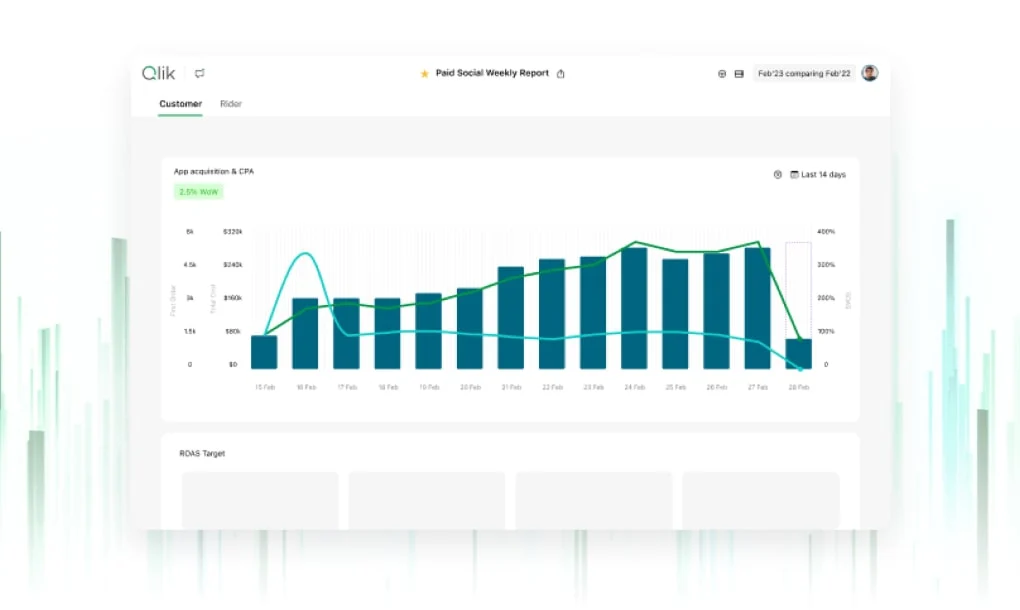
- Interactive visualizations and dashboards
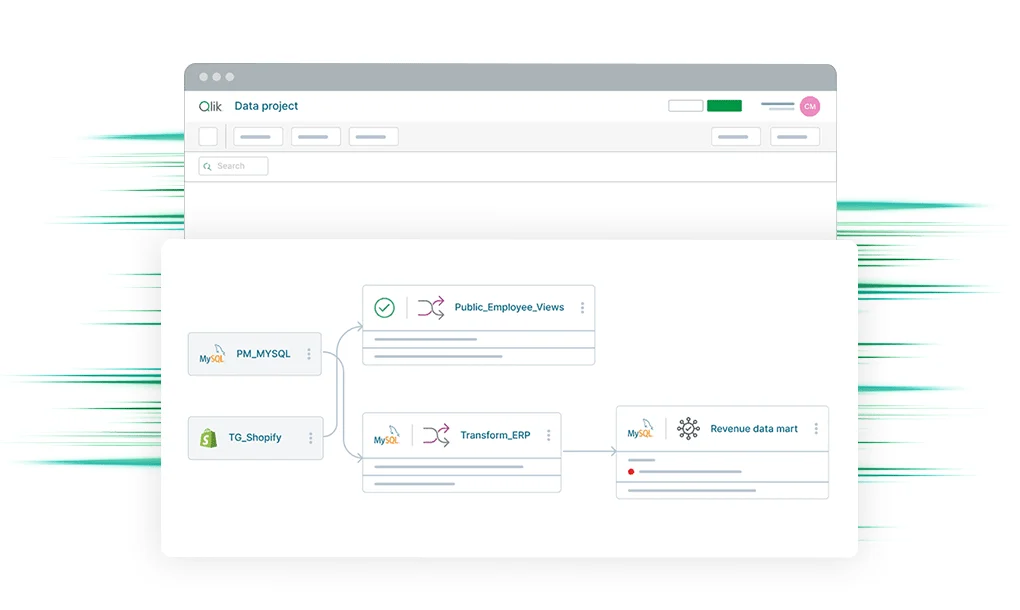
- Data loading, transformation, and modeling
- Insight Advisor analysis and visualization suggestions
- Alerts and reporting
Connectivity and development
- Salesforce and Microsoft Excel data connections
- REST and Engine APIs
- Mashups and embedded analytics
- JavaScript libraries and web components
- Custom connector development options
Collaboration and deployment
- Shared and managed spaces in applicable cloud tiers
- Qlik Cloud SaaS
- Client-managed Windows deployment
- Windows desktop application for local and offline development
Qlik Sense Specifications
| Cloud subscription tiers | Starter, Standard, Premium, Enterprise |
|---|
| Cloud pricing meter | Capacity-based; Data for Analysis is the primary value meter |
|---|
| Free trial | 30 days; full version; no credit card required |
|---|
| Cloud browser support | Edge, Chrome, Firefox on supported Windows; Safari, Chrome, Firefox, Edge on supported macOS |
|---|
| Cloud data residency | Tenant region selected by customer; certain AI features may involve cross-region processing |
|---|
| APIs | Engine JSON API, Repository Service API, JavaScript capability APIs, URL integration APIs; availability varies by deployment |
|---|
Exit planningMigration & Lock-In
Documented portability, standards, export, or switching considerations. No switching-cost score is shown unless the evidence supports one.
Subscription transition
Qlik documents changes when moving from user-based Qlik Sense subscriptions to capacity-based Qlik Cloud Analytics, including a change in the primary pricing meter and user-management model.
Evidence source ↗Our evidence-based assessmentTechZella Score
A proprietary editorial score based on product capabilities, usability, value, performance, support and user sentiment evidence.
8.0/10Moderate confidence
The assessment reflects documented associative exploration, data connectivity, visualization, APIs, and plan limits, alongside Gartner Peer Insights ratings. Ease and value scores are editorial judgments, not hands-on test results.
Methodology v1.0. The assessment weighs feature coverage (25%), ease of use (15%), value for money (20%), performance (15%), support (10%) and user sentiment (15%), using researched product evidence and verified review evidence where available. It is a TechZella editorial assessment, not a direct user-review average.
Editorial transparency
Our Review Methodology
Key claims are linked to the sources used to verify them. This evidence record is separate from third-party user ratings.
TechZella evaluates software using documented product capabilities, pricing information, usability and value considerations, independent user evidence where available, and competitive context. The assessment is an editorial review, not a hands-on test unless one is explicitly identified. Our editorial assessment is based on 6 documented sources.
What TechZella adds- The associative engine lets users explore relationships and excluded values through selections, rather than limiting analysis to a single predefined query path.
- Insight Advisor can create visualizations from natural-language searches or selected fields.
- The platform supports embedding and extension through APIs, JavaScript libraries, and web components.
Important limitations- Cloud subscription tiers differ in data capacity, app-size limits, and included features; larger usage may require upgrades or additional capacity.
- A Gartner Peer Insights summary notes that the associative engine works best with carefully modeled data, and poor structures can create performance issues or unexpected associations.
- Some Windows management and development APIs documented by Qlik are not available in Qlik Sense SaaS.
Evidence-backed claimsQlik was founded in Lund, Sweden, in 1993.Qlik's careers page lists 1993 as its founding year and Lund as its founding location.
View source ↗Verified 2026-11-04Qlik Cloud Analytics has Starter, Standard, Premium, and Enterprise subscription tiers.Qlik's official pricing page lists the four tiers and gives public starting prices for the first three; Enterprise is quote-based.
View source ↗Verified 2026-11-04Qlik Cloud Analytics offers a 30-day full-version trial without a credit card.Qlik's trial page states the trial lasts 30 days, is a full version, and requires no credit card.
View source ↗Verified 2026-11-04Insight Advisor generates analyses from natural-language searches or selected fields.Qlik documentation describes search-based visualization generation and analysis types.
View source ↗Verified 2026-11-04Qlik Sense supports embedding apps and visualizations through developer APIs.Qlik's developer documentation describes URL integration APIs, JavaScript libraries, and web components for embedding.
View source ↗Verified 2026-11-04Gartner Peer Insights displayed Qlik Sense at 4.5 from 1,524 ratings when accessed.The public ratings page displayed the score and rating count.
View source ↗Verified 2026-11-04 Independent review sources
Qlik Sense Ratings & Reviews
Ratings are published by the respective review platforms and may change over time.
Common questionsQlik Sense FAQs
Answers begin with the clearest available response, followed by the context that helps you act on it.
Does Qlik Sense offer a free trial?
Yes. Qlik offers a 30-day full-version Qlik Cloud Analytics trial without requiring a credit card.
SourceHow much does Qlik Cloud Analytics cost?
Qlik lists Starter at $300 per month, Standard at $825 per month, and Premium at $2,750 per month, billed annually; Enterprise requires a quote.
SourceDoes Qlik Sense have an API?
Yes. Qlik documents APIs for automation, extensions, mashups, and embedding. Availability depends on the deployment, since some Windows APIs are unavailable in SaaS.
SourceCan Qlik Sense connect to Salesforce and Excel?
Community feedback
Reviews
No reviews yet. Be the first to share your experience.
Write a Review
Please log in to submit a review.
Recently added Marketing Analytics