Editorial overview
Aggregated Overview
The product combines integrations, dashboards, reporting, APIs, mobile access, and AI analysis. Public review scores are positive overall, while some reviewers report refresh delays, setup friction, or cost concerns. Scores assess published evidence, not hands-on testing.
This profile combines documented product information and independent evidence where available. It is not a hands-on test unless TechZella explicitly identifies one.
Overview
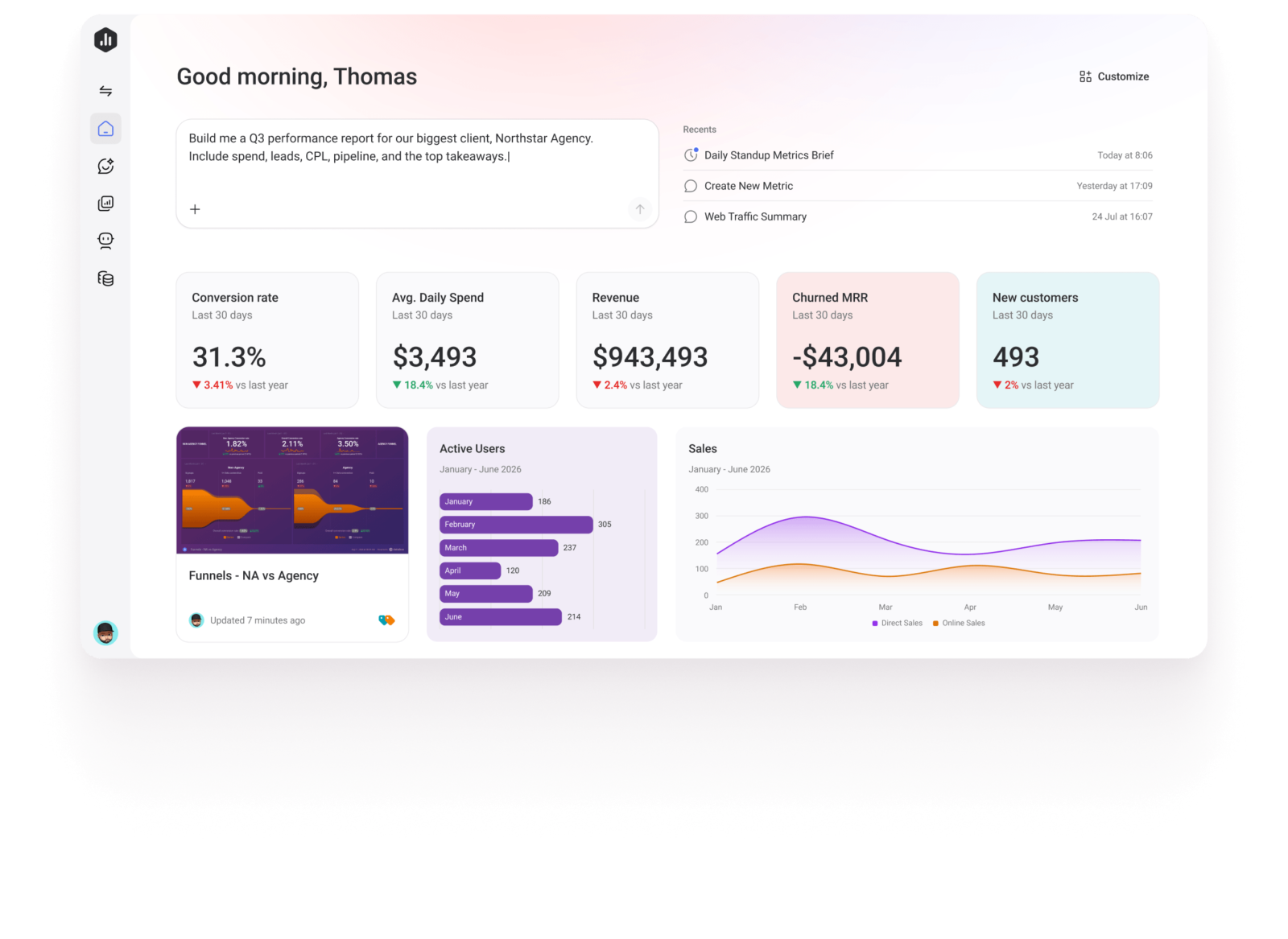
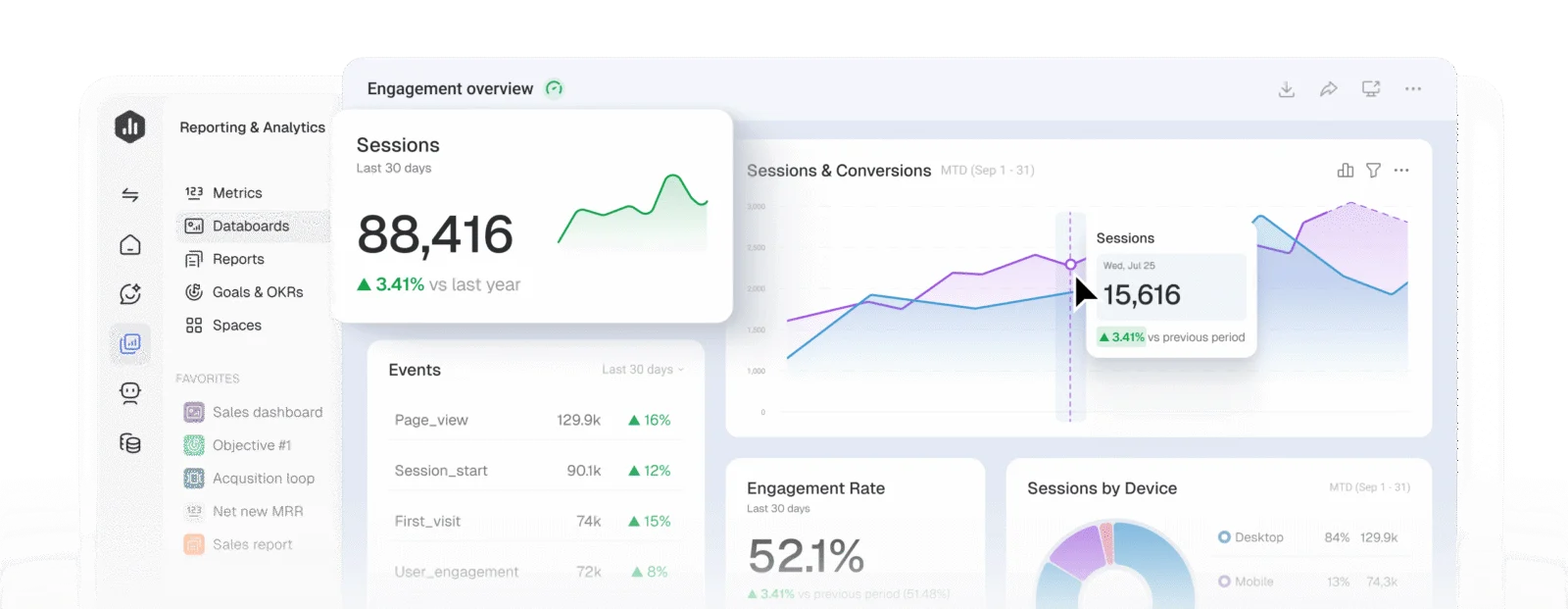
Databox is a cloud-hosted analytics and reporting product that brings metrics from connected business tools into dashboards, reports, and shared performance tracking. Its documented connections include marketing, sales, finance, support, spreadsheets, databases, and APIs.
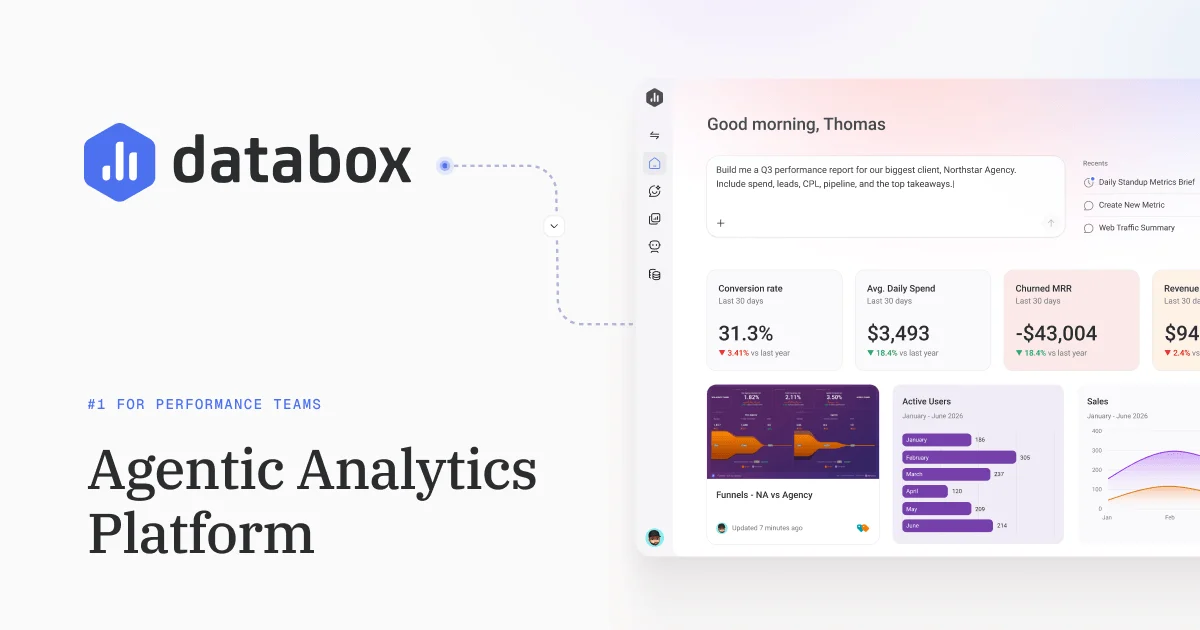
In September 2026, Databox described a relaunch around AI-assisted analysis. Its AI analyst, Genie, can answer questions about connected metrics, help build reports and dashboards, and run recurring analysis through Routines. The company also describes integrations with external AI tools through its MCP service.
Its breadth makes it relevant to growing companies and agencies that need to present combined performance data. Buyers should check source-specific sync availability, plan limits, and current pricing carefully.
Databox Decision Snapshot
A quick way to understand who this product may suit, where its limits matter, and which facts are most relevant before you compare alternatives.
Best suited toTeams and agencies consolidating marketing, sales, finance, and other operational metrics into shared dashboards, recurring reports, and AI-assisted analysis.
Look elsewhere ifOrganizations needing unrestricted multi-user collaboration on an individual plan, extensive warehouse-scale modeling, or guaranteed near-real-time refresh across all sources should confirm plan and connector limits before adopting, and should evaluate alternatives such as AgencyAnalytics or Klipfolio instead.
PlatformsAndroid, iOS, REST API, SaaS, Web
TechZella assessment8.1/10
Databox — What Sets It Apart?
These are the product-specific differences that may matter when deciding whether the software fits your workflow. They are based on documented evidence rather than a universal ranking.
- The product combines dashboards and reporting with an AI analyst that works from connected data and defined metrics.
- Agency plan supports cross-account reporting, custom templates, and unlimited users.
- The platform combines native integrations with custom data integrations and a REST API, with API access limited to paid plans.
Editorial assessmentDatabox Pros & Cons
Pros
- Connects data across a broad set of listed integrations and custom sources.
- Combines KPI dashboards, reporting, goals, and notifications.
- Includes a REST API for custom data workflows on paid plans.
- Provides documented iOS and Android apps.
- Public G2 and Capterra ratings are positive overall.
Cons
- Free plan is limited to one user, one dashboard, and three data sources.
- AI analysis is subject to monthly credit allowances.
- Data refresh frequency depends on plan and source capabilities.
- Pricing-page plan cards and FAQ show inconsistent pricing figures.
Databox Gotchas & Operational Limits
These are documented constraints or practical friction points that may matter before you adopt the product.
The free plan is single-user and limited to three data sources, one dashboard, ten custom metrics, and daily maximum sync.
A multi-person team or a team requiring faster refreshes may need a paid plan even for an initial deployment.
Evidence source ↗AI actions draw from monthly credit pools, and credits reset monthly.
Teams that frequently request analysis or generate outputs should check included credits and the cost of additional capacity.
Evidence source ↗The pricing page displays differing rates for Team and Agency plans in its plan cards and FAQ, and conflicting account-pack amounts.
Buyers should confirm the applicable billing rate and capacity add-on price before purchase.
Evidence source ↗Databox Pricing & Plans
Free
$0
month
Free plan; one user, three data sources, one dashboard, ten custom metrics, and 50 AI credits per month.
Check current pricing →Analyst
$71
month, billed annually
Plan card lists one user, five data sources, 150 monthly AI credits, API access, and hourly maximum sync. Vendor page has inconsistent figures across sections; confirm rate before purchase.
Check current pricing →Team Core
$199
month, billed annually
Plan card lists three users, ten data sources, and 500 monthly AI credits. Vendor FAQ lists a different rate; confirm rate before purchase.
Check current pricing →Team Scale
$319
month, billed annually
Plan card lists ten users, 30 data sources, and 1,000 monthly AI credits. Vendor FAQ lists a different rate; confirm rate before purchase.
Check current pricing →Agency
$79
billed annually
Listed as starting rate; includes agency-focused cross-account reporting. Account-pack pricing differs between page sections, so confirm the complete quote.
Check current pricing →Custom
Contact vendor
Custom capacity and implementation services are described; no public price is listed.
Check current pricing →Pricing may change. Verify current plans on the vendor's website.
Cost contextTotal Cost & Hidden Costs
Additional costs or implementation requirements that are documented in the available evidence.
Implementation and onboarding
The vendor offers custom data and semantic-layer setup, solution development, AI implementation, and enablement as services; public standard onboarding duration or service fees were not found.
Evidence source ↗Hosting and infrastructure
Databox is a cloud-hosted SaaS product; the reviewed pricing page does not list a separate hosting charge.
Evidence source ↗Usage and capacity
Plans cap data sources and monthly AI credits. The page lists add-ons for AI credit top-ups, white-labeling, advanced security management, fiscal calendars, and 15-minute sync; confirm current rates because the page contains conflicting plan and account-pack figures.
Evidence source ↗Databox Competitors & Alternatives
Compare similar products directly, then see which alternatives may make more sense when your requirements differ.
At a glance
Marketing AnalyticsOnly factors supported by the available research are shown. The comparison is descriptive, not a ranking.
Direct competitors
These products address broadly similar requirements. The descriptions focus on documented reasons a buyer might compare them with Databox.
CapabilitiesDatabox Features
Data connections
- 130+ listed integrations
- Custom data integrations
- Spreadsheet, database, warehouse, and API data sources
- REST API for datasets, data ingestion, and metric updates
Analytics and reporting
- Custom and prebuilt metrics
- Dashboards and reports
- Goals and anomaly detection
- Scheduled reports, sharing, and notifications
AI and automation
- Genie AI analyst
- Performance summaries
- Skills and recurring Routines
- MCP connections for external AI tools
Access
- Web application
- Native iOS and Android apps
- Apple Watch support documented for iOS app
Databox Specifications
| Deployment | Cloud-hosted SaaS |
|---|
| Web access | Yes |
|---|
| Mobile apps | iOS and Android |
|---|
| API | REST API; access listed on paid plans |
|---|
| Integrations | 130+ listed integrations, plus custom data connections |
|---|
| Free plan user limit | 1 user |
|---|
| Free plan data-source limit | 3 data sources |
|---|
| Free plan dashboard limit | 1 dashboard |
|---|
| AI credits | Monthly plan allowance; varies by plan and resets monthly |
|---|
| Data refresh | Plan and source dependent; Free lists daily maximum, Analyst and Team list hourly maximum |
|---|
| Headquarters | Boston, Massachusetts, United States |
|---|
Exit planningMigration & Lock-In
Documented portability, standards, export, or switching considerations. No switching-cost score is shown unless the evidence supports one.
Data portability
CSV export for datasets is listed in the plan comparison, but it is not included on Free or Analyst. A complete account-export or migration path was not verified.
Evidence source ↗Our evidence-based assessmentTechZella Score
A proprietary editorial score based on product capabilities, usability, value, performance, support and user sentiment evidence.
8.1/10Moderate confidence
The product combines integrations, dashboards, reporting, APIs, mobile access, and AI analysis. Public review scores are positive overall, while some reviewers report refresh delays, setup friction, or cost concerns. Scores assess published evidence, not hands-on testing.
Methodology v1.0. The assessment weighs feature coverage (25%), ease of use (15%), value for money (20%), performance (15%), support (10%) and user sentiment (15%), using researched product evidence and verified review evidence where available. It is a TechZella editorial assessment, not a direct user-review average.
Editorial transparency
Our Review Methodology
Key claims are linked to the sources used to verify them. This evidence record is separate from third-party user ratings.
TechZella evaluates software using documented product capabilities, pricing information, usability and value considerations, independent user evidence where available, and competitive context. The assessment is an editorial review, not a hands-on test unless one is explicitly identified. Our editorial assessment is based on 5 documented sources.
What TechZella adds- The product combines dashboards and reporting with an AI analyst that works from connected data and defined metrics.
- Agency plan supports cross-account reporting, custom templates, and unlimited users.
- The platform combines native integrations with custom data integrations and a REST API, with API access limited to paid plans.
Important limitations- Free is limited to one user, three data sources, one dashboard, and daily maximum sync frequency.
- AI use is capped by monthly credits, which reset monthly.
- Pricing-page plan cards and FAQ show different rates for some plans; account-pack prices also differ between page sections.
Evidence-backed claimsDatabox connects to more than 130 tools and also supports spreadsheets, databases, and APIs.The integrations page describes 130+ tools and identifies spreadsheet, database, and API connection options.
View source ↗Verified 2026-11-07The product has a free plan and offers 14-day trials of paid plans without payment details at signup.The pricing page lists a free plan and states that any plan can be trialed for 14 days; its FAQ says payment details are not required to start.
View source ↗Verified 2026-11-07The free plan includes one user, three data sources, one dashboard, ten custom metrics, and 50 monthly AI credits.The plan description and pricing FAQ specify these free-plan allowances.
View source ↗Verified 2026-11-07The REST API can create datasets, ingest data, and update metrics.The developer documentation describes these API capabilities and JSON payloads over standard HTTP methods.
View source ↗Verified 2026-11-07Databox has native iOS and Android apps.The help-center article gives app download and dashboard usage instructions for both operating systems.
View source ↗Verified 2026-11-07Databox relaunched as an agentic analytics platform in September 2026.The company’s September 9, 2026 post describes the relaunch and outlines its AI analyst, Skills, Routines, and MCP capabilities.
View source ↗Verified 2026-11-07 Independent review sources
Databox Ratings & Reviews
Ratings are published by the respective review platforms and may change over time.
Common questionsDatabox FAQs
Answers begin with the clearest available response, followed by the context that helps you act on it.
Does Databox have a free plan?
Yes. The free plan includes one user, three data sources, one dashboard, ten custom metrics, and 50 AI credits per month.
Does Databox offer a free trial?
Yes. The vendor offers a 14-day trial of paid plans without requiring payment details at signup. If a user does not upgrade, syncing and scheduled reports pause after the trial ends.
Does Databox provide an API?
Yes. Its REST API supports dataset creation, data ingestion, and metric updates. API access is listed as available on paid plans.
Does Databox have mobile apps?
Yes. Databox documents native apps for iOS and Android, with Apple Watch support for its iOS app.
How often does Databox refresh data?
The maximum frequency depends on the plan and source. The pricing page lists daily maximum sync for Free and hourly for Analyst and Team, while some sources may have different availability.
Community feedback
Reviews
No reviews yet. Be the first to share your experience.
Write a Review
Please log in to submit a review.
Recently added Marketing Analytics