
Act! Advantage plans are billed annually per user, despite prices being displayed as monthly equivalents.
Buyers should budget for an annual subscription rather than assume month-to-month billing.
Evidence source ↗
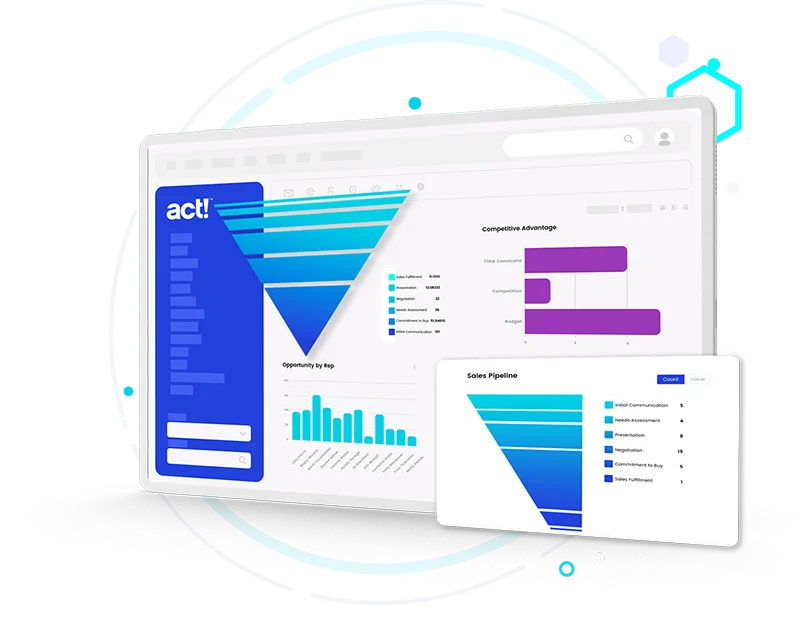
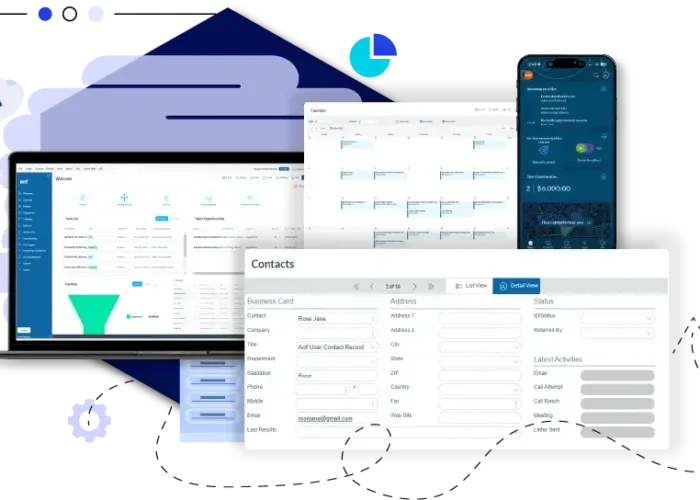
Act! CRM combines contact, activity, and sales-pipeline management with marketing tools. It offers a hosted cloud product and a Windows desktop option.
Feature and pricing claims are supported by current vendor pages. Public review scores are 3.9/5 on G2 and Capterra, but sampled comments include mixed feedback on customization, marketing workflows, reporting, and Outlook integration. Scores are editorial assessments, not hands-on test results.
This profile combines documented product information and independent evidence where available. It is not a hands-on test unless TechZella explicitly identifies one.
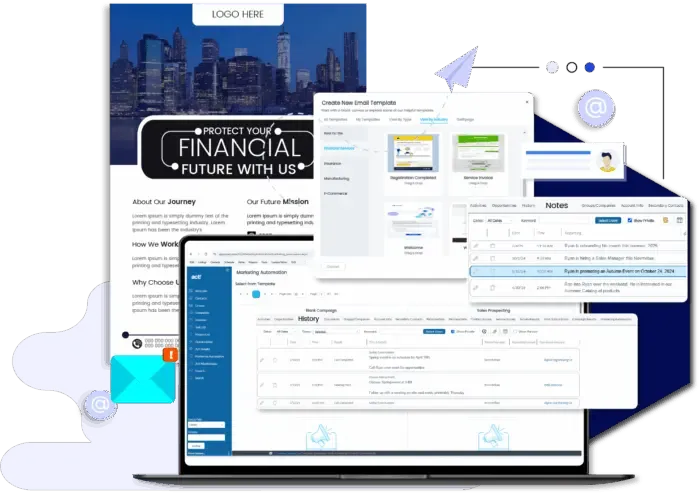
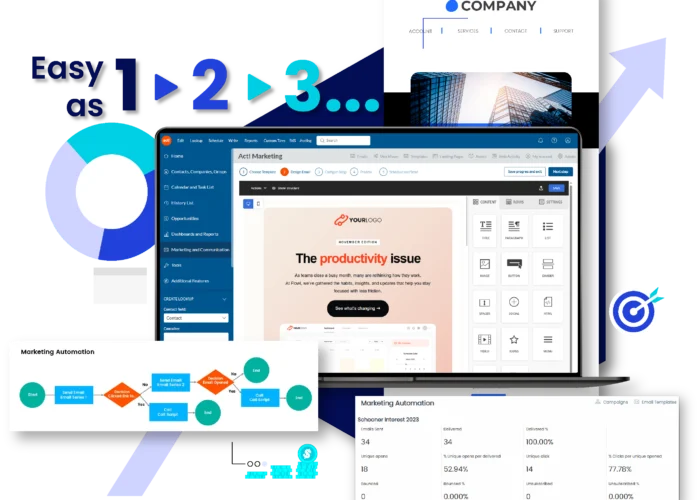
Act! CRM organizes customer records, interaction histories, activities, and sales opportunities. Its cloud offering, Act! Advantage, adds email marketing and other front-office tools, while Act! Premium Desktop provides an on-premises option.
The product is aimed at small and midsize businesses. Buyers can choose hosted access or desktop deployment, but should compare plan-specific marketing allowances, add-ons, and API setup requirements before committing.
A quick way to understand who this product may suit, where its limits matter, and which facts are most relevant before you compare alternatives.
Small and midsize businesses that need contact histories, activity tracking, sales pipelines, and optional built-in email marketing in one CRM, with a choice of cloud or desktop deployment.
Buyers seeking a free ongoing plan, API access without setup considerations, or a cloud-only product with no desktop option may prefer another CRM. API deployment and additional services should be evaluated against the selected plan, and should evaluate alternatives such as Zoho CRM or Salesforce Sales Cloud instead.
Android, iOS, SaaS, Web, Windows
7.5/10
These are the product-specific differences that may matter when deciding whether the software fits your workflow. They are based on documented evidence rather than a universal ranking.
These are documented constraints or practical friction points that may matter before you adopt the product.
Buyers should budget for an annual subscription rather than assume month-to-month billing.
Evidence source ↗A cloud plan's headline price may not include the desktop workflow or usage levels a team expects.
Evidence source ↗Organizations planning integrations should confirm server access, installation responsibilities, and developer resources before selecting a deployment.
Evidence source ↗CRM and mobile app, basic email marketing with 2,500 sends per month, Office 365 and Gmail integration, reports, dashboards, and 15 GB cloud storage.
Check current pricing →Includes Standard features, plus Email Marketing Plus with 25,000 sends per month, turnkey campaigns, nurture marketing, AI History Summary, and AI Writing Assistant.
Check current pricing →Includes Professional features, plus marketing automation with 50,000 sends per month, lead scoring, an additional email domain, custom industry tables, an online customer portal, enhanced support, and 35 GB cloud storage.
Check current pricing →Desktop CRM subscription. The vendor separately lists optional features and support.
Check current pricing →Marketing automation add-on; the pricing page lists 50,000 total sends.
Check current pricing →Pricing may change. Verify current plans on the vendor's website.
Compare similar products directly, then see which alternatives may make more sense when your requirements differ.
| Decision factor | Act! CRM | Zoho CRM | Salesforce Starter Suite |
|---|---|---|---|
| Core scope | Contact and activity management, opportunity tracking, pipeline tools, reports, and cloud marketing features across Act! Advantage plans. | CRM editions include lead, contact, and deal management, with edition-dependent automation, inventory, portals, and developer capabilities. Source ↗ | Starter Suite bundles lead, account, contact, and opportunity management with sales, service, marketing, commerce, and Slack features. Source ↗ |
| Deployment | Act! offers AWS-hosted browser access and a separate on-premises desktop product; Desktop Sync is an add-on. | Zoho's pricing page presents a hosted CRM service with mobile apps; no self-hosted deployment option is stated on that page. Source ↗ | Salesforce's Starter Suite pricing page presents the product as a cloud CRM subscription; it does not list an on-premises edition. Source ↗ |
| API availability | Act! provides a Web API; its documentation describes an IIS application installation for Act! Web deployments. | Zoho lists APIs in its editions, with the Free edition including 5,000 API calls per day according to its specifications. Source ↗ | Salesforce's pricing table lists Web Services API as an additional purchase for Pro Suite; Starter Suite's listed features do not include it. Source ↗ |
| Free entry | Act! Advantage offers a 14-day trial; the cited page does not list an ongoing free plan. | Zoho CRM offers a free edition for up to three users. Source ↗ | Salesforce lists a free 30-day Starter Suite trial; its pricing page also shows a Free Suite tier. Source ↗ |
| Published entry price | Act! Advantage Standard is $30 per user per month, billed annually. | Zoho CRM Standard is listed at US$14 per user per month on the pricing page. Source ↗ | Salesforce Starter Suite is listed at $25 per user per month, with monthly or annual billing. Source ↗ |
Only factors supported by the available research are shown. The comparison is descriptive, not a ranking.
These products address broadly similar requirements. The descriptions focus on documented reasons a buyer might compare them with Act! CRM.


| Deployment | AWS-hosted cloud and on-premises desktop |
|---|---|
| Supported browsers | Google Chrome on Windows and Mac; Microsoft Edge v79 and later |
| Mobile platforms | Apple iOS and Google Android |
| Cloud storage | 15 GB Standard; 25 GB Professional; 35 GB Ultimate |
| Email allowance | 2,500 sends/month Standard; 25,000 Professional; 50,000 Ultimate |
| API | Act! Web API; JSON-based, with bearer-token and basic authentication documented |
| Trial | 14 days; no credit card required |
| Cloud hosting | Amazon Web Services (AWS) |
| Company headquarters | 8800 N. Gainey Center Drive, Suite 250, Scottsdale, Arizona 85258, United States |
Verified installation, hosting, administration, or environment details that can affect implementation.
| Cloud hosting | Act! Advantage is a browser-based cloud CRM hosted on AWS, with automatic upgrades and nightly backups listed in the plan comparison. Source ↗ |
|---|---|
| Desktop installation | Act! Premium Desktop is offered as an on-premises CRM option. Desktop Sync can synchronize a desktop client with cloud data as a paid add-on. Source ↗ |
| Mobile access | Act! Mobile is available for iOS and Android and is included for active Act! Cloud subscribers. Source ↗ |
Documented portability, standards, export, or switching considerations. No switching-cost score is shown unless the evidence supports one.
The vendor describes importing contacts from external lists and CRM systems using CSV files. Its documentation also provides guides for upgrading existing Act! databases.
Evidence source ↗Zoho's migration guide says Act! database exports may need conversion from .BAK to CSV before Zoho CRM can import them; migration scope and field mapping should be checked in advance.
Evidence source ↗A proprietary editorial score based on product capabilities, usability, value, performance, support and user sentiment evidence.
Feature and pricing claims are supported by current vendor pages. Public review scores are 3.9/5 on G2 and Capterra, but sampled comments include mixed feedback on customization, marketing workflows, reporting, and Outlook integration. Scores are editorial assessments, not hands-on test results.
Methodology v1.0. The assessment weighs feature coverage (25%), ease of use (15%), value for money (20%), performance (15%), support (10%) and user sentiment (15%), using researched product evidence and verified review evidence where available. It is a TechZella editorial assessment, not a direct user-review average.
Key claims are linked to the sources used to verify them. This evidence record is separate from third-party user ratings.
TechZella evaluates software using documented product capabilities, pricing information, usability and value considerations, independent user evidence where available, and competitive context. The assessment is an editorial review, not a hands-on test unless one is explicitly identified. Our editorial assessment is based on 6 documented sources.
The company timeline says Activity Control Technology was created by Pat Sullivan and Mike Muhney in 1987.
View source ↗Verified 2026-10-30The pricing page lists Standard at $30, Professional at $45, and Ultimate at $60 per user per month, billed annually.
View source ↗Verified 2026-10-30The pricing page FAQ states that the 14-day trial requires no credit card and includes CRM, marketing, and mobile features.
View source ↗Verified 2026-10-30The product page distinguishes browser-based Act! Advantage from Act! Premium Desktop, which it describes as an on-premises option.
View source ↗Verified 2026-10-30The mobile product page identifies Apple iOS and Android devices and says the app is included for active Act! Cloud subscribers.
View source ↗Verified 2026-10-30The developer page links API documentation, administrator guides, version downloads, and a .NET Native SDK.
View source ↗Verified 2026-10-30The official connections catalog describes those connections and their associated workflows.
View source ↗Verified 2026-10-30Answers begin with the clearest available response, followed by the context that helps you act on it.
No reviews yet. Be the first to share your experience.
Please log in to submit a review.