Editorial overview
Aggregated Overview
The official documentation describes broad data readers, more than 200 filters, Python automation, and parallel remote workflows. ParaView is free under a permissive license; no verified third-party ratings or review themes were found.
This profile combines documented product information and independent evidence where available. It is not a hands-on test unless TechZella explicitly identifies one.
Overview
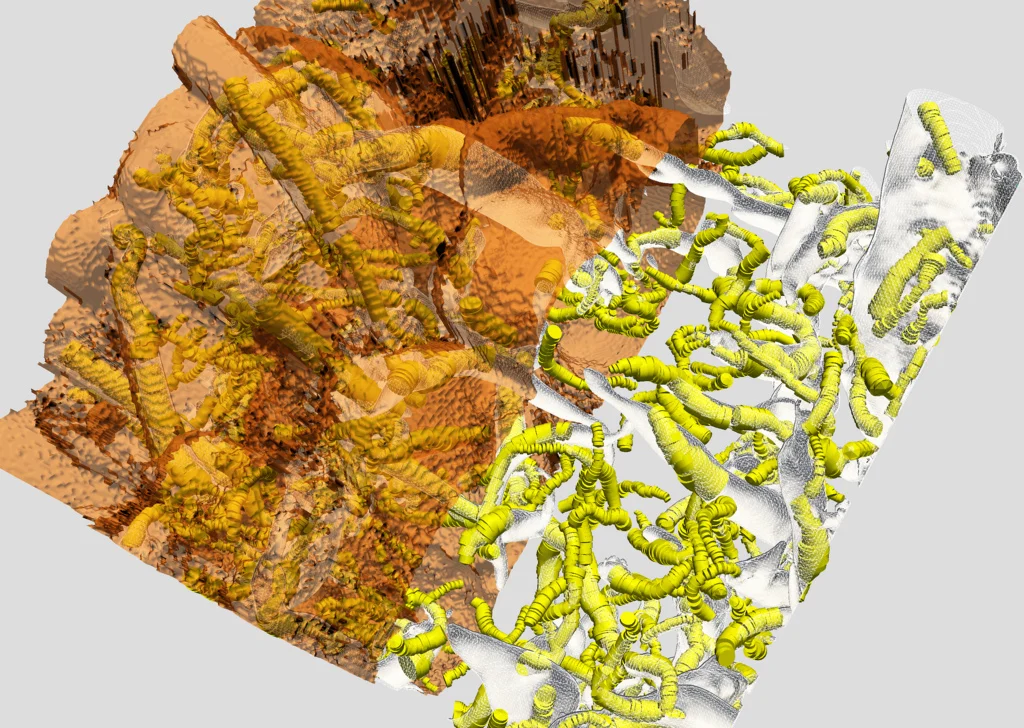
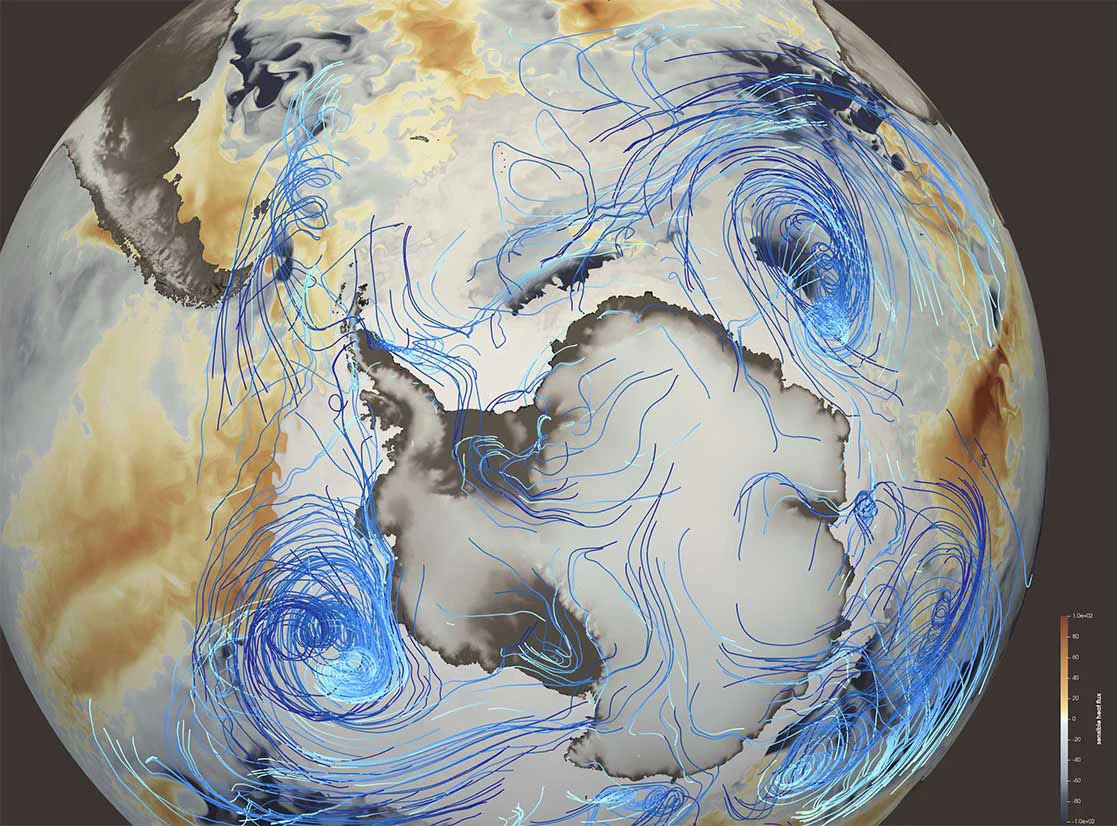
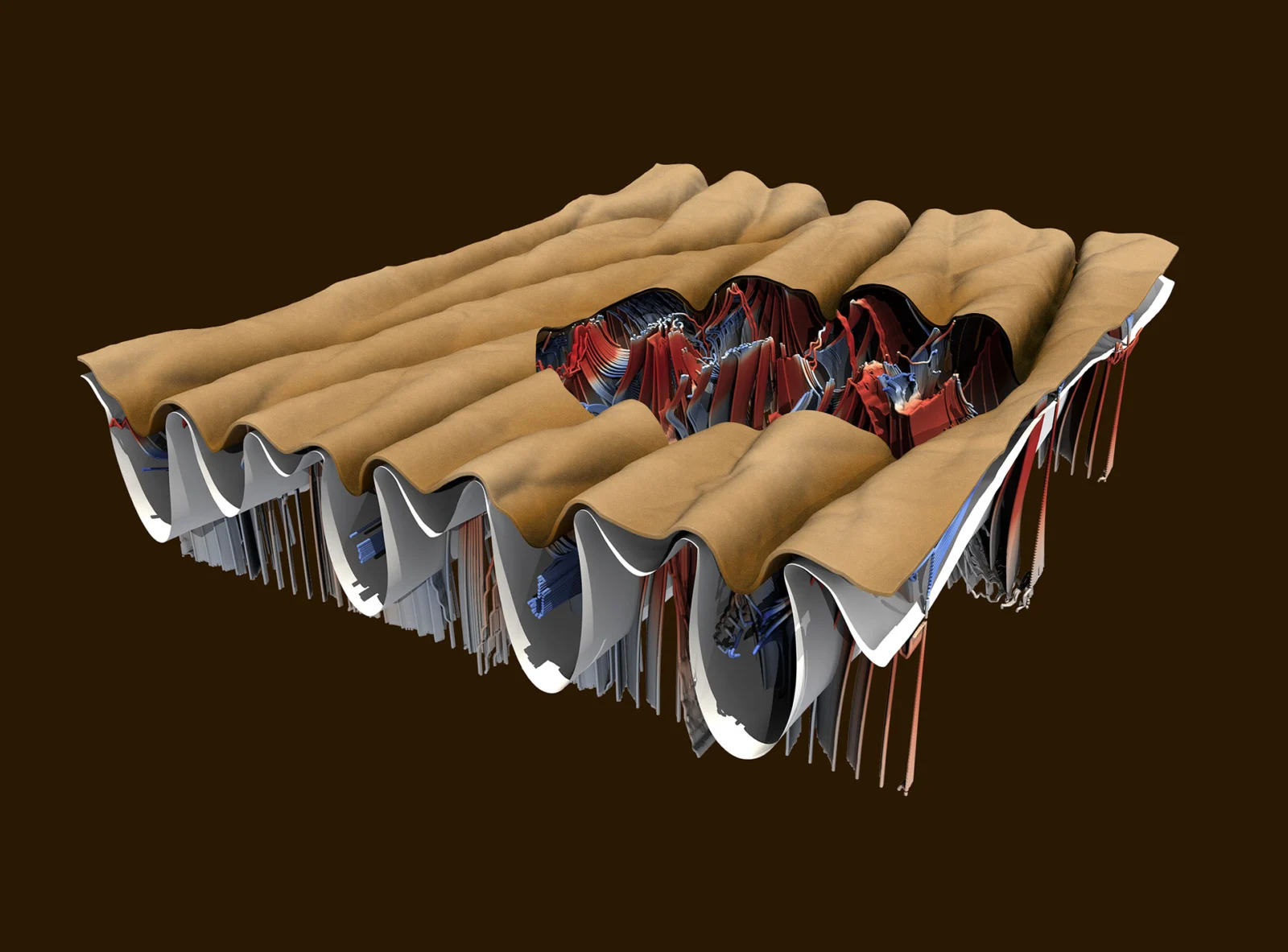
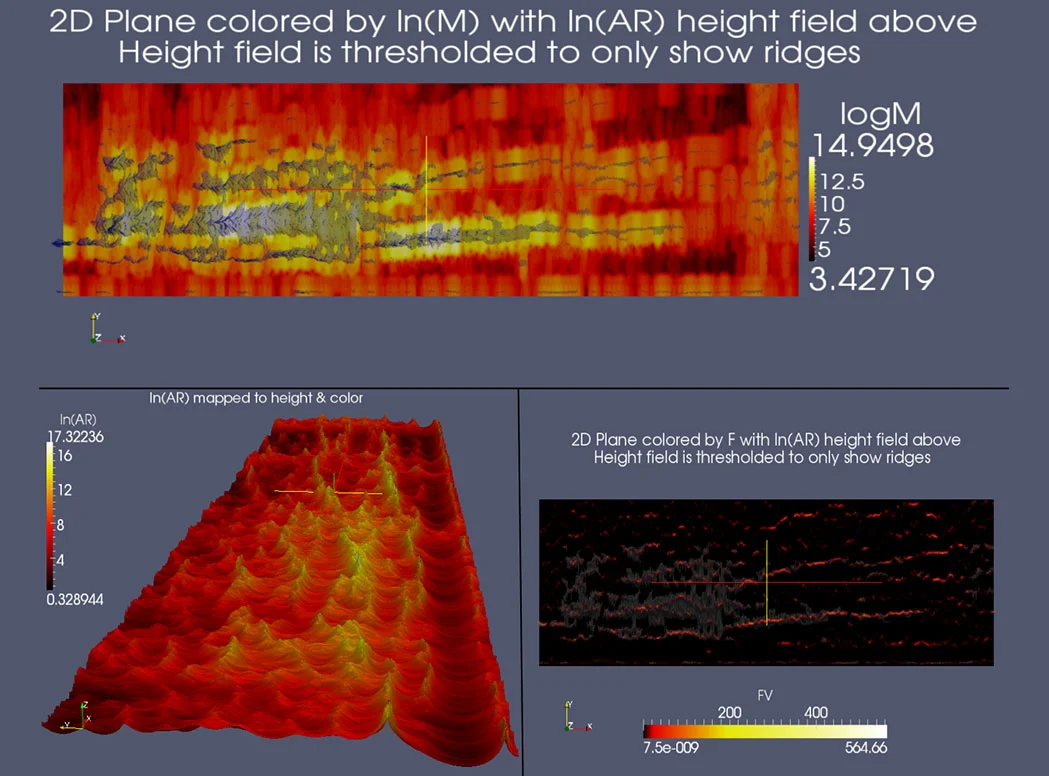
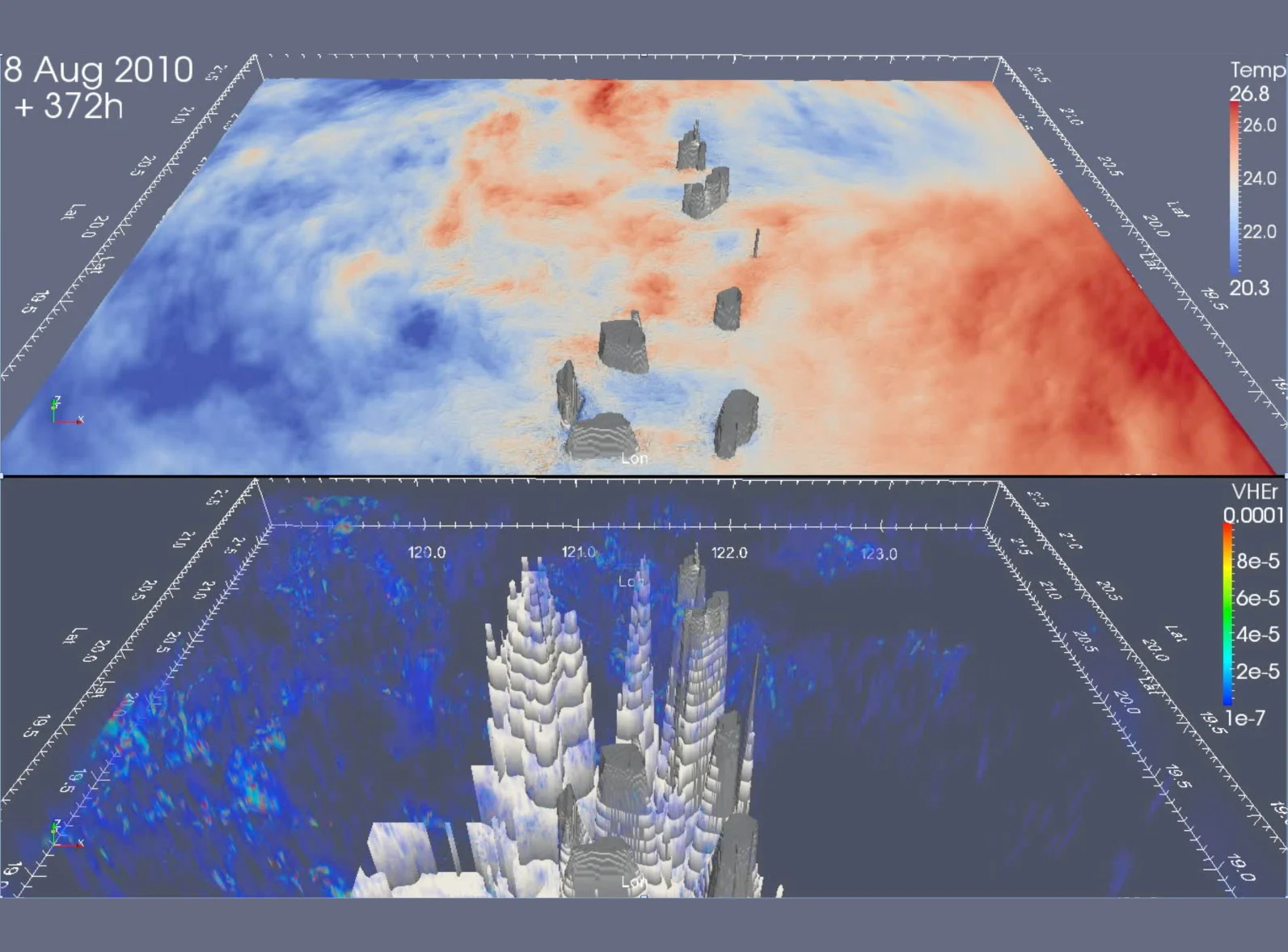
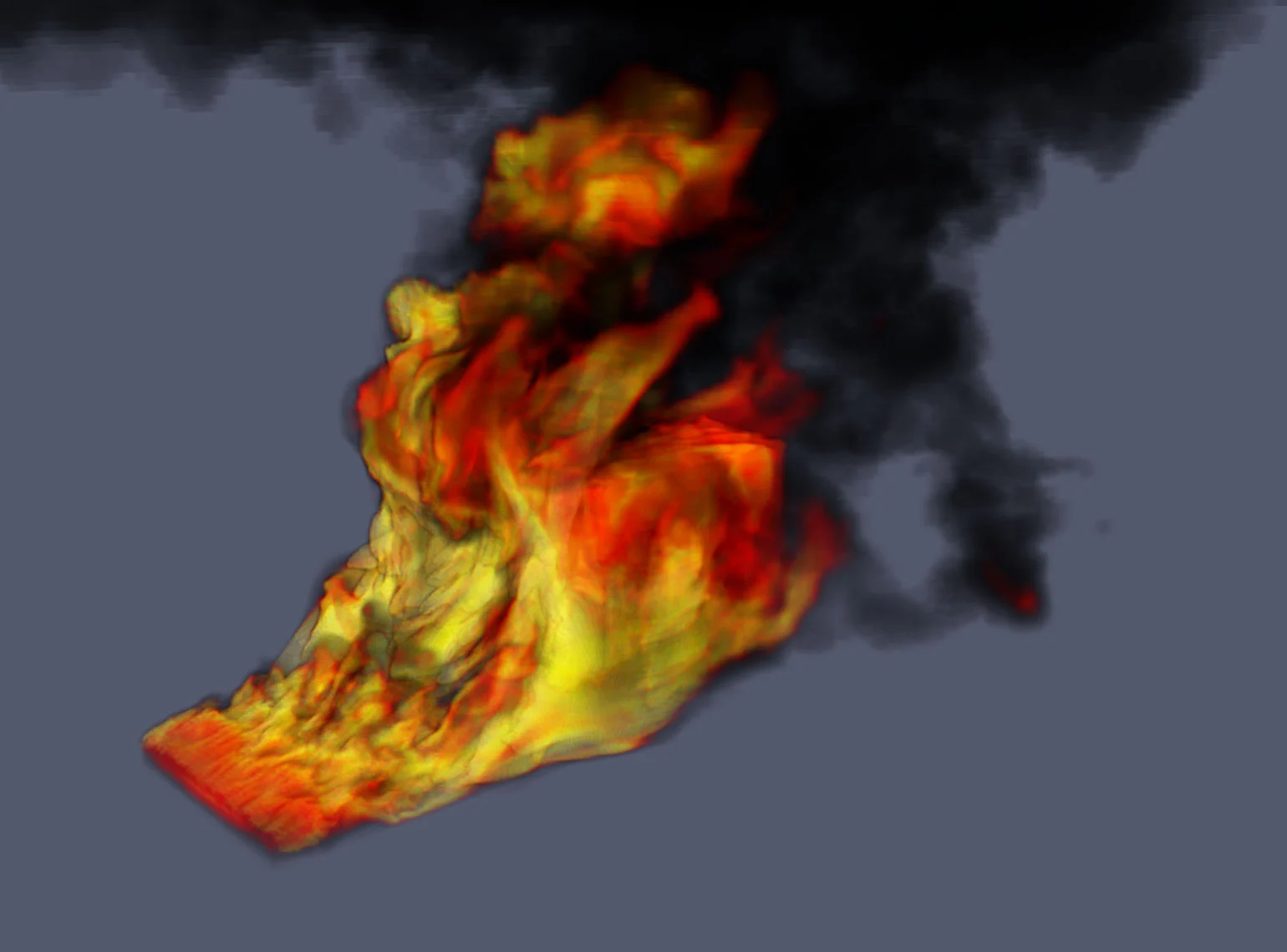
ParaView is an open-source application and extensible framework for scientific data analysis and visualization. It supports interactive desktop work as well as scripted processing and visualization of large datasets.
Its client-server design can move processing to a remote computer or cluster. This helps teams work with datasets where local hardware is insufficient, but server configuration and network security remain the user’s responsibility.
ParaView Decision Snapshot
A quick way to understand who this product may suit, where its limits matter, and which facts are most relevant before you compare alternatives.
Best suited toResearch and engineering teams that need to inspect, process, animate, and automate visualization of scientific or simulation datasets, including work on remote compute resources.
Look elsewhere ifBuyers seeking a hosted, turnkey visualization service or users who need vendor-managed onboarding and support included with a subscription may prefer a commercial product, and should evaluate alternatives such as VisIt or Tecplot 360 instead.
PlatformsAPI, Desktop, Linux, macOS, Windows
TechZella assessment7.1/10
ParaView — What Sets It Apart?
These are the product-specific differences that may matter when deciding whether the software fits your workflow. They are based on documented evidence rather than a universal ranking.
- Combines an interactive desktop application with Python scripting and batch execution for repeatable analysis.
- Supports remote client-server processing so data can remain on a compute server while users work from a desktop client.
- The project is released under the BSD 3-Clause license, including royalty-free commercial use.
Editorial assessmentParaView Pros & Cons
Pros
- No software license charge, with royalty-free commercial use under BSD 3-Clause terms.
- Supports a broad range of scientific and engineering data formats.
- Python scripting can automate analysis and batch jobs.
- Remote and parallel processing can use cluster resources.
Cons
- Remote server deployment and parallel workflows require technical configuration.
- The documented client-server connection does not provide authentication or encryption by default.
- Kitware's support, training, and customization services are separate from the free software.
- The project's breadth and pipeline workflow may require users to learn its data and filter model.
ParaView Gotchas & Operational Limits
These are documented constraints or practical friction points that may matter before you adopt the product.
ParaView's documented client-server connection does not authenticate clients or encrypt data in transit by default.
Organizations should restrict server exposure and use network controls or SSH tunneling when visualizing sensitive data.
Evidence source ↗MPI-enabled Windows binaries require MS-MPI, while Linux installations may need additional system libraries.
Deployment may require administrator involvement and platform-specific prerequisite checks.
Evidence source ↗ParaView Pricing & Plans
ParaView
$0
Free
Open-source software under the BSD 3-Clause license. Kitware separately offers optional paid support, training, and customization.
Check current pricing →Pricing may change. Verify current plans on the vendor's website.
Cost contextTotal Cost & Hidden Costs
Additional costs or implementation requirements that are documented in the available evidence.
License and hosting
The BSD 3-Clause software license permits royalty-free use, including commercial use. Desktop binaries are downloadable; compute, storage, and cluster infrastructure costs are not specified by the project and depend on the user's environment.
Evidence source ↗Implementation and onboarding
The official download page directs users to documentation and learning resources; Kitware separately offers support, training, and customization. Public fixed onboarding fees or required implementation hours were not found.
Evidence source ↗Support and add-on services
Kitware describes pre-paid support and customizable support contracts but does not publish prices on the service page. Buyers should request a quote if they need paid support or custom development.
Evidence source ↗ParaView Competitors & Alternatives
Compare similar products directly, then see which alternatives may make more sense when your requirements differ.
At a glance
Open Source SoftwareOnly factors supported by the available research are shown. The comparison is descriptive, not a ranking.
Direct competitors
These products address broadly similar requirements. The descriptions focus on documented reasons a buyer might compare them with ParaView.
CapabilitiesParaView Features
Data analysis and visualization
- Readers for scientific and simulation data formats
- More than 200 data filters
- Interactive 2D and 3D views
- Time-series animation and export
- Queries, selections, and programmable filters
Automation and extensibility
- Python scripting and tracing
- Batch processing with pvbatch
- Python client through pvpython
- Plugins and custom filters
- Catalyst in situ analysis integration
Parallel and remote workflows
- Client-server processing through pvserver
- MPI-based parallel execution
- Remote visualization from a local client
- Support for large displays and immersive visualization
ParaView Specifications
| License | BSD 3-Clause |
|---|
| Desktop operating systems | Linux, macOS, Windows |
|---|
| API and scripting | Python API, pvpython, pvbatch |
|---|
| Deployment | Desktop application; remote client-server; parallel server |
|---|
| Supported data examples | OpenFOAM, EnSight, CGNS, NetCDF, Tecplot, XDMF |
|---|
| Current researched release | 6.2.0, announced September 30, 2026 |
|---|
Exit planningMigration & Lock-In
Documented portability, standards, export, or switching considerations. No switching-cost score is shown unless the evidence supports one.
Data portability
ParaView reads numerous scientific and simulation formats, including OpenFOAM, EnSight, CGNS, NetCDF, Tecplot, and XDMF. The source code is also available from the project repository.
Evidence source ↗Our evidence-based assessmentTechZella Score
A proprietary editorial score based on product capabilities, usability, value, performance, support and user sentiment evidence.
7.1/10Moderate confidence
The official documentation describes broad data readers, more than 200 filters, Python automation, and parallel remote workflows. ParaView is free under a permissive license; no verified third-party ratings or review themes were found.
Methodology v1.0. The assessment weighs feature coverage (25%), ease of use (15%), value for money (20%), performance (15%), support (10%) and user sentiment (15%), using researched product evidence and verified review evidence where available. It is a TechZella editorial assessment, not a direct user-review average.
Editorial transparency
Our Review Methodology
Key claims are linked to the sources used to verify them. This evidence record is separate from third-party user ratings.
TechZella evaluates software using documented product capabilities, pricing information, usability and value considerations, independent user evidence where available, and competitive context. The assessment is an editorial review, not a hands-on test unless one is explicitly identified. Our editorial assessment is based on 6 documented sources.
What TechZella adds- Combines an interactive desktop application with Python scripting and batch execution for repeatable analysis.
- Supports remote client-server processing so data can remain on a compute server while users work from a desktop client.
- The project is released under the BSD 3-Clause license, including royalty-free commercial use.
Important limitations- Remote client-server mode does not authenticate clients or encrypt traffic by default; the documentation recommends network protections such as SSH tunneling.
- Installation and configuration may require system libraries, MPI, server setup, and knowledge of the user's computing environment.
- Commercial support and customization are separately offered by Kitware; they are not included as a priced support tier in the free download.
Evidence-backed claimsParaView is distributed under the BSD 3-Clause license.The official license page identifies the license and permits royalty-free use, including commercial use.
View source ↗Verified 2026-11-10The ParaView project began in 2000 as a collaboration involving Kitware and Los Alamos National Laboratory.The official About page gives the project start year and identifies the initial collaboration.
View source ↗Verified 2026-11-10ParaView provides readers for formats including OpenFOAM, EnSight, NetCDF, Tecplot, and XDMF.The official feature page lists these formats among its readers.
View source ↗Verified 2026-11-10ParaView supports Python automation and batch workflows.Official scripting documentation describes Python scripts for analysis, batch processing, and client-server workflows.
View source ↗Verified 2026-11-10ParaView can use a remote server for data processing and visualization.The reference manual documents connecting a client to pvserver and explains that file I/O and processing occur server-side.
View source ↗Verified 2026-11-10ParaView 6.2.0 was announced on September 30, 2026.The ParaView project announcement states that version 6.2.0 was available and links to its release notes.
View source ↗Verified 2026-11-10 Common questionsParaView FAQs
Answers begin with the clearest available response, followed by the context that helps you act on it.
Is ParaView free for commercial use?
Yes. Its BSD 3-Clause license permits royalty-free commercial use, subject to the license conditions.
Does ParaView run on Windows, macOS, and Linux?
Yes. The official documentation describes binary downloads for all three operating systems.
Can ParaView process data on a remote cluster?
Yes. A ParaView client can connect to pvserver on a remote system, where data processing and file access occur.
Does ParaView include a Python API?
Yes. Its Python modules support visualization workflows, scripting, and batch processing.
Does ParaView support OpenFOAM files?
Yes. OpenFOAM appears in ParaView's official list of supported readers.
Community feedback
Reviews
No reviews yet. Be the first to share your experience.
Write a Review
Please log in to submit a review.
Recently added Open Source Software