
There is no free trial under the current pricing information.
Buyers need to evaluate the product through a demo and paid monthly plan rather than a free trial period.
Evidence source ↗
RevenueHero qualifies and routes inbound leads, then schedules meetings with the appropriate sales representative and syncs meeting details with CRM systems.
The assessment reflects published routing, scheduling, CRM, workflow and pricing details, plus G2's aggregate rating and review-summary themes. It is not based on hands-on testing.
This profile combines documented product information and independent evidence where available. It is not a hands-on test unless TechZella explicitly identifies one.
RevenueHero is a hosted sales-routing and meeting-scheduling product for inbound leads. It qualifies prospects using form answers and CRM information, applies routing rules, and presents a booking flow for the assigned representative.
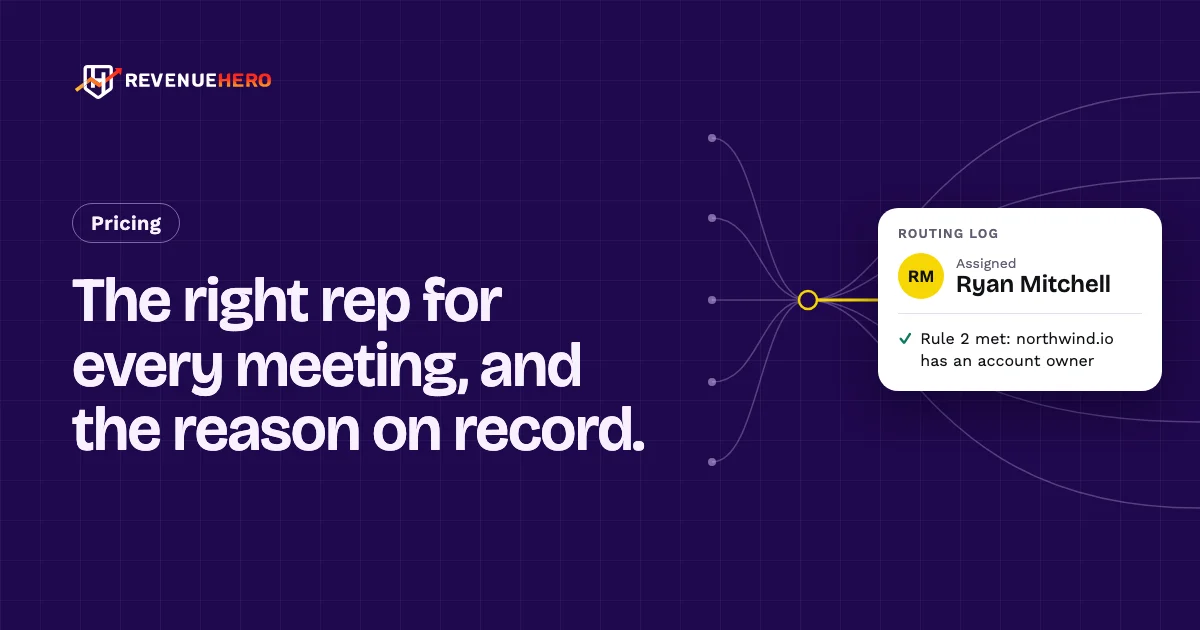
Its CRM integrations can log meeting details and update ownership. A Routing Log records which rules matched and how each form fill was assigned, which can help revenue operations teams investigate routing outcomes.
A quick way to understand who this product may suit, where its limits matter, and which facts are most relevant before you compare alternatives.
B2B sales and revenue operations teams that want qualified inbound form leads routed to an appropriate rep and scheduled without a separate follow-up exchange.
Teams seeking a free trial, a low-cost basic calendar-link tool, or a broad platform spanning extensive visitor engagement and live-chat workflows may prefer another approach, and should evaluate alternatives such as Chili Piper or Calendly instead.
Chrome extension, Google Chrome, SaaS, Web
8.0/10
These are the product-specific differences that may matter when deciding whether the software fits your workflow. They are based on documented evidence rather than a universal ranking.
These are documented constraints or practical friction points that may matter before you adopt the product.
Buyers need to evaluate the product through a demo and paid monthly plan rather than a free trial period.
Evidence source ↗A per-seat headline alone understates the total cost, particularly for smaller teams.
Evidence source ↗Teams relying on enrichment should account for the add-on and confirm expected lead volume before budgeting.
Evidence source ↗Inbound routing plan; monthly billing is also offered at $99 platform fee plus $35 per seat. No seat minimum; admins are free.
Check current pricing →Adds CRM-property matching, fuzzy matching, custom lists, advanced distribution, fallback routing and webhooks. Monthly billing is also offered at $199 platform fee plus $45 per seat.
Check current pricing →Advanced add-on for SDRs booking meetings on behalf of account executives; $25 per seat with monthly billing.
Check current pricing →Advanced add-on for preventing invalid, disposable and spam-trap email addresses from reaching the scheduler.
Check current pricing →Advanced add-on with 500 monthly credits; monthly billing is listed at $99, and additional credit requirements should be discussed with sales.
Check current pricing →Pricing may change. Verify current plans on the vendor's website.
Compare similar products directly, then see which alternatives may make more sense when your requirements differ.
| Decision factor | RevenueHero | Chili Piper | Calendly |
|---|---|---|---|
| Core scope | Inbound lead qualification, routing and meeting scheduling, with CRM handoff workflows. | Growth includes form routing and scheduling, live connections, chat journeys, follow-up and lead ownership workflows. Source ↗ | Teams combines team scheduling with lead qualification and routing; Enterprise adds Salesforce lookup routing. Source ↗ |
| Pricing model | Inbound Essentials starts at a $79 monthly platform fee plus $25 per seat with yearly billing; monthly billing is also listed. | Growth starts at $1,250 per month with 15 seats included; plans are billed annually. Source ↗ | Calendly Teams is listed at $16 per seat per month, with annual billing; Enterprise starts at $15,000 per year. Source ↗ |
| Integrations | Native integrations listed include HubSpot, Salesforce, Zoho, Freshworks, Slack and Attio. | The pricing page lists Salesforce and HubSpot CRM, Google and Outlook calendars, Slack, Microsoft Teams, Marketo and other integrations. Source ↗ | Calendly's pricing page lists HubSpot, Marketo, Pardot, Salesforce and, on Enterprise, Microsoft Dynamics. Source ↗ |
| Deployment | Hosted SaaS with booking pages, forms and a Chrome extension. | The pricing page describes a hosted platform with web-based routing and scheduling workflows. Source ↗ | Hosted scheduling software with a browser extension listed on its Free plan. Source ↗ |
Only factors supported by the available research are shown. The comparison is descriptive, not a ranking.
These products address broadly similar requirements. The descriptions focus on documented reasons a buyer might compare them with RevenueHero.

| Deployment | Cloud-based SaaS |
|---|---|
| Browser extension | Chrome extension |
| Free trial | Not available according to current official pricing page |
| Meeting and form limits | Unlimited with no overage charges according to the vendor |
| Admin seats | Free |
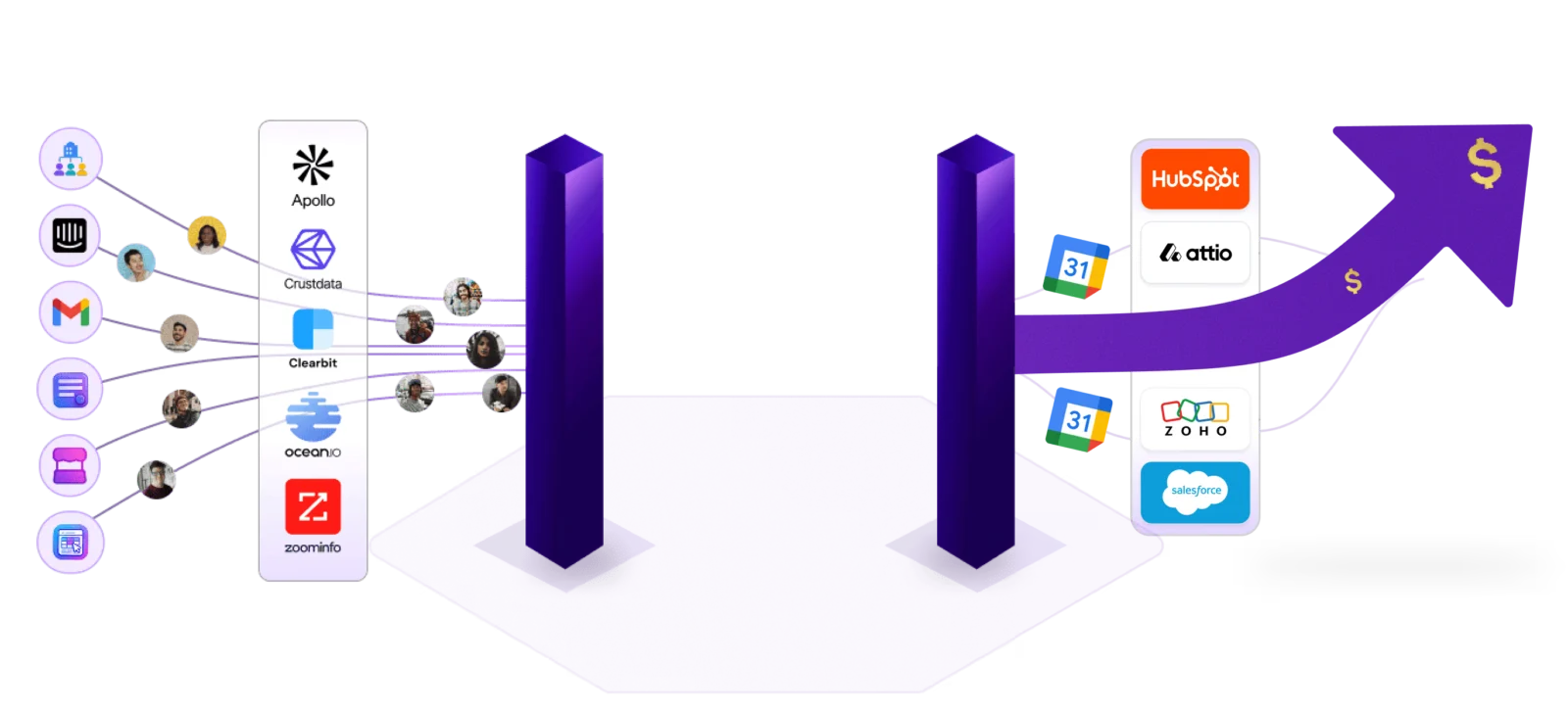
| CRM integrations | HubSpot, Salesforce, Zoho, Freshworks and Attio are listed as native integrations |
| API and extensibility | Webhooks and custom code on booking pages are listed on Advanced; a public general-purpose API was not verified in the sources reviewed |
| Security | Vendor states SOC 2 Type 2 compliance; Okta SSO is listed for Advanced |
| Support | Slack Connect support with a stated reply within 24 hours on every plan |
| Onboarding | Guided onboarding included; vendor says most teams go live in under a week |
Verified installation, hosting, administration, or environment details that can affect implementation.
| Hosting | Hosted cloud SaaS; the vendor describes the service as cloud-based. Source ↗ |
|---|---|
| Implementation | Guided onboarding is included without a separate setup fee; the pricing page says most teams go live in under a week. Source ↗ |
Documented portability, standards, export, or switching considerations. No switching-cost score is shown unless the evidence supports one.
RevenueHero publishes a migration guide and says customers have switched from Chili Piper, HubSpot Meetings and Calendly.
Evidence source ↗The vendor describes CRM connection as a one-click process; routing-rule review and sign-off can affect the implementation timeline.
Evidence source ↗A proprietary editorial score based on product capabilities, usability, value, performance, support and user sentiment evidence.
The assessment reflects published routing, scheduling, CRM, workflow and pricing details, plus G2's aggregate rating and review-summary themes. It is not based on hands-on testing.
Methodology v1.0. The assessment weighs feature coverage (25%), ease of use (15%), value for money (20%), performance (15%), support (10%) and user sentiment (15%), using researched product evidence and verified review evidence where available. It is a TechZella editorial assessment, not a direct user-review average.
Key claims are linked to the sources used to verify them. This evidence record is separate from third-party user ratings.
TechZella evaluates software using documented product capabilities, pricing information, usability and value considerations, independent user evidence where available, and competitive context. The assessment is an editorial review, not a hands-on test unless one is explicitly identified. Our editorial assessment is based on 3 documented sources.
G2's vendor profile lists 2021 as the year founded.
View source ↗Verified 2026-11-04The official pricing page describes both plans, their platform fees, per-seat charges and plan feature differences.
View source ↗Verified 2026-11-04The pricing page states there are no caps and no overage charges for meetings and form submissions.
View source ↗Verified 2026-11-04Its official integration and pricing pages name HubSpot, Salesforce, Zoho, Freshworks, Slack and Attio.
View source ↗Verified 2026-11-04The plan comparison lists webhooks and custom code on booking pages as Advanced features.
View source ↗Verified 2026-11-04The pricing FAQ directs prospects to start with a monthly plan instead of a free trial.
View source ↗Verified 2026-11-04The vendor's pricing FAQ makes this compliance statement and says Advanced adds Okta SSO.
View source ↗Verified 2026-11-04Answers begin with the clearest available response, followed by the context that helps you act on it.
No reviews yet. Be the first to share your experience.
Please log in to submit a review.