
WhatsApp API conversations cannot use audio or video calls or screen sharing.
Teams needing live voice or video support must provide another channel for those interactions.
Evidence source ↗
Userlike combines website chat and messaging channels in a shared inbox, with chatbot, AI knowledge-base, routing, and customer-support features.
The product combines web chat, messaging channels, API access, and optional AI automation. Public ratings are positive on G2 and Capterra, but the available review evidence does not establish hands-on performance or consistent support outcomes. AI features and some messaging capabilities add to the base plan cost.
This profile combines documented product information and independent evidence where available. It is not a hands-on test unless TechZella explicitly identifies one.
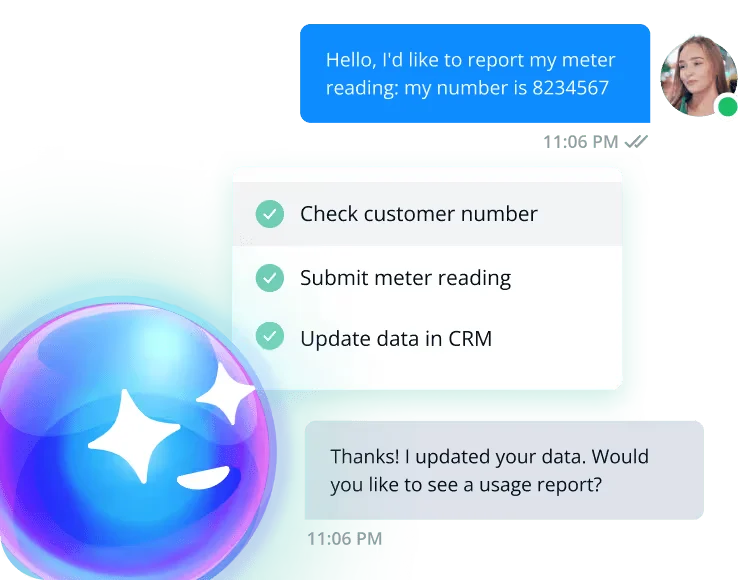
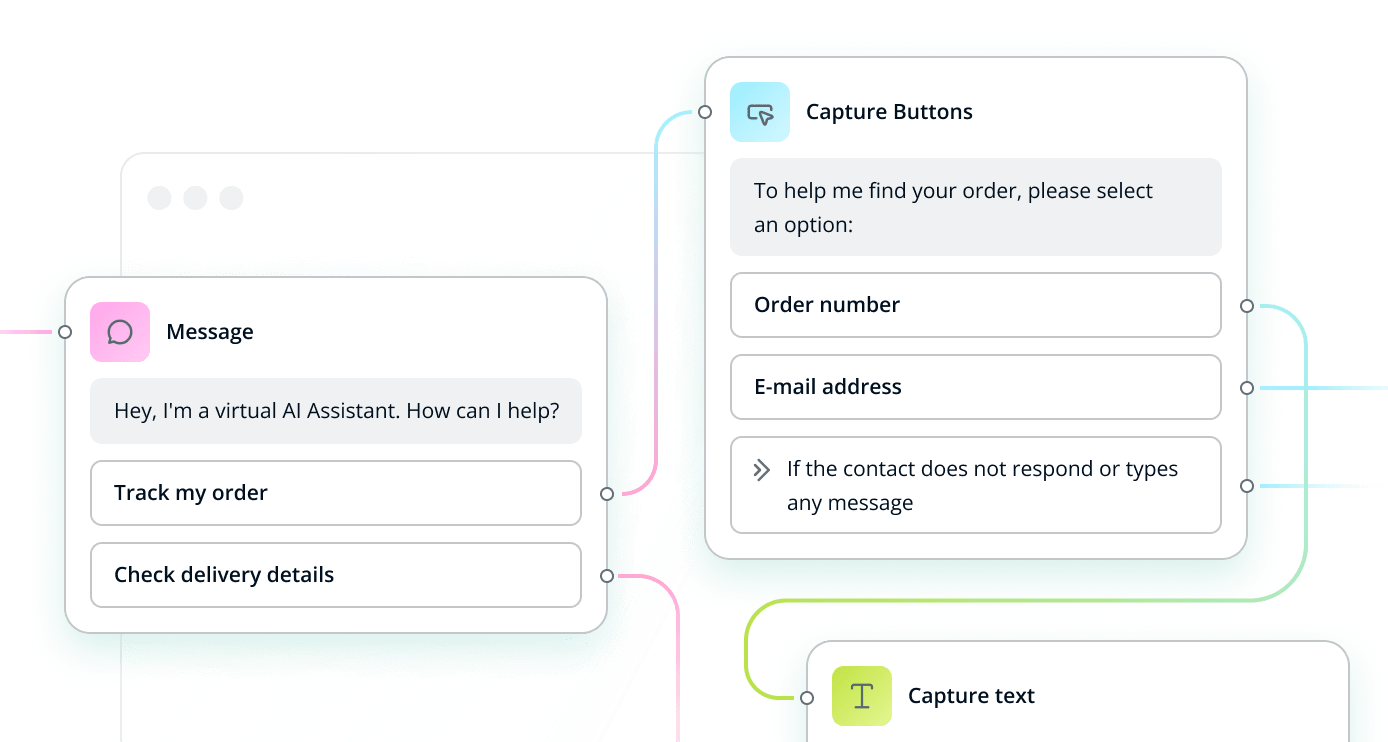
Userlike is a customer-service messaging product for website chat and connected messaging channels. Operators handle conversations in a shared Message Center, with options for routing, chatbot workflows, and customer feedback.
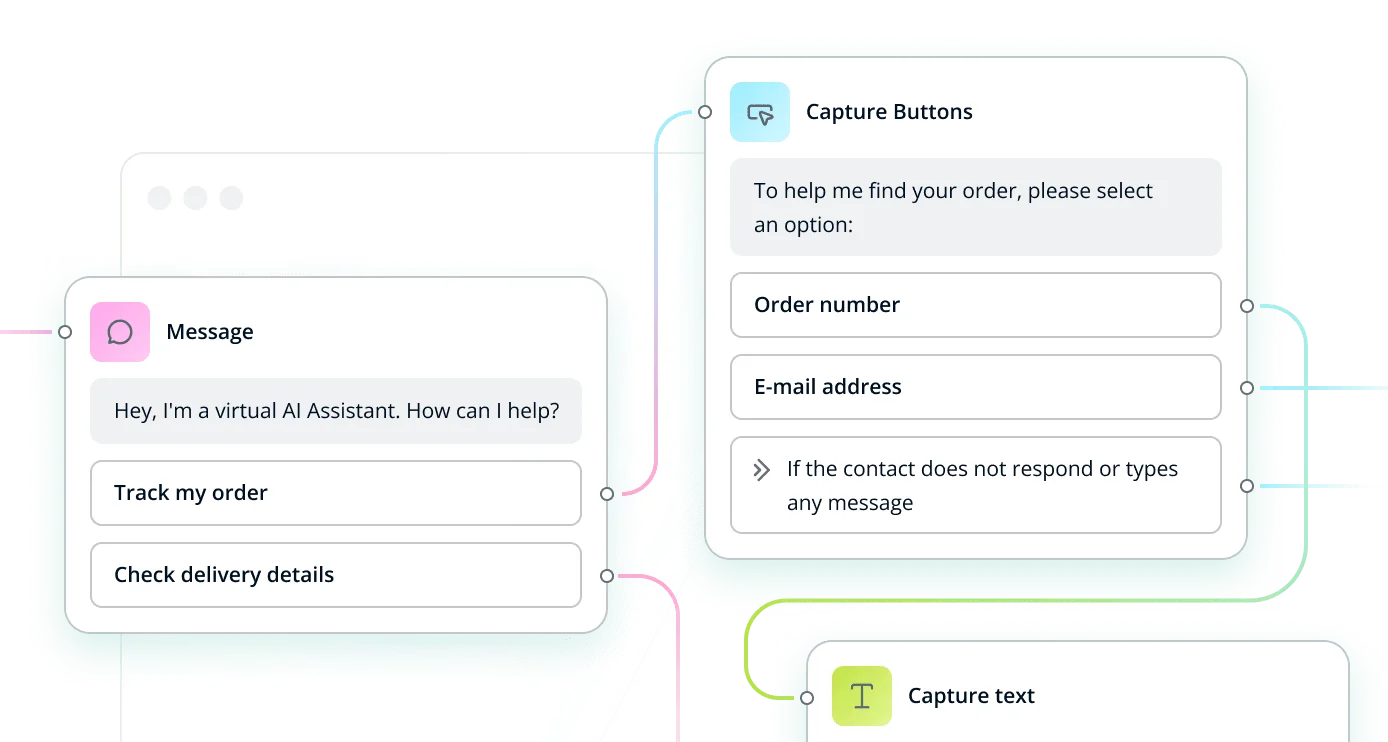
The product also offers an optional AI Automation Hub, which connects a knowledge base with chatbot, Smart FAQ, and contact-form suggestion features. The pricing page lists the Hub as an add-on rather than a feature included in every base plan.
A quick way to understand who this product may suit, where its limits matter, and which facts are most relevant before you compare alternatives.
Businesses that want website chat and selected messaging channels managed in one inbox, with optional chatbot automation and CRM or workflow integrations.
Teams that need full API access on an entry plan, a dedicated native mobile agent app, or AI automation included in the base subscription may need another fit or a higher-cost plan, and should evaluate alternatives such as LiveChat or Intercom instead.
REST API, SaaS, Web, WordPress
8.0/10
These are the product-specific differences that may matter when deciding whether the software fits your workflow. They are based on documented evidence rather than a universal ranking.
These are documented constraints or practical friction points that may matter before you adopt the product.
Teams needing live voice or video support must provide another channel for those interactions.
Evidence source ↗The subscription price alone may not represent the full cost of campaign messaging.
Evidence source ↗Mobile access is available for conversation handling but is not equivalent to full mobile administration.
Evidence source ↗Existing integrations using older endpoints may need review before implementation or upgrade.
Evidence source ↗One seat. Includes unlimited conversations, messenger customization, file sharing, and feedback options.
Check current pricing →Four seats, unlimited channels, and two WhatsApp numbers. Includes basic API access and standard onboarding.
Check current pricing →Ten seats, unlimited channels, and four WhatsApp numbers. Includes analytics.
Check current pricing →Ten or more seats and four or more WhatsApp numbers; includes full API access and advanced routing.
Check current pricing →Optional add-on connecting AI automation and chatbot features to a central knowledge base.
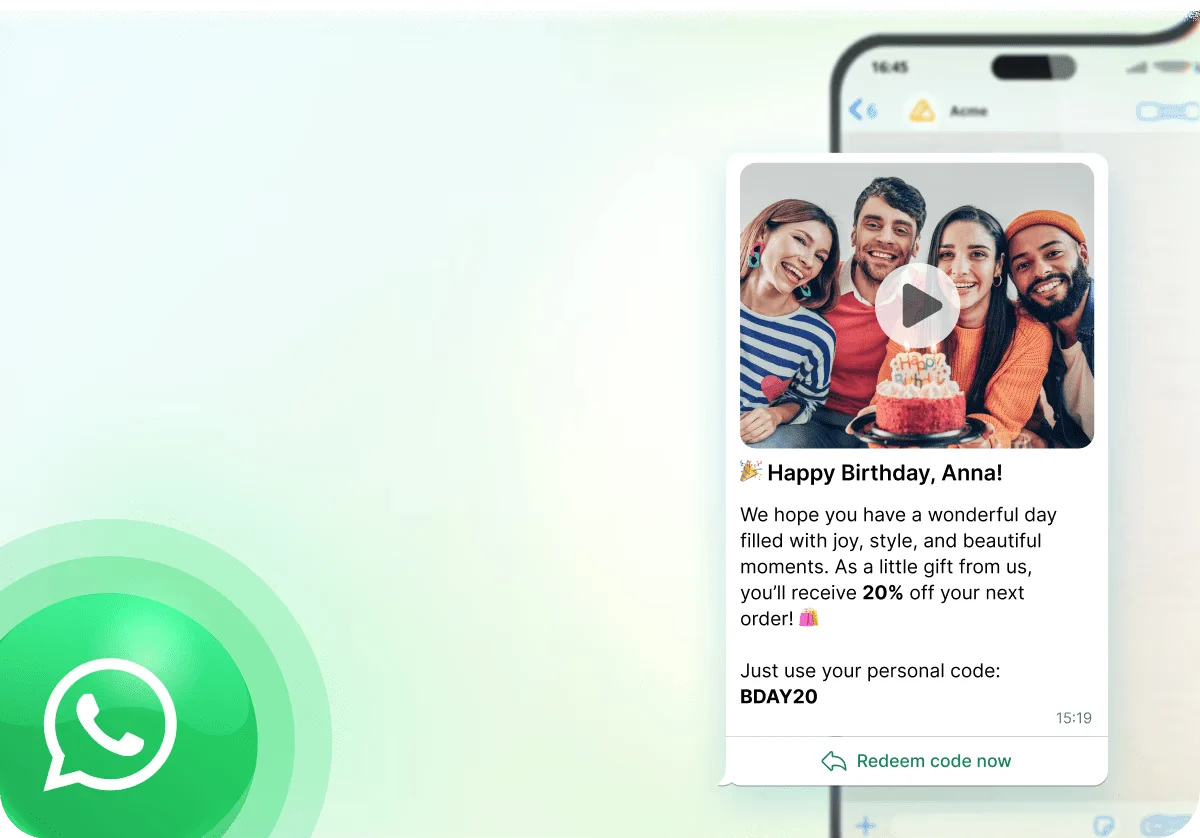
Check current pricing →Optional add-on; WhatsApp conversation costs also apply.
Check current pricing →Pricing may change. Verify current plans on the vendor's website.
Compare similar products directly, then see which alternatives may make more sense when your requirements differ.
These products address broadly similar requirements. The descriptions focus on documented reasons a buyer might compare them with Userlike.
| Deployment | Hosted SaaS |
|---|---|
| Hosting location | Vendor describes the service as hosted in Germany; WhatsApp Cloud API data is processed and stored on Meta servers. |
| Free trial | 14 days; account switches to Free afterward. |
| API access | Basic access listed for Team; full API access listed for Flex. JSON API documentation covers v3. |
| Mobile access | Mobile browser access for conversations; desktop view required for administration. |
| WordPress integration | Documented plugin installation using a Userlike widget key. |
| Support hours | 09:00–18:00 CET/CEST, according to the vendor support page. |
Verified installation, hosting, administration, or environment details that can affect implementation.
| Hosting | Hosted service; Userlike describes the product as hosted in Germany. WhatsApp Cloud API data is processed and stored on Meta servers. Source ↗ |
|---|---|
| Website installation | Website Messenger can be installed through a widget code snippet; a WordPress plugin is also documented. Source ↗ |
| Mobile access | Agents can open the Message Center from a mobile browser; administrative options use the desktop view. Source ↗ |
Documented portability, standards, export, or switching considerations. No switching-cost score is shown unless the evidence supports one.
The JSON API guide documents v3 and notes that v2 was disabled. Integrations relying on v2 should be checked against the v3 documentation.
Evidence source ↗A proprietary editorial score based on product capabilities, usability, value, performance, support and user sentiment evidence.
The product combines web chat, messaging channels, API access, and optional AI automation. Public ratings are positive on G2 and Capterra, but the available review evidence does not establish hands-on performance or consistent support outcomes. AI features and some messaging capabilities add to the base plan cost.
Methodology v1.0. The assessment weighs feature coverage (25%), ease of use (15%), value for money (20%), performance (15%), support (10%) and user sentiment (15%), using researched product evidence and verified review evidence where available. It is a TechZella editorial assessment, not a direct user-review average.
Key claims are linked to the sources used to verify them. This evidence record is separate from third-party user ratings.
TechZella evaluates software using documented product capabilities, pricing information, usability and value considerations, independent user evidence where available, and competitive context. The assessment is an editorial review, not a hands-on test unless one is explicitly identified. Our editorial assessment is based on 7 documented sources.
The official pricing page lists all four plans and their included seat counts or custom-quote status.
View source ↗Verified 2026-10-27The official pricing page lists basic API access for Team and full API access for Flex.
View source ↗Verified 2026-10-27The official setup guide describes installing and configuring the Userlike WordPress plugin with a widget key.
View source ↗Verified 2026-10-27The API documentation describes conditional loading, triggering, and mounting or unmounting the messenger.
View source ↗Verified 2026-10-27The vendor's pricing page states the trial lasts 14 days and the account automatically switches to Free when the trial ends.
View source ↗Verified 2026-10-27The JSON API guide identifies itself as v3 documentation and notes that v2 was disabled.
View source ↗Verified 2026-10-27The company's legal notice lists the company name and Cologne address.
View source ↗Verified 2026-10-27CB Insights lists 2011 as its founded year; this was not confirmed on a reviewed first-party company history page.
View source ↗Verified 2026-10-27Yes. Userlike advertises a 14-day trial, then automatically switches the account to its Free version.
Yes. The official pricing page lists a Free plan at €0 per month with one seat.
Yes. Its documentation describes installing the Userlike plugin from the WordPress admin area and entering a widget key.
Yes. Team lists basic API access and Flex lists full API access. The vendor also documents a Website Messenger API and JSON API v3.
Yes. The Message Center can be opened in a mobile browser for conversation handling. Administrative options require the desktop view.
No. Userlike’s WhatsApp API integration supports messaging but not audio or video calls or screen sharing.
No reviews yet. Be the first to share your experience.
Please log in to submit a review.