
Starter permits one channel type, selected from Email, Front Chat, or SMS.
Teams that need simultaneous channel types must budget for Professional or Enterprise.
Evidence source ↗
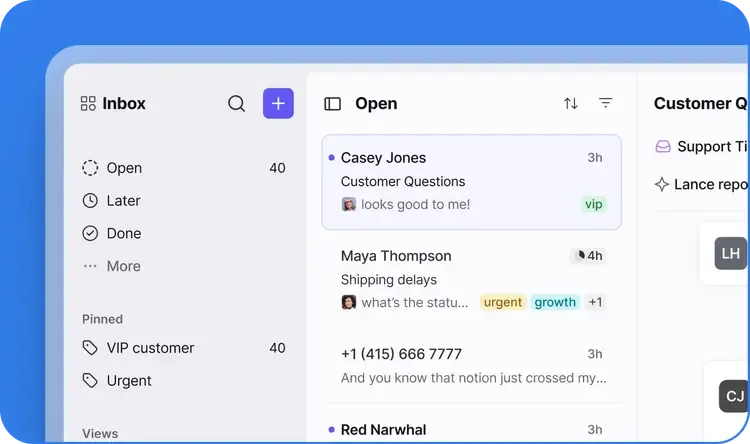
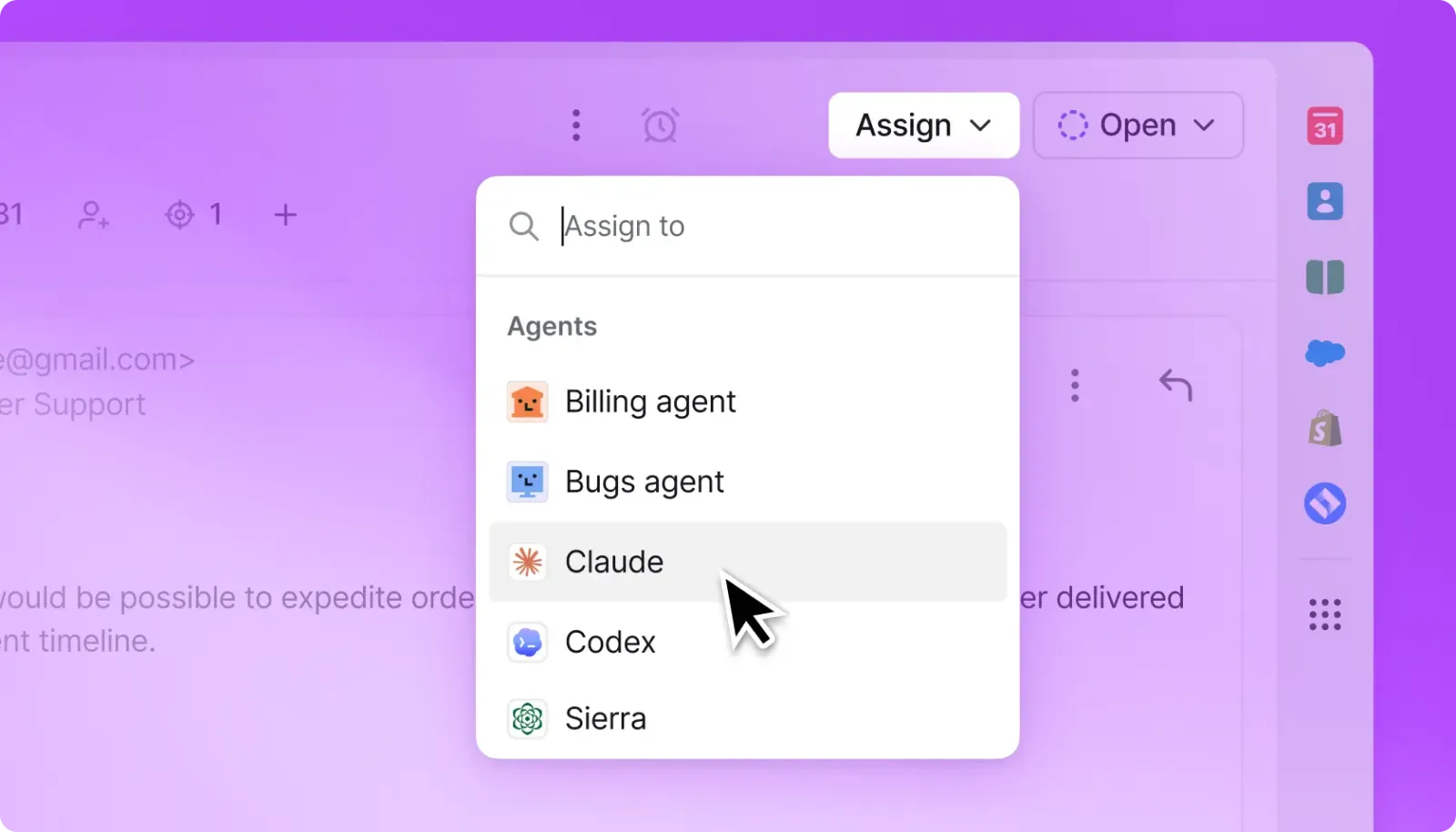
Front is a cloud customer-service workspace that combines shared inboxes, ticketing, communication channels, automation, integrations, and AI tools.
Front documents shared inboxes, ticketing, multi-channel communication, automation, integrations, APIs, and AI features. G2 lists a 4.7/5 rating from 2,514 reviews; its review page also surfaces concerns about cost, setup complexity, reporting flexibility, and AI adjustments.
This profile combines documented product information and independent evidence where available. It is not a hands-on test unless TechZella explicitly identifies one.
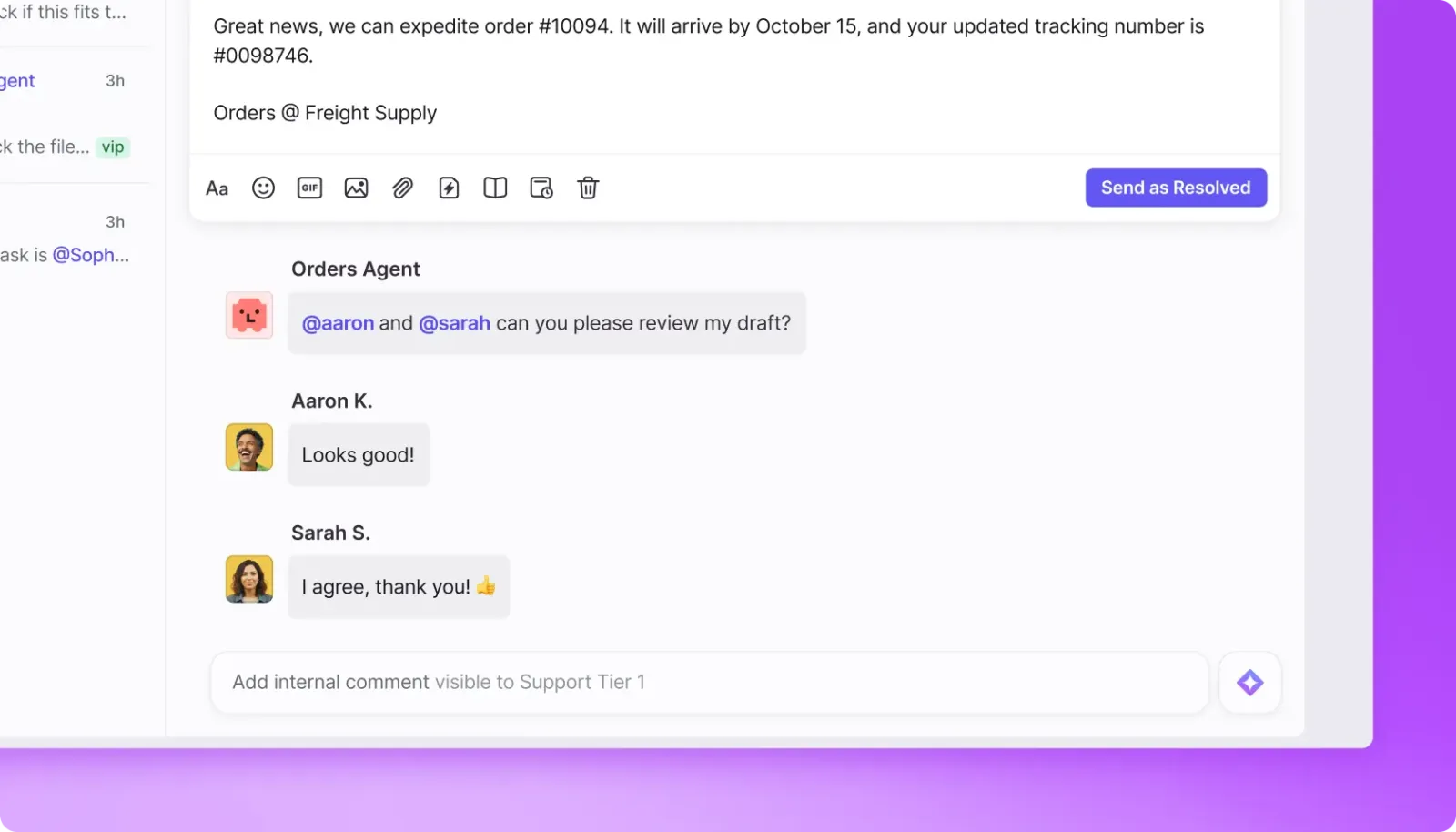
Front is a cloud-based customer-service workspace for teams handling customer conversations across shared inboxes and other channels. It combines conversation ownership, internal collaboration, ticketing, routing, analytics, and integrations in one product.
The product is positioned for customer-facing teams that need coordination across functions, not just a personal email client. Its entry plan supports a single channel type; multiple channel types are available on higher plans.
A quick way to understand who this product may suit, where its limits matter, and which facts are most relevant before you compare alternatives.
B2B customer-facing teams coordinating support, operations, account management, or customer success across shared inboxes and multiple communication channels.
Teams seeking a free ongoing plan, lowest-cost shared email inbox, or unrestricted channel choice on an entry tier may find Front's seat pricing and plan limits restrictive, and should evaluate alternatives such as Intercom or Help Scout instead.
Android, API, iOS, SaaS, Web
8.1/10
These are the product-specific differences that may matter when deciding whether the software fits your workflow. They are based on documented evidence rather than a universal ranking.
These are documented constraints or practical friction points that may matter before you adopt the product.
Teams that need simultaneous channel types must budget for Professional or Enterprise.
Evidence source ↗A trial may not represent a larger team's complete operating environment or Enterprise-only capabilities.
Evidence source ↗Organizations planning an exit or archival should confirm which records they need before relying on the export.
Evidence source ↗Single-channel support plan; listed for up to 10 seats. Includes shared inbox and ticketing, AI Topics, up to 10 automation rules, basic analytics, and a no-code public knowledge base.
Check current pricing →Omnichannel plan listed for up to 50 seats. Adds multiple workspaces, SSO, SCIM, advanced analytics, macros, and up to 20 automation rules.
Check current pricing →Adds smart rules, unlimited rules and macros, multi-language knowledge base, custom roles and permissions, and includes Copilot, QA, and CSAT.
Check current pricing →AI agent add-on; public pricing page lists starting price.
Check current pricing →AI assistant add-on or included with Enterprise.
Check current pricing →AI quality-assurance add-on or included with Enterprise.
Check current pricing →AI-derived customer satisfaction add-on or included with Enterprise.
Check current pricing →Pricing may change. Verify current plans on the vendor's website.
Compare similar products directly, then see which alternatives may make more sense when your requirements differ.
| Decision factor | Front | Intercom | Help Scout |
|---|---|---|---|
| Core workflow | Shared-inbox collaboration and ticketing across customer communication channels, with rules and team workflows. | Customer-service platform combining a shared inbox, ticketing, help center, messaging, and AI agent features. Source ↗ | Customer support built around shared inboxes, Docs, workflows, and a customer portal. Source ↗ |
| Pricing model | Seat-based plans; selected AI and channel capabilities are add-ons or usage-priced. Annual prices begin at $25/seat/month for Starter. | Seat-based plan prices plus usage charges for Fin AI outcomes and certain messaging channels; Essential starts at $29/seat/month annually. Source ↗ | Free plan is available; paid plans include per-user pricing, and AI Answers is priced per resolution. Source ↗ |
| AI pricing | Autopilot starts at $0.05 per conversation; Copilot and other AI tools have separate add-on pricing or Enterprise inclusion. | Fin AI Agent is listed at $0.99 per outcome, alongside seat pricing when purchased with Intercom. Source ↗ | AI Answers is listed as a $0.75-per-resolution add-on, separate from the support plan. Source ↗ |
Only factors supported by the available research are shown. The comparison is descriptive, not a ranking.
These products address broadly similar requirements. The descriptions focus on documented reasons a buyer might compare them with Front.

| Deployment | Cloud-hosted SaaS |
|---|---|
| Hosting infrastructure | Amazon Web Services |
| Data regions | US or EEA options; selection through Front representative or support |
| Encryption | AES-256 at rest; TLS 1.2 in transit |
| Compliance | SOC 2 Type II and ISO 27001 certified, as stated by Front |
| API | Core REST API, Plugin SDK, Channel API, and webhooks |
| Free trial | 14 days; no credit card required; Professional features subject to documented limits |
| Native mobile apps | iOS and Android |
| Integration examples | Salesforce, Pipedrive, Jira, Asana, Trello, GitHub, and Zapier |
| Starter channel limit | One channel type: Email, Front Chat, or SMS |
| Data export | Support-requested export; documented exclusions apply |
Verified installation, hosting, administration, or environment details that can affect implementation.
| Installation or hosting | Cloud-hosted SaaS on Amazon Web Services; desktop and mobile apps are available. Source ↗ |
|---|---|
| Data region | Customers can select US or EEA hosting by contacting Front; some processing may still occur outside the selected region as described in Front's policy. Source ↗ |
Documented portability, standards, export, or switching considerations. No switching-cost score is shown unless the evidence supports one.
An account administrator can request an export through Front Support. Exports cover shared-inbox conversations, messages, discussions, comments, and attachments in EML format, with documented exclusions.
Evidence source ↗Front documents a third-party Help Desk Migration integration for moving data from more than 30 help-desk platforms; the integration is maintained by Help Desk Migration.
Evidence source ↗A proprietary editorial score based on product capabilities, usability, value, performance, support and user sentiment evidence.
Front documents shared inboxes, ticketing, multi-channel communication, automation, integrations, APIs, and AI features. G2 lists a 4.7/5 rating from 2,514 reviews; its review page also surfaces concerns about cost, setup complexity, reporting flexibility, and AI adjustments.
Methodology v1.0. The assessment weighs feature coverage (25%), ease of use (15%), value for money (20%), performance (15%), support (10%) and user sentiment (15%), using researched product evidence and verified review evidence where available. It is a TechZella editorial assessment, not a direct user-review average.
Key claims are linked to the sources used to verify them. This evidence record is separate from third-party user ratings.
TechZella evaluates software using documented product capabilities, pricing information, usability and value considerations, independent user evidence where available, and competitive context. The assessment is an editorial review, not a hands-on test unless one is explicitly identified. Our editorial assessment is based on 5 documented sources.
The pricing page lists Starter, Professional, and Enterprise, and states that the trial lasts 14 days without requiring a credit card.
View source ↗Verified 2026-10-25The pricing FAQ distinguishes Starter's single channel type from the multi-channel options on the higher tiers.
View source ↗Verified 2026-10-25Front's API overview describes its Core API, Plugin SDK, Channel API, and webhook support.
View source ↗Verified 2026-10-25Front's data-hosting policy describes customer selection of a US or EEA region and notes processing exceptions.
View source ↗Verified 2026-10-25The official security page states these controls and certifications.
View source ↗Verified 2026-10-25G2's Front product review page displays the rating and review count.
View source ↗Verified 2026-10-25Answers begin with the clearest available response, followed by the context that helps you act on it.
No reviews yet. Be the first to share your experience.
Please log in to submit a review.