
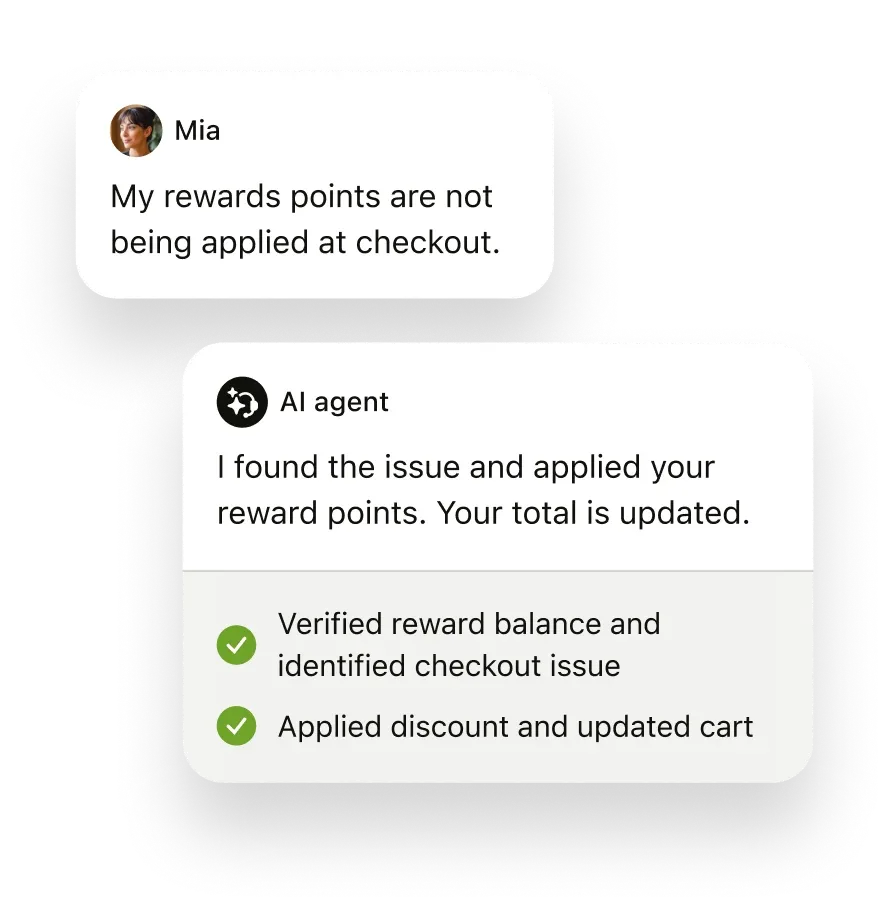
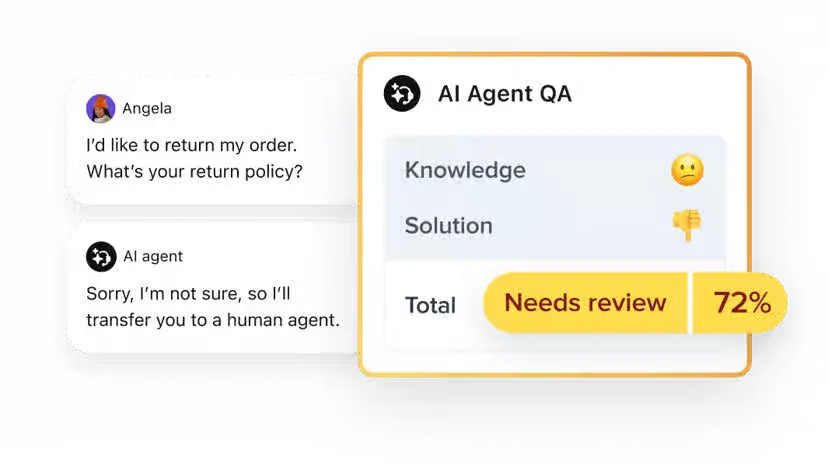
AI-agent automated resolutions have included monthly allowances and separate committed or pay-as-you-go rates.
Teams with high automation volumes should estimate resolution usage separately from agent-seat costs.
Evidence source ↗
Zendesk Support Suite combines ticketing, messaging, voice, live chat, a help center, and reporting for customer support teams.
The suite combines ticketing, digital and voice channels, help-center tools, analytics, mobile apps, APIs, and a marketplace. G2 review data is positive overall, while published review analysis notes that advanced configuration can take more effort. Pricing is per agent, with additional charges possible for AI resolutions and add-ons.
This profile combines documented product information and independent evidence where available. It is not a hands-on test unless TechZella explicitly identifies one.
Zendesk Support Suite is a cloud customer-service platform for managing support requests across channels. Its current Suite plans combine ticketing, messaging, voice, live chat, a help center, agent tools, and reporting.
The service is sold per agent, with plan features and AI-resolution allowances varying by tier. Zendesk also offers a 14-day trial. Buyers should account for optional add-ons and possible usage charges when forecasting total spend.
A quick way to understand who this product may suit, where its limits matter, and which facts are most relevant before you compare alternatives.
Support organizations that need one system for tickets, messaging, voice, live chat, self-service content, reporting, and integrations.
Very small teams seeking a free, minimal help desk may find per-agent Suite pricing and the wider feature set unnecessary, and should evaluate alternatives such as Freshdesk or Intercom instead.
Android, Cloud, iOS, SaaS, Web
8.1/10
These are the product-specific differences that may matter when deciding whether the software fits your workflow. They are based on documented evidence rather than a universal ranking.
These are documented constraints or practical friction points that may matter before you adopt the product.
Teams with high automation volumes should estimate resolution usage separately from agent-seat costs.
Evidence source ↗A buyer planning an eventual migration or regular backups should confirm export access and use the API where needed.
Evidence source ↗The pricing page lists omnichannel support, AI agents, knowledge base, and action builder. Monthly billing is listed at $69 per agent.
Check current pricing →The pricing page lists advanced automation and AI-driven insights. Monthly billing is listed at $149 per agent.
Check current pricing →Zendesk offers a 14-day product trial.
Check current pricing →Pricing may change. Verify current plans on the vendor's website.
Compare similar products directly, then see which alternatives may make more sense when your requirements differ.
| Decision factor | Zendesk Support Suite | Freshdesk | Intercom |
|---|---|---|---|
| Pricing model | Zendesk Suite Team is listed at $55 per agent monthly with annual billing; the pricing page also lists monthly billing at $69. | Freshdesk Growth is listed at $19 per agent monthly with annual billing; its page lists add-on charges for additional AI-agent sessions. Source ↗ | Intercom Essential is listed at $29 per seat monthly plus $0.99 per Fin AI Agent outcome. Source ↗ |
| Core scope | Suite combines ticketing, messaging, email, voice, SMS, live chat, a unified agent workspace, reporting, and marketplace access. | Freshdesk Growth lists AI service over email, ticketing, shared inbox, customer portal, knowledge base, and analytics. Source ↗ | Intercom Essential lists Fin, Messenger, shared inbox, ticketing, reports, and a public help center. Source ↗ |
| AI usage billing | Zendesk lists included automated resolutions by plan and agent count, with committed and pay-as-you-go rates. | Freshdesk lists 500 included Freddy AI Agent sessions on Growth and a price for additional sessions. Source ↗ | Intercom lists Fin at $0.99 per outcome, in addition to plan seat pricing. Source ↗ |
Only factors supported by the available research are shown. The comparison is descriptive, not a ranking.
These products address broadly similar requirements. The descriptions focus on documented reasons a buyer might compare them with Zendesk Support Suite.

| Deployment | Cloud-hosted SaaS |
|---|---|
| Supported agent access | Web, iOS app, Android app |
| Data hosting | Primarily AWS data centers; data locality options are available by region |
| API | REST APIs across ticketing, help center, messaging, voice, AI agents, and custom data |
| Free trial | 14 days |
| Pricing model | Per agent, with plan-dependent AI allowances, usage charges, and optional add-ons |
| Security documentation | Zendesk lists SOC 2 Type II and ISO 27001:2022 among its security credentials |
Verified installation, hosting, administration, or environment details that can affect implementation.
| Installation or hosting | Cloud-hosted service. Zendesk says Service Data is hosted primarily in AWS data centers and offers data locality by region. Source ↗ |
|---|---|
| Agent access | Agents can use the web interface or dedicated iOS and Android apps; Zendesk does not support the agent interface through mobile browsers. Source ↗ |
Documented portability, standards, export, or switching considerations. No switching-cost score is shown unless the evidence supports one.
Admins can export tickets, users, and organizations as JSON, CSV, or XML when export access is enabled. Zendesk REST APIs can also export data. CSV exports omit ticket comments and descriptions.
Evidence source ↗A proprietary editorial score based on product capabilities, usability, value, performance, support and user sentiment evidence.
The suite combines ticketing, digital and voice channels, help-center tools, analytics, mobile apps, APIs, and a marketplace. G2 review data is positive overall, while published review analysis notes that advanced configuration can take more effort. Pricing is per agent, with additional charges possible for AI resolutions and add-ons.
Methodology v1.0. The assessment weighs feature coverage (25%), ease of use (15%), value for money (20%), performance (15%), support (10%) and user sentiment (15%), using researched product evidence and verified review evidence where available. It is a TechZella editorial assessment, not a direct user-review average.
Key claims are linked to the sources used to verify them. This evidence record is separate from third-party user ratings.
TechZella evaluates software using documented product capabilities, pricing information, usability and value considerations, independent user evidence where available, and competitive context. The assessment is an editorial review, not a hands-on test unless one is explicitly identified. Our editorial assessment is based on 6 documented sources.
Zendesk's plan documentation lists ticketing, messaging, email, voice, SMS, live chat, a unified workspace, dashboards, and Marketplace access as fundamental features.
View source ↗Verified 2026-10-24The current public pricing page displays both billing rates for Suite Team.
View source ↗Verified 2026-10-24Zendesk's trial page states that its free trial lasts 14 days.
View source ↗Verified 2026-10-24Zendesk's mobile-app documentation describes ticket-management apps for both operating systems.
View source ↗Verified 2026-10-24The official API reference organizes documented APIs across these product capabilities.
View source ↗Verified 2026-10-24Zendesk's company press material identifies the Copenhagen founding year; its contact page lists the San Francisco global headquarters.
View source ↗Verified 2026-10-24Answers begin with the clearest available response, followed by the context that helps you act on it.
No reviews yet. Be the first to share your experience.
Please log in to submit a review.