Editorial overview
Aggregated Overview
Official documentation verifies configurable content models, three APIs, access controls, plugins, and deployment options. G2 shows 4.9/5 from 59 reviews, while some reviewers note plugin maintenance and a learning curve for traditional CMS users. Scores are editorial assessments, not hands-on test results.
This profile combines documented product information and independent evidence where available. It is not a hands-on test unless TechZella explicitly identifies one.
Overview
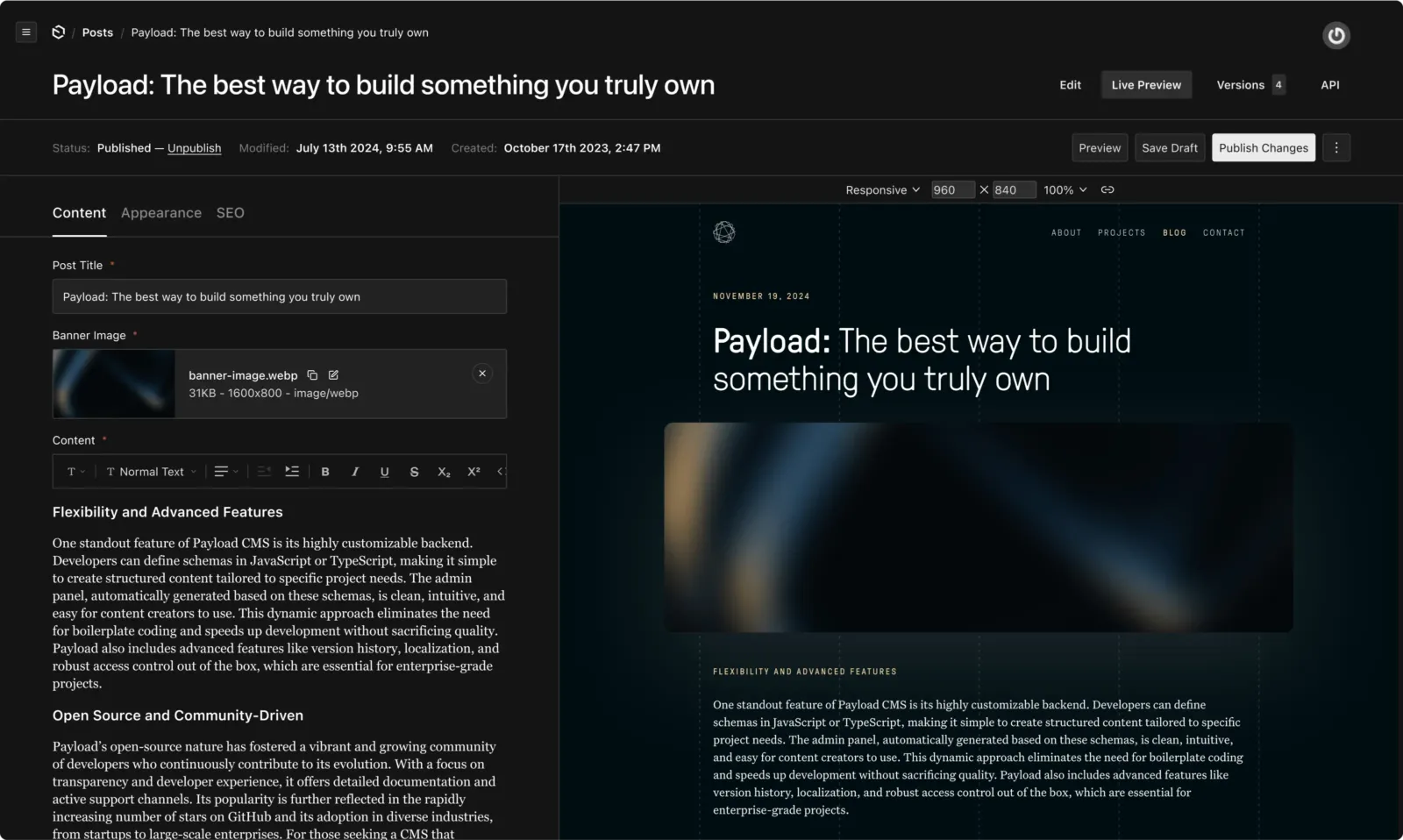
Payload is an open-source CMS and application framework built into Next.js. Developers define content structures and access rules in configuration, and Payload generates an admin interface and APIs for working with that content.
Its documented use cases include content management, internal tools, commerce, and digital asset management. The team behind Payload joined Figma on June 17, 2025.
Payload CMS Decision Snapshot
A quick way to understand who this product may suit, where its limits matter, and which facts are most relevant before you compare alternatives.
Best suited toDevelopment teams building customized Next.js websites, applications, or digital experiences that need a configurable CMS and API-backed content.
Look elsewhere ifTeams seeking a turnkey hosted CMS without development and infrastructure work may find the code-first setup and self-managed deployment requirements unsuitable, and should evaluate alternatives such as Strapi or Sanity instead.
PlatformsCloud, Next.js, Node.js, Self-hosted, Web
TechZella assessment8.3/10
Payload CMS — What Sets It Apart?
These are the product-specific differences that may matter when deciding whether the software fits your workflow. They are based on documented evidence rather than a universal ranking.
- The CMS is installed within a Next.js application rather than operating only as a separate hosted content service.
- Content operations are available through REST, GraphQL, and a server-side Local API.
- The configuration-driven admin interface and plugin architecture let teams extend the CMS in code.
Editorial assessmentPayload CMS Pros & Cons
Pros
- Offers REST, GraphQL, and Local APIs from a shared content model.
- Supports self-hosting and documented PostgreSQL and MongoDB-compatible database options.
- Can be extended through configuration, custom code, and plugins.
Cons
- Production self-hosting requires deployment and database configuration.
- Uploaded files need persistent storage or a configured storage adapter in production.
- Third-party community plugins may require maintenance across major upgrades.
Payload CMS Gotchas & Operational Limits
These are documented constraints or practical friction points that may matter before you adopt the product.
Production file uploads need persistent storage; local or ephemeral server filesystems may not preserve uploaded files across restarts.
Teams must configure a suitable storage adapter or persistent filesystem before relying on production media uploads.
Evidence source ↗Community plugins may not be maintained by Payload and may need changes after major upgrades.
Plugin selection can add ongoing compatibility and maintenance work.
Evidence source ↗Payload CMS Pricing & Plans
Self-hosted open-source software
Free
Payload's CMS software can be self-hosted. Hosting, database, and persistent media storage costs may be separate.
Check current pricing →Pricing may change. Verify current plans on the vendor's website.
Cost contextTotal Cost & Hidden Costs
Additional costs or implementation requirements that are documented in the available evidence.
Production infrastructure
Self-hosting may require separate hosting, a database, and persistent file storage for uploaded media; requirements depend on the deployment.
Evidence source ↗Payload CMS Competitors & Alternatives
Compare similar products directly, then see which alternatives may make more sense when your requirements differ.
Direct competitors
These products address broadly similar requirements. The descriptions focus on documented reasons a buyer might compare them with Payload CMS.
CapabilitiesPayload CMS Features
Content modeling and administration
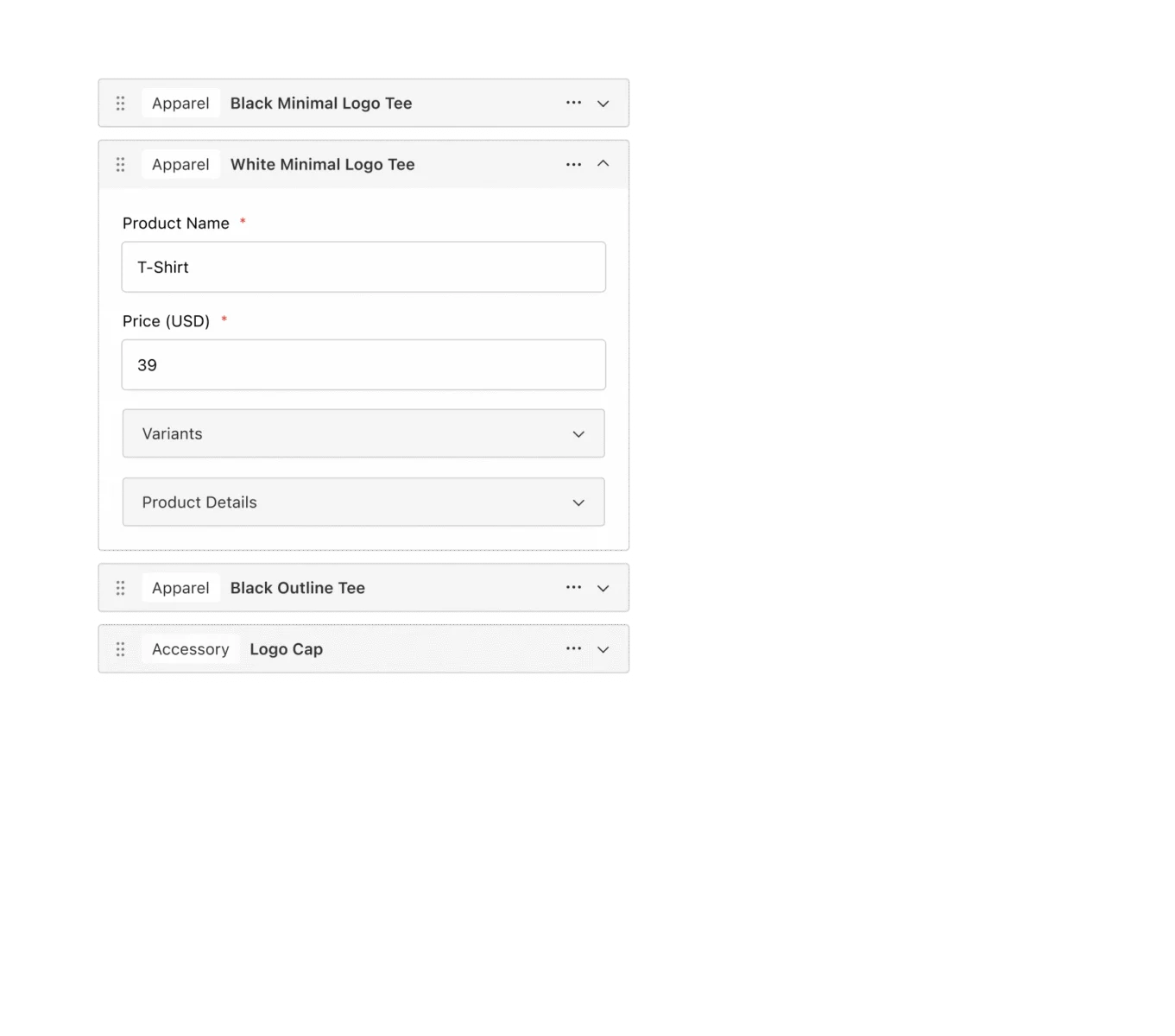
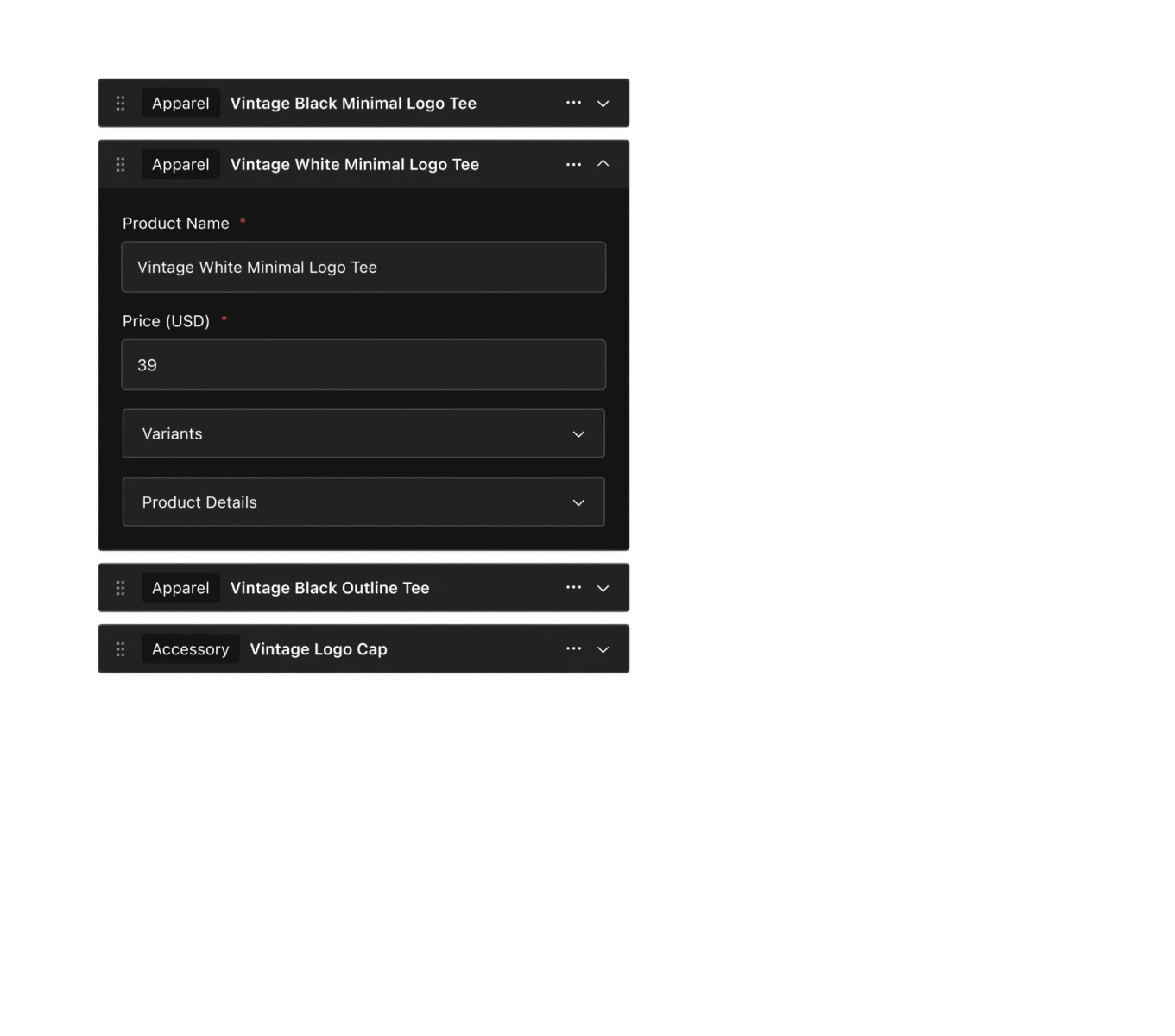
- Configuration-defined collections and fields
- Generated React admin interface
- Customizable admin components
APIs and access
- REST API
- GraphQL API
- Node.js Local API
- Authentication and configurable access control
Data and integrations
- PostgreSQL and MongoDB-compatible database adapters
- Official storage adapters for AWS S3, Azure Blob Storage, Google Cloud Storage, Uploadthing, and Vercel Blob
- Official plugins include SEO, Stripe, search, redirects, and import/export
Payload CMS Specifications
| Architecture | Code-first CMS and application framework built into Next.js |
|---|
| APIs | REST, GraphQL, and Local API |
|---|
| Database | PostgreSQL and MongoDB-compatible databases |
|---|
| Hosting | Self-hosted or deployed to supported Next.js environments |
|---|
| Pricing verification | Current Payload Cloud pricing was not accessible; official pricing URL redirected during research. |
|---|
| Free trial | Current official trial terms not verified |
|---|
Exit planningMigration & Lock-In
Documented portability, standards, export, or switching considerations. No switching-cost score is shown unless the evidence supports one.
Data portability
Documentation describes database migrations and direct database access. No general-purpose migration service or migration price was verified.
Evidence source ↗Our evidence-based assessmentTechZella Score
A proprietary editorial score based on product capabilities, usability, value, performance, support and user sentiment evidence.
8.3/10Moderate confidence
Official documentation verifies configurable content models, three APIs, access controls, plugins, and deployment options. G2 shows 4.9/5 from 59 reviews, while some reviewers note plugin maintenance and a learning curve for traditional CMS users. Scores are editorial assessments, not hands-on test results.
Methodology v1.0. The assessment weighs feature coverage (25%), ease of use (15%), value for money (20%), performance (15%), support (10%) and user sentiment (15%), using researched product evidence and verified review evidence where available. It is a TechZella editorial assessment, not a direct user-review average.
Editorial transparency
Our Review Methodology
Key claims are linked to the sources used to verify them. This evidence record is separate from third-party user ratings.
TechZella evaluates software using documented product capabilities, pricing information, usability and value considerations, independent user evidence where available, and competitive context. The assessment is an editorial review, not a hands-on test unless one is explicitly identified. Our editorial assessment is based on 5 documented sources.
What TechZella adds- The CMS is installed within a Next.js application rather than operating only as a separate hosted content service.
- Content operations are available through REST, GraphQL, and a server-side Local API.
- The configuration-driven admin interface and plugin architecture let teams extend the CMS in code.
Important limitations- Self-hosted production deployments require teams to arrange a database, persistent file storage when uploads are used, and hosting.
- Official documentation warns that uploads on ephemeral filesystems can disappear when a server restarts; persistent storage or a cloud adapter is needed.
- Community plugins are maintained by external contributors and may require maintenance during major version upgrades.
Evidence-backed claimsPayload provides REST, GraphQL, and Local APIs.Official documentation describes these three interfaces for querying and mutating content.
View source ↗Verified 2026-10-12Payload supports PostgreSQL and MongoDB-compatible databases.Production deployment documentation names PostgreSQL and MongoDB-compatible database support.
View source ↗Verified 2026-10-12Payload can be self-hosted and deployed to environments that run Next.js.Official deployment documentation describes self-hosting and lists multiple deployment providers.
View source ↗Verified 2026-10-12The Payload team joined Figma.Figma announced on June 17, 2025 that the Payload team had joined Figma.
View source ↗Verified 2026-10-12Payload has official integrations for external file storage and extensible plugins.Documentation lists storage adapters and official plugins, including SEO, Stripe, and import/export.
View source ↗Verified 2026-10-12G2 displayed a 4.9/5 rating based on 59 reviews.The public G2 product review page showed the rating and review count during research.
View source ↗Verified 2026-10-12 Independent review sources
Payload CMS Ratings & Reviews
Ratings are published by the respective review platforms and may change over time.
Common questionsPayload CMS FAQs
Answers begin with the clearest available response, followed by the context that helps you act on it.
Does Payload have an API?
Yes. Official documentation describes REST, GraphQL, and Local APIs.
Can it be self-hosted?
Yes. Payload documents self-hosting and deployment to environments that run Next.js.
Which databases does it support?
Documentation names PostgreSQL and MongoDB-compatible databases.
Is there a free trial?
No current official Cloud trial terms were verified. The self-hosted open-source software is available without a subscription to the CMS itself.
Community feedback
Reviews
No reviews yet. Be the first to share your experience.
Write a Review
Please log in to submit a review.
What Has Changed
This history records material data changes detected when TechZella re-researched the profile.
2026-10-12Research update changed: Pricing, Features, Specifications, Alternatives, Competitors, Trusted ratings, Description.
Recently added Content Management System