
Packer's core CLI and HCP Packer are distinct offerings.
The open-source tool builds images, while HCP Packer is an optional registry for image metadata and version tracking. Its usage can incur separate charges.
Evidence source ↗
Packer is an open-source command-line tool for building machine images from shared configurations. Optional HCP Packer tracks image metadata and versions.
Packer's open-source CLI, plugin-based builders, and shared configuration support multi-platform image creation. Setup requires command-line familiarity and management of plugins and build infrastructure; only two public G2 reviews were available.
This profile combines documented product information and independent evidence where available. It is not a hands-on test unless TechZella explicitly identifies one.
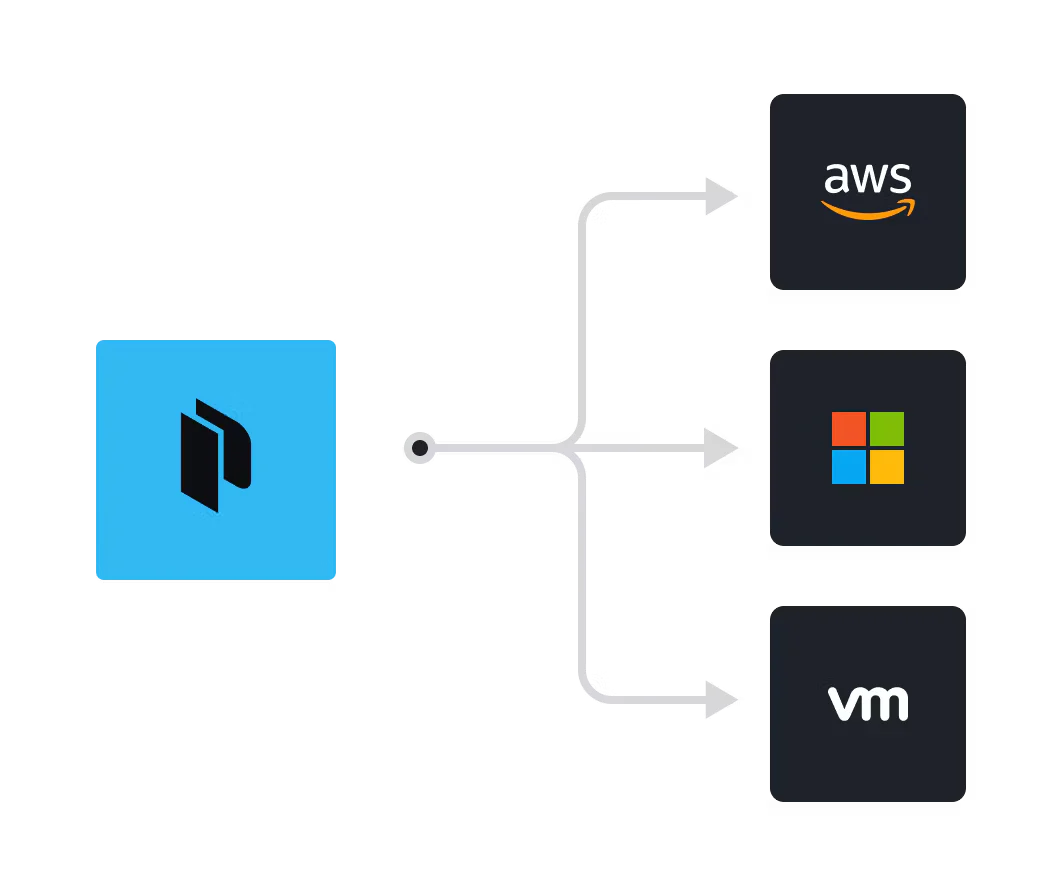
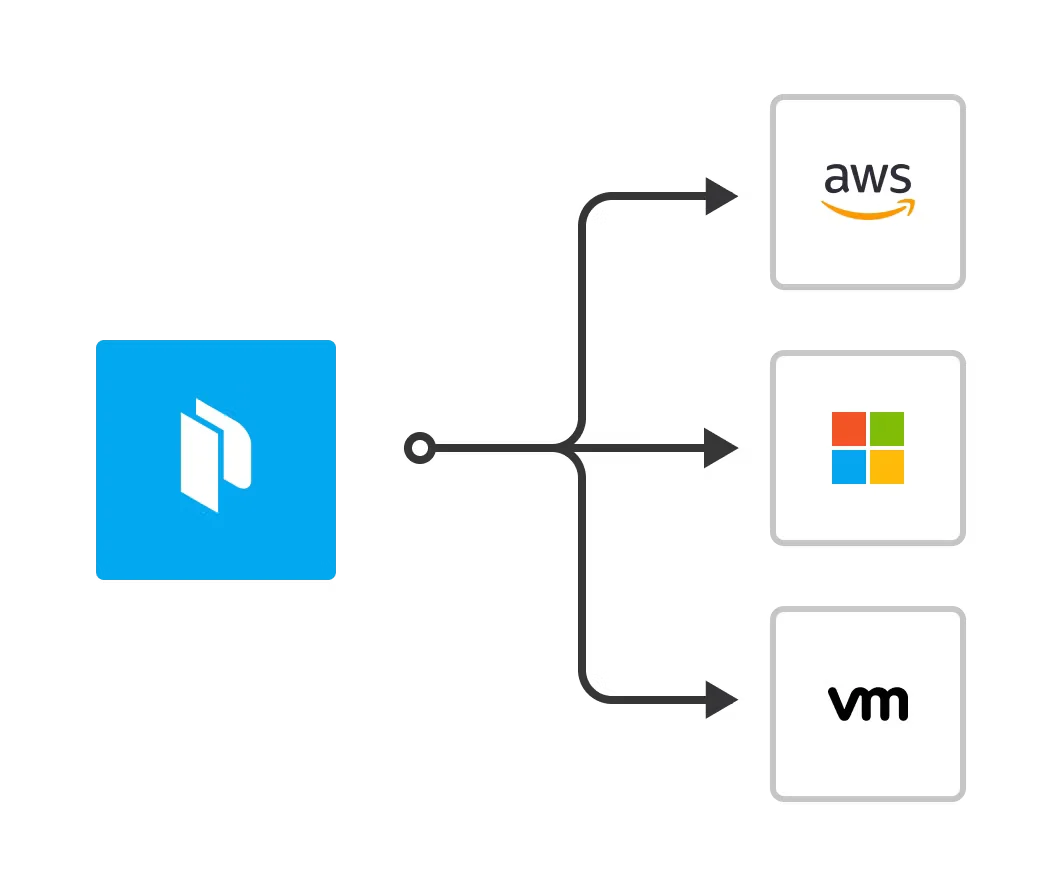
Packer is an open-source command-line tool for creating machine images from shared configuration. Teams can use builder plugins to target cloud and virtualization platforms.
It does not provide hosted image builds or store image files. HCP Packer is a separate optional service that tracks image metadata and versions.
A quick way to understand who this product may suit, where its limits matter, and which facts are most relevant before you compare alternatives.
Infrastructure and platform teams that need repeatable machine-image builds across cloud and virtualization providers, controlled through configuration and command-line automation.
Teams seeking a managed image-building service limited to one cloud may prefer that cloud's native builder; Packer itself does not host or manage build artifacts, and should evaluate alternatives such as AWS EC2 Image Builder or Azure VM Image Builder instead.
AWS, Azure, Linux, macOS, Windows
7.9/10
These are the product-specific differences that may matter when deciding whether the software fits your workflow. They are based on documented evidence rather than a universal ranking.
These are documented constraints or practical friction points that may matter before you adopt the product.
The open-source tool builds images, while HCP Packer is an optional registry for image metadata and version tracking. Its usage can incur separate charges.
Evidence source ↗Automated CI builds may hit unauthenticated API limits; HashiCorp documents using a GitHub API token to raise the available request limit.
Evidence source ↗HashiCorp says Packer 1.14.0 and newer automatically installs its maintained plugins from the HashiCorp release site; older versions may require manual installation.
Evidence source ↗Open-source command-line software. Infrastructure used for image builds may incur separate provider costs.
Check current pricing →Optional hosted registry edition. HCP billing documentation identifies image buckets and requests as usage metrics; check current account pricing.
Check current pricing →Paid edition with advanced artifact compliance checks described in HCP Packer documentation. Rates depend on billing arrangement and edition.
Check current pricing →Pricing may change. Verify current plans on the vendor's website.
Compare similar products directly, then see which alternatives may make more sense when your requirements differ.
| Decision factor | Packer | AWS EC2 Image Builder | Azure VM Image Builder |
|---|---|---|---|
| Core scope | A plugin-based CLI for building images across multiple providers and virtualization platforms. | A managed AWS service for automating creation, management, and deployment of customized server and container images. Source ↗ | A managed service for building and distributing customized VM images in Azure. Source ↗ |
| Deployment model | Install and run the Packer CLI in your environment; select builders for the target platform. | Use AWS's managed image-building service and related AWS resources. Source ↗ | The service deploys temporary build resources into the customer's Azure subscription. Source ↗ |
| Pricing model | The core Packer CLI is open-source; optional HCP Packer has usage-based billing, while build infrastructure may incur provider charges. | No additional charge for the Image Builder service itself; AWS resources used to build, store, and distribute images can incur charges. Source ↗ | The image-building service is free, but underlying compute, storage, networking, and data transfer may incur charges. Source ↗ |
Only factors supported by the available research are shown. The comparison is descriptive, not a ranking.
These products address broadly similar requirements. The descriptions focus on documented reasons a buyer might compare them with Packer.
| Product model | Open-source command-line tool |
|---|---|
| Supported host operating systems | Linux, macOS, Windows |
| Configuration | HCL and JSON templates |
| Plugin development | Go |
| API | HCP Packer registry API; core tool is CLI-driven |
| Build infrastructure | Uses resources from selected builders and target platforms |
| Artifact hosting | HCP Packer tracks metadata but does not host image artifacts |
| Free trial | Core CLI is open source; HCP billing documentation describes trial billing, but current trial credits and terms are account-dependent |
Verified installation, hosting, administration, or environment details that can affect implementation.
| Core software | Downloadable command-line binary installed on Linux, macOS, or Windows; it runs builds using configured builders and provisioners. Source ↗ |
|---|---|
| Optional metadata registry | HCP Packer is a cloud-hosted registry for build artifact metadata; it does not host image templates or image artifacts. Source ↗ |
Documented portability, standards, export, or switching considerations. No switching-cost score is shown unless the evidence supports one.
HCP Packer exposes artifact metadata through its user interface and API. The documented registry tracks metadata, not image files, so artifact storage remains with the target platform or other chosen storage.
Evidence source ↗A proprietary editorial score based on product capabilities, usability, value, performance, support and user sentiment evidence.
Packer's open-source CLI, plugin-based builders, and shared configuration support multi-platform image creation. Setup requires command-line familiarity and management of plugins and build infrastructure; only two public G2 reviews were available.
Methodology v1.0. The assessment weighs feature coverage (25%), ease of use (15%), value for money (20%), performance (15%), support (10%) and user sentiment (15%), using researched product evidence and verified review evidence where available. It is a TechZella editorial assessment, not a direct user-review average.
Key claims are linked to the sources used to verify them. This evidence record is separate from third-party user ratings.
TechZella evaluates software using documented product capabilities, pricing information, usability and value considerations, independent user evidence where available, and competitive context. The assessment is an editorial review, not a hands-on test unless one is explicitly identified. Our editorial assessment is based on 6 documented sources.
HashiCorp describes Packer as creating identical machine images for multiple platforms using a single source configuration.
View source ↗Verified 2026-11-08The builder documentation describes builders and lists plugin, file, null, custom, and community-supported types.
View source ↗Verified 2026-11-08HashiCorp documents plugins for builders, provisioners, post-processors, and data sources, with custom plugins written in Go.
View source ↗Verified 2026-11-08HashiCorp's install page lists packages or binaries for these operating systems.
View source ↗Verified 2026-11-08HashiCorp's billing definitions explain that the registry tracks artifact metadata and does not host image templates or artifacts.
View source ↗Verified 2026-11-08HashiCorp announced that the acquisition had been finalized on that date.
View source ↗Verified 2026-11-08Answers begin with the clearest available response, followed by the context that helps you act on it.
No reviews yet. Be the first to share your experience.
Please log in to submit a review.