
Minidump events from Electron or Breakpad/Crashpad integrations count as five events for billing.
Teams using native crash dumps should account for this billing multiplier when estimating event needs.
Evidence source ↗
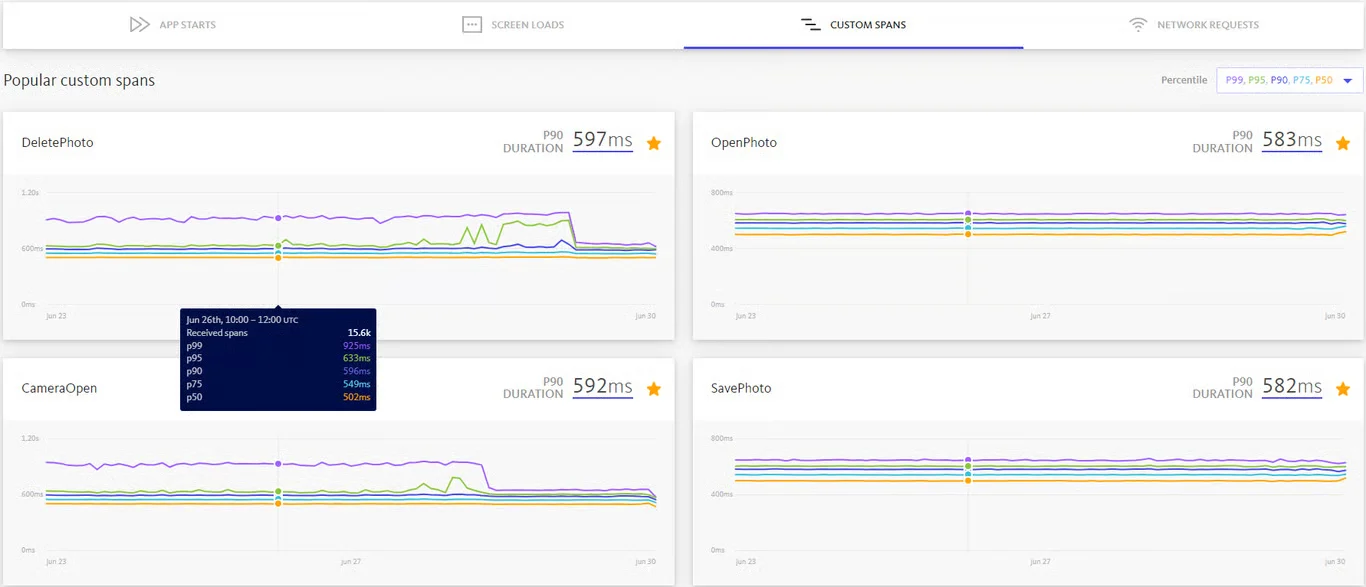
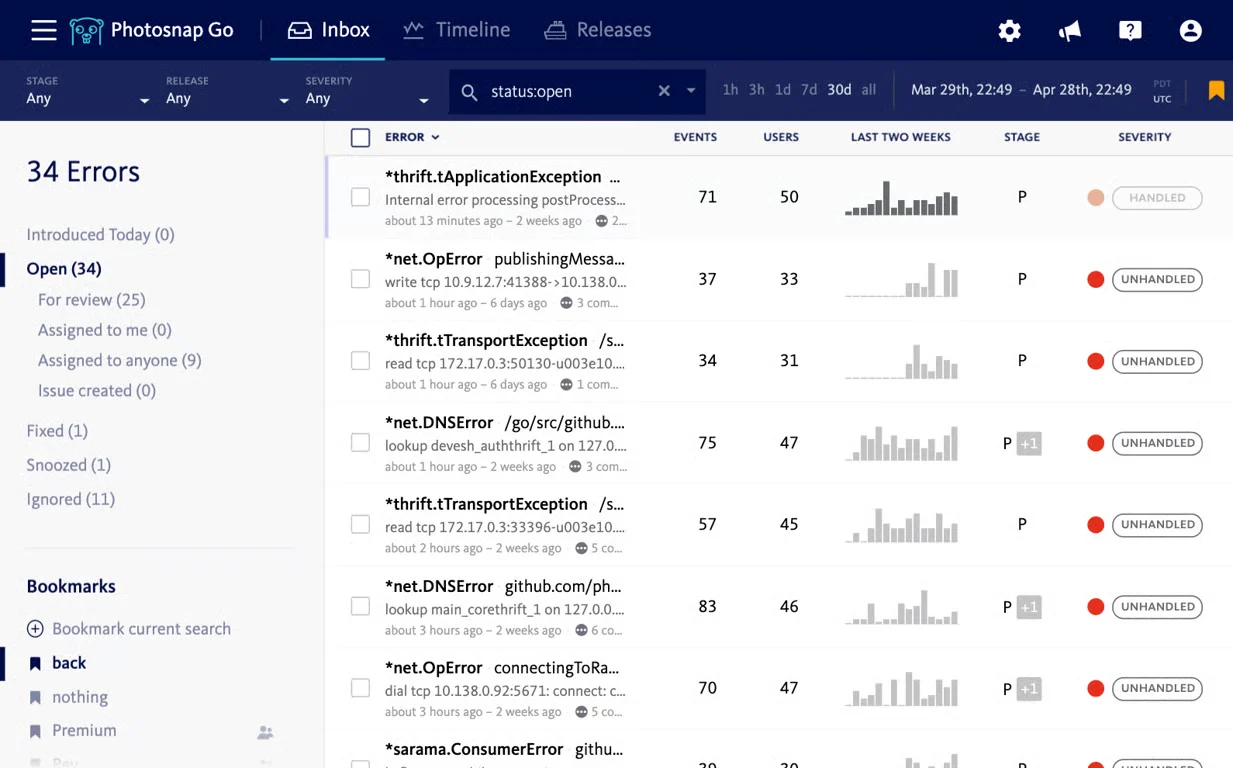
Bugsnag monitors application errors and performance across web, mobile, desktop, and server platforms, helping development teams investigate issues and compare release stability.
The assessment reflects documented platform coverage, error and performance monitoring, APIs, integrations, plan limits, and the publicly visible G2 rating. It is not based on hands-on testing; public review evidence is limited.
This profile combines documented product information and independent evidence where available. It is not a hands-on test unless TechZella explicitly identifies one.
Bugsnag is an application stability monitoring product from SmartBear. Its SDKs report errors and diagnostic context to a dashboard where teams can review and prioritize issues.
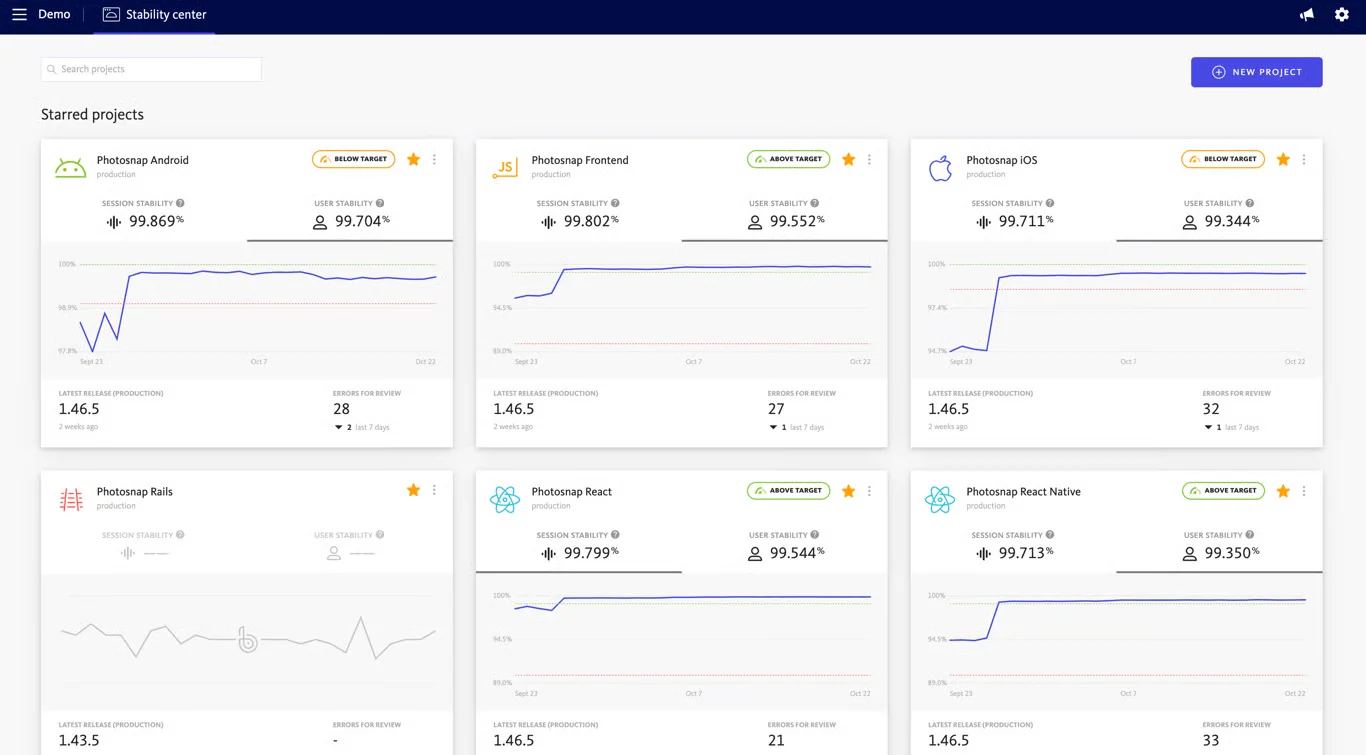
The product also offers performance monitoring and, on Preferred and Enterprise plans, session-based stability scores. Its supported SDK catalog spans mobile, browser, server, desktop, and game-development platforms.
A quick way to understand who this product may suit, where its limits matter, and which facts are most relevant before you compare alternatives.
Development teams monitoring errors and release stability across mobile, web, and server applications, especially where SDK coverage and issue-tracker or team-alert integrations matter.
Teams that need a publicly predictable paid-plan price without configuring event and span volumes, or that require session stability scoring on server-side projects, and should evaluate alternatives such as Sentry or Rollbar instead.
Android, iOS, JavaScript, Python, SaaS
7.9/10
These are the product-specific differences that may matter when deciding whether the software fits your workflow. They are based on documented evidence rather than a universal ranking.
These are documented constraints or practical friction points that may matter before you adopt the product.
Teams using native crash dumps should account for this billing multiplier when estimating event needs.
Evidence source ↗Choose an overage policy with both incident coverage and cost predictability in mind.
Evidence source ↗Enterprise buyers relying on Jira should confirm the installation path during deployment planning.
Evidence source ↗Includes 1 user, error and performance monitoring, 7.5K events and 1M spans per month.
Check current pricing →Self-service tier with configurable error-event and performance-span volumes. The official pricing page does not show a fixed starting dollar amount.
Check current pricing →Adds capabilities including automatic error assignment, premium support, feature flags, and a dedicated customer success manager. The official pricing page does not show a fixed starting dollar amount.
Check current pricing →Custom plan; listed features include unlimited users, on-premises or SaaS deployment, and sensitive data management.
Check current pricing →Pricing may change. Verify current plans on the vendor's website.
Compare similar products directly, then see which alternatives may make more sense when your requirements differ.
| Decision factor | Bugsnag | Sentry | Rollbar |
|---|---|---|---|
| Core scope | Error monitoring and performance monitoring for applications. | Error monitoring with code context, issue triage, and release-health information. Source ↗ | Error monitoring with real-time feed, grouping, stack traces, and optional session replays. Source ↗ |
| Pricing model | Free plan plus paid tiers configured around event and span volumes; Enterprise pricing is custom. | Pricing details were not verified from a current official pricing page in this research. Source ↗ | Free plan and paid Essentials and Advanced plans with occurrence-based volumes; Enterprise is custom. Source ↗ |
| Issue investigation | Captures application errors and diagnostic information; supports integrations such as Jira and Slack. | Documents stack traces, breadcrumbs, user impact, and issue assignment. Source ↗ | Lists stack traces, telemetry, contextual metadata, and replay of user actions that triggered an event. Source ↗ |
Only factors supported by the available research are shown. The comparison is descriptive, not a ranking.
These products address broadly similar requirements. The descriptions focus on documented reasons a buyer might compare them with Bugsnag.

| Vendor | SmartBear |
|---|---|
| Deployment | SaaS; Enterprise also lists on-premises deployment |
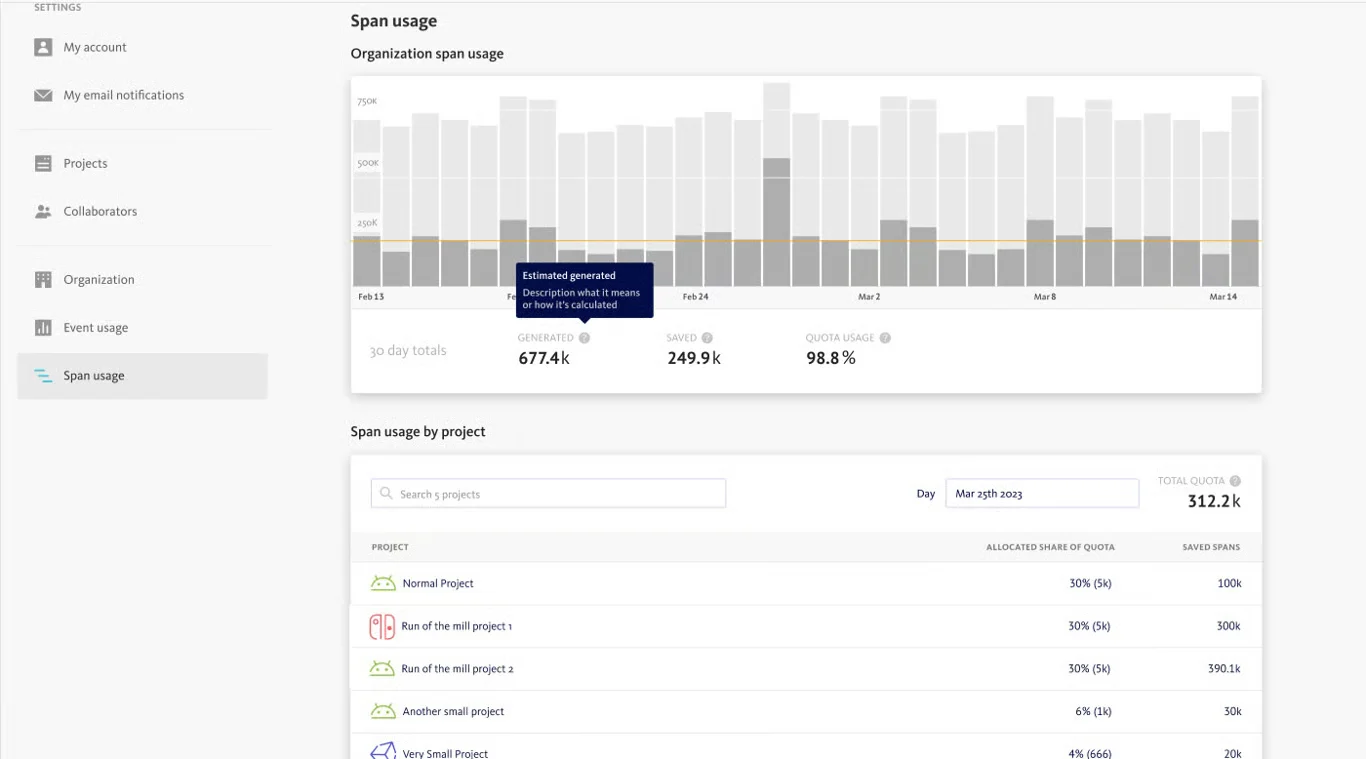
| Free-plan allowance | 1 user, 7.5K events and 1M spans per month |
| Trial | 14-day Enterprise-plan trial |
| Event quota behavior | Rate limiting or event capture with plan-specific overage handling |
| API | Data access, error reporting, build, session, and symbol/source-map upload APIs |
| Supported SDK examples | Android, iOS, JavaScript, Python, Electron, Flutter, React Native, Unity, and others |
Verified installation, hosting, administration, or environment details that can affect implementation.
| Hosting | The pricing page lists SaaS and on-premises deployment as Enterprise features. Source ↗ |
|---|
Documented portability, standards, export, or switching considerations. No switching-cost score is shown unless the evidence supports one.
The Data Access API provides access to organization, project, and error information for custom integrations. The documentation identifies API version 2 as current.
Evidence source ↗A proprietary editorial score based on product capabilities, usability, value, performance, support and user sentiment evidence.
The assessment reflects documented platform coverage, error and performance monitoring, APIs, integrations, plan limits, and the publicly visible G2 rating. It is not based on hands-on testing; public review evidence is limited.
Methodology v1.0. The assessment weighs feature coverage (25%), ease of use (15%), value for money (20%), performance (15%), support (10%) and user sentiment (15%), using researched product evidence and verified review evidence where available. It is a TechZella editorial assessment, not a direct user-review average.
Key claims are linked to the sources used to verify them. This evidence record is separate from third-party user ratings.
TechZella evaluates software using documented product capabilities, pricing information, usability and value considerations, independent user evidence where available, and competitive context. The assessment is an editorial review, not a hands-on test unless one is explicitly identified. Our editorial assessment is based on 6 documented sources.
The pricing page lists a $0/month Free plan, and billing documentation says trials provide Enterprise access for 14 days.
View source ↗Verified 2026-11-08The official platforms directory lists SDK guides including Android, iOS, JavaScript, Python, Electron, Unity, and Unreal Engine.
View source ↗Verified 2026-11-08The API documentation enumerates those endpoints and upload APIs.
View source ↗Verified 2026-11-08The performance documentation names these supported app environments and describes OpenTelemetry-compliant trace and span data.
View source ↗Verified 2026-11-08The Jira integration guide describes connecting Jira Cloud or Jira Server/Data Center and creating or syncing issues for reported errors.
View source ↗Verified 2026-11-08The stability guide states plan availability and explains user and session stability scores.
View source ↗Verified 2026-11-08Answers begin with the clearest available response, followed by the context that helps you act on it.
No reviews yet. Be the first to share your experience.
Please log in to submit a review.