
Discovery Studio 2026 no longer includes the Linux client.
Linux users need a Windows client, while Linux remains an option for the server side.
Evidence source ↗
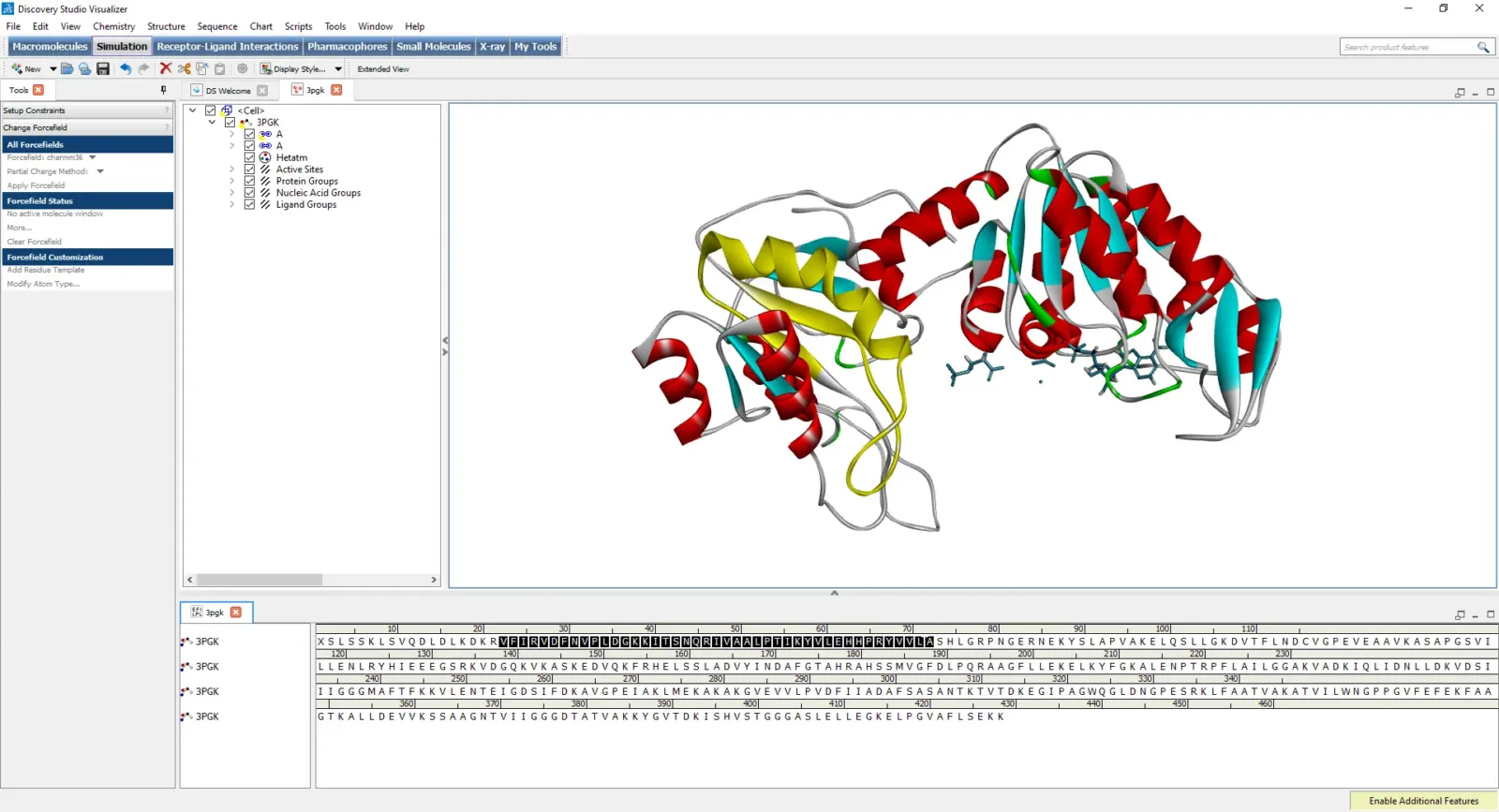
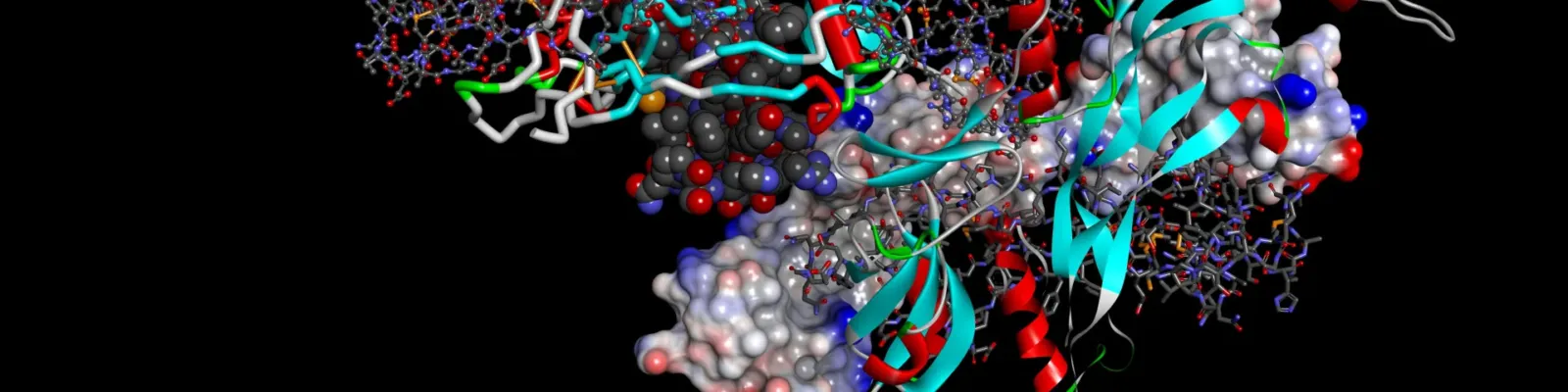
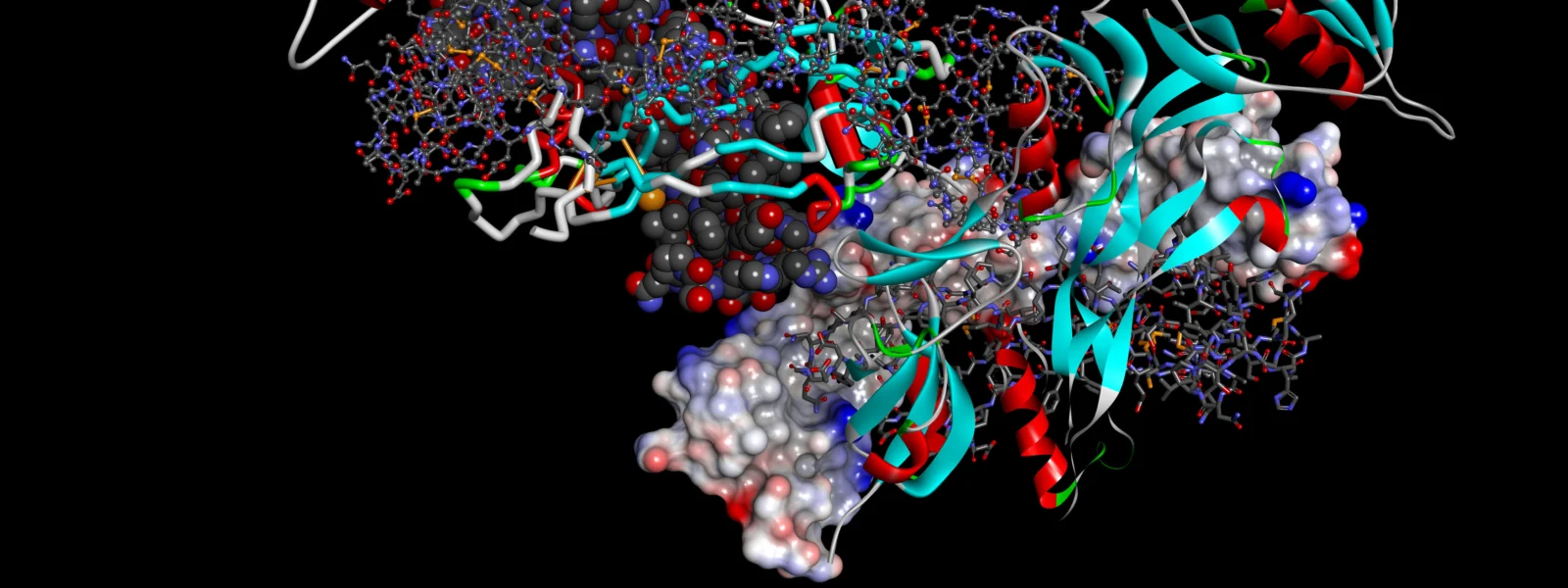
BIOVIA Discovery Studio is molecular modeling and simulation software for life-sciences research, including drug design, protein analysis, and computational chemistry.
The product covers a broad range of molecular modeling, docking, simulation, and analysis tasks. Public pricing and accessible independent review evidence were insufficient to assess value, support, or user sentiment reliably.
This profile combines documented product information and independent evidence where available. It is not a hands-on test unless TechZella explicitly identifies one.
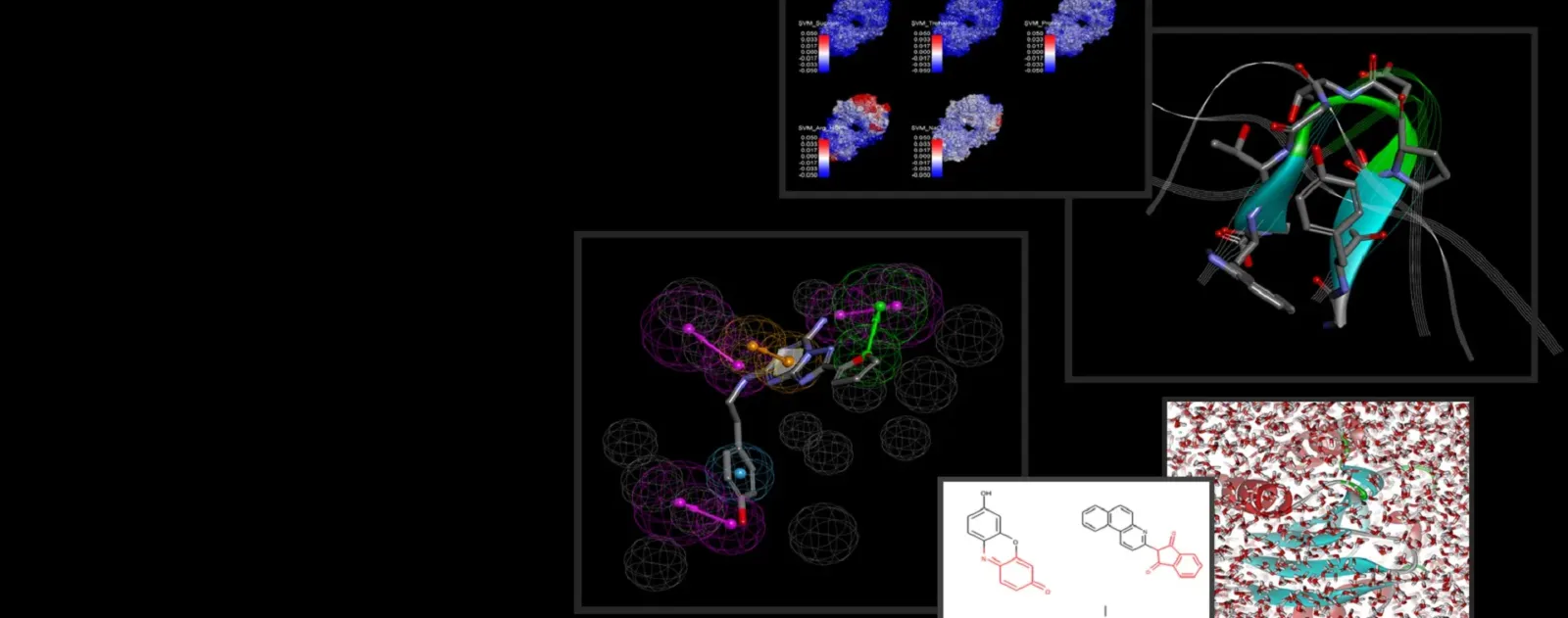
BIOVIA Discovery Studio is a molecular modeling and simulation environment for life-sciences research. Its documented application areas include structure-based and ligand-based design, molecular dynamics, antibody modeling, macromolecule analysis, and QSAR and predictive toxicology.
The full product is available as SaaS or on premises. The on-premises architecture uses a client and Pipeline Pilot Server. BIOVIA also offers a separate free Visualizer for viewing and selected basic analysis; it is not the full licensed simulation product.
A quick way to understand who this product may suit, where its limits matter, and which facts are most relevant before you compare alternatives.
Pharmaceutical and biotechnology research teams that need a broad, integrated environment for molecular modeling, protein analysis, docking, and simulation.
Teams seeking a standalone, low-cost docking tool may find the commercial licensing and Pipeline Pilot server requirements disproportionate to their needs, and should evaluate alternatives such as Maestro instead.
API, Linux, On-premises, SaaS, Windows
6.8/10
These are the product-specific differences that may matter when deciding whether the software fits your workflow. They are based on documented evidence rather than a universal ranking.
These are documented constraints or practical friction points that may matter before you adopt the product.
Linux users need a Windows client, while Linux remains an option for the server side.
Evidence source ↗Buyers should budget for server installation and administration in addition to the client and license.
Evidence source ↗Pricing is not listed publicly; contact BIOVIA for licensing information.
Check current pricing →Free molecular visualization application with selected basic analysis features. Download requires submitting the vendor's form.
Check current pricing →Pricing may change. Verify current plans on the vendor's website.
Compare similar products directly, then see which alternatives may make more sense when your requirements differ.
| Decision factor | Biovia Discovery Studio | Maestro | AutoDock Vina |
|---|---|---|---|
| Core scope | Discovery Studio spans molecular modeling, simulation, docking, protein and antibody modeling, and predictive analysis. | Maestro is a molecular modeling environment that provides access to Schrödinger modeling and machine-learning workflows. Source ↗ | AutoDock Vina is an open-source molecular docking program. Source ↗ |
| Deployment model | BIOVIA lists both SaaS and on-premises deployment. | Schrödinger describes Maestro as a software portal and offers web-based access in its training environment; its public product page does not specify a general deployment choice. Source ↗ | Not documented |
| Pricing model | Commercial pricing is not public; BIOVIA asks buyers to contact sales. | Maestro pricing is not public on the product page; Schrödinger directs users to request sales information. Source ↗ | AutoDock Vina is open source. Source ↗ |
| Workflow depth | Includes docking alongside simulation, molecular modeling, and analysis protocols. | Not documented | The official Vina documentation describes a docking program, rather than a bundled life-sciences modeling suite. Source ↗ |
Only factors supported by the available research are shown. The comparison is descriptive, not a ranking.
These products address broadly similar requirements. The descriptions focus on documented reasons a buyer might compare them with Biovia Discovery Studio.
| Deployment | SaaS and on-premises |
|---|---|
| On-premises server requirement | Pipeline Pilot Server |
| Current release verified | Discovery Studio 2026, released November 2025 |
| Client operating system | Windows client; Linux client removed in 2026 |
| Linux server | Supported according to BIOVIA's Linux client notice |
| API and scripting | DiscoveryScript APIs and Pipeline Pilot workflow customization |
| Free option | Discovery Studio Visualizer |
Verified installation, hosting, administration, or environment details that can affect implementation.
| Deployment model | Available as SaaS and as an on-premises application. Source ↗ |
|---|---|
| On-premises architecture | Client-server application; Discovery Studio requires Pipeline Pilot Server. The server may be installed on the client machine or separately. Source ↗ |
A proprietary editorial score based on product capabilities, usability, value, performance, support and user sentiment evidence.
The product covers a broad range of molecular modeling, docking, simulation, and analysis tasks. Public pricing and accessible independent review evidence were insufficient to assess value, support, or user sentiment reliably.
Methodology v1.0. The assessment weighs feature coverage (25%), ease of use (15%), value for money (20%), performance (15%), support (10%) and user sentiment (15%), using researched product evidence and verified review evidence where available. It is a TechZella editorial assessment, not a direct user-review average.
Key claims are linked to the sources used to verify them. This evidence record is separate from third-party user ratings.
TechZella evaluates software using documented product capabilities, pricing information, usability and value considerations, independent user evidence where available, and competitive context. The assessment is an editorial review, not a hands-on test unless one is explicitly identified. Our editorial assessment is based on 5 documented sources.
Dassault Systèmes describes both deployment options on the product page.
View source ↗Verified 2026-11-10The vendor lists visualization, molecular sketching, basic property calculations, structure superposition, binding-site editing, and interaction plots.
View source ↗Verified 2026-11-10The official 2026 technical note describes new pocket detection and analysis, OpenMM dynamics, and OpenFE relative free-energy protocols.
View source ↗Verified 2026-11-10The 2026 technical note lists removal of the Linux client; an earlier notice says the Linux server remains supported.
View source ↗Verified 2026-11-10The system requirements identify Pipeline Pilot Server as required software for Discovery Studio.
View source ↗Verified 2026-11-10BIOVIA training materials describe DiscoveryScript scripting and Pipeline Pilot component and protocol customization.
View source ↗Verified 2026-11-10Answers begin with the clearest available response, followed by the context that helps you act on it.
No reviews yet. Be the first to share your experience.
Please log in to submit a review.