
Advantage subscriptions are billed annually per user, even though the displayed price is expressed monthly.
Budget comparisons should use the annual commitment and the number of paid seats, not only the monthly equivalent.
Evidence source ↗
Act! combines customer and sales management with email marketing and automation for small and midsize businesses. It offers browser-based and self-managed desktop editions.
Feature breadth is supported by vendor documentation for contact management, pipelines, marketing, integrations, mobile access, and desktop deployment. Public review pages show mixed usability feedback, including dated-interface and setup concerns. Scores are editorial assessments, not hands-on test results.
This profile combines documented product information and independent evidence where available. It is not a hands-on test unless TechZella explicitly identifies one.
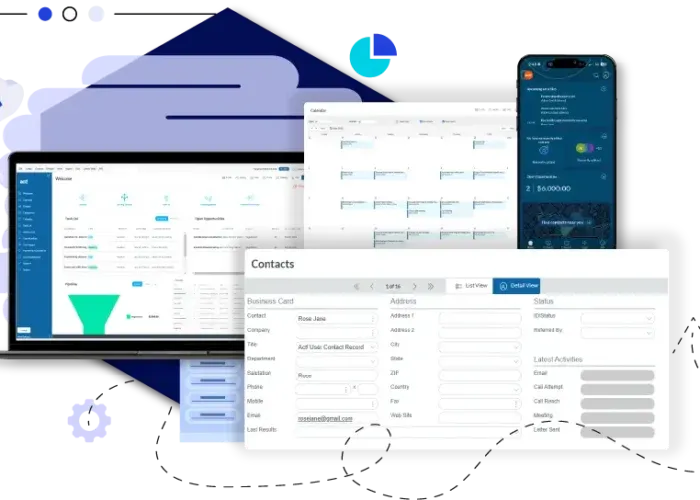
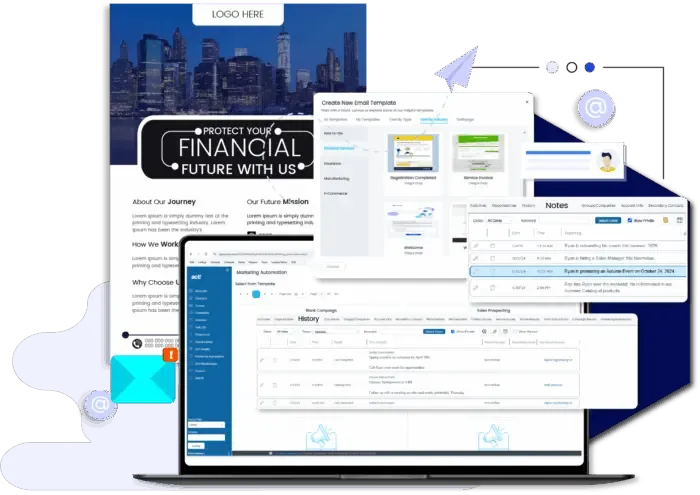
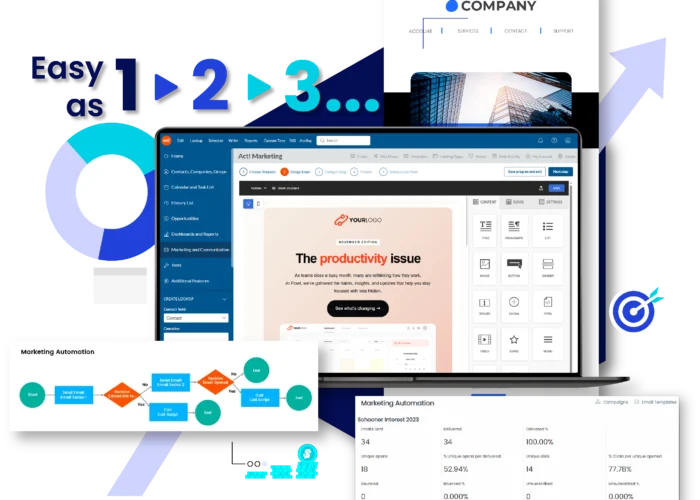
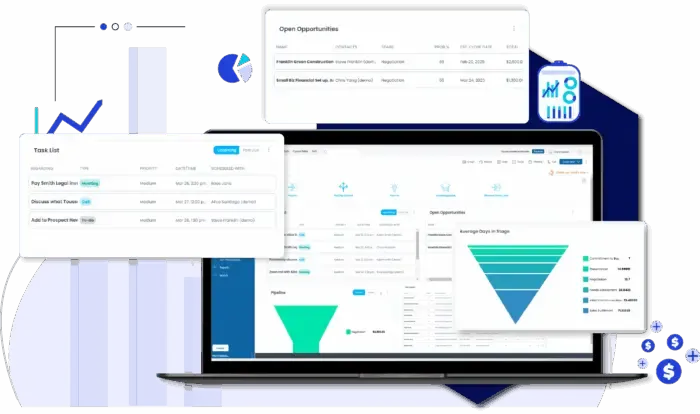
Act! is a customer relationship management product with cloud and desktop editions. Its capabilities include contact histories, activity and opportunity tracking, sales pipelines, reporting, email marketing, and related customer-facing tools.
Act! Advantage is browser-based and includes mobile access. Premium Desktop is a self-managed option for organizations that prefer local deployment. The product’s plan structure matters: marketing send limits, AI tools, automation, customer portal access, and support vary by tier or add-on.
A quick way to understand who this product may suit, where its limits matter, and which facts are most relevant before you compare alternatives.
Small and midsize businesses seeking contact histories, opportunity tracking, email marketing, and optional desktop control in one CRM.
Teams seeking a free CRM, a clearly documented public developer API for cloud accounts, or a contemporary interface with minimal configuration may prefer another product, and should evaluate alternatives such as HubSpot CRM or Zoho CRM instead.
Android, iOS, On-premises, Web, Windows
7.4/10
These are the product-specific differences that may matter when deciding whether the software fits your workflow. They are based on documented evidence rather than a universal ranking.
These are documented constraints or practical friction points that may matter before you adopt the product.
Budget comparisons should use the annual commitment and the number of paid seats, not only the monthly equivalent.
Evidence source ↗Teams with larger mailing lists or advanced support needs should confirm limits and add-on charges before selecting a tier.
Evidence source ↗IT permissions and per-user setup can affect rollout timelines in managed Windows environments.
Evidence source ↗CRM, mobile app, basic email marketing with 2,500 sends per month, Office 365 and Gmail integration, quotes, scheduling, forms, surveys, chat, event management, reporting, standard support, and 15 GB cloud storage.
Check current pricing →Includes Standard, plus 25,000 email sends per month, AI History Summary, AI Writing Assistant, advanced quotes and scheduling, accounting integration, project management, and 25 GB cloud storage.
Check current pricing →Includes Professional, plus marketing automation with 50,000 email sends per month, lead scoring, an additional email domain, custom industry tables, customer portal, enhanced support, and 35 GB cloud storage.
Check current pricing →Self-managed desktop CRM for teams that deploy and manage the software themselves.
Check current pricing →Trial access with no credit card required.
Check current pricing →Pricing may change. Verify current plans on the vendor's website.
Compare similar products directly, then see which alternatives may make more sense when your requirements differ.
| Decision factor | Act! | HubSpot CRM | Zoho CRM |
|---|---|---|---|
| Core scope | CRM with email marketing, automation, quoting, scheduling, forms, and related front-office tools across tiered plans. | Free CRM tools include contact and deal management, tasks, email tracking, meeting scheduling, chat, and reporting. Source ↗ | CRM editions include contact management, sales activities, workflows, reporting, and progressively broader sales capabilities. Source ↗ |
| Pricing model | Act! Advantage starts at $30 per user per month, billed annually; Premium Desktop is listed at $40 per user per month, billed annually. | HubSpot lists free CRM tools for up to two users and paid Starter, Professional, and Enterprise offerings. Source ↗ | Zoho lists a free edition for up to three users and paid per-user editions with monthly or annual options. Source ↗ |
| Deployment model | Act! offers browser-based cloud service and a separately managed desktop edition. | HubSpot describes its free CRM as browser-based with no installation required. Source ↗ | Zoho CRM's free edition page describes a browser-based service with no installation required. Source ↗ |
Only factors supported by the available research are shown. The comparison is descriptive, not a ranking.
These products address broadly similar requirements. The descriptions focus on documented reasons a buyer might compare them with Act!.


| Vendor | Act! LLC |
|---|---|
| First product launch | 1987 |
| Cloud deployment | Act! Advantage, browser-based |
| Desktop deployment | Premium Desktop, customer-managed on-premises option |
| Mobile apps | iOS and Android; included for active cloud subscribers |
| Free trial | 14 days; no credit card required |
| Billing | Advantage plans and Premium Desktop are billed annually per user |
| Cloud storage | 15 GB Standard, 25 GB Professional, 35 GB Ultimate |
| Email sending limits | 2,500 sends/month Standard; 25,000 Professional; 50,000 Ultimate |
| API | API-related features are documented; verify edition-specific requirements and configuration |
Verified installation, hosting, administration, or environment details that can affect implementation.
| Cloud hosting | Act! Advantage is browser-based, hosted by Act!, and includes automatic updates and cloud storage. Source ↗ |
|---|---|
| Self-managed deployment | Premium Desktop is positioned as an on-premises option where the customer deploys and manages the software. Source ↗ |
| Mobile access | Act! Mobile is available for Apple iOS and Android; the vendor says it is included for active Act! Cloud subscribers. Source ↗ |
Documented portability, standards, export, or switching considerations. No switching-cost score is shown unless the evidence supports one.
The researched public product pages did not establish a complete export format, migration tool, or migration timetable. Act! lists professional services that can include data migration.
Evidence source ↗A proprietary editorial score based on product capabilities, usability, value, performance, support and user sentiment evidence.
Feature breadth is supported by vendor documentation for contact management, pipelines, marketing, integrations, mobile access, and desktop deployment. Public review pages show mixed usability feedback, including dated-interface and setup concerns. Scores are editorial assessments, not hands-on test results.
Methodology v1.0. The assessment weighs feature coverage (25%), ease of use (15%), value for money (20%), performance (15%), support (10%) and user sentiment (15%), using researched product evidence and verified review evidence where available. It is a TechZella editorial assessment, not a direct user-review average.
Key claims are linked to the sources used to verify them. This evidence record is separate from third-party user ratings.
TechZella evaluates software using documented product capabilities, pricing information, usability and value considerations, independent user evidence where available, and competitive context. The assessment is an editorial review, not a hands-on test unless one is explicitly identified. Our editorial assessment is based on 6 documented sources.
The company history page dates the creation of Activity Control Technology, identified as the first CRM, to 1987.
View source ↗Verified 2026-11-29The official pricing page lists Standard, Professional, Ultimate, and Premium Desktop prices and describes annual billing.
View source ↗Verified 2026-11-29The official trial page states a 14-day trial and no credit card requirement.
View source ↗Verified 2026-11-29The vendor mobile page identifies Apple iOS and Android downloads and says the app is included for active cloud subscribers.
View source ↗Verified 2026-11-29The Act! Connect page describes listed app connections, including Outlook, Google Contacts, Slack, QuickBooks Online, FreshBooks, and Xero.
View source ↗Verified 2026-11-29Act! support describes API features including Outlook, Act! Marketing Automation, and Zapier; a separate setup article refers to configuring an API application in an IIS environment.
View source ↗Verified 2026-11-29Answers begin with the clearest available response, followed by the context that helps you act on it.
No reviews yet. Be the first to share your experience.
Please log in to submit a review.