
Unclaimed boards are deleted after 30 days.
A board started without claiming it to a verified email account should not be treated as permanent storage.
Evidence source ↗
Ink is a web-based shared whiteboard where people and AI agents create, edit, publish, and share persistent boards. It also supports interactive forms and API-connected live data.
Product documentation verifies collaborative boards, agent access through an API and MCP, forms, live data, and a free plan. No reliable independent review corpus or published performance testing was found, so support and sentiment scores remain neutral evidence assessments rather than user ratings.
This profile combines documented product information and independent evidence where available. It is not a hands-on test unless TechZella explicitly identifies one.
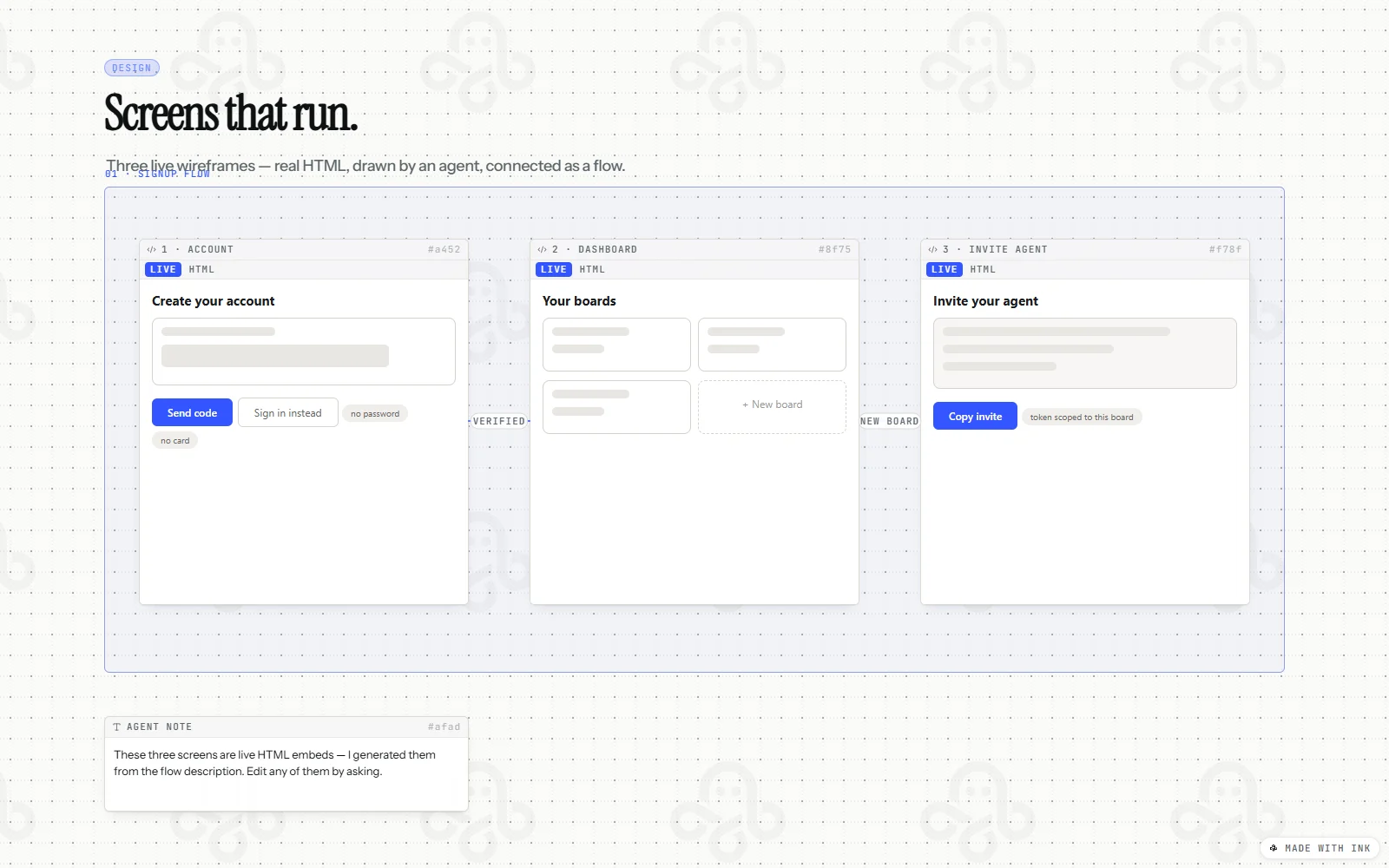
Ink is a hosted collaborative whiteboard built for people and AI agents to create and edit persistent boards. Teams can share or publish boards and use them for project plans, diagrams, wireframes, forms, and live-data views.
Its documented agent API and MCP endpoint let compatible agents read and write boards. Ink is distinct from a general-purpose visual workspace in its agent-first workflow and board-based forms, but it does not offer offline editing or private areas within a shared board.
A quick way to understand who this product may suit, where its limits matter, and which facts are most relevant before you compare alternatives.
Teams and developers who want AI agents to build persistent, shareable project plans, diagrams, forms, or dashboards on a collaborative canvas.
Organizations requiring offline board editing, confidential sections within a board, a published service-level agreement, or mature enterprise controls on a lower-cost plan may need to assess alternatives, and should evaluate alternatives such as Miro or FigJam instead.
API, CLI, MCP, SaaS, Web
7.4/10
These are the product-specific differences that may matter when deciding whether the software fits your workflow. They are based on documented evidence rather than a universal ranking.
These are documented constraints or practical friction points that may matter before you adopt the product.
A board started without claiming it to a verified email account should not be treated as permanent storage.
Evidence source ↗Teams should put genuinely private material on a separate board rather than relying on frame locks.
Evidence source ↗A board can display upstream JSON but cannot write back through a connection; repeated refreshes could consume an upstream API quota.
Evidence source ↗Buyers with availability commitments should evaluate this before using Ink for a production-critical workflow.
Evidence source ↗Unlimited boards and agent collaborators; interactive Pro blocks on up to three boards.
Check current pricing →Includes Pro blocks on unlimited boards, forms, records, and live data everywhere.
Check current pricing →Contact sales; listed features include SSO and SCIM, agent permission policies, audit log export, and regional data residency.
Check current pricing →Pricing may change. Verify current plans on the vendor's website.
Compare similar products directly, then see which alternatives may make more sense when your requirements differ.
| Decision factor | Ink | Miro | FigJam |
|---|---|---|---|
| Core workflow | Persistent shared canvas designed for people and AI agents to create plans, forms, diagrams, and pages. | Collaborative visual workspace with boards, diagrams, structured formats, and AI workflows. Source ↗ | Collaborative whiteboards for brainstorming, diagrams, meetings, planning, and research. Source ↗ |
| Agent access | Documented agent API and MCP endpoint; the first board can be created without an API key. | Miro lists an MCP server and AI workflows, with plan-dependent MCP call limits. Source ↗ | Figma lists an MCP server with plan-dependent call limits and AI features for FigJam. Source ↗ |
| Pricing model | Free plan with unlimited boards; Pro is $5 per editor per month; Enterprise is quoted annually. | Free tier plus seat-based paid plans; Miro lists Starter at $8 per member per month when billed yearly. Source ↗ | FigJam is included in Figma seats; the pricing page lists a $3 per month Collab seat on Professional. Source ↗ |
Only factors supported by the available research are shown. The comparison is descriptive, not a ranking.
These products address broadly similar requirements. The descriptions focus on documented reasons a buyer might compare them with Ink.
| Deployment | Hosted SaaS |
|---|---|
| Primary interface | Web app |
| Agent interfaces | API, MCP, and CLI |
| Hosting provider | Cloudflare, as stated in the privacy policy |
| Offline editing | Not supported |
| Free board limit | Unlimited boards; interactive Pro blocks on three boards |
| Pro billing unit | Per editor |
| API access | Documented agent API; MCP endpoint |
| Data residency | Regional data residency listed for Enterprise |
| Service-level agreement | No SLA promised for API, published snapshots, or embeds |
Verified installation, hosting, administration, or environment details that can affect implementation.
| Hosting | Hosted SaaS; the privacy page names Cloudflare for hosting, storage, and delivery. Source ↗ |
|---|---|
| Offline use | The installable web app does not support offline editing; boards remain live documents on the service. Source ↗ |
Documented portability, standards, export, or switching considerations. No switching-cost score is shown unless the evidence supports one.
The agent API can return a board as text, and separate read endpoints cover records and chat. The product page also says form responses can be downloaded as a spreadsheet.
Evidence source ↗Users can delete boards; account and data deletion can be requested, with the privacy page stating completion within 30 days.
Evidence source ↗A proprietary editorial score based on product capabilities, usability, value, performance, support and user sentiment evidence.
Product documentation verifies collaborative boards, agent access through an API and MCP, forms, live data, and a free plan. No reliable independent review corpus or published performance testing was found, so support and sentiment scores remain neutral evidence assessments rather than user ratings.
Methodology v1.0. The assessment weighs feature coverage (25%), ease of use (15%), value for money (20%), performance (15%), support (10%) and user sentiment (15%), using researched product evidence and verified review evidence where available. It is a TechZella editorial assessment, not a direct user-review average.
Key claims are linked to the sources used to verify them. This evidence record is separate from third-party user ratings.
TechZella evaluates software using documented product capabilities, pricing information, usability and value considerations, independent user evidence where available, and competitive context. The assessment is an editorial review, not a hands-on test unless one is explicitly identified. Our editorial assessment is based on 5 documented sources.
The terms identify Get Ink, LLC as the operator of the get.ink whiteboard service.
View source ↗Verified 2026-11-14The official pricing section lists Free at $0, Pro at $5 per editor per month, and annual Enterprise pricing through sales.
View source ↗Verified 2026-11-14The API documentation describes board creation, transactions, reads, and an MCP endpoint.
View source ↗Verified 2026-11-14The product page describes board forms and says response records are visible to board members while public pages see a count.
View source ↗Verified 2026-11-14The privacy policy states that Ink runs no server-side AI and does not use boards or records to train models.
View source ↗Verified 2026-11-14The installation documentation explicitly distinguishes installation from offline editing and says boards require a live connection.
View source ↗Verified 2026-11-14Answers begin with the clearest available response, followed by the context that helps you act on it.
No reviews yet. Be the first to share your experience.
Please log in to submit a review.