Editorial overview
Aggregated Overview
Official documentation shows broad rendering, scene, animation, loading, and WebXR capabilities. The library is free under the MIT license, but projects require JavaScript development and a separate hosting setup. No review-platform evidence was used, so user sentiment is unscored.
This profile combines documented product information and independent evidence where available. It is not a hands-on test unless TechZella explicitly identifies one.
Overview
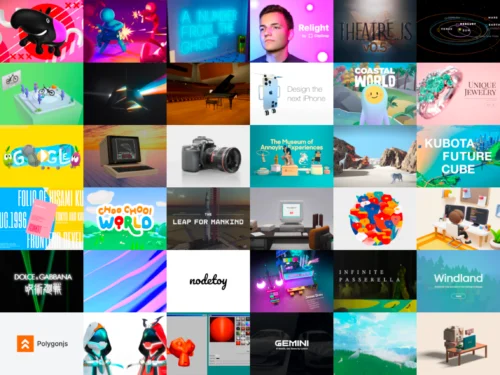
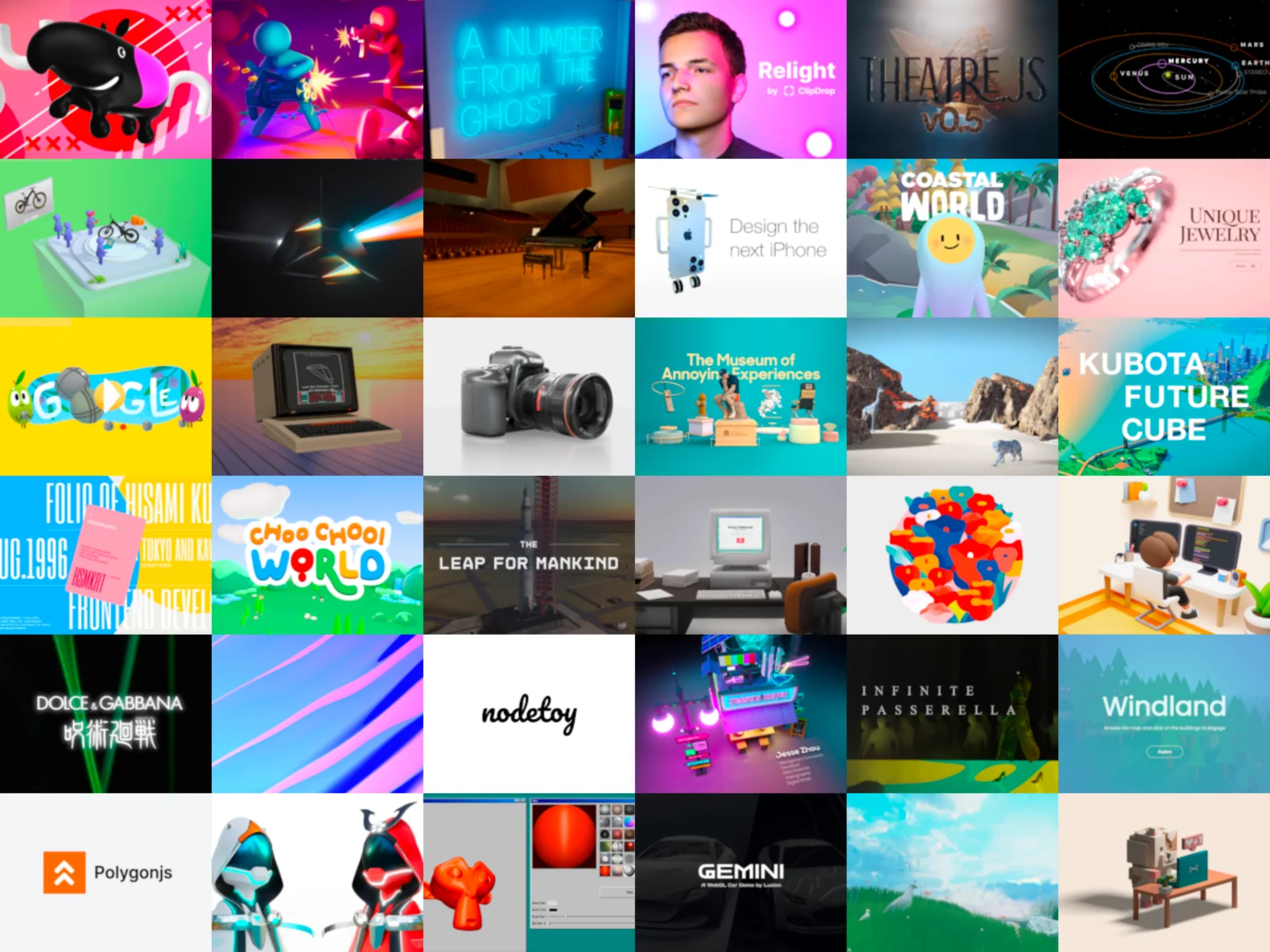
Three.js is an open-source JavaScript library for building 3D graphics in web applications. Its documented renderers support WebGL and WebGPU, and the project maintains a collection of examples for developers.
It is a development component, not a hosted 3D service. Teams create their own application and deploy it to a web host. The official setup guide supports npm with a build tool or CDN imports.
Three.js Decision Snapshot
A quick way to understand who this product may suit, where its limits matter, and which facts are most relevant before you compare alternatives.
Best suited toJavaScript developers building custom interactive 3D graphics, visualizations, or browser-based AR and VR experiences.
Look elsewhere ifTeams seeking a turnkey, hosted 3D authoring platform or a complete game-development workflow without building application logic, and should evaluate alternatives such as Babylon.js: Consider it when a project benefits from its dedicated visual editor and broader built-in engine features. or PlayCanvas Engine: Consider it when a team prefers its entity-component engine workflow and associated Editor. instead.
TechZella assessment6.9/10
Three.js — What Sets It Apart?
These are the product-specific differences that may matter when deciding whether the software fits your workflow. They are based on documented evidence rather than a universal ranking.
- Provides a low-level JavaScript 3D library with WebGL and WebGPU renderers, rather than requiring a hosted scene-authoring service.
- Includes a maintained addon collection for controls, loaders, and post-processing, which developers import separately as needed.
Editorial assessmentThree.js Pros & Cons
Pros
- Free and MIT-licensed.
- Provides WebGL and WebGPU rendering options.
- Offers official documentation, examples, and separately imported addons.
- Supports npm-based and CDN-based project setup.
Cons
- Requires development work in JavaScript.
- Does not provide application hosting as part of the library.
- WebGPU use depends on browser and device capabilities; fallback may use WebGL 2.
Three.js Gotchas & Operational Limits
These are documented constraints or practical friction points that may matter before you adopt the product.
The official setup guide recommends npm and a build tool for most projects, while CDN use requires an import map and a local server during development.
Teams must plan for a JavaScript development workflow rather than treating Three.js as a standalone hosted editor.
Evidence source ↗The WebGPU renderer can use a WebGL 2 backend when WebGPU is unavailable.
Applications should verify browser and device requirements for features that depend specifically on WebGPU.
Evidence source ↗Three.js Pricing & Plans
Free
$0
month
The library is MIT-licensed open-source software. Hosting and project development are not included.
Check current pricing →Pricing may change. Verify current plans on the vendor's website.
Cost contextTotal Cost & Hidden Costs
Additional costs or implementation requirements that are documented in the available evidence.
Implementation and onboarding
The documentation describes setting up a JavaScript project and creating a scene; no paid onboarding service or implementation price was found in the official sources checked.
Evidence source ↗Hosting and infrastructure
Three.js is a library, not a hosted application. Production files must be deployed to a web host selected and funded separately by the project team.
Evidence source ↗License and add-ons
The repository lists an MIT license, and official addons do not require separate installation. No paid Three.js plan or usage fee was found in the official sources checked.
Evidence source ↗Quick Comparison
Compare the product with documented alternatives across the factors that can change a buying decision. Each row is evidence-backed rather than a generic feature checklist.
Three.js vs. Babylon.js
Documented comparisonThree.js vs. PlayCanvas Engine
Documented comparisonOnly factors supported by the available research are shown. The comparison is descriptive, not a ranking.
CapabilitiesThree.js Features
Rendering
- WebGL renderer
- WebGPU renderer with WebGL 2 fallback
Scene development
- Scene graph and cameras
- Geometry and materials
- Animation APIs
- Raycasting and interaction
Addons
- OrbitControls camera control addon
- GLTFLoader model-loading addon
- Post-processing and other addons
Web experiences
- Official WebXR examples
- WebGL and WebGPU example collections
Three.js Specifications
| License | MIT |
|---|
| Programming language | JavaScript |
|---|
| API | JavaScript library API |
|---|
| Rendering backends | WebGL and WebGPU; WebGL 2 fallback documented for WebGPURenderer |
|---|
| Installation | npm with a build tool or CDN import maps |
|---|
| Hosting | Deploy the resulting application to a separately selected web host |
|---|
| Browser-based editor | Official online editor |
|---|
Alternatives
Babylon.js is a comparable JavaScript 3D engine with a dedicated editor and documented scene, physics, audio, and GUI capabilities. PlayCanvas Engine is another open-source web graphics engine; its entity-component framework and its associated Editor offer a different development workflow.
Three.js may suit projects that want to assemble a custom application around a JavaScript 3D library. A team wanting a more integrated engine or visual-editor workflow can assess Babylon.js or PlayCanvas instead.
Migration & Lock-In
Documented portability, standards, export, or switching considerations. No switching-cost score is shown unless the evidence supports one.
Version upgrades
The project publishes a migration guide; it notes that updates can require staged API changes and code adjustments.
Evidence source ↗Our evidence-based assessmentTechZella Score
A proprietary editorial score based on product capabilities, usability, value, performance, support and user sentiment evidence.
6.9/10Moderate confidence
Official documentation shows broad rendering, scene, animation, loading, and WebXR capabilities. The library is free under the MIT license, but projects require JavaScript development and a separate hosting setup. No review-platform evidence was used, so user sentiment is unscored.
Methodology v1.0. The assessment weighs feature coverage (25%), ease of use (15%), value for money (20%), performance (15%), support (10%) and user sentiment (15%), using researched product evidence and verified review evidence where available. It is a TechZella editorial assessment, not a direct user-review average.
Editorial transparency
Our Review Methodology
Key claims are linked to the sources used to verify them. This evidence record is separate from third-party user ratings.
TechZella evaluates software using documented product capabilities, pricing information, usability and value considerations, independent user evidence where available, and competitive context. The assessment is an editorial review, not a hands-on test unless one is explicitly identified. Our editorial assessment is based on 4 documented sources.
What TechZella adds- Provides a low-level JavaScript 3D library with WebGL and WebGPU renderers, rather than requiring a hosted scene-authoring service.
- Includes a maintained addon collection for controls, loaders, and post-processing, which developers import separately as needed.
Important limitations- The project documentation expects developers to build and deploy a web application; Three.js does not provide application hosting.
- Some capabilities are separate addons, and the WebGPU renderer may fall back to WebGL 2 depending on browser support.
Evidence-backed claimsThree.js is a JavaScript 3D library with WebGL and WebGPU renderers.The project README describes it as a JavaScript 3D library and identifies its current renderers as WebGL and WebGPU.
View source ↗Verified 2026-11-13Three.js is distributed under the MIT license.The repository links its license as MIT.
View source ↗Verified 2026-11-13The documented installation options include npm with a build tool or CDN imports.The official manual explains both installation routes and production deployment steps.
View source ↗Verified 2026-11-13Official addons include controls and model loaders.The installation guide demonstrates importing OrbitControls and GLTFLoader from the addon collection.
View source ↗Verified 2026-11-13WebGPURenderer can fall back to WebGL 2 when WebGPU is unavailable.The WebGPURenderer manual describes its WebGL 2 fallback backend.
View source ↗Verified 2026-11-13The project maintains an online examples collection covering WebGL, WebGPU, and WebXR.The official examples index organizes examples into those rendering and experience areas.
View source ↗Verified 2026-11-13 Common questionsThree.js FAQs
Answers begin with the clearest available response, followed by the context that helps you act on it.
Is Three.js free?
Yes. The repository lists the project under the MIT license.
Does Three.js require a build tool?
No. The official guide documents npm with a build tool and a separate CDN import-map approach. It recommends the build-tool route for most users.
Does Three.js support WebGPU?
Yes. It documents WebGPURenderer, which can fall back to WebGL 2 if WebGPU is unavailable.
Does Three.js include model loaders?
Yes. Loaders are available as addons; the installation guide demonstrates importing GLTFLoader.
Community feedback
Reviews
No reviews yet. Be the first to share your experience.
Write a Review
Please log in to submit a review.
Recently added Developer Tools