
Xcode Cloud requires a remote Git repository and a consistently present Xcode project or workspace.
Projects generated or edited dynamically by third-party tools may fail during initial setup or subsequent cloud builds.
Evidence source ↗
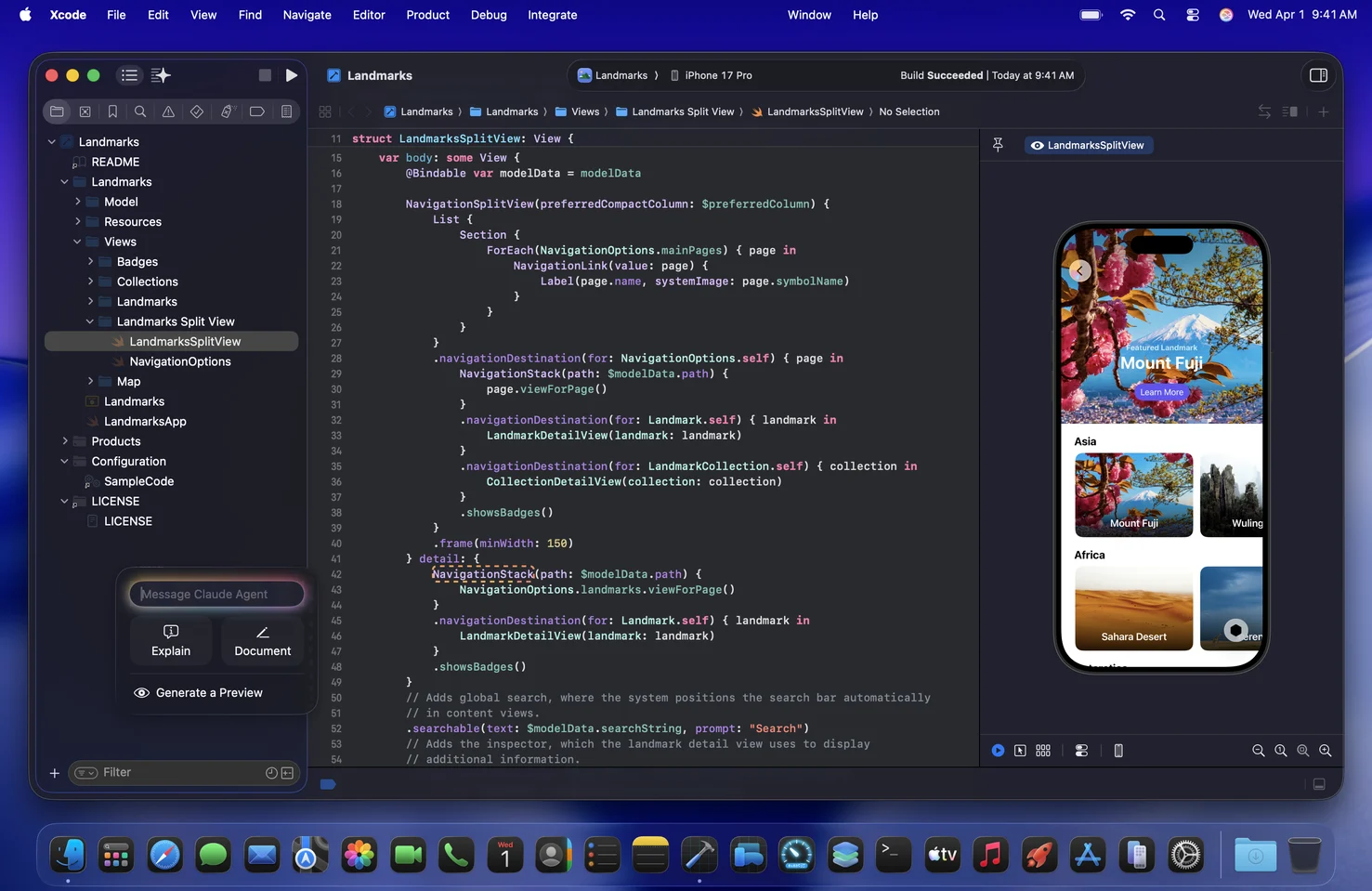
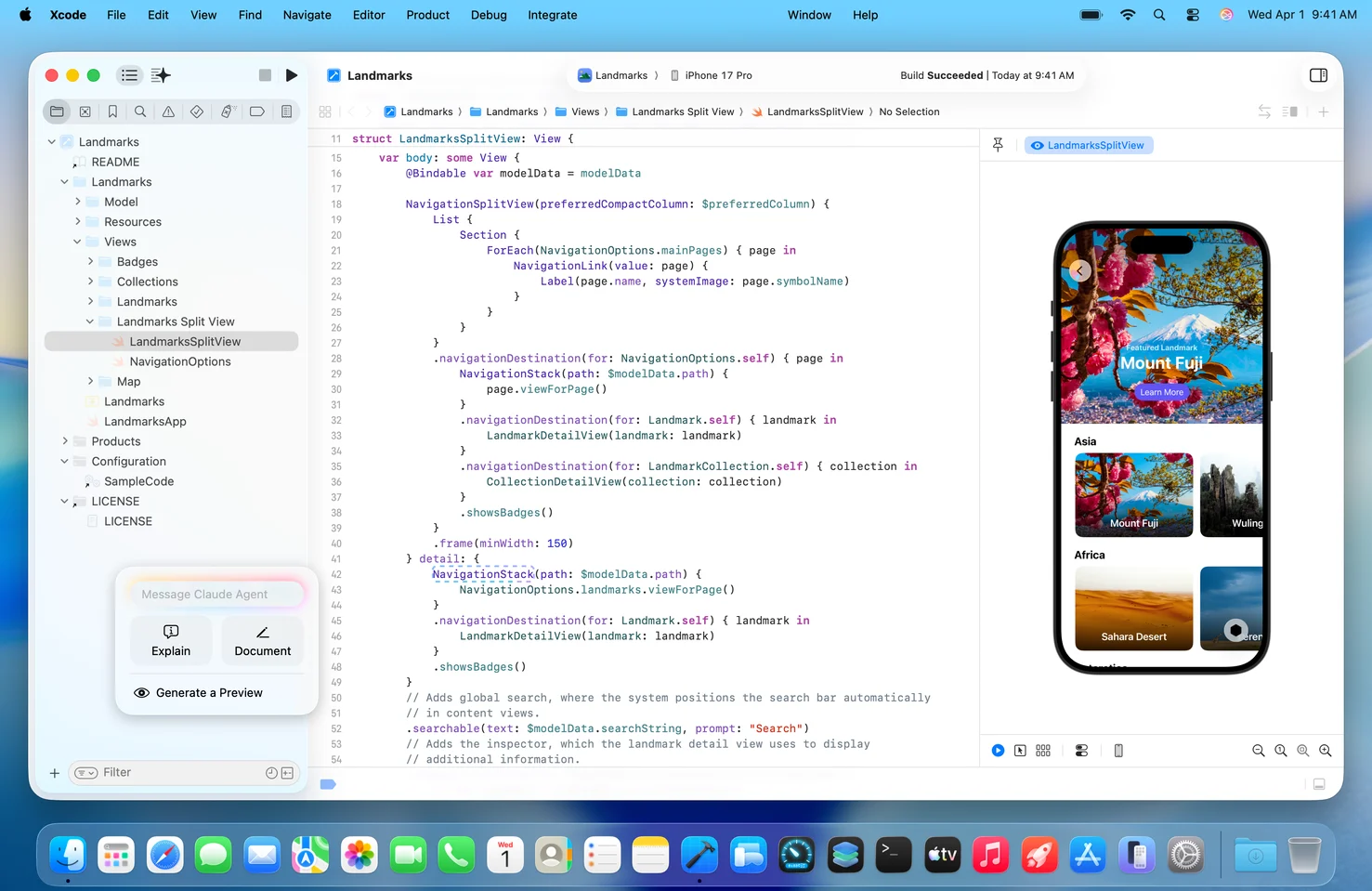
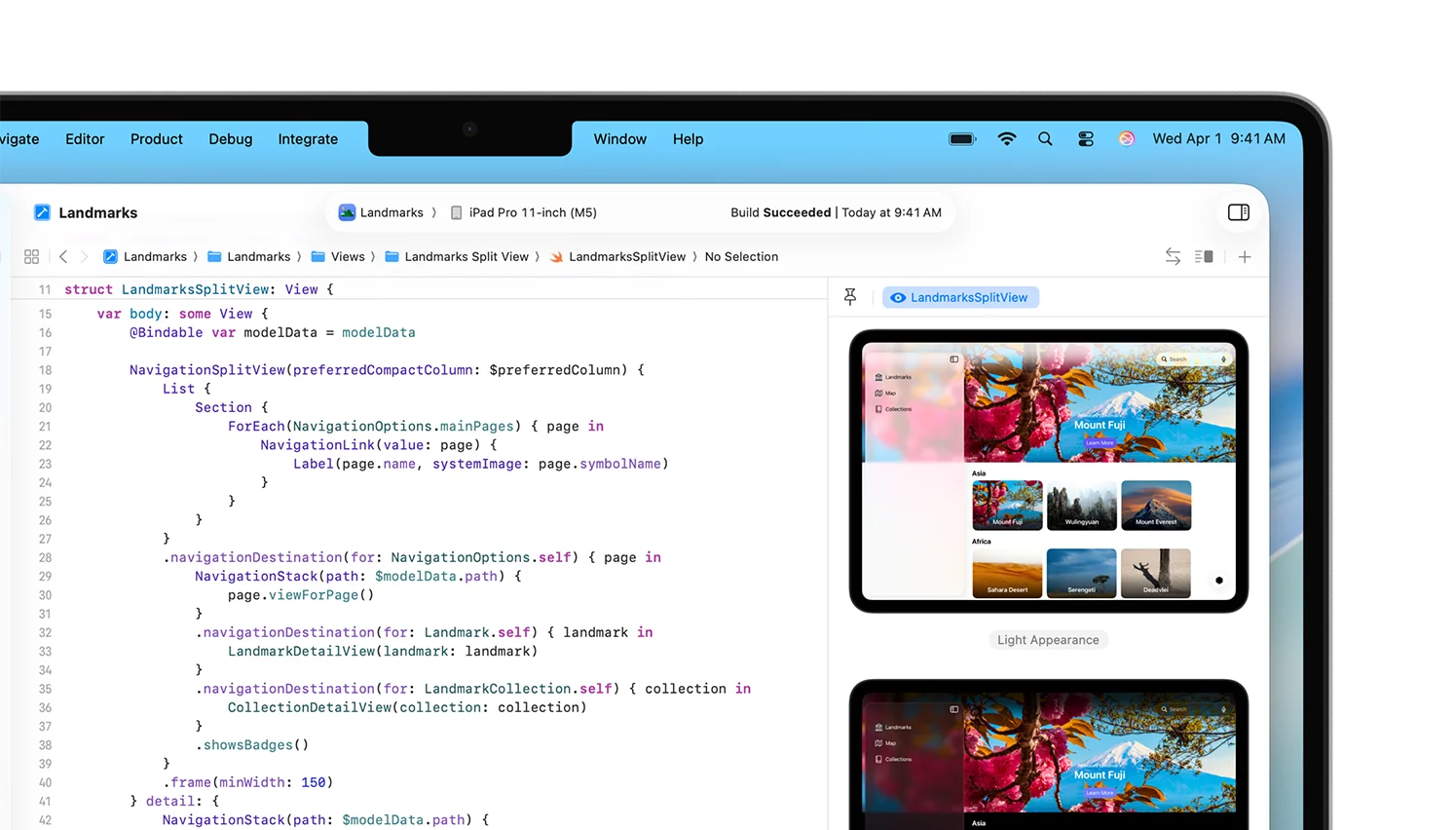
Xcode is Apple’s macOS development environment for building, testing, debugging, and distributing apps for Apple platforms.
Apple documents a broad toolset spanning editing, building, testing, profiling, and Apple-platform distribution. Xcode itself is free, but access to distribution features and larger Xcode Cloud quotas can involve paid memberships or subscriptions. No reliable public review sample was analyzed, so user sentiment is not established.
This profile combines documented product information and independent evidence where available. It is not a hands-on test unless TechZella explicitly identifies one.
Xcode is Apple’s integrated development environment for creating software for its operating systems. It includes tools for editing code, building projects, testing apps, debugging issues, and profiling performance.
The current major release verified for this profile is Xcode 27, listed by Apple on September 14, 2026. Xcode runs on macOS; its SDKs and simulators support development for iOS, iPadOS, macOS, watchOS, tvOS, and visionOS.
Xcode is free to download. Separate Apple Developer Program membership is relevant for app distribution and related services, while Xcode Cloud offers cloud build and test capacity with additional subscriptions for higher usage.
A quick way to understand who this product may suit, where its limits matter, and which facts are most relevant before you compare alternatives.
Developers building native apps for Apple operating systems who need Apple’s SDKs, simulators, debugging and profiling tools, or App Store workflows.
Teams needing one native IDE that runs on Windows or Linux, or primarily targeting non-Apple platforms, and should evaluate alternatives such as Visual Studio or Visual Studio Code instead.
iOS, iPadOS, macOS, tvOS, watchOS
7.8/10
These are the product-specific differences that may matter when deciding whether the software fits your workflow. They are based on documented evidence rather than a universal ranking.
These are documented constraints or practical friction points that may matter before you adopt the product.
Projects generated or edited dynamically by third-party tools may fail during initial setup or subsequent cloud builds.
Evidence source ↗Teams should estimate usage and retain any build or workflow information they need before disconnecting the service.
Evidence source ↗Intel Mac users need to check version compatibility before moving to Xcode 27.
Evidence source ↗The Xcode IDE is free. Apple Developer Program membership and Xcode Cloud subscriptions are separate.
Check current pricing →Optional membership with app distribution and other developer-program benefits. Fee waivers may be available for eligible organizations.
Check current pricing →Unused compute hours do not roll over.
Check current pricing →Optional subscription for 100 compute hours per month.
Check current pricing →Optional subscription for 250 compute hours per month.
Check current pricing →Optional subscription for 1,000 compute hours per month.
Check current pricing →Optional subscription for 10,000 compute hours per month.
Check current pricing →Pricing may change. Verify current plans on the vendor's website.
Compare similar products directly, then see which alternatives may make more sense when your requirements differ.
These products address broadly similar requirements. The descriptions focus on documented reasons a buyer might compare them with Xcode.
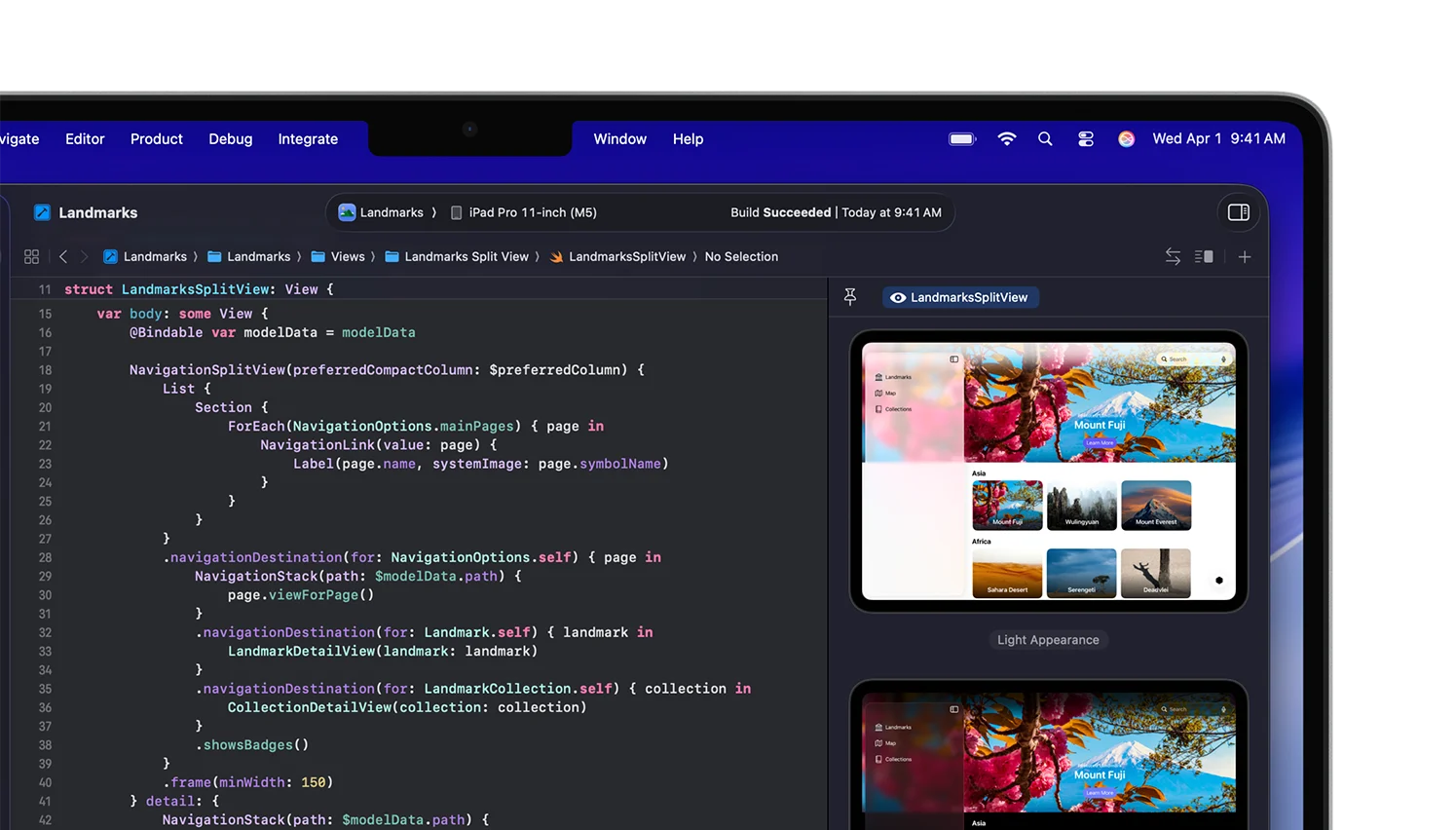
| Software type | Integrated development environment |
|---|---|
| Developer | Apple Inc. |
| Installation platform | macOS |
| Current Mac App Store requirement | macOS 26.6 or later; Apple M1 chip or later |
| Supported development targets | iOS, iPadOS, macOS, watchOS, tvOS, visionOS |
| Source control | Git |
| Xcode Cloud integrations | GitHub, GitHub Enterprise, Bitbucket Cloud, Bitbucket Server, GitLab, self-managed GitLab |
| API | A general public Xcode application API was not verified. Xcode 27 documents MCP and Agent Client Protocol support for coding-agent integrations. |
| Free trial | Not applicable; Xcode is free |
Verified installation, hosting, administration, or environment details that can affect implementation.
| Installation or hosting | Xcode is distributed as a Mac app through the Mac App Store and through Apple’s developer download channels. Xcode Cloud provides separate cloud build and test workflows. Source ↗ |
|---|---|
| Host requirements | The current Mac App Store listing requires macOS 26.6 or later and a Mac with an Apple M1 chip or later. Source ↗ |
A proprietary editorial score based on product capabilities, usability, value, performance, support and user sentiment evidence.
Apple documents a broad toolset spanning editing, building, testing, profiling, and Apple-platform distribution. Xcode itself is free, but access to distribution features and larger Xcode Cloud quotas can involve paid memberships or subscriptions. No reliable public review sample was analyzed, so user sentiment is not established.
Methodology v1.0. The assessment weighs feature coverage (25%), ease of use (15%), value for money (20%), performance (15%), support (10%) and user sentiment (15%), using researched product evidence and verified review evidence where available. It is a TechZella editorial assessment, not a direct user-review average.
Key claims are linked to the sources used to verify them. This evidence record is separate from third-party user ratings.
TechZella evaluates software using documented product capabilities, pricing information, usability and value considerations, independent user evidence where available, and competitive context. The assessment is an editorial review, not a hands-on test unless one is explicitly identified. Our editorial assessment is based on 6 documented sources.
Apple describes Xcode as the suite used to build apps for Apple platforms and lists its supported platform SDKs.
View source ↗Verified 2026-10-01Apple's developer release listing identifies Xcode 27 and gives its release date.
View source ↗Verified 2026-10-01Apple's Xcode Cloud setup documentation lists supported SCM providers and repository requirements.
View source ↗Verified 2026-10-01Apple publishes the included quota and monthly subscription prices on its Xcode Cloud setup page.
View source ↗Verified 2026-10-01Apple documents agent configuration, plug-ins, MCP servers, skills, and Agent Client Protocol support for Xcode.
View source ↗Verified 2026-10-01The listing specifies macOS 26.6 or later and a Mac with an Apple M1 chip or later.
View source ↗Verified 2026-10-01Answers begin with the clearest available response, followed by the context that helps you act on it.
No reviews yet. Be the first to share your experience.
Please log in to submit a review.