
Online subscriptions automatically renew, and the renewal estimate may change.
Buyers should check the displayed renewal price and cancellation settings before the next billing date.
Evidence source ↗
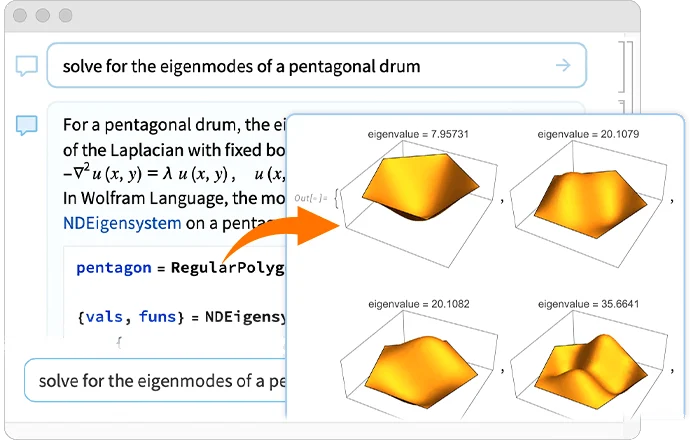
Mathematica is Wolfram Research’s technical-computing environment for symbolic and numerical mathematics, data analysis, visualization, and programmable notebooks.
The product combines symbolic and numerical computation, notebooks, visualization, external-language connectivity, and cloud deployment. Public review evidence is limited; a review source reports a 7/10 score, while other surfaced reviews mention a learning curve.
This profile combines documented product information and independent evidence where available. It is not a hands-on test unless TechZella explicitly identifies one.
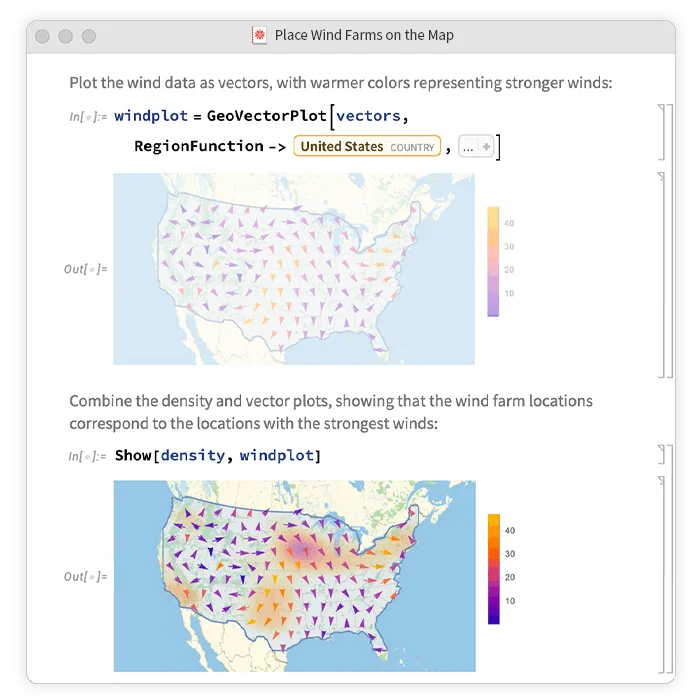
Wolfram Mathematica is a technical-computing product built around the Wolfram Language and interactive notebooks. It supports symbolic and numerical mathematics, data analysis, visualization, and programmable workflows.
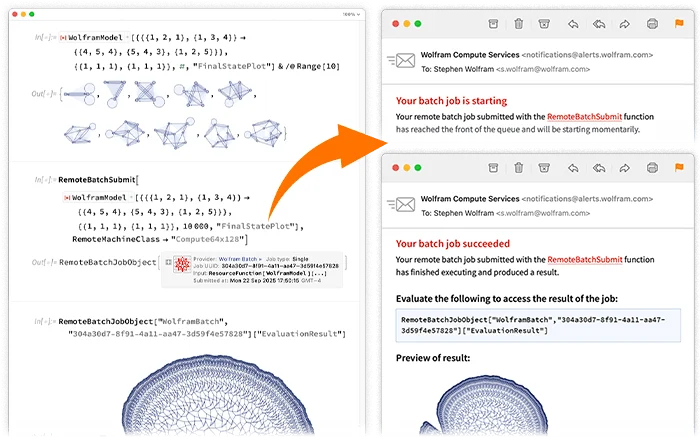
The product runs on Windows, macOS, and Linux, with cloud access available through Wolfram subscriptions. Its documented external-language interfaces and APIs can connect Mathematica workflows to other software, though cloud computation and storage are subject to plan limits.
A quick way to understand who this product may suit, where its limits matter, and which facts are most relevant before you compare alternatives.
Researchers, educators, and technical developers who need symbolic mathematics alongside numerical computation, visualization, and notebook-based work.
Buyers seeking a free, open-source general-purpose programming environment, or teams whose needs center on engineering workflows built around MATLAB and Simulink, and should evaluate alternatives such as Maple or MATLAB instead.
Cloud, Linux, macOS, Web, Windows
7.6/10
These are the product-specific differences that may matter when deciding whether the software fits your workflow. They are based on documented evidence rather than a universal ranking.
These are documented constraints or practical friction points that may matter before you adopt the product.
Buyers should check the displayed renewal price and cancellation settings before the next billing date.
Evidence source ↗Teams relying on cloud notebooks, upgrades, or included advanced support need to account for continued subscription costs.
Evidence source ↗Commercial subscription with Mathematica desktop and cloud access, Wolfram AI Access Basic, Wolfram Local MCP, and advanced technical support. Current price depends on region and checkout.
Check current pricing →Commercial monthly licensing option with desktop and cloud access. Current price depends on region and checkout.
Check current pricing →Commercial subscription that includes a perpetual desktop license; cloud access and subscription benefits require an active subscription.
Check current pricing →Free Mathematica trial with desktop evaluation and cloud access.
Check current pricing →Pricing may change. Verify current plans on the vendor's website.
Compare similar products directly, then see which alternatives may make more sense when your requirements differ.
| Decision factor | Wolfram Mathematica | Maple | MATLAB |
|---|---|---|---|
| Core scope | Symbolic and numerical technical computing, notebooks, visualization, and Wolfram Language programming. | Symbolic and numerical mathematics, visualization, and interactive mathematical tools. Source ↗ | Programming and numerical-computing environment focused on algorithm development, data analysis, visualization, and engineering applications. Source ↗ |
| Platform | Windows, macOS, and Linux desktop; browser and cloud access are also documented. | Windows, macOS, and Linux desktop for Maple 2026. Source ↗ | MATLAB desktop and cloud options are described by MathWorks; exact availability depends on product and license. Source ↗ |
| Pricing model | Commercial subscriptions and a Professional Plus option with perpetual desktop access; prices vary by region and checkout. | Single-user licenses are sold through the web store; multi-user or special configurations require a quote. Source ↗ | The reviewed MATLAB product page directs buyers to contact sales and does not state a universal price. Source ↗ |
Only factors supported by the available research are shown. The comparison is descriptive, not a ranking.
These products address broadly similar requirements. The descriptions focus on documented reasons a buyer might compare them with Wolfram Mathematica.

| Desktop operating systems | Windows, macOS, Linux |
|---|---|
| Cloud access | Wolfram Cloud through supported browsers and mobile access |
| Current release listed | 15.0.1, July 2026 |
| Free trial | 15 days |
| External-language interfaces | Python, Node.js, Julia, Ruby, R, Java, Octave, Jupyter, SQL, Shell, CUDA |
| Commercial cloud storage | 15 GB listed for commercial plan |
| Cloud computation credits | 50,000 Cloud Credits listed for commercial plan; additional credits can be purchased |
Verified installation, hosting, administration, or environment details that can affect implementation.
| Desktop installation | The Wolfram desktop application supports Windows, macOS, and listed Linux distributions. Source ↗ |
|---|---|
| Cloud access | Subscriptions include cloud access through a browser or Wolfram Cloud app; the vendor also documents cloud API deployment. Source ↗ |
Documented portability, standards, export, or switching considerations. No switching-cost score is shown unless the evidence supports one.
The reviewed official pages did not specify a general migration service or migration guarantee. Wolfram Language documentation describes importing and exporting data and calling external systems.
Evidence source ↗A proprietary editorial score based on product capabilities, usability, value, performance, support and user sentiment evidence.
The product combines symbolic and numerical computation, notebooks, visualization, external-language connectivity, and cloud deployment. Public review evidence is limited; a review source reports a 7/10 score, while other surfaced reviews mention a learning curve.
Methodology v1.0. The assessment weighs feature coverage (25%), ease of use (15%), value for money (20%), performance (15%), support (10%) and user sentiment (15%), using researched product evidence and verified review evidence where available. It is a TechZella editorial assessment, not a direct user-review average.
Key claims are linked to the sources used to verify them. This evidence record is separate from third-party user ratings.
TechZella evaluates software using documented product capabilities, pricing information, usability and value considerations, independent user evidence where available, and competitive context. The assessment is an editorial review, not a hands-on test unless one is explicitly identified. Our editorial assessment is based on 6 documented sources.
Wolfram Research’s company background identifies Mathematica as first released in 1988.
View source ↗Verified 2026-11-10Wolfram’s revision history labels 15.0.1 as the July 2026 release.
View source ↗Verified 2026-11-10The official commercial pricing page lists desktop and cloud access plus storage, file-size, computation, memory, and Cloud Credit limits.
View source ↗Verified 2026-11-10The official Mathematica trial page states that it provides a 15-day free trial.
View source ↗Verified 2026-11-10The official requirements page lists all three desktop platforms and supported operating-system versions.
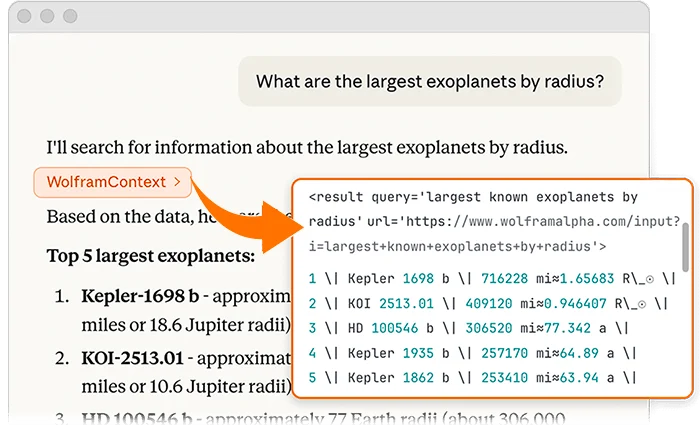
View source ↗Verified 2026-11-10Wolfram documentation describes external evaluation for languages including Python, Node.js, Julia, Ruby, R, Java, SQL, and CUDA, and API creation and deployment.
View source ↗Verified 2026-11-10Answers begin with the clearest available response, followed by the context that helps you act on it.
No reviews yet. Be the first to share your experience.
Please log in to submit a review.