
Some imported polygon meshes may not convert cleanly into Wings 3D objects.
Buyers moving existing assets should test representative files before choosing it as a primary modeling tool.
Evidence source ↗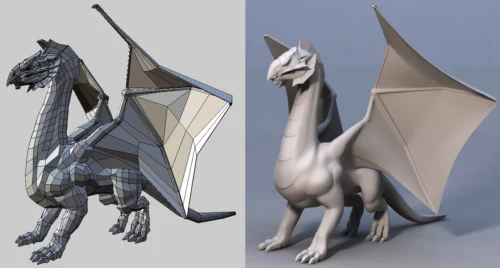
Wings 3D is a free, open-source desktop polygon modeler with subdivision tools and AutoUV mapping. It does not support animation.
The official documentation verifies focused polygon modeling, AutoUV, file exchange, and free commercial use. Public evidence was insufficient to assess performance, support quality, or broad user sentiment.
This profile combines documented product information and independent evidence where available. It is not a hands-on test unless TechZella explicitly identifies one.
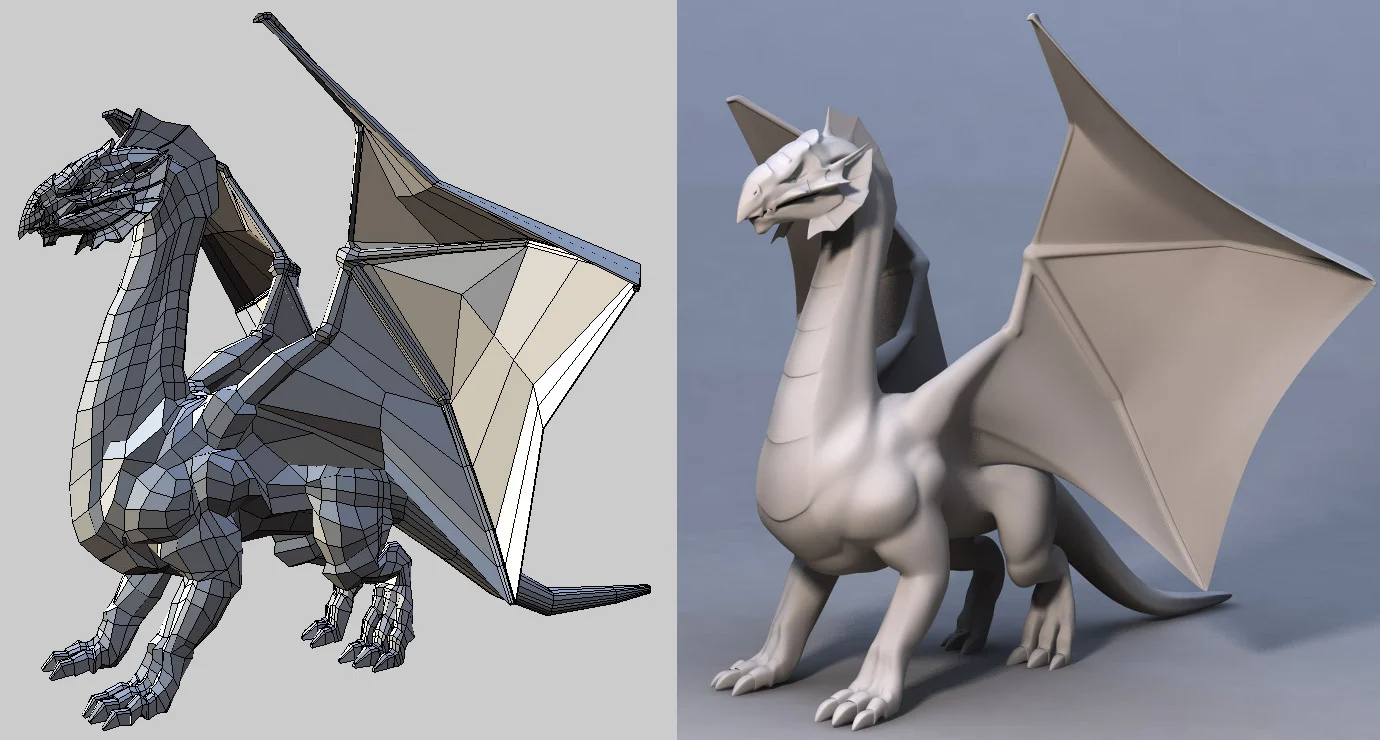
Wings 3D is a desktop subdivision and polygon modeler developed since 2001. Its tools cover mesh editing, selection, materials, lights, and UV mapping. The official site says it is open source and free for personal and commercial projects.
It is a focused modeling application rather than a complete animation suite. Its file import and export options support workflows that pass models to other applications, although the manual warns that some imperfect meshes may not import cleanly.
A quick way to understand who this product may suit, where its limits matter, and which facts are most relevant before you compare alternatives.
Individuals, learners, and creative users seeking a free desktop tool for polygon and subdivision modeling, UV preparation, and model export.
Teams needing animation, a full 3D production pipeline, or a publicly documented product API should compare broader tools, and should evaluate alternatives such as Blender or Blockbench instead.
BSD, FreeBSD, Linux, macOS, Windows
6.5/10
These are the product-specific differences that may matter when deciding whether the software fits your workflow. They are based on documented evidence rather than a universal ranking.
These are documented constraints or practical friction points that may matter before you adopt the product.
Buyers moving existing assets should test representative files before choosing it as a primary modeling tool.
Evidence source ↗Older or unsupported graphics configurations may need verification before installation.
Evidence source ↗Animation or rigging workflows require another application.
Evidence source ↗Open-source software stated to be free for personal and commercial projects.
Check current pricing →Pricing may change. Verify current plans on the vendor's website.
Compare similar products directly, then see which alternatives may make more sense when your requirements differ.
| Decision factor | Wings 3D | Blender | Blockbench |
|---|---|---|---|
| Core scope | Subdivision and polygon modeler focused on mesh creation and UV preparation. | Integrated 3D suite covering modeling, rigging, animation, simulation, rendering, compositing, and other production tasks. Source ↗ | Free low-poly model editor with cuboid and mesh workflows. Source ↗ |
| Animation | The official Wings 3D site says animation is not supported. | Blender includes animation and rigging tools. Source ↗ | Blockbench includes an animation editor for model rigging and keyframes. Source ↗ |
| Pricing model | Free and open source for personal and commercial use. | Free and open-source 3D creation suite. Source ↗ | Free and open source for any type of project. Source ↗ |
Only factors supported by the available research are shown. The comparison is descriptive, not a ranking.
These products address broadly similar requirements. The descriptions focus on documented reasons a buyer might compare them with Wings 3D.
| Product type | Desktop polygon and subdivision modeler |
|---|---|
| Stable release listed | 2.4.1, released January 2025 |
| Operating systems | Windows, macOS, Linux; source builds for other Unix-like systems |
| Windows graphics requirement | OpenGL 2.1 or later, according to the official downloads page |
| API | No public product API documented on official product pages reviewed |
| Integrations | File-based import and export; official manual lists multiple 3D formats and external render workflows |
| Free trial | Not applicable; product is listed as free |
| Animation | Not supported |
Verified installation, hosting, administration, or environment details that can affect implementation.
| Installation or hosting | Downloadable desktop software; official packages are listed for Windows, Apple-chip macOS, Ubuntu Linux, and Flatpak. Source ↗ |
|---|
Documented portability, standards, export, or switching considerations. No switching-cost score is shown unless the evidence supports one.
The manual lists import formats including OBJ, STL, 3DS, LWO/LXO, and SVG; export formats include OBJ, STL, Collada, 3DS, and others.
Evidence source ↗A proprietary editorial score based on product capabilities, usability, value, performance, support and user sentiment evidence.
The official documentation verifies focused polygon modeling, AutoUV, file exchange, and free commercial use. Public evidence was insufficient to assess performance, support quality, or broad user sentiment.
Methodology v1.0. The assessment weighs feature coverage (25%), ease of use (15%), value for money (20%), performance (15%), support (10%) and user sentiment (15%), using researched product evidence and verified review evidence where available. It is a TechZella editorial assessment, not a direct user-review average.
Key claims are linked to the sources used to verify them. This evidence record is separate from third-party user ratings.
TechZella evaluates software using documented product capabilities, pricing information, usability and value considerations, independent user evidence where available, and competitive context. The assessment is an editorial review, not a hands-on test unless one is explicitly identified. Our editorial assessment is based on 4 documented sources.
The official homepage says the project began in 2001 with Björn Gustavsson and Dan Gudmundsson.
View source ↗Verified 2026-11-17The official homepage identifies it as open source and free for personal and commercial projects.
View source ↗Verified 2026-11-17The official feature page lists mesh-editing tools, UV mapping, materials, lights, and AutoUV.
View source ↗Verified 2026-11-17The product homepage explicitly identifies animation as unsupported.
View source ↗Verified 2026-11-17The downloads page labels version 2.4.1 the stable release and gives its release month.
View source ↗Verified 2026-11-17The official manual lists supported import and export formats, including OBJ and STL.
View source ↗Verified 2026-11-17Answers begin with the clearest available response, followed by the context that helps you act on it.
No reviews yet. Be the first to share your experience.
Please log in to submit a review.