
The free trial is limited to 30 days, disallows commercial use, and has restricted export formats and resolution.
Buyers evaluating production or commercial workflows may need a paid license to test the required export path.
Evidence source ↗
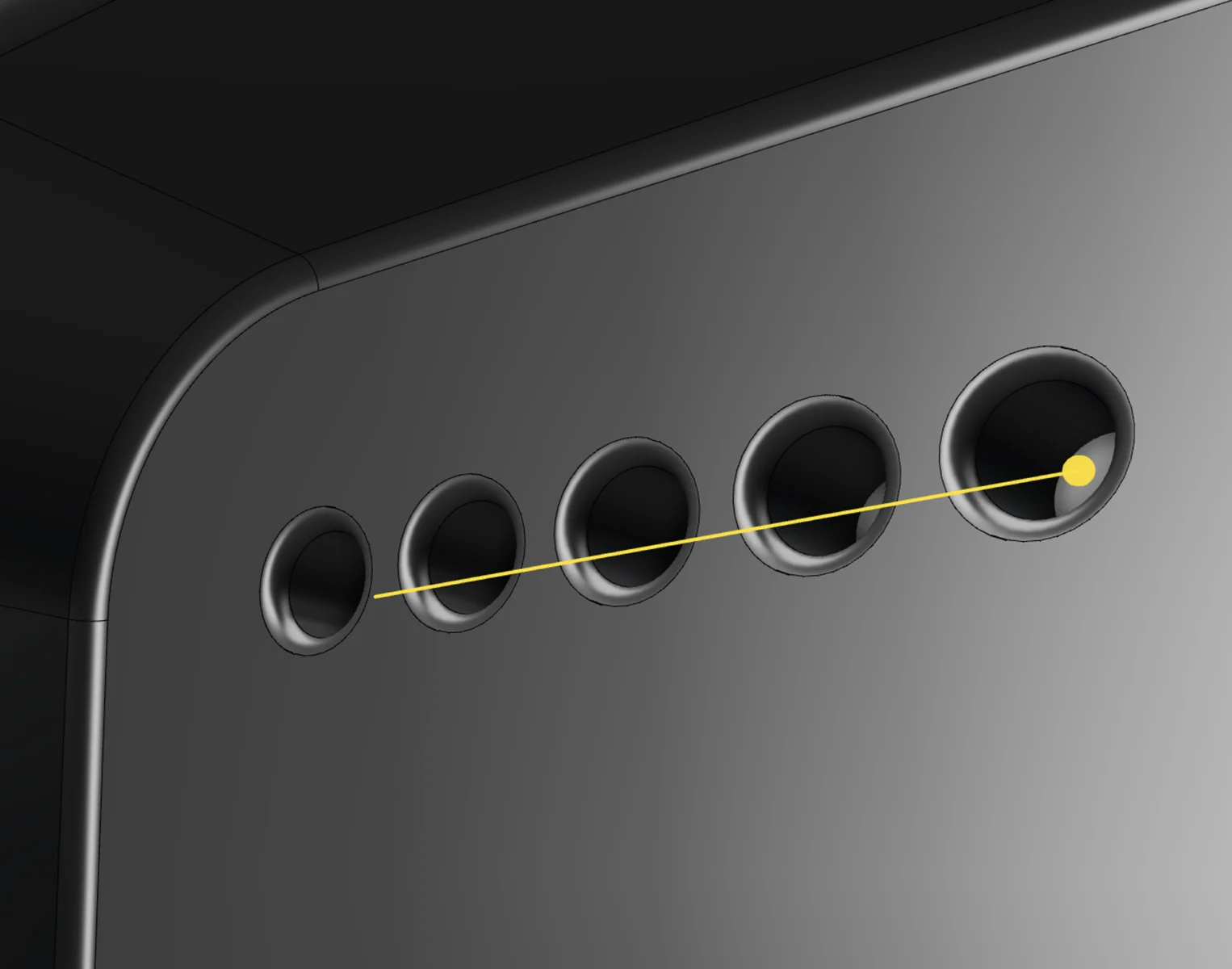
Plasticity is desktop software for direct solid and surface modeling, with NURBS tools and file exchange for CAD and 3D content workflows.
Official documentation verifies direct modeling, surface tools, file exchange, and a Blender bridge. A Creative Bloq review praised hard-surface modeling but noted a learning curve and limited parametric capabilities. Public review evidence is sparse, so these scores are editorial assessments, not user ratings.
This profile combines documented product information and independent evidence where available. It is not a hands-on test unless TechZella explicitly identifies one.
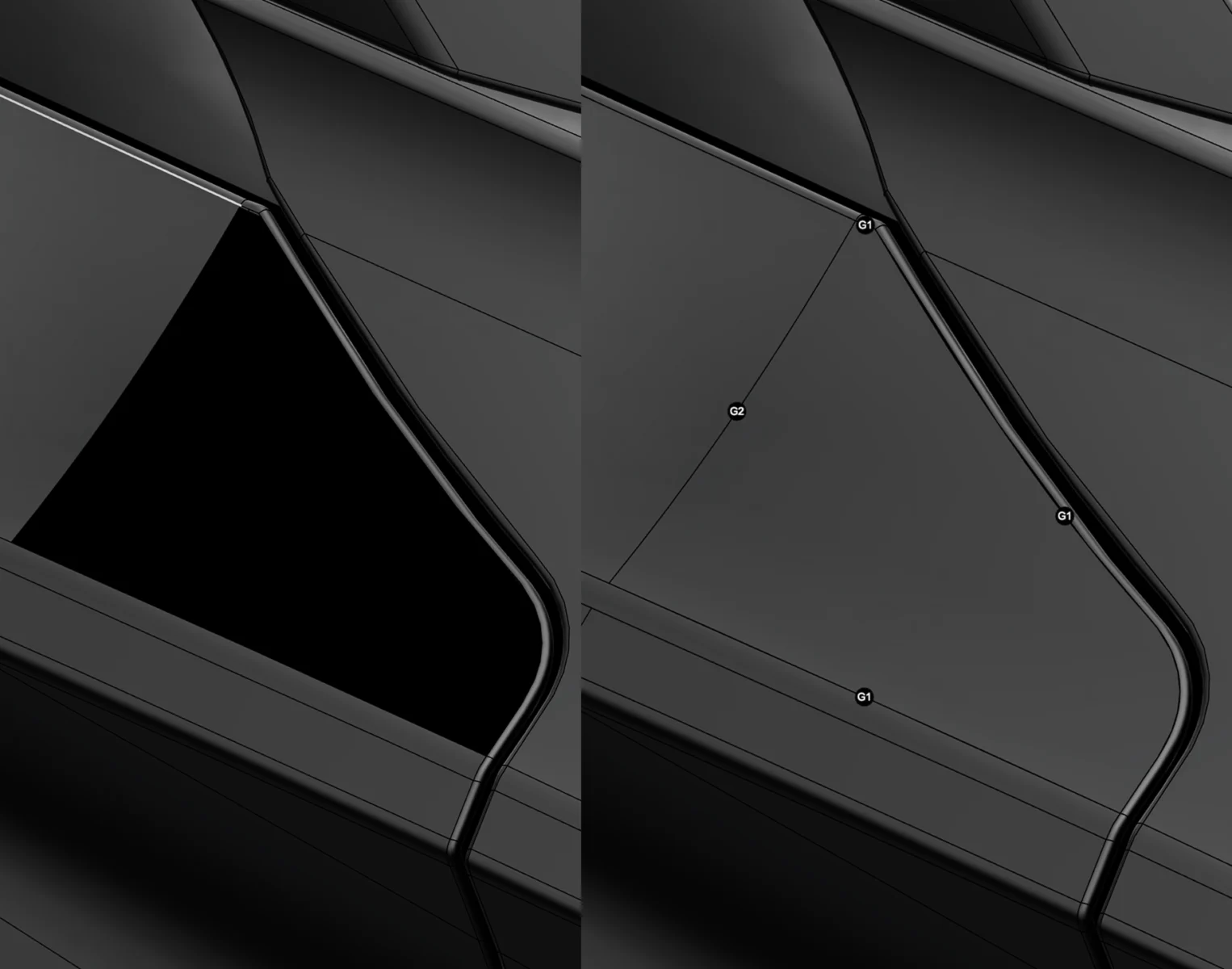
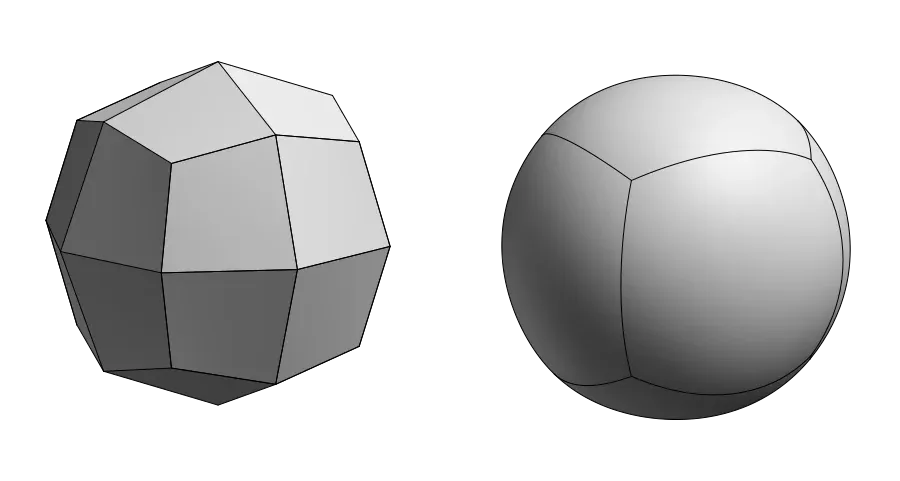
Plasticity is desktop software for direct solid and surface modeling. Its tools include NURBS editing, fillets, Boolean operations, dimensions, and surface-continuity analysis.
The product targets creative modeling workflows, including product and vehicle concepts and video-game art. Its direct-editing approach omits a required feature history tree, so buyers needing parametric histories should compare other CAD systems.
A quick way to understand who this product may suit, where its limits matter, and which facts are most relevant before you compare alternatives.
Individual designers and 3D artists creating hard-surface forms, product concepts, or game assets who want direct solid and NURBS modeling, with optional Blender workflows.
Teams that depend on history-based parametric editing, drawing or assembly workflows, or broad production tools in one application should assess other CAD or 3D suites, and should evaluate alternatives such as Rhino u2014 a comparable NURBS modeling product with additional analysis, documentation, rendering, and format-compatibility functions. or Autodesk Fusion u2014 consider it when history-based parametric tools are important; a Creative Bloq review identifies those tools as an area Plasticity lacks. instead.
Desktop, Linux, macOS, Windows
7.2/10
These are the product-specific differences that may matter when deciding whether the software fits your workflow. They are based on documented evidence rather than a universal ranking.
These are documented constraints or practical friction points that may matter before you adopt the product.
Buyers evaluating production or commercial workflows may need a paid license to test the required export path.
Evidence source ↗Teams using Linux or mixed operating systems should check whether plan-specific tools are available on their chosen machines.
Evidence source ↗Users should avoid relying on Blender-side mesh edits or metadata that may be replaced during a bridge refresh.
Evidence source ↗Essential modeling tools, STEP import, and low-resolution OBJ/STL export. Commercial use is not allowed.
Check current pricing →Perpetual individual license for commercial use on up to two machines, with 12 months of version updates and Blender Bridge.
Check current pricing →Perpetual individual license for commercial use on up to four machines, with 12 months of updates, advanced surfacing, broader formats, PolySplines, and xNURBS.
Check current pricing →Pricing may change. Verify current plans on the vendor's website.
Compare the product with documented alternatives across the factors that can change a buying decision. Each row is evidence-backed rather than a generic feature checklist.
| Decision factor | Plasticity | Blender |
|---|---|---|
| Core modeling workflow | Direct solid and surface editing with NURBS tools. | A broad 3D creation suite covering modeling, rendering, animation, simulation, and compositing. Source ↗ |
| Pricing model | Indie is listed at $175; Studio at $299. Both are perpetual licenses with 12 months of updates. | Free and open-source software. Source ↗ |
| Integration or workflow | The Blender Bridge sends Plasticity geometry into Blender, with documented live-link support. | Blender is a standalone 3D creation application with its own modeling and rendering tools. Source ↗ |
| Decision factor | Plasticity | Rhino |
|---|---|---|
| Core modeling workflow | Direct solid and surface editing without a required feature history tree. | Creates and edits NURBS, SubD, point clouds, and polygon meshes, and includes tools for analysis, documentation, and rendering. Source ↗ |
| Pricing model | Plasticity lists Indie at $175 and Studio at $299, with 12 months of updates included. | Not compared here because a current official Rhino price was not verified in this research. Source ↗ |
| File exchange | Studio imports Rhino 3DM geometry and exports formats including STEP, IGES, and ACIS. | Rhino states compatibility with hundreds of CAD, CAM, CAE, rendering, and animation products. Source ↗ |
Only factors supported by the available research are shown. The comparison is descriptive, not a ranking.



| Deployment | Desktop application |
|---|---|
| Operating systems | Windows 10+, macOS 12+, Ubuntu 22+ |
| License | Perpetual individual-use; 12 months of updates included |
| API | No public application API was verified in the researched product pages and manual. |
| Integration | Blender Bridge |
| System requirements | Vendor recommends 16 GB RAM minimum and 32 GB for large projects. |
Verified installation, hosting, administration, or environment details that can affect implementation.
| Installation or hosting | Desktop downloads are available for Windows, macOS, and Linux. Enterprise offers flexible offline deployment. Source ↗ |
|---|---|
| License model | Indie and Studio are perpetual individual-use licenses. Each includes 12 months of version updates; the installed version remains usable after that period. Source ↗ |
Consider Blender when you need a free, open-source suite with modeling, rendering, animation, and compositing. Plasticity may fit better when the central task is direct solid and NURBS surface modeling.
Consider Rhino when your workflow also needs broader modeling, analysis, documentation, rendering, or compatibility with other design tools. Plasticity may suit individual users focused on direct-editing workflows and a Blender connection.
Documented portability, standards, export, or switching considerations. No switching-cost score is shown unless the evidence supports one.
Indie imports and exports STEP, Parasolid, OBJ, and STL; it also imports FBX. Studio adds formats including IGES, ACIS, Rhino import, and Windows-only DXF/DWG import.
Evidence source ↗The Blender Bridge streams Plasticity geometry into Blender. Its documented direction is primarily from Plasticity to Blender.
Evidence source ↗A proprietary editorial score based on product capabilities, usability, value, performance, support and user sentiment evidence.
Official documentation verifies direct modeling, surface tools, file exchange, and a Blender bridge. A Creative Bloq review praised hard-surface modeling but noted a learning curve and limited parametric capabilities. Public review evidence is sparse, so these scores are editorial assessments, not user ratings.
Methodology v1.0. The assessment weighs feature coverage (25%), ease of use (15%), value for money (20%), performance (15%), support (10%) and user sentiment (15%), using researched product evidence and verified review evidence where available. It is a TechZella editorial assessment, not a direct user-review average.
Key claims are linked to the sources used to verify them. This evidence record is separate from third-party user ratings.
TechZella evaluates software using documented product capabilities, pricing information, usability and value considerations, independent user evidence where available, and competitive context. The assessment is an editorial review, not a hands-on test unless one is explicitly identified. Our editorial assessment is based on 3 documented sources.
The vendor lists downloads for all three operating systems and gives minimum operating-system versions in its FAQ.
View source ↗Verified 2026-11-17The vendor pricing page lists those amounts and describes one-person licenses, machine limits, and 12 months of updates.
View source ↗Verified 2026-11-17The pricing page lists a 30-day trial, essential modeling tools, STEP import, and low-resolution OBJ/STL export.
View source ↗Verified 2026-11-17The vendor FAQ states that users may keep using the installed version after maintenance expires.
View source ↗Verified 2026-11-17The manual describes refresh and live-link workflows and identifies geometry and metadata that may be overwritten.
View source ↗Verified 2026-11-17Creative Bloq's product review describes the software as launched in 2023.
View source ↗Verified 2026-11-17Answers begin with the clearest available response, followed by the context that helps you act on it.
No reviews yet. Be the first to share your experience.
Please log in to submit a review.