
Starting a trial requires a confirmed Marmoset account and logging into the desktop application.
Evaluation is not an anonymous browser trial; users need to create and confirm an account before activating the 30-day license.
Evidence source ↗
Desktop 3D software for real-time rendering, look development, texture painting, and texture baking, with Python scripting and interactive web-scene export.
Official documentation verifies extensive rendering, texturing, baking, scripting, and export capabilities. G2 shows 4.5/5 from 13 reviews, but the small and largely older public review sample limits sentiment confidence. GPU requirements and paid licenses affect fit.
This profile combines documented product information and independent evidence where available. It is not a hands-on test unless TechZella explicitly identifies one.
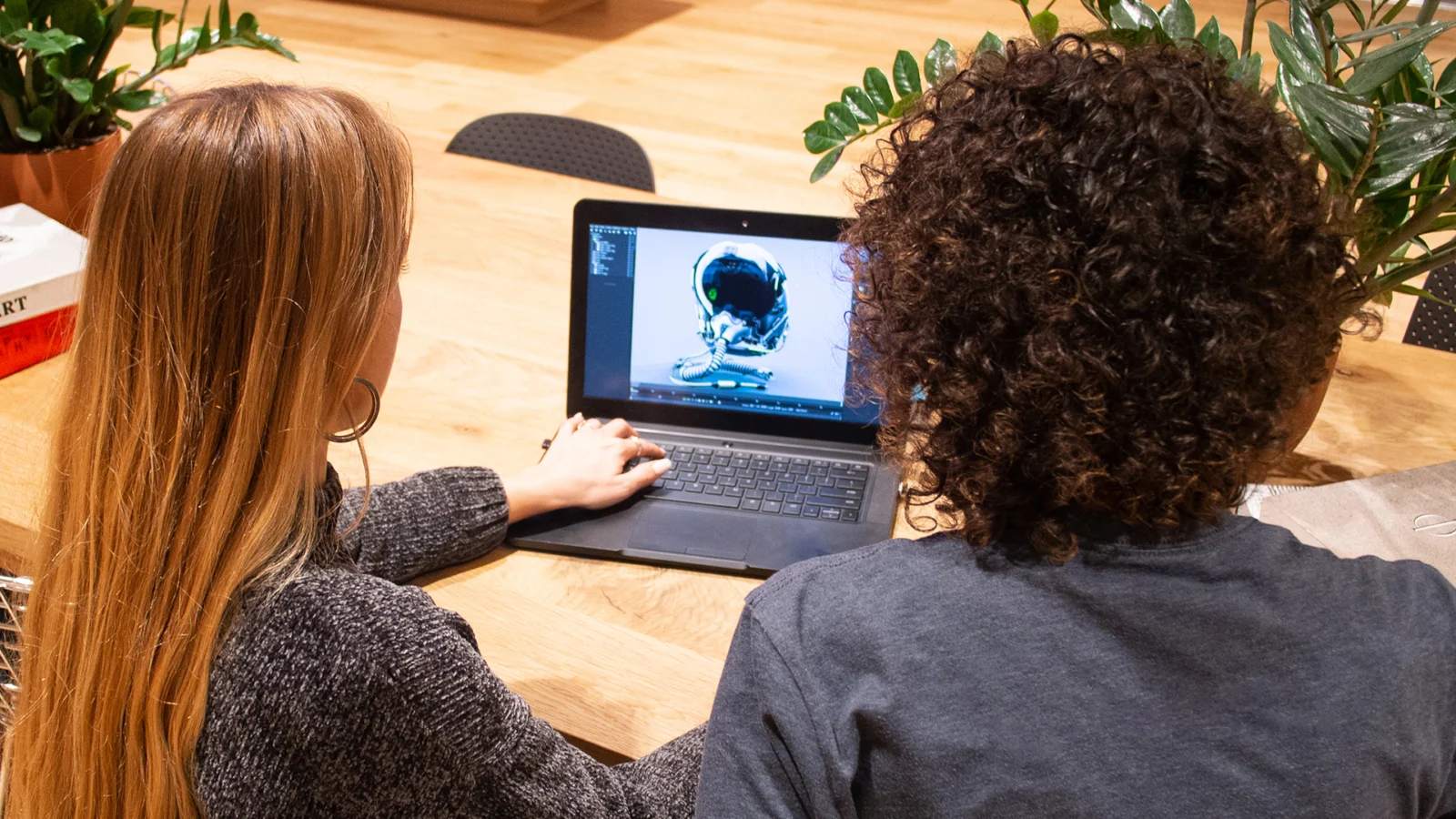
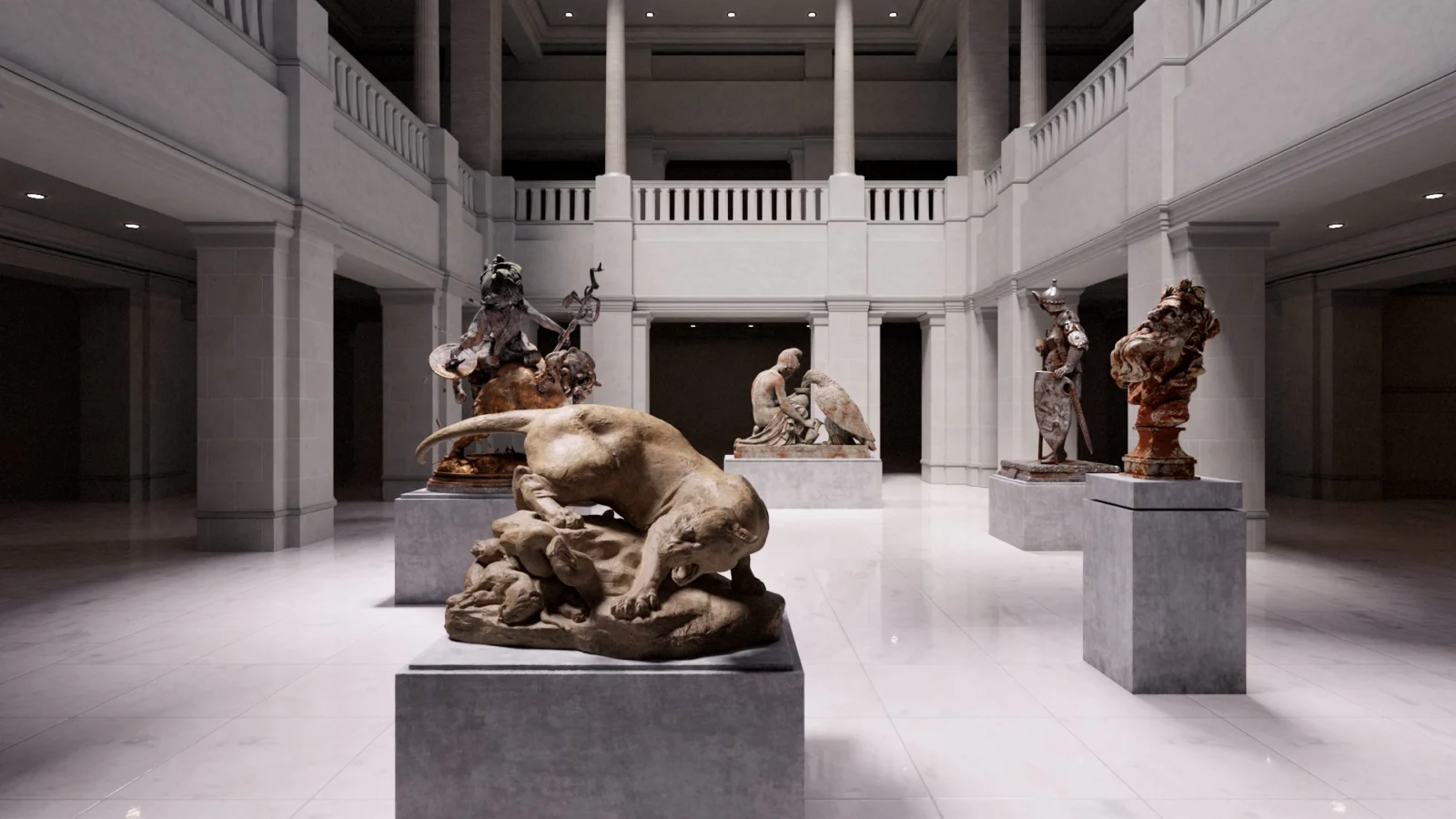
Marmoset Toolbag is a locally installed 3D application for rendering, look development, texturing, and texture baking. Its workflow brings these tasks together, allowing artists to adjust materials and inspect rendered assets without moving every step to a separate application.
Toolbag 5.03 is the latest release identified in this research. The software is aimed at 3D asset workflows used in games, film, and other visual production. Its dedicated-GPU requirements make workstation compatibility an important purchase consideration.
A quick way to understand who this product may suit, where its limits matter, and which facts are most relevant before you compare alternatives.
3D artists and production teams who need a dedicated desktop workflow for asset baking, look development, material work, and rendered or interactive presentations.
Users without a compatible dedicated GPU, teams requiring Linux support, or buyers seeking a general-purpose modeling and animation suite may need another tool, and should evaluate alternatives such as Adobe Substance 3D Painter or Blender instead.
Desktop, macOS, Python, Windows
8.0/10
These are the product-specific differences that may matter when deciding whether the software fits your workflow. They are based on documented evidence rather than a universal ranking.
These are documented constraints or practical friction points that may matter before you adopt the product.
Evaluation is not an anonymous browser trial; users need to create and confirm an account before activating the 30-day license.
Evidence source ↗Buyers should check their workstation against the published requirements before purchasing or relying on GPU-heavy rendering and baking.
Evidence source ↗The renewal choice affects whether future major releases require a separate purchase or continued subscription.
Evidence source ↗Personal single-user license; upgrades included while the subscription is active.
Check current pricing →Personal single-user license; includes version 5.x updates.
Check current pricing →Commercial license with user-management tools; upgrades included while the subscription is active.
Check current pricing →Commercial license with user-management tools; includes version 5.x updates.
Check current pricing →Non-commercial licensing for academic institutions; software upgrades included.
Check current pricing →Pricing may change. Verify current plans on the vendor's website.



| Latest researched version | Toolbag 5.03 |
|---|---|
| Operating systems | Windows 10 version 22H2 or later; macOS 13.5 or later |
| Windows minimum graphics | Dedicated GPU compatible with DirectX 12; 6 GB VRAM |
| Minimum system memory | 8 GB RAM |
| Python API | Documented |
| Free trial | 30 days per major version; confirmed account required |
| Deployment | Locally installed desktop software |
Verified installation, hosting, administration, or environment details that can affect implementation.
| Installation or hosting | Locally installed desktop application with installers for Windows and macOS; no hosted editor is documented. Source ↗ |
|---|---|
| Operating systems | Toolbag 5 supports Windows 10 version 22H2 or later and macOS 13.5 or later. Source ↗ |
| Hardware | Windows minimums include a dedicated DirectX 12-compatible GPU, 6 GB VRAM, and 8 GB RAM. macOS requires Metal 3 support and 8 GB RAM. Source ↗ |
Adobe Substance 3D Painter is worth evaluating when the primary requirement is dedicated 3D material authoring and painting within Adobe’s Substance workflow. Toolbag is a fit when baking, look development, and real-time presentation are also central needs.
Blender may suit buyers seeking a broader 3D creation application with modeling and animation alongside rendering. Toolbag is more specifically oriented around asset baking, texturing, and presentation.
Documented portability, standards, export, or switching considerations. No switching-cost score is shown unless the evidence supports one.
Documentation lists support for common 3D exchange formats including FBX, OBJ, Collada, Alembic, USD, glTF, STL, and PLY, plus common image formats.
Evidence source ↗Baking and texture-project outputs include formats such as PSD, PNG, TGA, and JPEG; the baker can export multi-file or multi-layer PSD output.
Evidence source ↗A proprietary editorial score based on product capabilities, usability, value, performance, support and user sentiment evidence.
Official documentation verifies extensive rendering, texturing, baking, scripting, and export capabilities. G2 shows 4.5/5 from 13 reviews, but the small and largely older public review sample limits sentiment confidence. GPU requirements and paid licenses affect fit.
Methodology v1.0. The assessment weighs feature coverage (25%), ease of use (15%), value for money (20%), performance (15%), support (10%) and user sentiment (15%), using researched product evidence and verified review evidence where available. It is a TechZella editorial assessment, not a direct user-review average.
Key claims are linked to the sources used to verify them. This evidence record is separate from third-party user ratings.
TechZella evaluates software using documented product capabilities, pricing information, usability and value considerations, independent user evidence where available, and competitive context. The assessment is an editorial review, not a hands-on test unless one is explicitly identified. Our editorial assessment is based on 8 documented sources.
The official rendering documentation describes all three modes and their intended rendering workflows.
View source ↗Verified 2026-11-17The official baking page lists these features and explains how linked projects update input maps.
View source ↗Verified 2026-11-17The version announcement names the 5.03 features and describes the update as available to Toolbag 5 trial, subscription, and v5 perpetual users.
View source ↗Verified 2026-11-17The documentation describes trial eligibility, account confirmation, activation, and the 30-day duration.
View source ↗Verified 2026-11-17The announcement lists subscription and perpetual license prices for Individual and Studio, and a yearly Academic subscription.
View source ↗Verified 2026-11-17The system requirements page lists operating-system versions, memory, disk, and graphics requirements for both platforms.
View source ↗Verified 2026-11-17The official documentation links to the Python API reference and scripting tutorial.
View source ↗Verified 2026-11-17The public G2 product page displayed the average and review count when accessed; review dates shown include older entries.
View source ↗Verified 2026-11-17Answers begin with the clearest available response, followed by the context that helps you act on it.
No reviews yet. Be the first to share your experience.
Please log in to submit a review.