
Monitor checks count toward the plan's monitor limit individually.
Separate checks for different endpoints or services can consume quota faster than a site-count estimate suggests.
Evidence source ↗
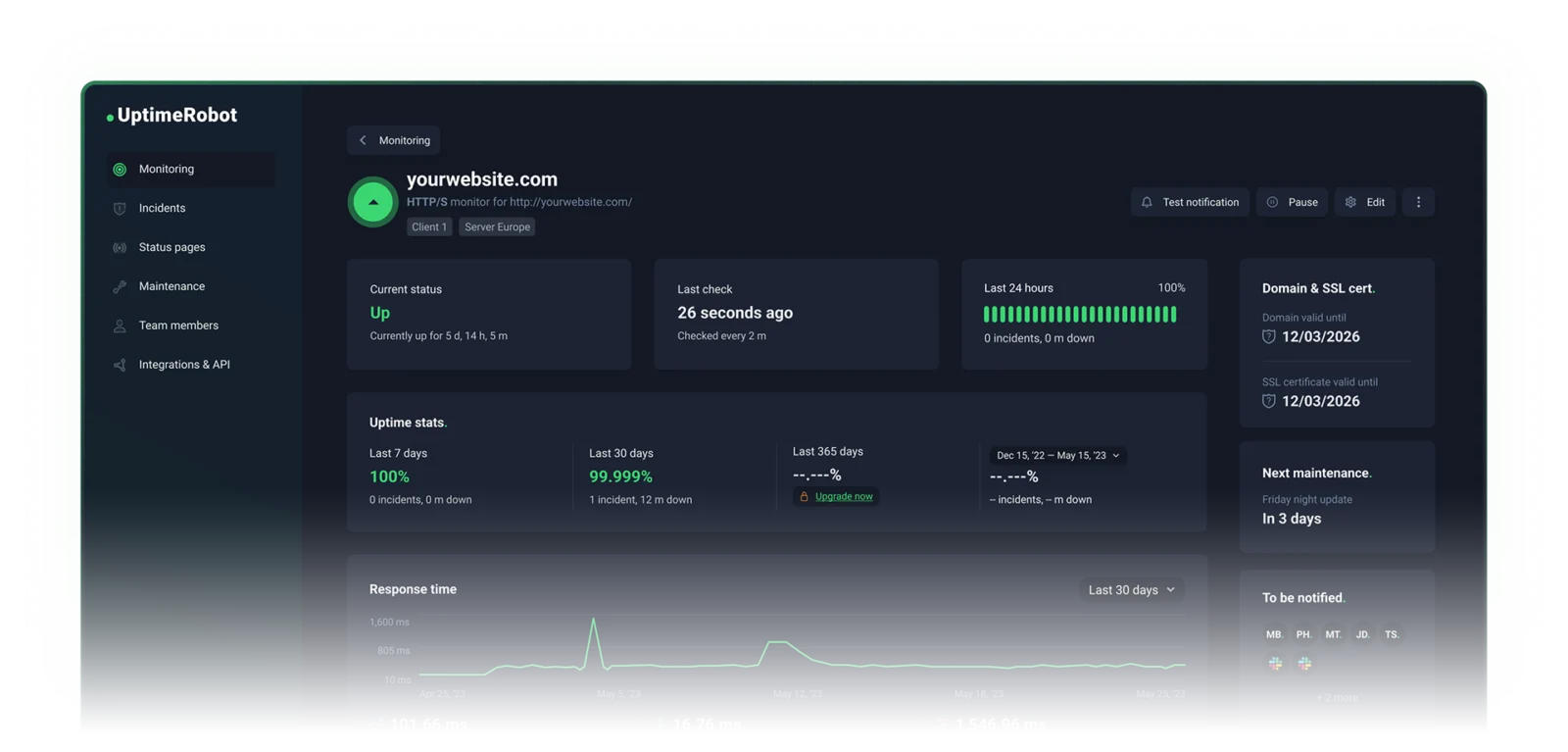
UptimeRobot is a hosted monitoring service for websites, APIs, servers, and external service dependencies. It sends alerts and provides status pages.
Scores reflect published monitoring options, public plan limits, API and mobile support, and Capterra review evidence. They are editorial assessments, not hands-on test results.
This profile combines documented product information and independent evidence where available. It is not a hands-on test unless TechZella explicitly identifies one.
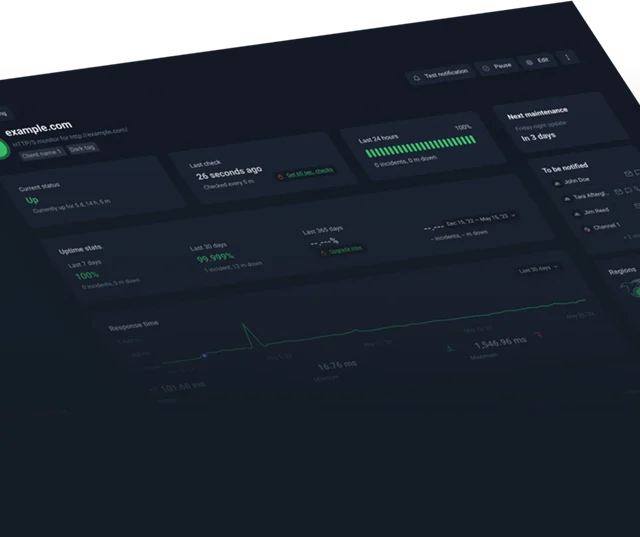
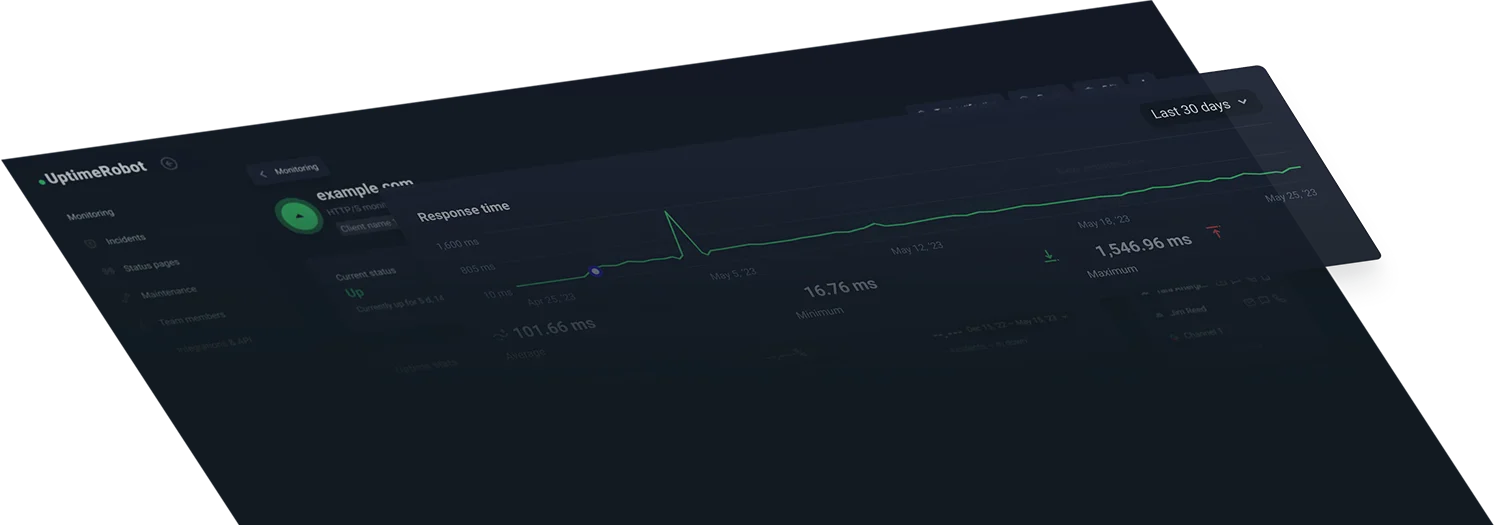
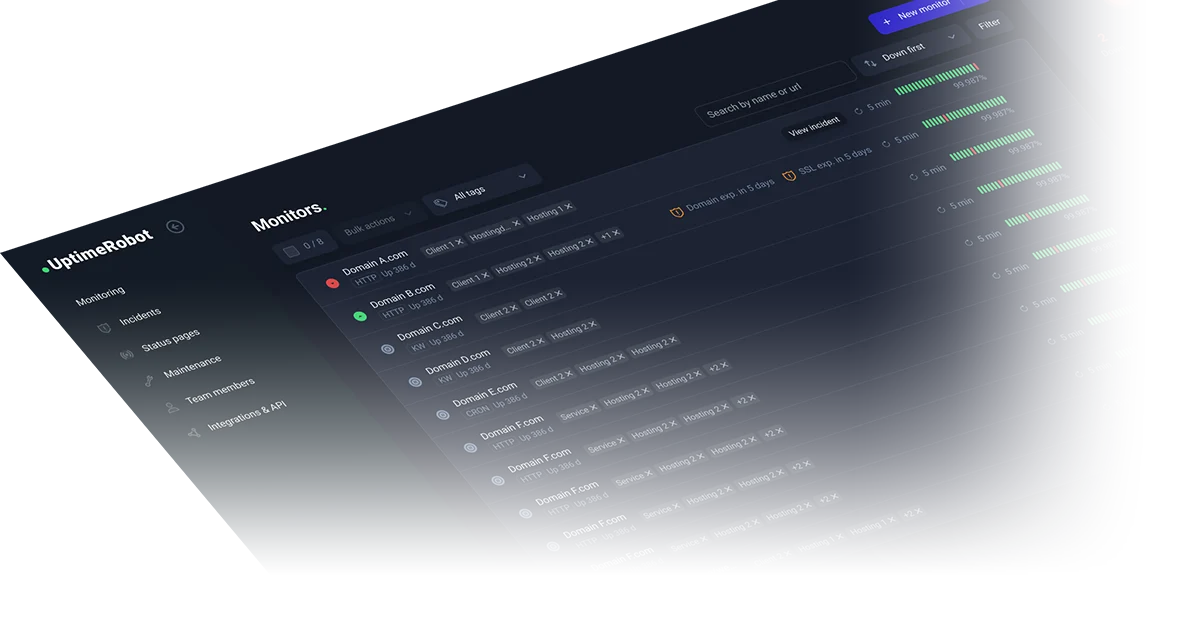
UptimeRobot checks websites, APIs, servers, and other services from external monitoring locations. It can alert account contacts when checks fail and publish status pages for customers or internal audiences.
The product is hosted rather than self-hosted. Its free plan supports 50 monitors with five-minute checks; paid plans add shorter intervals, seats, integrations, and expanded status-page options.
A quick way to understand who this product may suit, where its limits matter, and which facts are most relevant before you compare alternatives.
Website owners and small or mid-sized technical teams seeking hosted checks, configurable alerts, and customer-facing status pages without operating monitoring infrastructure.
Organizations that require self-hosting, sub-minute checks on the free plan, or full incident-management and observability capabilities in the same product may need another tool or a broader platform, and should evaluate alternatives such as Better Stack or Site24x7 instead.
Android, iOS, REST API, SaaS, Web
8.1/10
These are the product-specific differences that may matter when deciding whether the software fits your workflow. They are based on documented evidence rather than a universal ranking.
These are documented constraints or practical friction points that may matter before you adopt the product.
Separate checks for different endpoints or services can consume quota faster than a site-count estimate suggests.
Evidence source ↗An unreported upstream issue may not generate an alert through this feature; endpoint checks can provide a separate signal.
Evidence source ↗Installing the app alone does not automatically subscribe every monitor to phone notifications.
Evidence source ↗50 monitors, five-minute checks, basic status pages, and up to five integrations. No credit card required.
Check current pricing →The pricing page lists 10 monitors at the starting tier, 60-second checks, additional monitor types, and up to three status pages.
Check current pricing →Lists 100 monitors, 30-second checks, three included seats, up to 100 status pages, and Webhook, Zapier, and PagerDuty integrations.
Check current pricing →Starts with 200 monitors, 15-second checks, five included seats, and unlimited status pages; higher monitor tiers are listed.
Check current pricing →Custom-scale plan with custom intervals, dedicated customer success, private Slack, SLA, and white-glove onboarding.
Check current pricing →Pricing may change. Verify current plans on the vendor's website.
Compare similar products directly, then see which alternatives may make more sense when your requirements differ.
| Decision factor | UptimeRobot | Better Stack | Uptime Kuma |
|---|---|---|---|
| Deployment model | Hosted service with web dashboard and mobile apps. | Hosted monitoring combined with incident-management and observability products. Source ↗ | Open-source monitoring tool installed and operated by the user. Source ↗ |
| Pricing model | Free hosted tier plus paid subscriptions with published monitor and interval limits. | Free personal-project option; paid Responder pricing is per license, with other product usage and plans priced separately. Source ↗ | Open-source software; the user provides and operates the hosting environment. Source ↗ |
| Monitoring checks | Free checks run every five minutes; paid tiers offer shorter published intervals. | Documentation lists three-minute checks for free plans and intervals down to 30 seconds for paid plans. Source ↗ | Project documentation lists 20-second intervals. Source ↗ |
| Status pages | Hosted status pages are included across plans, with plan-specific limits and features. | Not documented | Supports multiple status pages in its self-hosted application. Source ↗ |
| Product scope | Focuses on external uptime monitoring, alerts, status pages, and dependency monitoring. | Combines uptime checks with incident management, on-call, status pages, logs, traces, and metrics. Source ↗ | Not documented |
Only factors supported by the available research are shown. The comparison is descriptive, not a ranking.
These products address broadly similar requirements. The descriptions focus on documented reasons a buyer might compare them with UptimeRobot.
| Deployment | Hosted SaaS |
|---|---|
| Web access | Web dashboard |
| Mobile apps | Android and iOS |
| API | REST API, available across plans |
| Free-plan monitor limit | 50 |
| Free-plan check interval | 5 minutes |
| Data retention | 3 months Free; 12 months Solo; 24 months Team and Scale |
| Multi-location monitoring | Paid plans; up to four regions |
| Free-plan integrations | Google Chat, Discord, Pushover, Pushbullet, Splunk; five integrations maximum |
Verified installation, hosting, administration, or environment details that can affect implementation.
| Hosting | Hosted service accessed through a web dashboard, with companion Android and iOS apps. Source ↗ |
|---|---|
| Monitoring locations | Checks use North America by default; paid plans can select checks from North America, Europe, Asia, and Australia. Source ↗ |
A proprietary editorial score based on product capabilities, usability, value, performance, support and user sentiment evidence.
Scores reflect published monitoring options, public plan limits, API and mobile support, and Capterra review evidence. They are editorial assessments, not hands-on test results.
Methodology v1.0. The assessment weighs feature coverage (25%), ease of use (15%), value for money (20%), performance (15%), support (10%) and user sentiment (15%), using researched product evidence and verified review evidence where available. It is a TechZella editorial assessment, not a direct user-review average.
Key claims are linked to the sources used to verify them. This evidence record is separate from third-party user ratings.
TechZella evaluates software using documented product capabilities, pricing information, usability and value considerations, independent user evidence where available, and competitive context. The assessment is an editorial review, not a hands-on test unless one is explicitly identified. Our editorial assessment is based on 6 documented sources.
The product FAQ states that the service launched in January 2010.
View source ↗Verified 2026-11-08The current pricing page lists 50 monitors and a five-minute interval for Free.
View source ↗Verified 2026-11-08The API page describes monitor, alert contact, maintenance window, and public status page operations.
View source ↗Verified 2026-11-08The mobile app page describes push notifications, monitor visibility, and apps for both mobile operating systems.
View source ↗Verified 2026-11-08The Help Center lists paid-plan allowances and explains that third-party services use a separate quota from regular monitors.
View source ↗Verified 2026-11-08The vendor contact page identifies UptimeRobot s. r. o. and gives its Bratislava invoicing address.
View source ↗Verified 2026-11-08Answers begin with the clearest available response, followed by the context that helps you act on it.
No reviews yet. Be the first to share your experience.
Please log in to submit a review.