
Free accounts include 1 GB storage and public projects; private projects require a paid plan.
Teams handling confidential work must budget for Personal or Organization subscriptions rather than relying on the free Editor account.
Evidence source ↗
PlayCanvas is a browser-based 3D editor and open-source JavaScript engine for building and publishing interactive web experiences.
Official documentation describes a broad 3D engine, browser-based collaborative editor, APIs, and free hosting. G2 shows a 4.5/5 average from 12 reviews, but the small review pool limits confidence.
This profile combines documented product information and independent evidence where available. It is not a hands-on test unless TechZella explicitly identifies one.
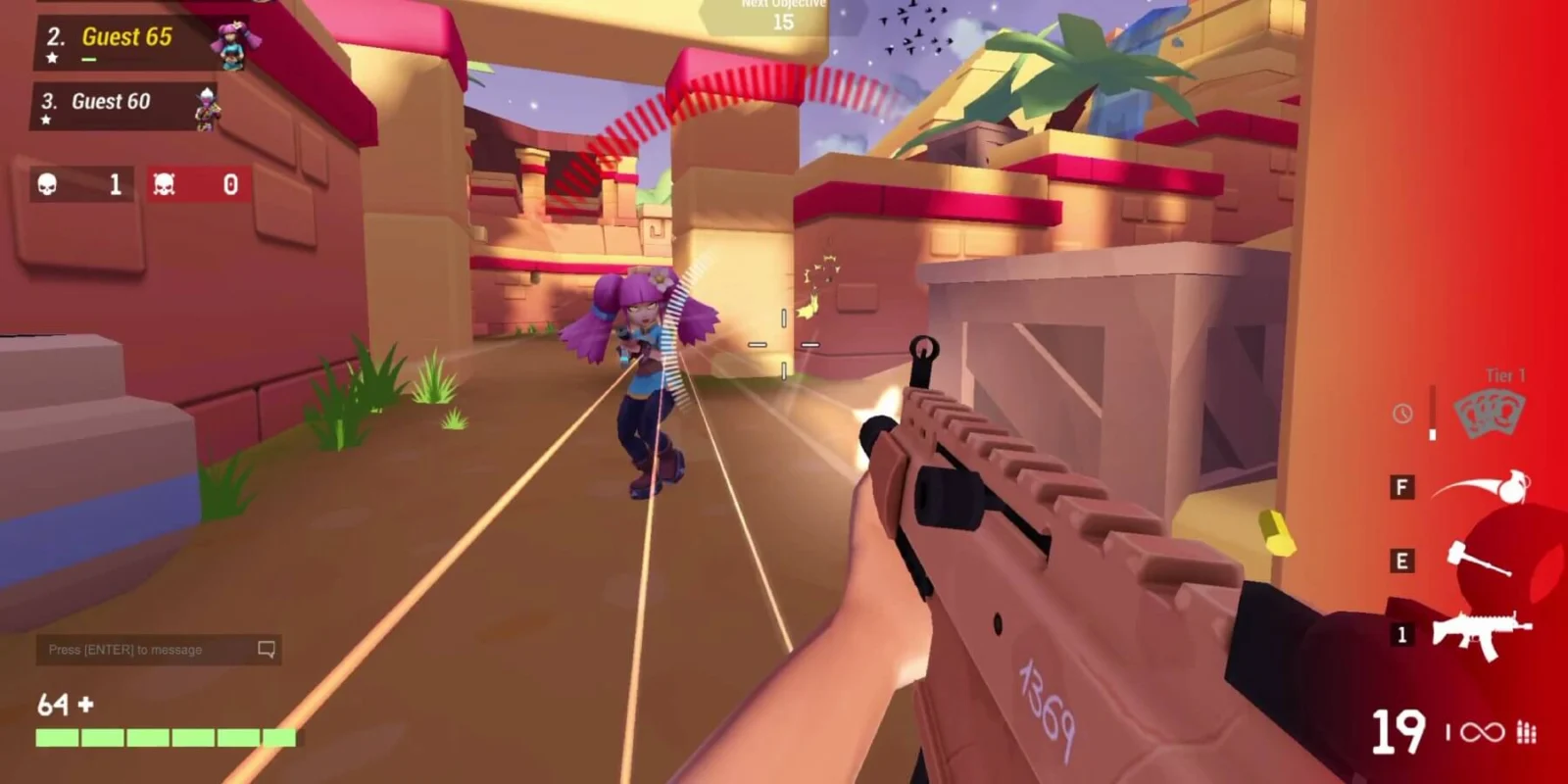
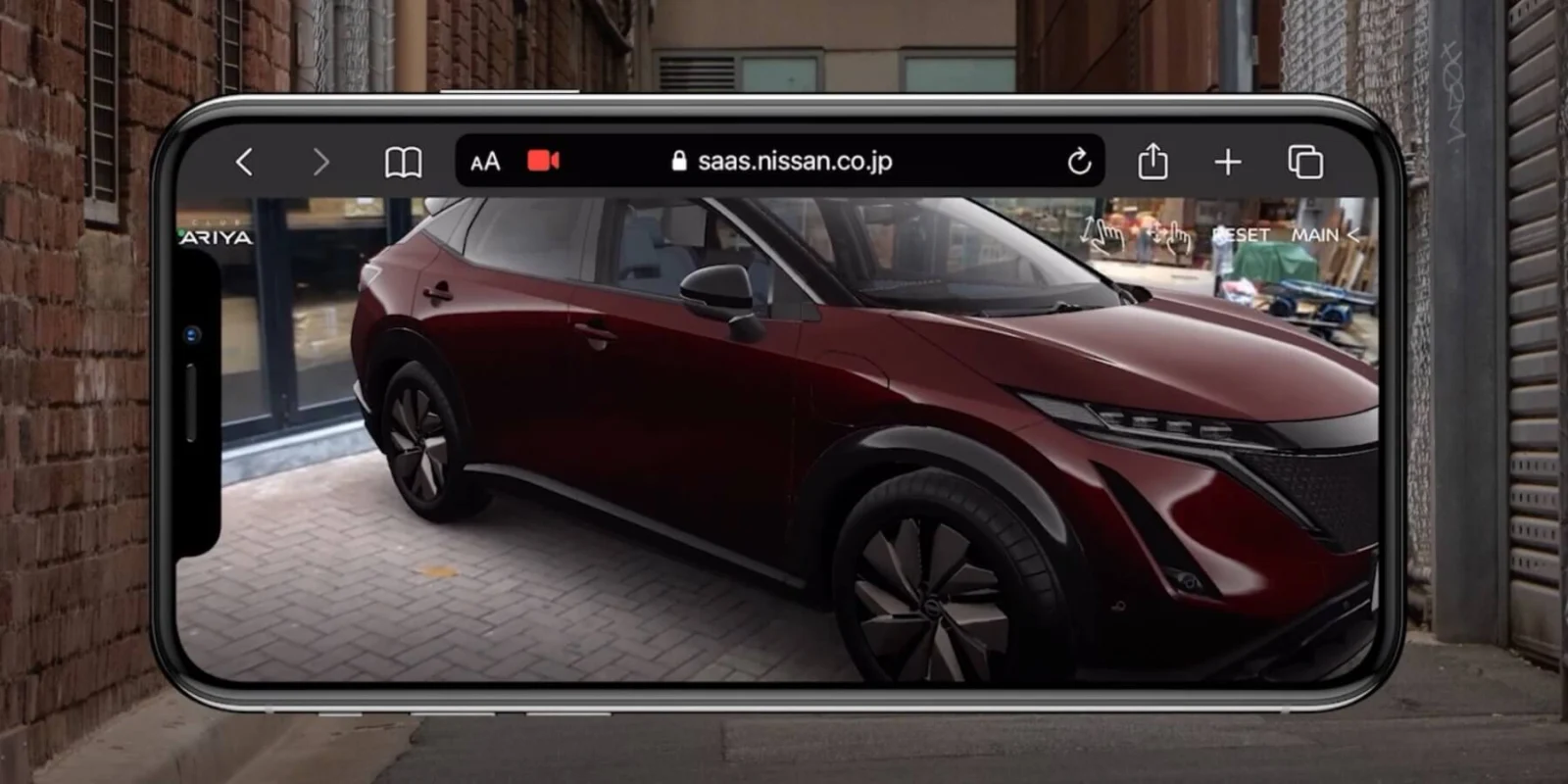
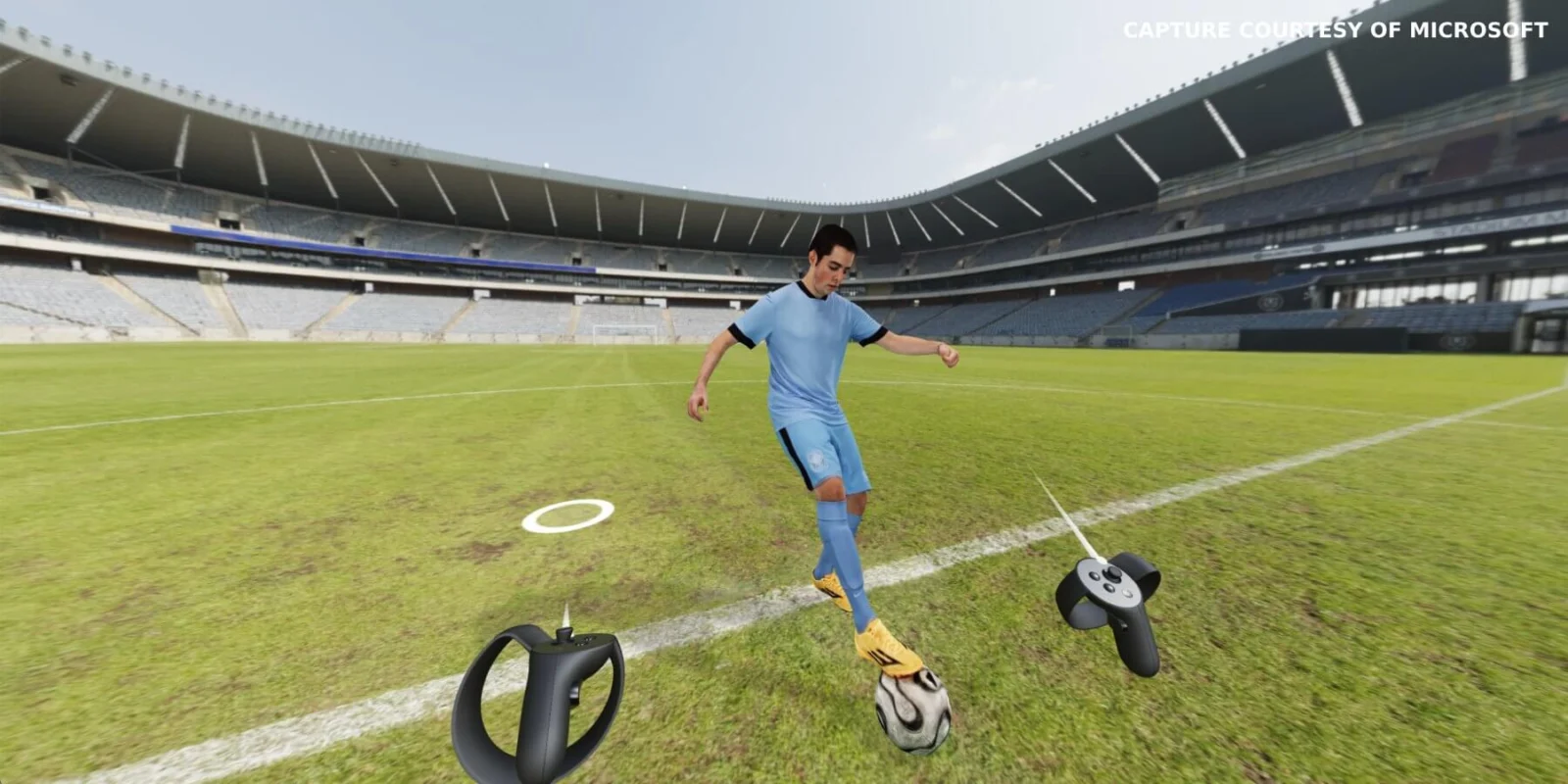
PlayCanvas combines a browser-based 3D Editor with an open-source JavaScript engine. Users can assemble scenes visually, write scripts, collaborate in the Editor, and publish apps to the web.
Developers can also use the Engine directly, or build with PlayCanvas React and Web Components. Its Engine V2 renders through WebGL 2 or WebGPU, with WebGL 2 fallback when WebGPU is unavailable.
A quick way to understand who this product may suit, where its limits matter, and which facts are most relevant before you compare alternatives.
Teams and developers building browser-first 3D games, interactive demos, and WebXR experiences who want a collaborative in-browser editor or a JavaScript engine they can integrate into their own toolchain.
Projects that require WebGL 1 support on the current Engine V2, or teams seeking a broad native-console deployment workflow from the same browser-first tool, should assess alternatives and version requirements, and should evaluate alternatives such as Babylon.js or Unity instead.
Cloud, JavaScript, Node.js, REST API, Web
8.2/10
These are the product-specific differences that may matter when deciding whether the software fits your workflow. They are based on documented evidence rather than a universal ranking.
These are documented constraints or practical friction points that may matter before you adopt the product.
Teams handling confidential work must budget for Personal or Organization subscriptions rather than relying on the free Editor account.
Evidence source ↗Cancellation planning should include a decision about private-project access before the paid subscription ends.
Evidence source ↗Automations built against these APIs may need changes if endpoints or interfaces evolve.
Evidence source ↗Unlimited public projects, 1 GB storage, free app hosting, app download for self-hosting, and REST API access.
Check current pricing →For individuals; includes private projects and 10 GB storage.
Check current pricing →For businesses; includes team management, private projects, and 50 GB storage.
Check current pricing →Pricing may change. Verify current plans on the vendor's website.
Compare similar products directly, then see which alternatives may make more sense when your requirements differ.
| Decision factor | PlayCanvas | Babylon.js | Unity |
|---|---|---|---|
| Graphics backends | Engine V2 supports WebGL 2 and WebGPU, with fallback to WebGL 2 when WebGPU is unavailable. | Babylon.js lists WebGL 1, WebGL 2, and WebGPU support. Source ↗ | Unity documents web game publishing, including WebGPU, and supports deployment across web, desktop, mobile, console, and XR platforms. Source ↗ |
| Editor model | PlayCanvas offers a hosted browser editor with real-time collaboration and paid private projects. | Babylon.js offers a free, open-source editor for Windows, macOS, and Linux. Source ↗ | Unity's platform materials describe a multi-platform game-development engine and separately priced Personal, Pro, and Enterprise plans. Source ↗ |
| Pricing model | The Engine is open source; the Editor has a free tier and paid Personal and Organization plans. | The Babylon.js Editor is described as free and open source. Source ↗ | Unity Personal is free for eligible users; Unity Pro is listed at $2,310 per year per seat or $210 monthly per seat in 2026. Source ↗ |
Only factors supported by the available research are shown. The comparison is descriptive, not a ranking.
These products address broadly similar requirements. The descriptions focus on documented reasons a buyer might compare them with PlayCanvas.


| Engine license | MIT |
|---|---|
| Editor delivery | Browser-based hosted service |
| Runtime graphics APIs | WebGL 2; WebGPU with fallback to WebGL 2 |
| Programming languages | JavaScript and TypeScript |
| Additional runtime | Node.js headless execution |
| Free plan storage | 1 GB |
| Personal plan storage | 10 GB |
| Organization plan storage | 50 GB |
| Paid subscription term | Monthly; minimum term is one month |
| API status | REST API and Editor API are beta |
Verified installation, hosting, administration, or environment details that can affect implementation.
| Editor hosting | The PlayCanvas Editor is accessed in a browser; published apps can use PlayCanvas app hosting or be downloaded for self-hosting. Source ↗ |
|---|---|
| Engine runtime | The Engine renders in modern browsers through WebGL 2 or WebGPU and can also run headlessly in Node.js. Source ↗ |
Documented portability, standards, export, or switching considerations. No switching-cost score is shown unless the evidence supports one.
Moving from Engine V1 to V2 can require script updates because the APIs differ. Engine V2 also removes WebGL 1 support and the legacy scripting system.
Evidence source ↗A proprietary editorial score based on product capabilities, usability, value, performance, support and user sentiment evidence.
Official documentation describes a broad 3D engine, browser-based collaborative editor, APIs, and free hosting. G2 shows a 4.5/5 average from 12 reviews, but the small review pool limits confidence.
Methodology v1.0. The assessment weighs feature coverage (25%), ease of use (15%), value for money (20%), performance (15%), support (10%) and user sentiment (15%), using researched product evidence and verified review evidence where available. It is a TechZella editorial assessment, not a direct user-review average.
Key claims are linked to the sources used to verify them. This evidence record is separate from third-party user ratings.
TechZella evaluates software using documented product capabilities, pricing information, usability and value considerations, independent user evidence where available, and competitive context. The assessment is an editorial review, not a hands-on test unless one is explicitly identified. Our editorial assessment is based on 6 documented sources.
The UK Companies House record states that the company was incorporated on 9 May 2011.
View source ↗Verified 2026-11-13The Engine documentation describes both rendering backends and fallback to WebGL 2 when WebGPU is unavailable.
View source ↗Verified 2026-11-13The current plans page lists those items for its Free plan.
View source ↗Verified 2026-11-13The project settings guide says only users with premium accounts can create and access private projects; the plans page lists Personal and Organization subscriptions.
View source ↗Verified 2026-11-13The developer site and API reference list those tools and references.
View source ↗Verified 2026-11-13The compatibility guide states that Engine V2 supports WebGL 2 and WebGPU but not WebGL 1.
View source ↗Verified 2026-11-13Answers begin with the clearest available response, followed by the context that helps you act on it.
No reviews yet. Be the first to share your experience.
Please log in to submit a review.