
Remote support for mobile devices requires the LogMeIn Resolve app; remote control is not available on iOS.
Confirm the support workflow and required user-side app before relying on remote assistance for Apple phones or tablets.
Evidence source ↗
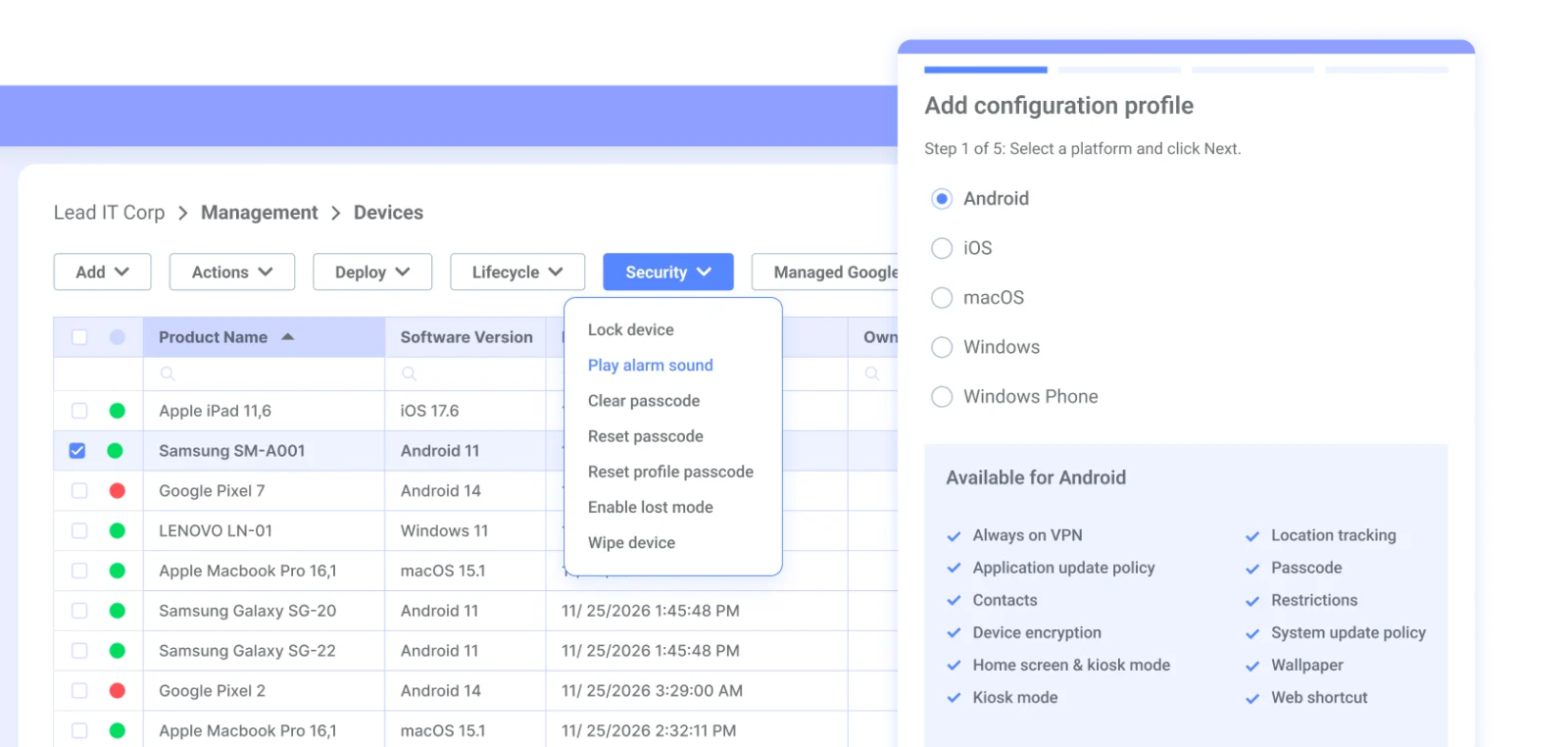
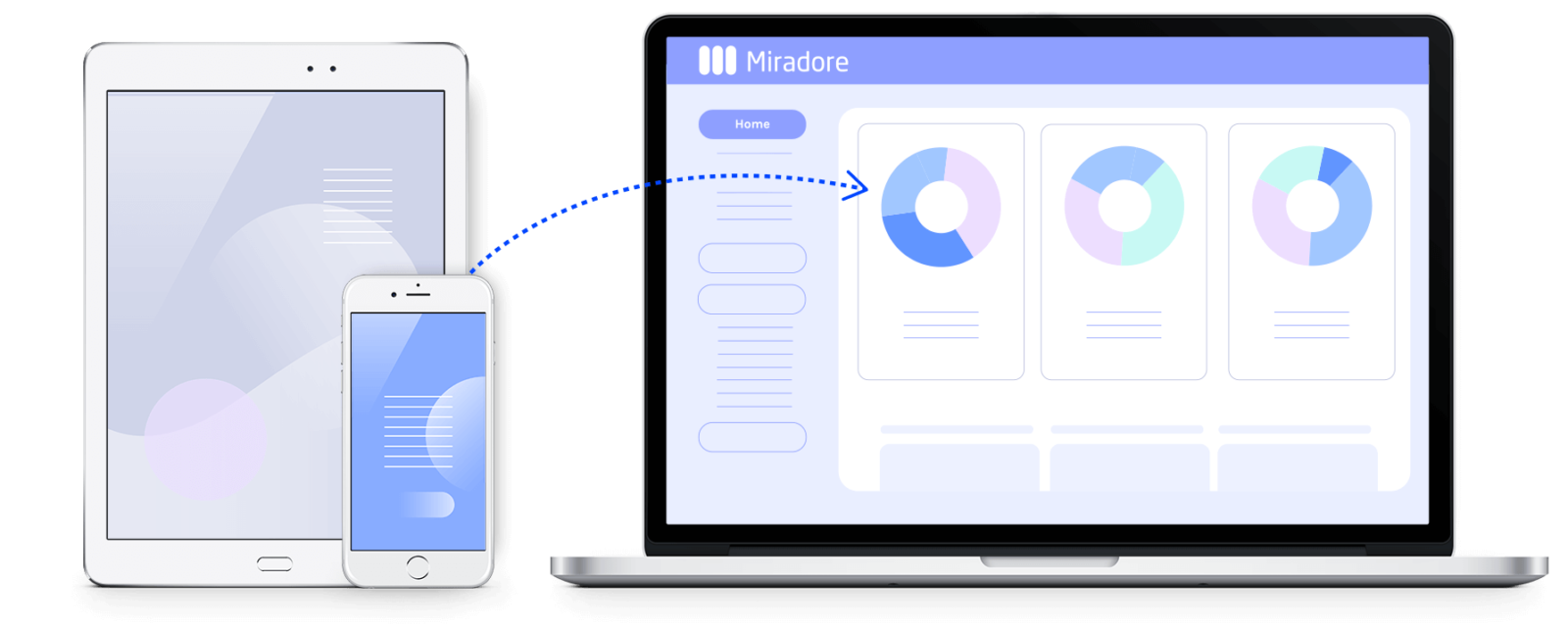
Miradore is a cloud-based device management service for enrolling, configuring, securing, and updating Android, Apple, and Windows devices.
Scores reflect documented multi-platform management, tiered features and public Capterra feedback, not hands-on testing. Public reviews praise setup and administration, while some describe configuration and reporting limitations.
This profile combines documented product information and independent evidence where available. It is not a hands-on test unless TechZella explicitly identifies one.
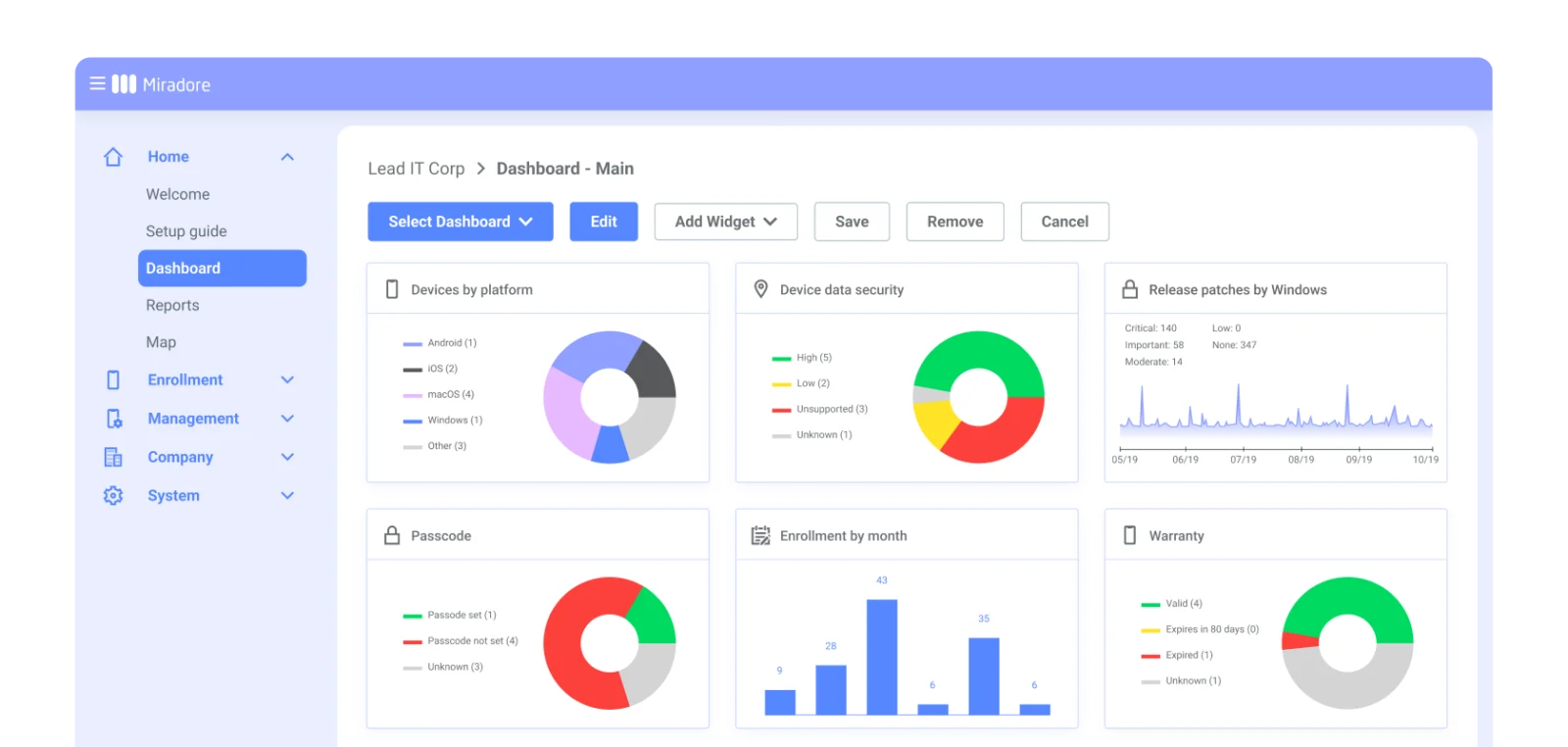
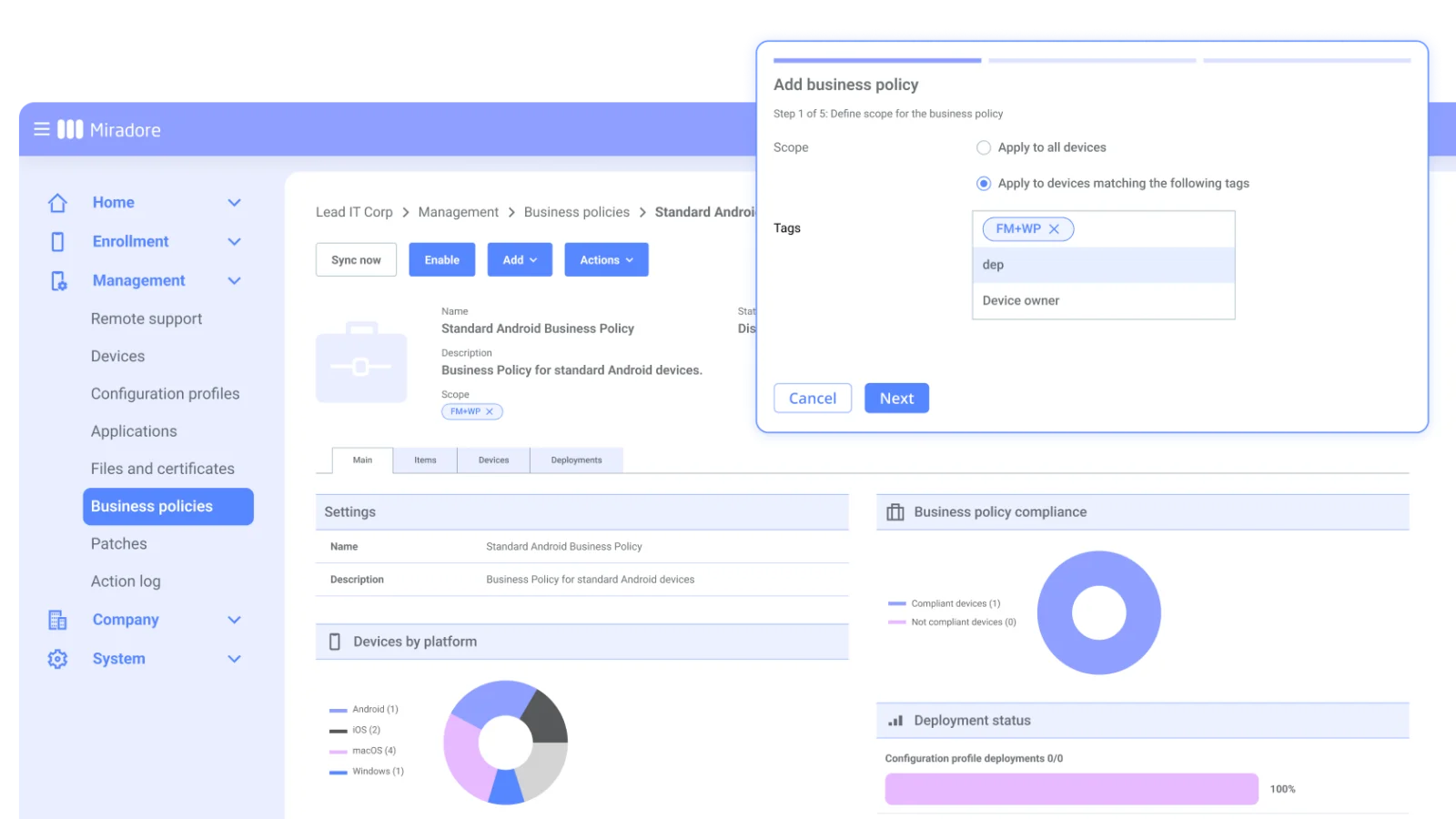
Miradore is GoTo’s cloud-based device management service for Android, Apple, and Windows fleets. Administrators use a browser console to enroll devices, manage configurations and applications, monitor inventory, and apply security actions.
The Free plan supports up to 50 enrolled devices. Paid tiers add capabilities such as patch deployment, integrations, and remote support. The product is aimed at IT teams and managed service providers; its separate Miradore Management Suite is an on-premises product, not the cloud service profiled here.
A quick way to understand who this product may suit, where its limits matter, and which facts are most relevant before you compare alternatives.
Small and midsize IT teams or service providers managing mixed Android, Apple, and Windows fleets that want cloud administration, device security controls, and optional patching and remote assistance.
Organizations that require self-hosted deployment for this product, or need remote control of iOS devices, should assess alternatives and the documented feature limits, and should evaluate alternatives such as Microsoft Intune or ManageEngine Mobile Device Manager Plus instead.
Android, iOS, macOS, Web, Windows
8.0/10
These are the product-specific differences that may matter when deciding whether the software fits your workflow. They are based on documented evidence rather than a universal ranking.
These are documented constraints or practical friction points that may matter before you adopt the product.
Confirm the support workflow and required user-side app before relying on remote assistance for Apple phones or tablets.
Evidence source ↗The listed per-device price may not describe the full purchasing terms for very small or large fleets.
Evidence source ↗Browser settings can interrupt initial setup even when the integration itself is available.
Evidence source ↗For security-sensitive software, TechZella focuses on documented architecture, authentication, data handling, deployment and privacy details that can affect a buying decision. This is product research, not an independent security audit.
| Deployment | Cloud, browser-accessed |
|---|
Security claims are presented only when supported by documented sources. The presence of this section does not constitute a penetration test, certification or independent security audit.
Free plan for up to 50 enrolled devices.
Check current pricing →Paid plan with expanded device management and patch deployment features.
Check current pricing →Adds integrations and natively integrated remote support to Premium features.
Check current pricing →Pricing may change. Verify current plans on the vendor's website.
Compare similar products directly, then see which alternatives may make more sense when your requirements differ.
| Decision factor | Miradore | Microsoft Intune | ManageEngine Mobile Device Manager Plus |
|---|---|---|---|
| Core scope | Cloud device management across Android, Apple, and Windows device families. | Endpoint management and mobile application management, with advanced capabilities offered through plans and add-ons. Source ↗ | Mobile device management is available in cloud and on-premises editions. Source ↗ |
| Pricing model | Free plan up to 50 devices; listed paid prices are per device per month. | Plan 1 is included in many Microsoft 365 enterprise licenses or listed at $8.00 per user per month standalone; Plan 2 is an add-on. Source ↗ | Pricing varies by edition and device count; the vendor lists subscription and perpetual options and offers a free edition for up to 25 devices. Source ↗ |
| Ecosystem | Documents integrations including Microsoft Entra ID, Google Workspace, Apple business portals, Android Enterprise, and Samsung Knox enrollment. | Uses Microsoft Entra ID as an identity dependency for Intune and Conditional Access workflows. Source ↗ | Not documented |
| Deployment | The Miradore product profiled here is cloud-based. | Not documented | Offers both cloud and on-premises deployment options. Source ↗ |
Only factors supported by the available research are shown. The comparison is descriptive, not a ranking.
These products address broadly similar requirements. The descriptions focus on documented reasons a buyer might compare them with Miradore.

| Deployment | Cloud, browser-accessed |
|---|---|
| Managed operating systems | Android 7+, iOS 13+, iPadOS 13+, macOS 12+, Windows 7, 8, 10, and 11 |
| API | REST-based API; HTTPS authentication using API keys |
| Free plan limit | 50 enrolled devices |
| Free trial | 14 days |
| Key integrations | Microsoft Entra ID, Google Workspace, Apple Business Manager/School Manager, Android Enterprise, Samsung Knox Mobile Enrollment, TeamViewer |
Verified installation, hosting, administration, or environment details that can affect implementation.
| Installation or hosting | Cloud-based, browser-accessed management console with no administrator-side installation. Source ↗ |
|---|---|
| Device enrollment | Managed devices must enroll and run a supported operating system; available enrollment methods vary by platform. Source ↗ |
Documented portability, standards, export, or switching considerations. No switching-cost score is shown unless the evidence supports one.
Miradore documents an API for integrating with external information systems and a separate export integration from Miradore Online to its on-premise Management Suite. A general migration process or complete export of all account data was not verified.
Evidence source ↗A proprietary editorial score based on product capabilities, usability, value, performance, support and user sentiment evidence.
Scores reflect documented multi-platform management, tiered features and public Capterra feedback, not hands-on testing. Public reviews praise setup and administration, while some describe configuration and reporting limitations.
Methodology v1.0. The assessment weighs feature coverage (25%), ease of use (15%), value for money (20%), performance (15%), support (10%) and user sentiment (15%), using researched product evidence and verified review evidence where available. It is a TechZella editorial assessment, not a direct user-review average.
Key claims are linked to the sources used to verify them. This evidence record is separate from third-party user ratings.
TechZella evaluates software using documented product capabilities, pricing information, usability and value considerations, independent user evidence where available, and competitive context. The assessment is an editorial review, not a hands-on test unless one is explicitly identified. Our editorial assessment is based on 7 documented sources.
The company page states the founding year and acquisition year.
View source ↗Verified 2026-11-19The official pricing page and subscription guide identify the free plan limit.
View source ↗Verified 2026-11-19The official pricing page displays the stated USD prices per device/month.
View source ↗Verified 2026-11-19Official system requirements list the supported device operating systems and describe web access without administrator-side installation.
View source ↗Verified 2026-11-19The Premium+ guide identifies remote support and integrations, including Entra ID and Google Workspace.
View source ↗Verified 2026-11-19The API specification describes REST operations using HTTPS and authenticated API keys.
View source ↗Verified 2026-11-19Miradore's patch documentation distinguishes detection and reporting from Premium pilot and deployment capabilities.
View source ↗Verified 2026-11-19Answers begin with the clearest available response, followed by the context that helps you act on it.
No reviews yet. Be the first to share your experience.
Please log in to submit a review.