
The pricing page states a 15-device starting point, and Ultra requires contacting sales for pricing.
Small fleets and buyers needing a known total price should verify eligibility and obtain an Ultra quote before budgeting.
Evidence source ↗
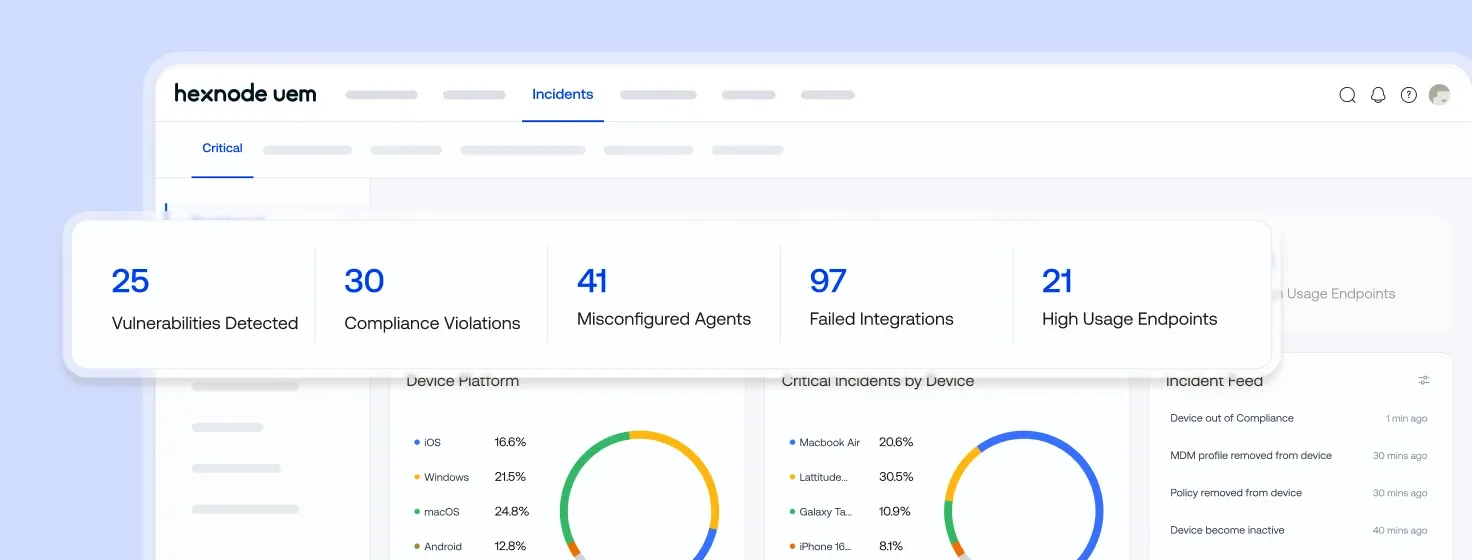
Hexnode UEM is a cloud- or on-premises endpoint management platform for enrolling, configuring, securing, and monitoring devices across multiple operating systems.
Official documentation verifies cross-platform management, integrations, APIs, and cloud and on-premises deployment. Public review-platform ratings are positive, but no systematic review-text analysis was performed.
This profile combines documented product information and independent evidence where available. It is not a hands-on test unless TechZella explicitly identifies one.
Hexnode UEM is endpoint management software from Mitsogo Inc. It lets IT teams enroll and administer devices through a centralized console, with deployment available in cloud and on-premises forms.
Its documented device coverage includes mobile and desktop systems as well as ChromeOS, Linux, Fire OS, tvOS, and visionOS. Directory synchronization, remote support, app deployment, security policies, and reporting address common fleet-management workflows.
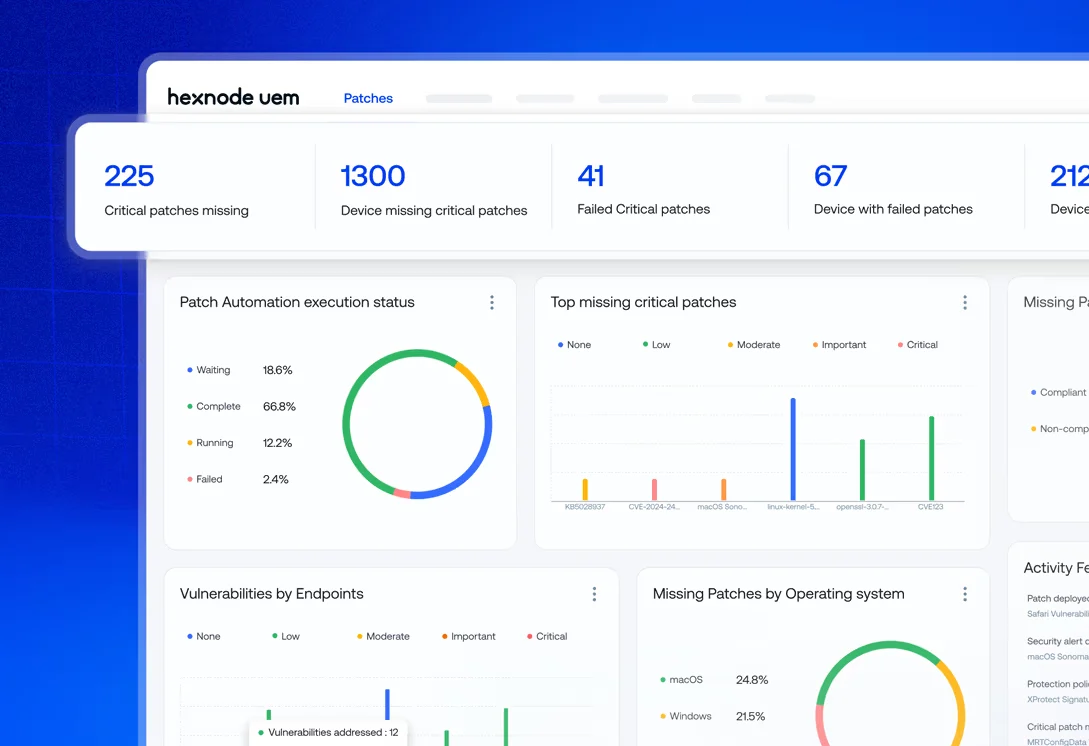
Plan selection matters: public pricing assigns some desktop controls, patching, remote-control features, custom roles, and AI-assisted administration to higher tiers. The pricing page lists Ultra as quote-based and states a 15-device starting point.
A quick way to understand who this product may suit, where its limits matter, and which facts are most relevant before you compare alternatives.
IT teams managing mixed mobile and desktop fleets that need centralized enrollment, configuration, app deployment, security policies, remote actions, and directory or service-desk integrations.
Organizations seeking a low-cost product for fewer than 15 devices should compare alternatives, because Hexnode’s pricing page states a 15-device starting point. Teams needing advanced patching or desktop remote control should check plan availability before purchase, and should evaluate alternatives such as ManageEngine Mobile Device Manager Plus or Microsoft Intune instead.
Android, iOS, Linux, macOS, Windows
7.9/10
These are the product-specific differences that may matter when deciding whether the software fits your workflow. They are based on documented evidence rather than a universal ranking.
These are documented constraints or practical friction points that may matter before you adopt the product.
Small fleets and buyers needing a known total price should verify eligibility and obtain an Ultra quote before budgeting.
Evidence source ↗Organizations with distributed IT teams should include administrator access in their subscription estimate.
Evidence source ↗For security-sensitive software, TechZella focuses on documented architecture, authentication, data handling, deployment and privacy details that can affect a buying decision. This is product research, not an independent security audit.
| Deployment | Cloud and on-premises |
|---|---|
| Security certifications | Officially published SOC 2 Type 2 report for the period August 1, 2024 to July 31, 2025; ISO/IEC 27001:2022 certificate listed through May 8, 2028 |
Security claims are presented only when supported by documented sources. The presence of this section does not constitute a penetration test, certification or independent security audit.
Published entry tier. Includes mobile kiosk and app management, location tracking, Apple Business Manager, Android Enterprise, technician two-factor authentication, and two technicians. Pricing page states a 15-device starting point and 14-day trial.
Check current pricing →Adds listed desktop management, mobile remote view, mobile OS updates, geofencing, directory integrations, and three included technicians.
Check current pricing →Adds listed automation, custom scripting, Windows Autopilot, advanced reporting, FileVault, Windows and Mac app management, and four included technicians.
Check current pricing →Adds listed patch and OS update management, BitLocker, desktop remote control, custom configurations, and Genie AI features. Five technicians are listed.
Check current pricing →Pricing may change. Verify current plans on the vendor's website.
Compare similar products directly, then see which alternatives may make more sense when your requirements differ.
| Decision factor | Hexnode UEM | ManageEngine Mobile Device Manager Plus | Microsoft Intune |
|---|---|---|---|
| Deployment model | Cloud or on-premises deployment is documented. | ManageEngine lists cloud and on-premises editions, including subscription and perpetual licensing for on-premises. Source ↗ | Microsoft describes Intune as a cloud-based endpoint management service. Source ↗ |
| Pricing model | Per-device monthly pricing; public tiers begin at $2.2 per device/month, with Ultra priced by request and a stated 15-device start. | Device-range pricing; the public pricing page shows a free tier for 25 devices and paid cloud and on-premises rates by device range. Source ↗ | Microsoft lists Intune Plan 1 at $8 per user/month with an annual commitment; it is also included in specified Microsoft subscriptions. Source ↗ |
| Technician allowance | The public Hexnode pricing page includes two to five technicians depending on the plan; extras are separately priced. | ManageEngine’s pricing table identifies device ranges with one technician and lists additional technician packages separately. Source ↗ | Not documented |
| Identity ecosystem | Official documentation lists directory integration with Microsoft Entra ID, Active Directory, Google Workspace, and Okta. | Not documented | Microsoft documents Intune licensing and included service options within Microsoft subscriptions. Source ↗ |
Only factors supported by the available research are shown. The comparison is descriptive, not a ranking.
These products address broadly similar requirements. The descriptions focus on documented reasons a buyer might compare them with Hexnode UEM.


| Deployment | Cloud and on-premises |
|---|---|
| Supported device operating systems | iOS/iPadOS, macOS, Android, Fire OS, Windows, tvOS, visionOS, Linux, ChromeOS |
| Admin portal access | Web portal; supported browsers include Chrome, Firefox, Edge, and Safari |
| API | REST-style API using JSON; authenticated HTTPS |
| Free trial | 14 days |
| Starting device count | 15 devices, as stated on the public pricing page |
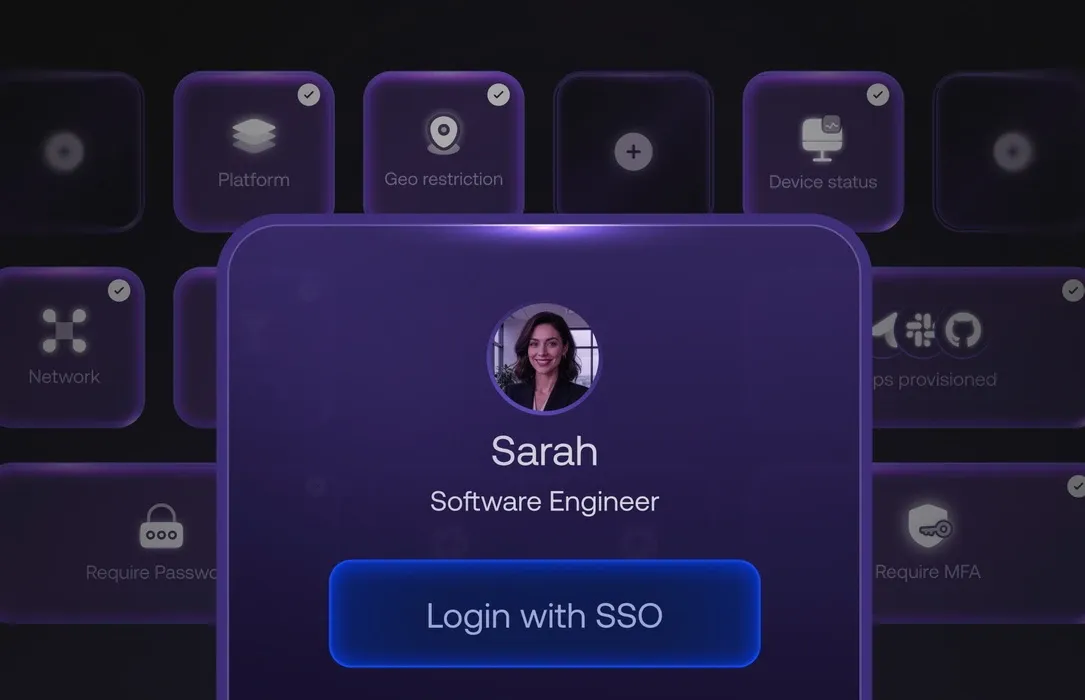
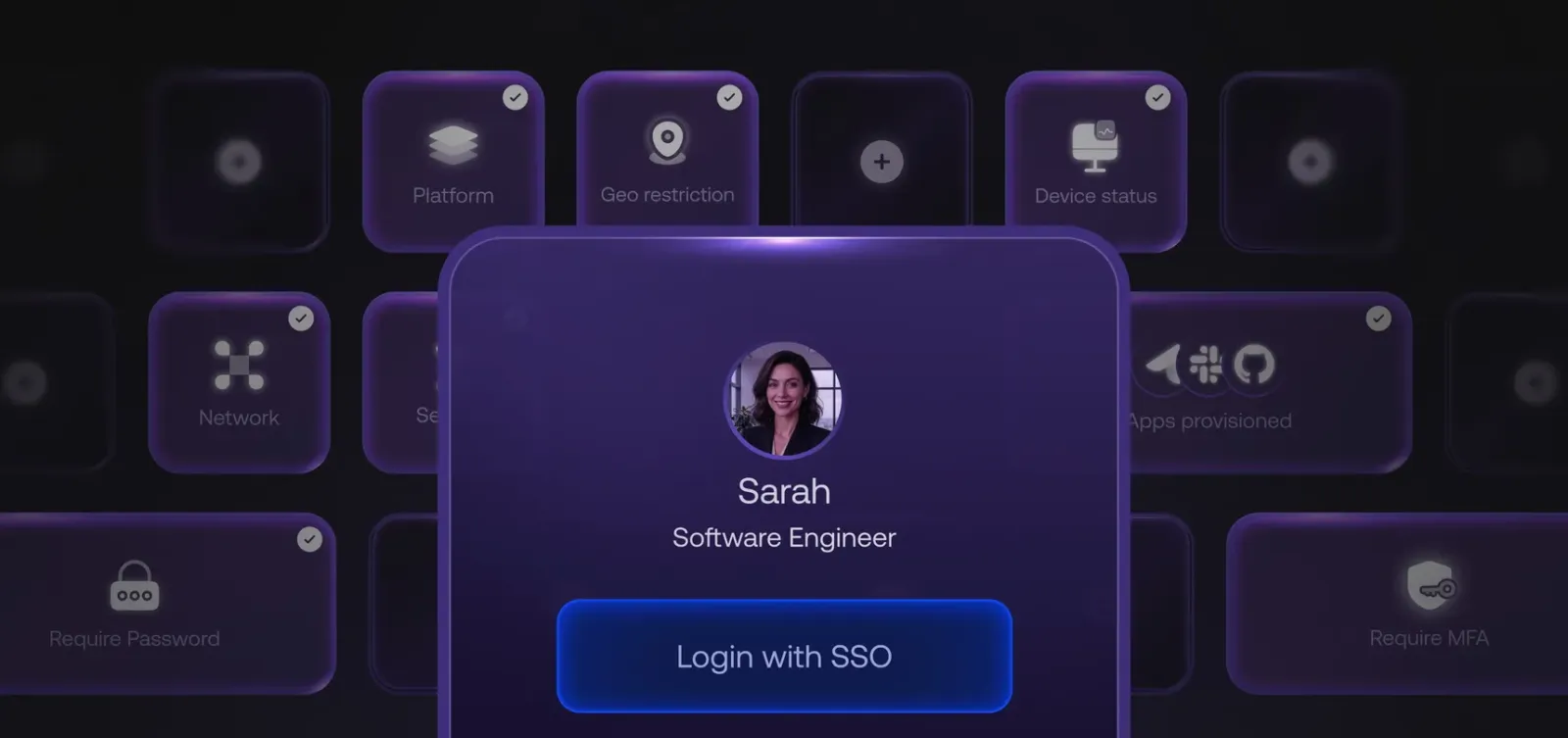
| Directory integrations | Active Directory, Microsoft Entra ID, Google Workspace, Okta |
| Security certifications | Officially published SOC 2 Type 2 report for the period August 1, 2024 to July 31, 2025; ISO/IEC 27001:2022 certificate listed through May 8, 2028 |
Verified installation, hosting, administration, or environment details that can affect implementation.
| Hosting | Hexnode documents both cloud and on-premises deployment models. Source ↗ |
|---|---|
| Supported device platforms | iOS/iPadOS, macOS, Android, Fire OS, Windows, tvOS, visionOS, Linux, and ChromeOS. Source ↗ |
Documented portability, standards, export, or switching considerations. No switching-cost score is shown unless the evidence supports one.
Hexnode’s guide calls for backing up required data, moving relevant certificates and tokens, syncing directory users, disenrolling devices from the previous MDM, and enrolling them in Hexnode. It cautions that a device wipe may be necessary.
Evidence source ↗Administrators can export device reports and details; exported device state reflects the latest successful device communication.
Evidence source ↗A proprietary editorial score based on product capabilities, usability, value, performance, support and user sentiment evidence.
Official documentation verifies cross-platform management, integrations, APIs, and cloud and on-premises deployment. Public review-platform ratings are positive, but no systematic review-text analysis was performed.
Methodology v1.0. The assessment weighs feature coverage (25%), ease of use (15%), value for money (20%), performance (15%), support (10%) and user sentiment (15%), using researched product evidence and verified review evidence where available. It is a TechZella editorial assessment, not a direct user-review average.
Key claims are linked to the sources used to verify them. This evidence record is separate from third-party user ratings.
TechZella evaluates software using documented product capabilities, pricing information, usability and value considerations, independent user evidence where available, and competitive context. The assessment is an editorial review, not a hands-on test unless one is explicitly identified. Our editorial assessment is based on 6 documented sources.
Hexnode’s on-premises overview explicitly describes both models.
View source ↗Verified 2026-11-19The official pricing page lists Pro at $2.2, Enterprise at $3.2, Ultimate at $4.7 per device/month, and prompts buyers to request Ultra pricing.
View source ↗Verified 2026-11-19The official system requirements page lists iOS/iPadOS, macOS, Android, Fire OS, Windows, tvOS, visionOS, Linux, and ChromeOS.
View source ↗Verified 2026-11-19Hexnode’s directory services guide describes importing users and groups and syncing directory changes.
View source ↗Verified 2026-11-19The official API help page describes a RESTful JSON API for programmatic access to supported UEM resources and actions.
View source ↗Verified 2026-11-19The announcement says the capability is available to UEM Enterprise customers and above and describes asset and lifecycle tracking.
View source ↗Verified 2026-11-19Answers begin with the clearest available response, followed by the context that helps you act on it.
No reviews yet. Be the first to share your experience.
Please log in to submit a review.