
The official Invoke.ai hosted platform has shut down.
Users should not plan around an Invoke-operated hosted subscription; local hardware or an independently billed GPU service is needed.
Evidence source ↗
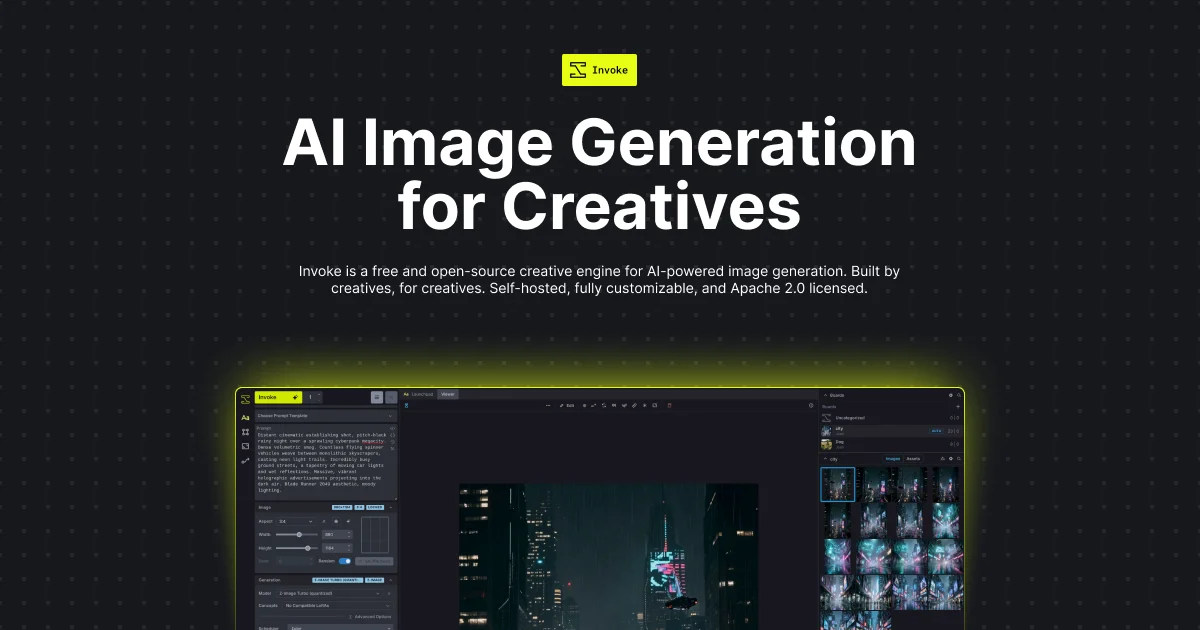
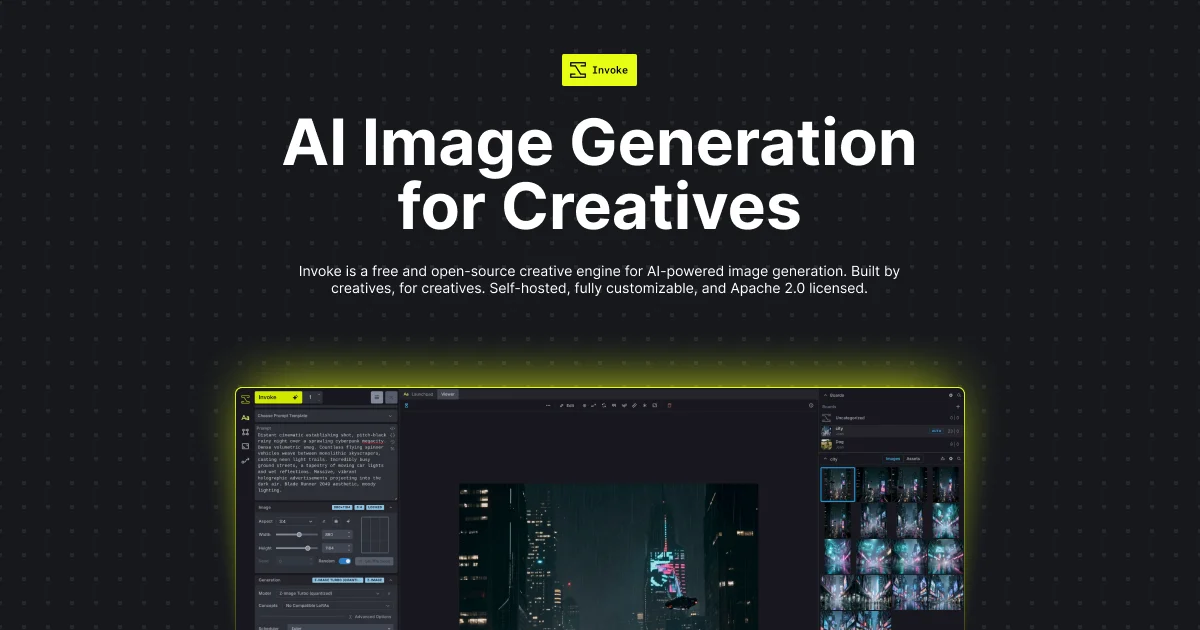
InvokeAI is free, open-source software for generating and editing images with AI models. It runs locally or on rented GPU services and includes a canvas, gallery, and workflow editor.
Official documentation describes image generation, canvas editing, reusable node workflows, local installation, provider APIs, and a documented REST API. The free software license supports value, while hardware demands and the current v7 beta limit confidence. No reputable public review rating was verified.
This profile combines documented product information and independent evidence where available. It is not a hands-on test unless TechZella explicitly identifies one.
InvokeAI is a free, Apache 2.0-licensed application for generating and editing images with AI models. It runs on a user’s computer or on independently operated GPU hosting, and presents its tools through a browser interface.
The product brings generation controls, a layer-based canvas, an organized gallery, and a node workflow editor into one application. It can run local models or connect to supported external image-generation APIs. The official Invoke-hosted platform has shut down, so users should distinguish the open-source application from third-party hosting.
A quick way to understand who this product may suit, where its limits matter, and which facts are most relevant before you compare alternatives.
Artists and creative teams seeking a locally run image-generation workspace with canvas editing, reusable workflows, and the option to connect external image-model APIs.
Buyers seeking a turnkey hosted Invoke service or local generation without capable hardware may need another arrangement; the former hosted Invoke platform has shut down, and local model requirements vary substantially, and should evaluate alternatives such as ComfyUI u2014 consider it for graph-first workflows spanning image, video, audio, and 3D models, with optional cloud services. or AUTOMATIC1111 Stable Diffusion WebUI u2014 consider it for its documented tab-based Stable Diffusion workflow, including inpainting, upscaling, training, and API features. instead.
Docker, Linux, macOS, Web, Windows
8.0/10
These are the product-specific differences that may matter when deciding whether the software fits your workflow. They are based on documented evidence rather than a universal ranking.
These are documented constraints or practical friction points that may matter before you adopt the product.
Users should not plan around an Invoke-operated hosted subscription; local hardware or an independently billed GPU service is needed.
Evidence source ↗Testing the beta against an existing v6 root directory can prevent that directory from opening in v6 afterward; the release notes recommend a separate root folder.
Evidence source ↗The software's free license does not cover charges for external generation calls.
Evidence source ↗Apache 2.0-licensed software for local installation. Rented GPU hosting and external image-model API use are billed separately by their providers.
Check current pricing →Pricing may change. Verify current plans on the vendor's website.
Compare the product with documented alternatives across the factors that can change a buying decision. Each row is evidence-backed rather than a generic feature checklist.
| Decision factor | InvokeAI | ComfyUI |
|---|---|---|
| Core software pricing | Free, Apache 2.0 licensed local software; third-party GPU hosting and model APIs can add separate charges. | ComfyUI says its open-source local core is free; optional paid services include partner nodes and Comfy Cloud. Source ↗ |
| Workflow interface | Includes a node workflow editor alongside a dedicated canvas, gallery, and image-generation panels. | Uses connected nodes as its primary workflow interface for image, video, audio, and 3D model workflows. Source ↗ |
| External model services | Supports documented third-party image APIs, with calls billed to users' provider accounts. | Offers optional Partner Nodes and Comfy Cloud as distinct paid services alongside its local core. Source ↗ |
| Local deployment | Official launcher supports Windows, Apple Silicon macOS, and Linux; an official Docker option is also documented. | ComfyUI's local core can run on users' own environments; Comfy also offers its own optional cloud service. Source ↗ |
Only factors supported by the available research are shown. The comparison is descriptive, not a ranking.

| License | Apache 2.0 |
|---|---|
| Deployment | Self-hosted; third-party GPU hosting is also documented |
| Interface | Browser-based local interface |
| Operating systems | Windows 10+, macOS 14+ on Apple Silicon, and Linux |
| API | HTTP API with OpenAPI documentation |
| Hosted Invoke service | Former official hosted platform shut down |
| External API billing | Billed to the user's provider account |
| Current major release status | InvokeAI 7.0.0 beta 1 |
Verified installation, hosting, administration, or environment details that can affect implementation.
| Installation or hosting | Install the launcher on Windows, macOS Apple Silicon, or Linux, or run the official Docker image. Local browser interface is served on port 9090; outside GPU hosts are separately billed. Source ↗ |
|---|---|
| Licensing | Apache 2.0 licensed software; the models used with it may carry separate license terms. Source ↗ |
ComfyUI may suit users who want a node-graph-centered workflow spanning image, video, audio, and 3D models, with optional Comfy Cloud or Partner Nodes. InvokeAI may fit better when a user wants a dedicated canvas and gallery integrated with its workflow editor.
AUTOMATIC1111 Stable Diffusion WebUI is another local browser interface, with documented text-to-image, image-to-image, inpainting, upscaling, training, and API features. It may fit users whose needs align with that tab-based interface and feature set; InvokeAI offers a distinct integrated canvas and workflow experience.
Documented portability, standards, export, or switching considerations. No switching-cost score is shown unless the evidence supports one.
Canvas projects can be exported as .invk archives; v7 projects can also be exported as project files. The v7 beta release warns that its database migration is not backward-compatible with v6.
Evidence source ↗A proprietary editorial score based on product capabilities, usability, value, performance, support and user sentiment evidence.
Official documentation describes image generation, canvas editing, reusable node workflows, local installation, provider APIs, and a documented REST API. The free software license supports value, while hardware demands and the current v7 beta limit confidence. No reputable public review rating was verified.
Methodology v1.0. The assessment weighs feature coverage (25%), ease of use (15%), value for money (20%), performance (15%), support (10%) and user sentiment (15%), using researched product evidence and verified review evidence where available. It is a TechZella editorial assessment, not a direct user-review average.
Key claims are linked to the sources used to verify them. This evidence record is separate from third-party user ratings.
TechZella evaluates software using documented product capabilities, pricing information, usability and value considerations, independent user evidence where available, and competitive context. The assessment is an editorial review, not a hands-on test unless one is explicitly identified. Our editorial assessment is based on 5 documented sources.
The official download page identifies the license and describes local execution.
View source ↗Verified 2026-11-12The official site says the former hosted platform is shut down and the open-source project continues under community stewardship.
View source ↗Verified 2026-11-12The model documentation describes local models and lists supported API providers, with external calls billed to the provider account.
View source ↗Verified 2026-11-12The multi-user API guide documents the Swagger UI and an OpenAPI JSON schema endpoint.
View source ↗Verified 2026-11-12The official GitHub releases page identifies the beta 1 release and its publication date.
View source ↗Verified 2026-11-12Answers begin with the clearest available response, followed by the context that helps you act on it.
No reviews yet. Be the first to share your experience.
Please log in to submit a review.