
The API must be enabled at launch, and its wiki guide says the guide may be out of date.
Automation developers should check the running instance’s /docs endpoint and test their integration against the installed version.
Evidence source ↗
An open-source, self-hosted browser interface for Stable Diffusion image generation, editing, and model workflows.
The project documents a broad image-generation and editing toolset, local installation, and an API. No verifiable third-party rating or review-count evidence was found. Setup, hardware, and community support can vary by user environment.
This profile combines documented product information and independent evidence where available. It is not a hands-on test unless TechZella explicitly identifies one.
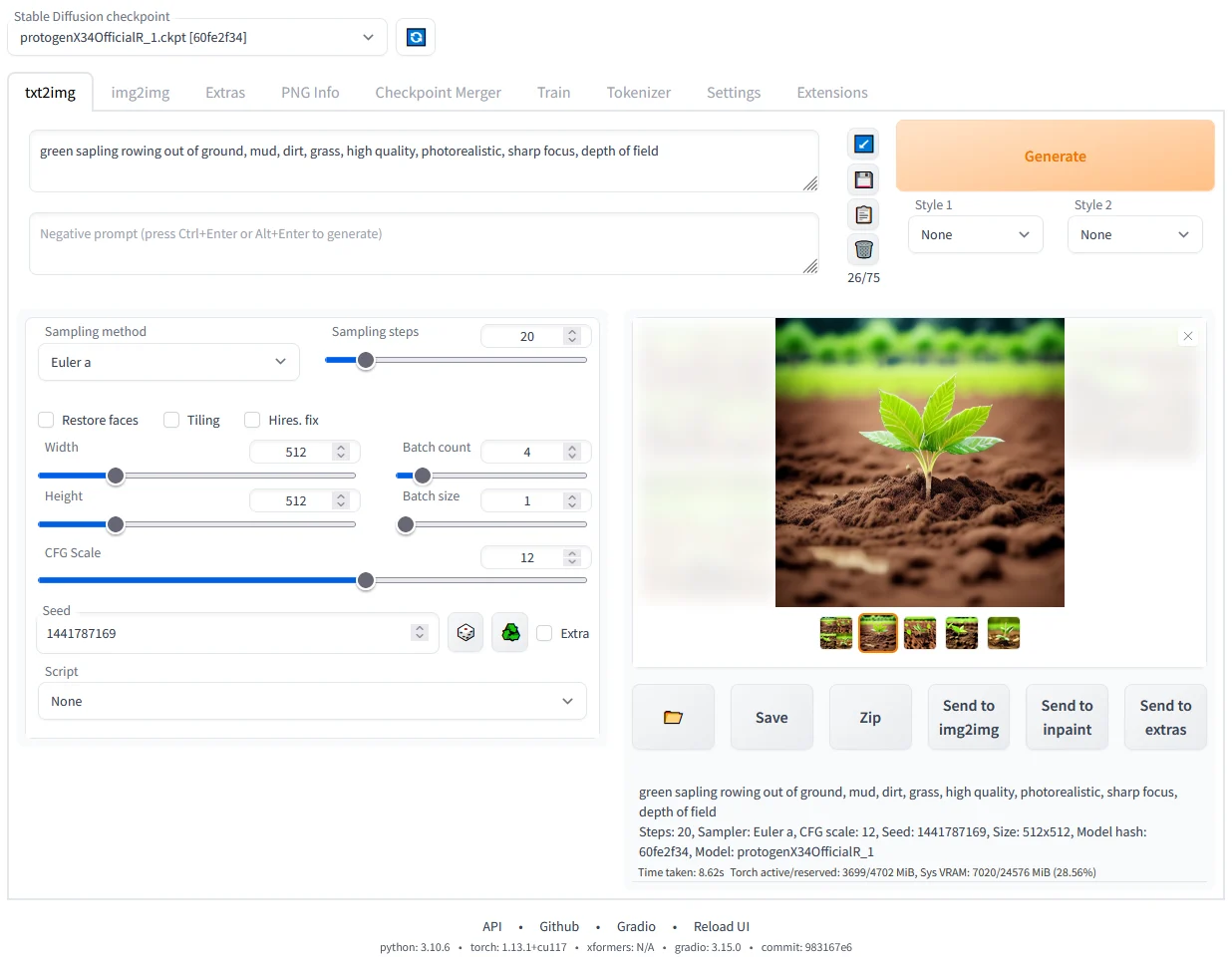
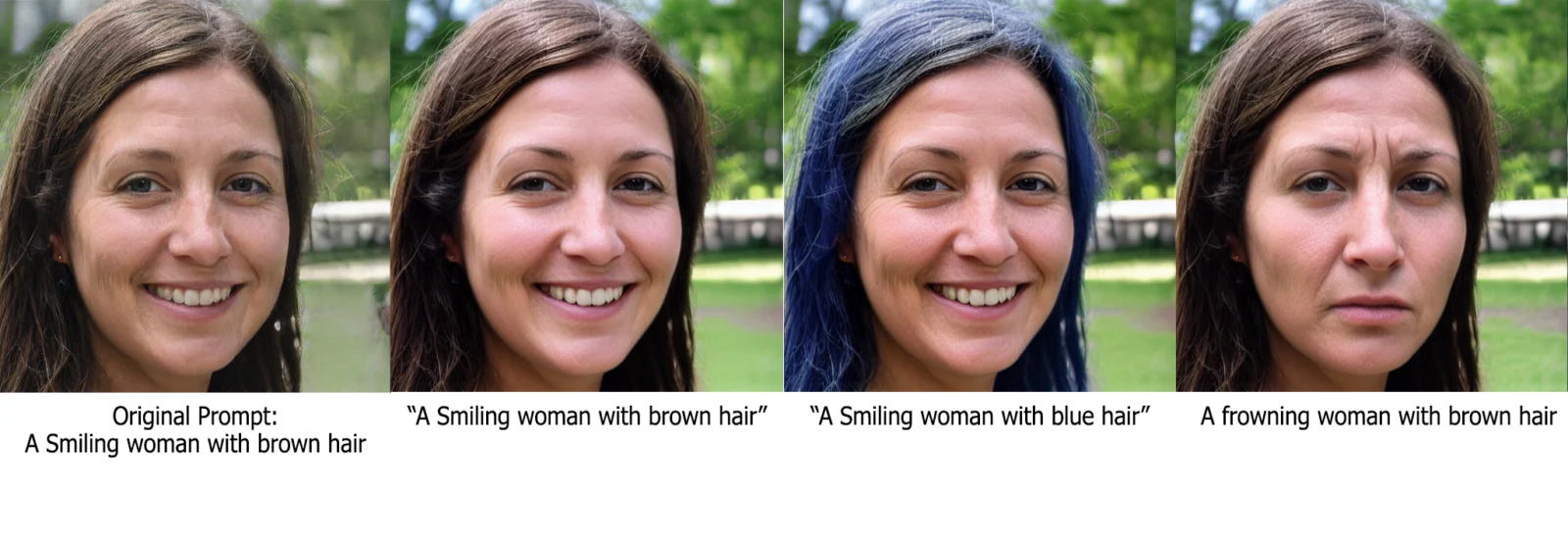
Automatic1111 is an open-source browser interface for running Stable Diffusion locally or in a user-managed environment. It offers text-to-image and image-to-image generation, plus editing features such as inpainting and outpainting.
Its settings expose model checkpoints, samplers, and image-processing options. Users can enable an API for custom integrations, but must manage installation, compute, and updates themselves.
A quick way to understand who this product may suit, where its limits matter, and which facts are most relevant before you compare alternatives.
Creators and technical users who want local Stable Diffusion generation, prompt and image editing controls, and optional API-driven workflows.
Teams seeking a managed hosted service, vendor-provided support, or a low-setup creative editor may prefer another product; this project is installed and run by the user, and should evaluate alternatives such as ComfyUI or InvokeAI instead.
Linux, macOS, Self-hosted, Web, Windows
6.5/10
These are the product-specific differences that may matter when deciding whether the software fits your workflow. They are based on documented evidence rather than a universal ranking.
These are documented constraints or practical friction points that may matter before you adopt the product.
Automation developers should check the running instance’s /docs endpoint and test their integration against the installed version.
Evidence source ↗Installation requires local setup rather than account creation in a hosted product.
Evidence source ↗Users should review the applicable licenses for the software, model weights, and dependencies they choose.
Evidence source ↗The project lists AGPL-3.0 software and no paid application plan. Local compute, hosting, and model terms are separate.
Check current pricing →Pricing may change. Verify current plans on the vendor's website.
Compare similar products directly, then see which alternatives may make more sense when your requirements differ.
| Decision factor | Automatic1111 | ComfyUI | InvokeAI |
|---|---|---|---|
| Primary workflow | Browser interface with direct text-to-image and image-to-image controls. | Node-graph interface for composing model and operation workflows. Source ↗ | Creative image-generation application centered on a layer-based canvas and node-based workflows. Source ↗ |
| Image editing and workflow model | Includes mask-based inpainting, outpainting, and image-upscaling controls. | Uses composable nodes and workflows to customize generation and processing steps. Source ↗ | Offers layer-based canvas editing alongside workflows, batch generation, and upscaling. Source ↗ |
| Pricing model | Open-source application for local installation; no official paid plan is listed. | Open-source application with local installation; separate cloud offerings are also documented. Source ↗ | Described by its documentation as free and open-source, self-hosted software. Source ↗ |
Only factors supported by the available research are shown. The comparison is descriptive, not a ranking.
These products address broadly similar requirements. The descriptions focus on documented reasons a buyer might compare them with Automatic1111.


| License | AGPL-3.0 |
|---|---|
| Deployment | Self-hosted; container and online-service paths are also documented |
| Interface | Browser-based Gradio interface |
| API | Optional API mode; launch with --api |
| Latest listed release | 1.10.1 |
| Free trial | No separate trial listed; open-source software is installable |
Verified installation, hosting, administration, or environment details that can affect implementation.
| Installation or hosting | Users install and run the web UI locally. The project wiki also lists container and online-service setup paths. Source ↗ |
|---|---|
| Supported desktop environments | The repository documents Windows, Linux, and Apple Silicon installation paths. Source ↗ |
A proprietary editorial score based on product capabilities, usability, value, performance, support and user sentiment evidence.
The project documents a broad image-generation and editing toolset, local installation, and an API. No verifiable third-party rating or review-count evidence was found. Setup, hardware, and community support can vary by user environment.
Methodology v1.0. The assessment weighs feature coverage (25%), ease of use (15%), value for money (20%), performance (15%), support (10%) and user sentiment (15%), using researched product evidence and verified review evidence where available. It is a TechZella editorial assessment, not a direct user-review average.
Key claims are linked to the sources used to verify them. This evidence record is separate from third-party user ratings.
TechZella evaluates software using documented product capabilities, pricing information, usability and value considerations, independent user evidence where available, and competitive context. The assessment is an editorial review, not a hands-on test unless one is explicitly identified. Our editorial assessment is based on 4 documented sources.
The project wiki describes the web UI as a browser interface based on Gradio.
View source ↗Verified 2026-11-12The repository feature list and wiki document these generation and editing features.
View source ↗Verified 2026-11-12The command-line documentation lists the --api flag and an API-only launch option.
View source ↗Verified 2026-11-12The project’s GitHub releases page marks version 1.10.1 as the latest release.
View source ↗Verified 2026-11-12The repository identifies the AGPL-3.0 license.
View source ↗Verified 2026-11-12The project README lists Python and Git installation steps before running the web UI.
View source ↗Verified 2026-11-12Answers begin with the clearest available response, followed by the context that helps you act on it.
No reviews yet. Be the first to share your experience.
Please log in to submit a review.