
Keep each BizHawk version in its own folder rather than mixing release files.
Mixing files from different releases can lead to missing dependencies, broken cores, or movie synchronization problems.
Evidence source ↗
BizHawk is a free, open-source desktop emulator for multiple game systems, with recording, playback, scripting, and debugging tools for tool-assisted speedruns.
Official documentation verifies broad emulation, recording, debugging, scripting, and Windows and Linux support. No reliable public rating or review evidence was verified, so user sentiment and comparative performance remain uncertain.
This profile combines documented product information and independent evidence where available. It is not a hands-on test unless TechZella explicitly identifies one.
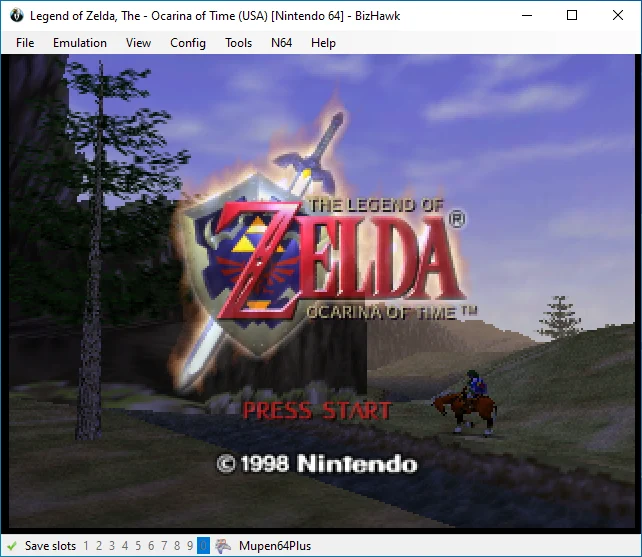
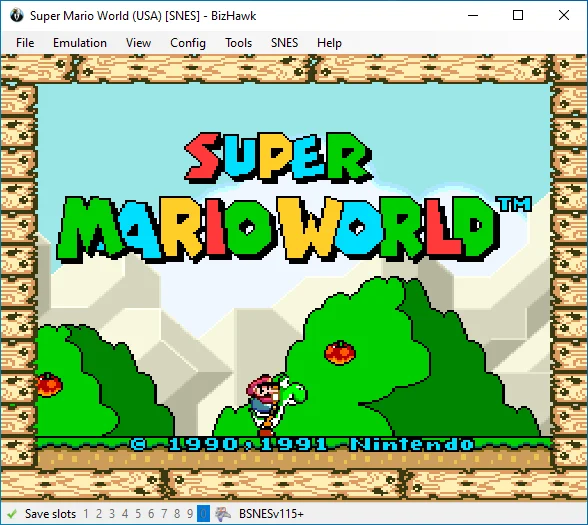
BizHawk is a multi-system emulator project whose desktop application is called EmuHawk. It combines multiple system-specific emulation cores with gaming and tool-assisted speedrun features.
Its shared tools include frame stepping, input recording, named savestates, rewind, memory inspection, and audio or video capture. The project also supports programmatic control through Lua or C#/.NET.
The project documents Windows and Linux releases. It describes macOS options as legacy or workaround-based, and says Android and iOS versions are unavailable.
A quick way to understand who this product may suit, where its limits matter, and which facts are most relevant before you compare alternatives.
Tool-assisted speedrunners and emulator users who need frame-level input recording, playback, memory inspection, or scripting across supported retro systems.
Users who need a current native macOS or mobile release, or who want a simple emulator without configuration and system-specific dependencies, and should evaluate alternatives such as RetroArch or MAME instead.
Desktop, Linux, Windows
7.5/10
These are the product-specific differences that may matter when deciding whether the software fits your workflow. They are based on documented evidence rather than a universal ranking.
These are documented constraints or practical friction points that may matter before you adopt the product.
Mixing files from different releases can lead to missing dependencies, broken cores, or movie synchronization problems.
Evidence source ↗Linux users may need to install dependencies separately, depending on their distribution and installation method.
Evidence source ↗A game may not load correctly until the required firmware is available and configured.
Evidence source ↗Free desktop emulator project. EmuHawk and DiscoHawk are identified as MIT-licensed; some bundled files may have different licensing status.
Check current pricing →Pricing may change. Verify current plans on the vendor's website.
Compare similar products directly, then see which alternatives may make more sense when your requirements differ.
These products address broadly similar requirements. The descriptions focus on documented reasons a buyer might compare them with BizHawk.
| Deployment | Desktop application |
|---|---|
| Operating systems | Windows and Linux documented |
| API and scripting | Lua and C#/.NET programmatic control; no hosted REST API documented |
| Integrations | RetroAchievements integration noted in the release history; Lua and .NET external-tool workflows are also documented |
| License | MIT for EmuHawk and DiscoHawk; bundled files may have separate licensing |
| Free trial | Not applicable; software is free |
| Current release verified | 2.11.1, released May 1, 2026 |
Verified installation, hosting, administration, or environment details that can affect implementation.
| Installation or hosting | Installable desktop software; Windows releases are distributed as ZIP files, and Linux packages or manual installation are documented. No hosted service is described. Source ↗ |
|---|
A proprietary editorial score based on product capabilities, usability, value, performance, support and user sentiment evidence.
Official documentation verifies broad emulation, recording, debugging, scripting, and Windows and Linux support. No reliable public rating or review evidence was verified, so user sentiment and comparative performance remain uncertain.
Methodology v1.0. The assessment weighs feature coverage (25%), ease of use (15%), value for money (20%), performance (15%), support (10%) and user sentiment (15%), using researched product evidence and verified review evidence where available. It is a TechZella editorial assessment, not a direct user-review average.
Key claims are linked to the sources used to verify them. This evidence record is separate from third-party user ratings.
TechZella evaluates software using documented product capabilities, pricing information, usability and value considerations, independent user evidence where available, and competitive context. The assessment is an editorial review, not a hands-on test unless one is explicitly identified. Our editorial assessment is based on 2 documented sources.
The project README lists input recording, named savestates, frame stepping, rewinding, memory inspection, and Lua or C#/.NET control.
View source ↗Verified 2026-10-03The project README identifies the applicable license and cautions that some bundled files are outside that license grant.
View source ↗Verified 2026-10-03The repository installation documentation describes Windows and Unix/Linux installation and explicitly states Android and iOS are unavailable.
View source ↗Verified 2026-10-03The TASVideos release history lists the release date and notes an experimental PPSSPP core for PlayStation Portable.
View source ↗Verified 2026-10-03The README describes programmatic control of the core and frontend through Lua or C#/.NET and documents loading Lua scripts.
View source ↗Verified 2026-10-03Yes. The project provides it without a paid plan and identifies EmuHawk and DiscoHawk as MIT-licensed.
The project documents Windows and Linux releases. It says Android and iOS are unavailable and does not offer current standard macOS support.
It supports programmatic control of the core and frontend through Lua or C#/.NET. This is an emulator scripting interface, not a hosted web API.
No. The project says it does not distribute copyrighted game images or firmware. Users may need to provide firmware for some systems.
The release history lists BizHawk 2.11.1, released May 1, 2026.
No reviews yet. Be the first to share your experience.
Please log in to submit a review.