
When crowd-submitted titles or thumbnails are missing, DeArrow uses configurable fallbacks instead of a crowdsourced replacement.
The experience can differ across videos and depends on community coverage.
Evidence source ↗
DeArrow is an open-source browser extension that replaces or reformats YouTube titles and thumbnails using community submissions and configurable fallbacks.
Documented features include community voting, title formatting, timestamp-based thumbnails, and original-branding controls. Mozilla listing and visible reviews provide limited sentiment evidence; no hands-on testing was conducted.
This profile combines documented product information and independent evidence where available. It is not a hands-on test unless TechZella explicitly identifies one.
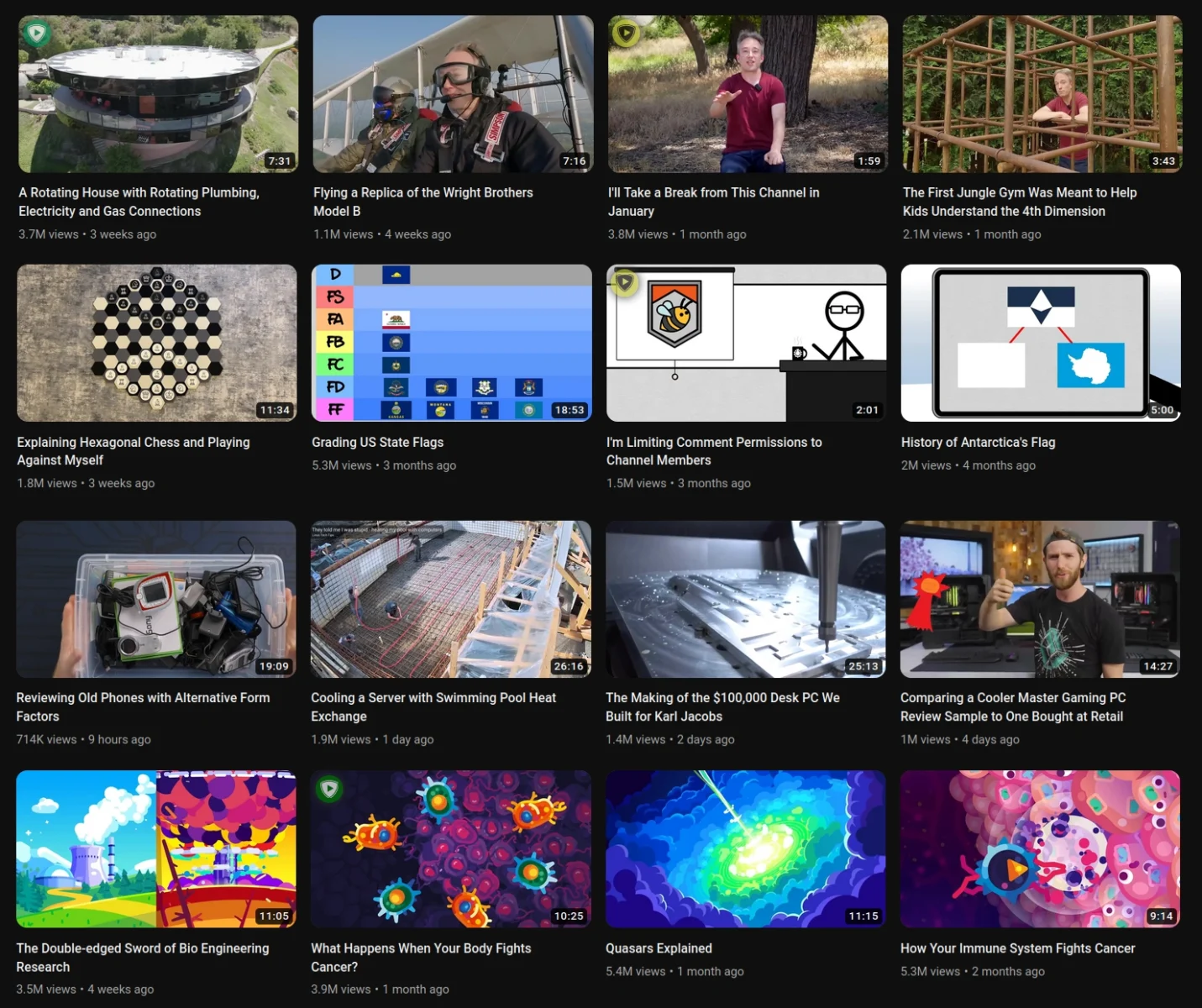
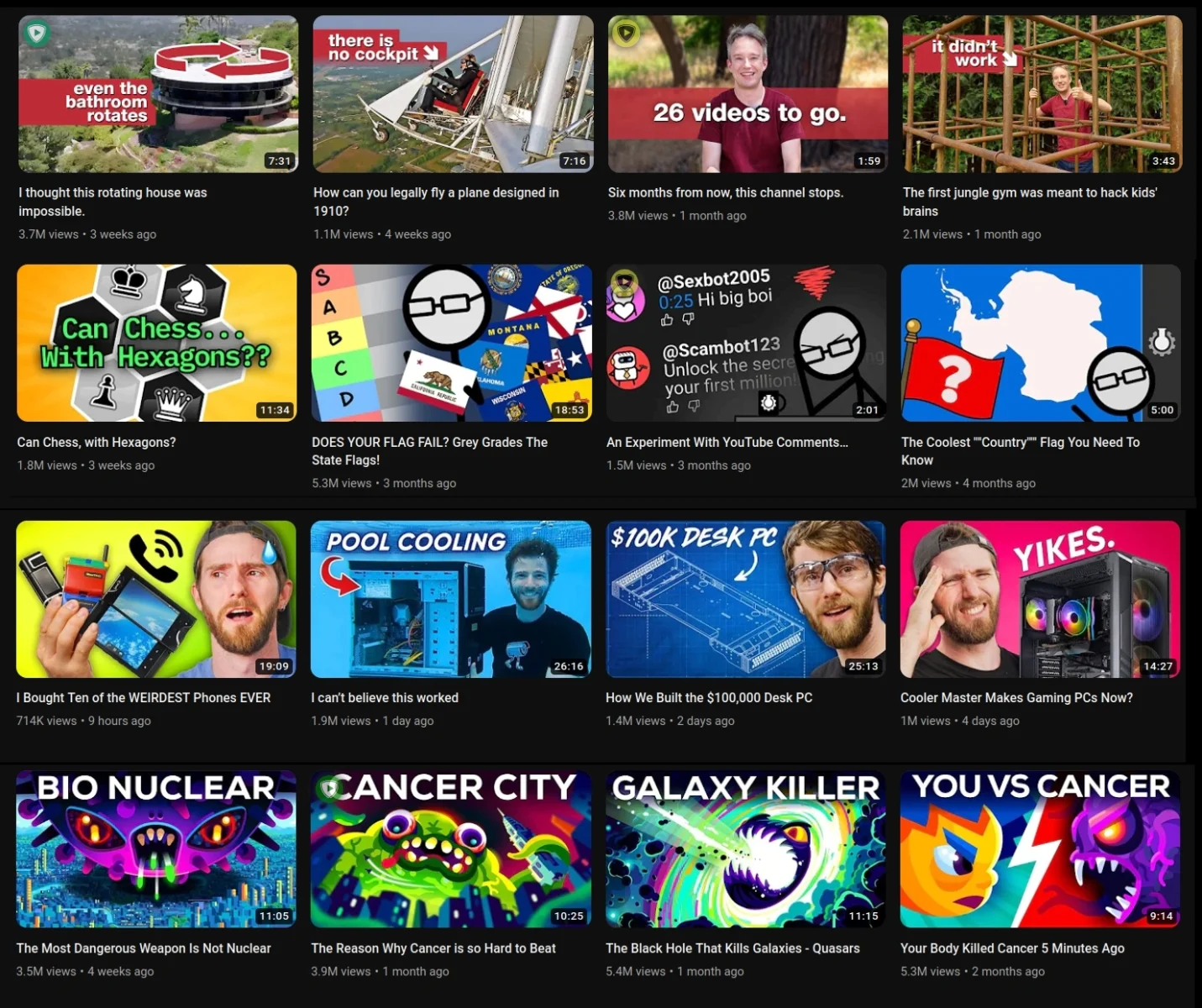
DeArrow is a browser extension by Ajay Ramachandran for changing how YouTube presents video titles and thumbnails. Users submit and vote on alternate titles and thumbnail timestamps.
When community entries are unavailable, users can configure title formatting and thumbnail behavior. DeArrow can show a frame from a random timestamp and includes a control for viewing original branding.
DeArrow is not primarily a privacy product. Its privacy documentation describes anonymous lookup requests, while submissions and votes involve additional data handling.
A quick way to understand who this product may suit, where its limits matter, and which facts are most relevant before you compare alternatives.
YouTube viewers who want community-submitted, less sensational titles and video-frame thumbnails, with configurable fallback behavior when submissions are unavailable.
Users seeking general privacy protection, an enterprise security product, or guaranteed crowdsourced coverage across every video, and should evaluate alternatives such as Clickbait Remover for YouTube instead.
Android, API, Chrome, Firefox, Safari
7.9/10
These are the product-specific differences that may matter when deciding whether the software fits your workflow. They are based on documented evidence rather than a universal ranking.
These are documented constraints or practical friction points that may matter before you adopt the product.
The experience can differ across videos and depends on community coverage.
Evidence source ↗Users of alternative YouTube front ends may not get the same support as users of YouTube itself.
Evidence source ↗Privacy-conscious users should distinguish anonymous viewing lookups from contribution-related data.
Evidence source ↗Users can choose to use DeArrow without paying through the option on the payment page.
Check current pricing →Optional one-time purchase for an unlimited-use license key.
Check current pricing →Pricing may change. Verify current plans on the vendor's website.
Compare similar products directly, then see which alternatives may make more sense when your requirements differ.
| Decision factor | DeArrow | Clickbait Remover for YouTube |
|---|---|---|
| Core scope | Centers on crowd-submitted titles and thumbnails, with formatting and timestamp-frame fallbacks. | Mozilla's comparison describes it as a clickbait-removal extension with a different title and thumbnail approach. Source ↗ |
| Title fallback | Can format titles in user-selected styles, including title case and sentence case. | The comparison says its title fallback relies on simpler lower-case or title-capitalization approaches. Source ↗ |
| Thumbnail fallback | Can use a randomly selected video timestamp for a frame, avoiding SponsorBlock segments. | The comparison says it uses YouTube-generated thumbnails. Source ↗ |
| Community contributions | Users submit and vote on replacement titles and thumbnail timestamps. | The cited comparison distinguishes it from DeArrow's crowdsourcing-centered approach. Source ↗ |
Only factors supported by the available research are shown. The comparison is descriptive, not a ranking.
These products address broadly similar requirements. The descriptions focus on documented reasons a buyer might compare them with DeArrow.




| Developer | Ajay Ramachandran |
|---|---|
| First public release | June 10, 2023 |
| License | GNU Lesser General Public License v3.0 only on Mozilla Add-ons listing |
| Platforms | Chrome/Chromium, Firefox, Safari for macOS and iOS; Android via Firefox on m.youtube.com |
| Integrations | YouTube; third-party YouTube front ends can be added, but Invidious support is unfinished |
| API | Public API documented for non-browser-extension use; automated submissions are not allowed |
| Free trial | No separate time-limited trial specified; free use is available |
| Privacy | Anonymous title and thumbnail lookups; contribution and voting data may include a hashed user ID and hashed IP address |
Verified installation, hosting, administration, or environment details that can affect implementation.
| Installation or hosting | Install as a browser extension. The project links Chrome/Chromium, Firefox, Safari for macOS and iOS, and Android use through Firefox. Source ↗ |
|---|---|
| API | A public API is documented for non-browser-extension clients; the documentation says automated submissions are not allowed. Source ↗ |
Documented portability, standards, export, or switching considerations. No switching-cost score is shown unless the evidence supports one.
The API documentation links a downloadable database of submissions. Its stated data license and attribution requirements should be reviewed before reuse.
Evidence source ↗A proprietary editorial score based on product capabilities, usability, value, performance, support and user sentiment evidence.
Documented features include community voting, title formatting, timestamp-based thumbnails, and original-branding controls. Mozilla listing and visible reviews provide limited sentiment evidence; no hands-on testing was conducted.
Methodology v1.0. The assessment weighs feature coverage (25%), ease of use (15%), value for money (20%), performance (15%), support (10%) and user sentiment (15%), using researched product evidence and verified review evidence where available. It is a TechZella editorial assessment, not a direct user-review average.
Key claims are linked to the sources used to verify them. This evidence record is separate from third-party user ratings.
TechZella evaluates software using documented product capabilities, pricing information, usability and value considerations, independent user evidence where available, and competitive context. The assessment is an editorial review, not a hands-on test unless one is explicitly identified. Our editorial assessment is based on 5 documented sources.
The official About page states its public release date.
View source ↗Verified 2026-10-05The project README describes user-submitted titles and timestamp-based thumbnails, with voting.
View source ↗Verified 2026-10-05The official product description explains the configurable title and thumbnail fallbacks.
View source ↗Verified 2026-10-05The official payment page states both the optional license purchase and free-use option.
View source ↗Verified 2026-10-05The policy describes anonymous requests for displayed submissions and says submissions, votes, hashed user IDs, and hashed IP data may be stored.
View source ↗Verified 2026-10-05The API documentation states both conditions.
View source ↗Verified 2026-10-05No. The developer offers an optional $1 unlimited-use license, and users can choose to use the extension without paying.
The documented title replacements are submitted and voted on by users. The product description does not identify AI-generated replacement titles as a feature.
DeArrow can format the original title and use a randomly selected video frame as a thumbnail, subject to user settings.
It is not general-purpose privacy software. Its policy says title and thumbnail lookup requests are anonymous, while contributions and votes can involve stored identifiers and hashed IP information.
Yes. The DeArrow API is documented for non-browser-extension use. Automated submissions are not allowed.
The project documents use with Firefox on Android at m.youtube.com. It also notes Chromium-based browser installation as possible but does not recommend Kiwi Browser.
No reviews yet. Be the first to share your experience.
Please log in to submit a review.