
No general public API is available.
Teams building automated connections to LIMS, ELN, or internal data systems must use supported file exchange, selected integrations, or command-line functions instead.
Evidence source ↗
SnapGene is desktop software for designing, annotating, visualizing, and documenting DNA sequences and molecular cloning workflows.
Official materials document a broad set of sequence, cloning, alignment, primer, and gel-simulation features across desktop operating systems. Public rating evidence is limited to three SelectScience reviews, so sentiment and comparative scores have limited confidence.
This profile combines documented product information and independent evidence where available. It is not a hands-on test unless TechZella explicitly identifies one.
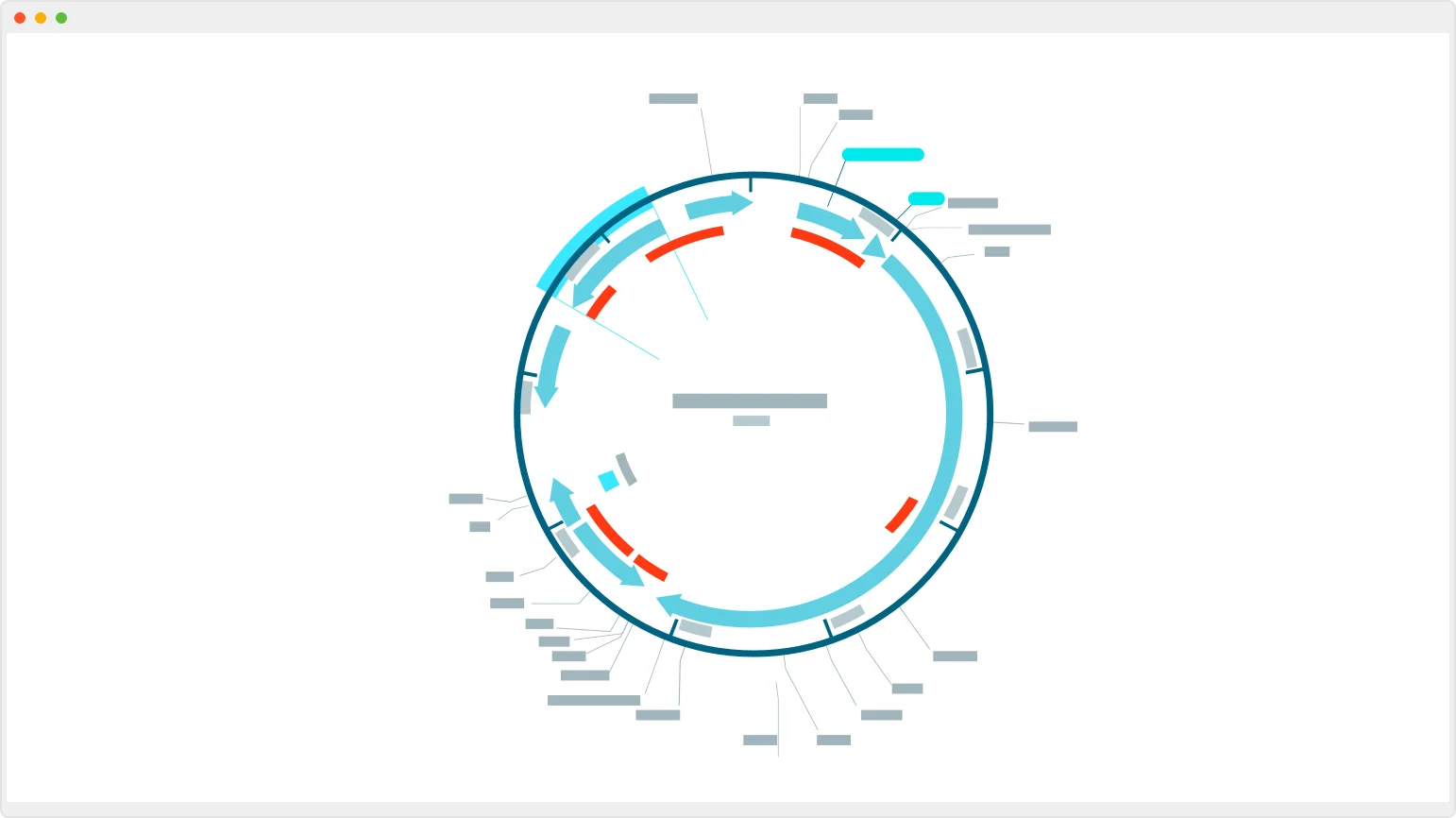
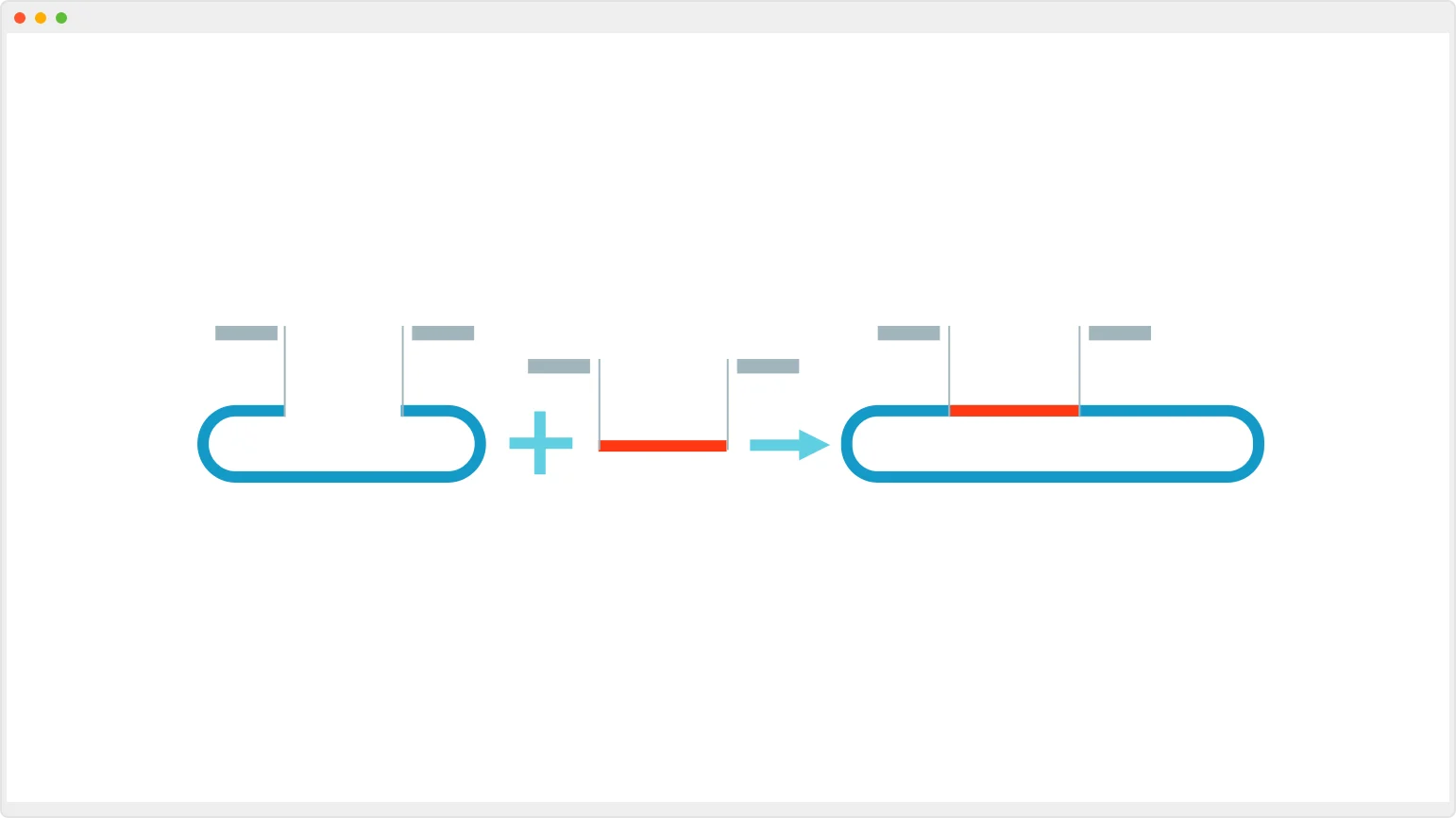
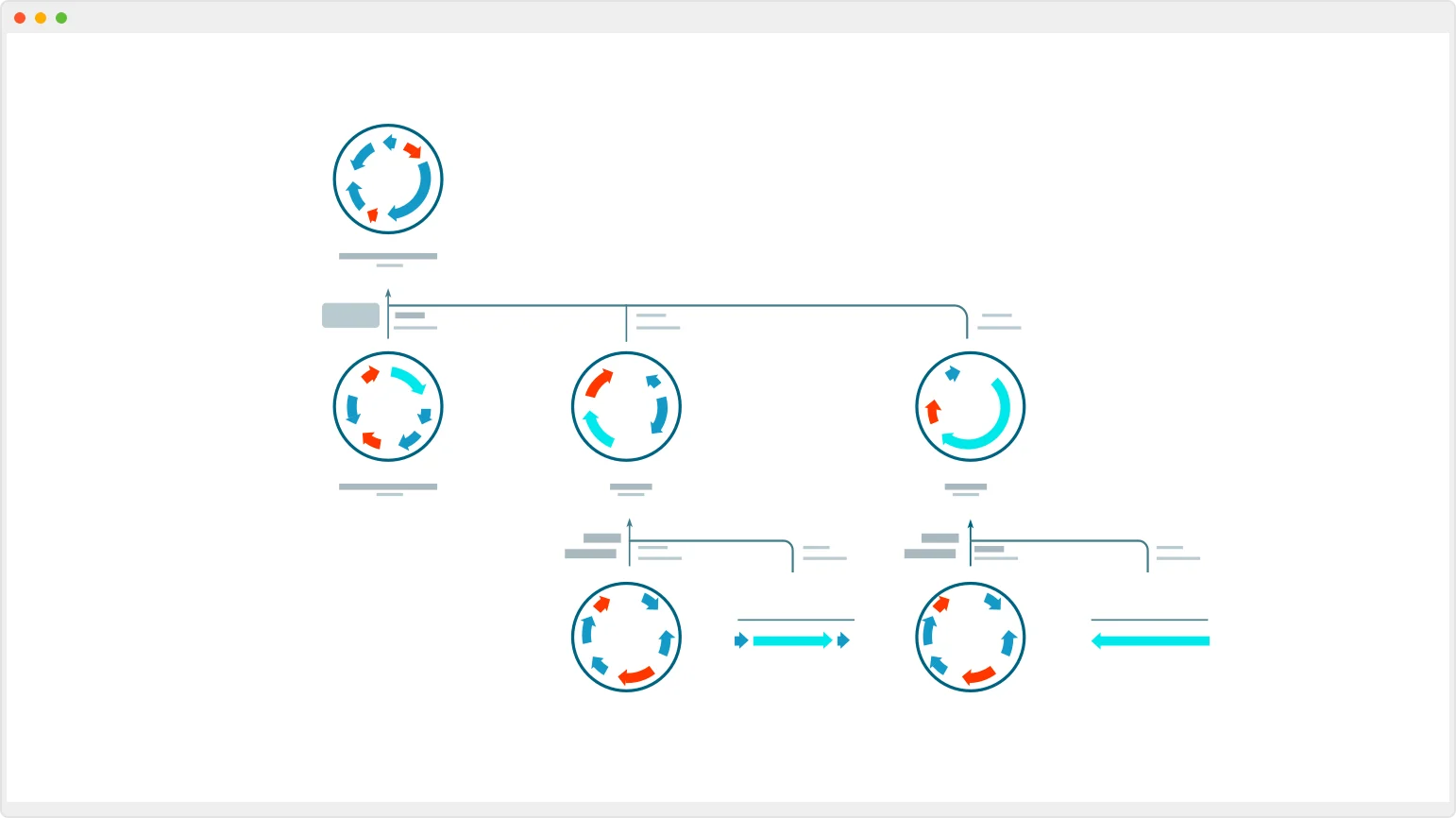
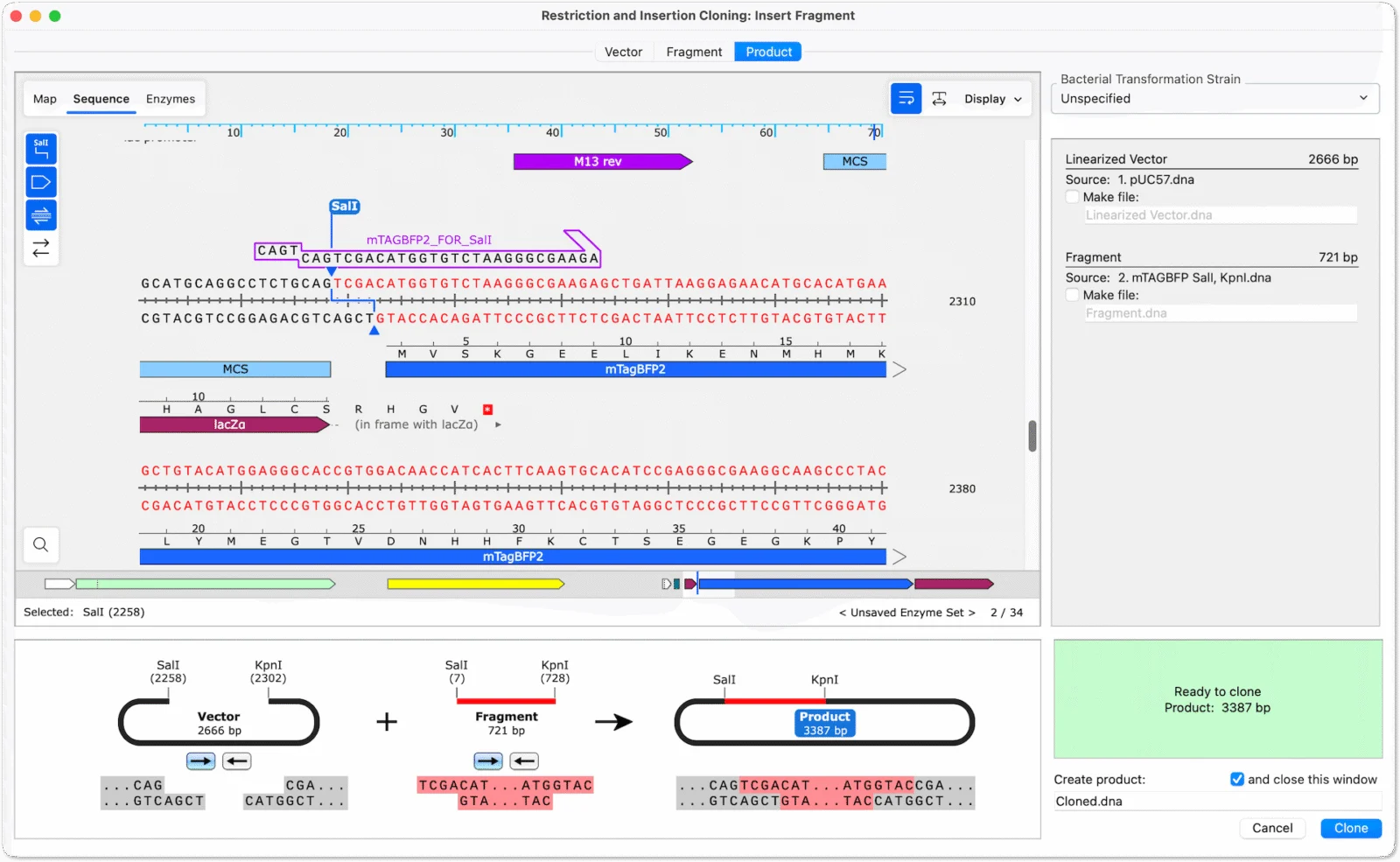
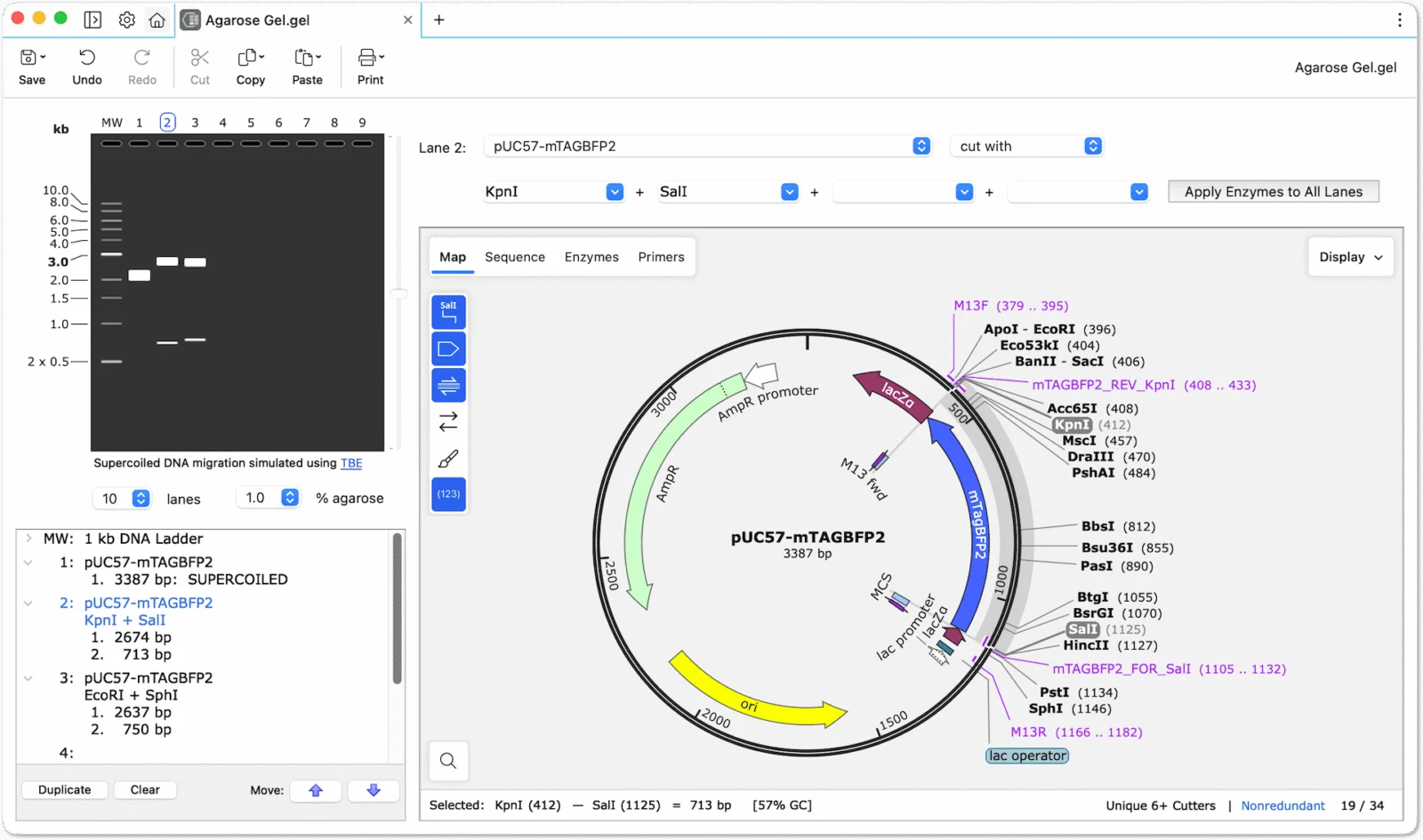
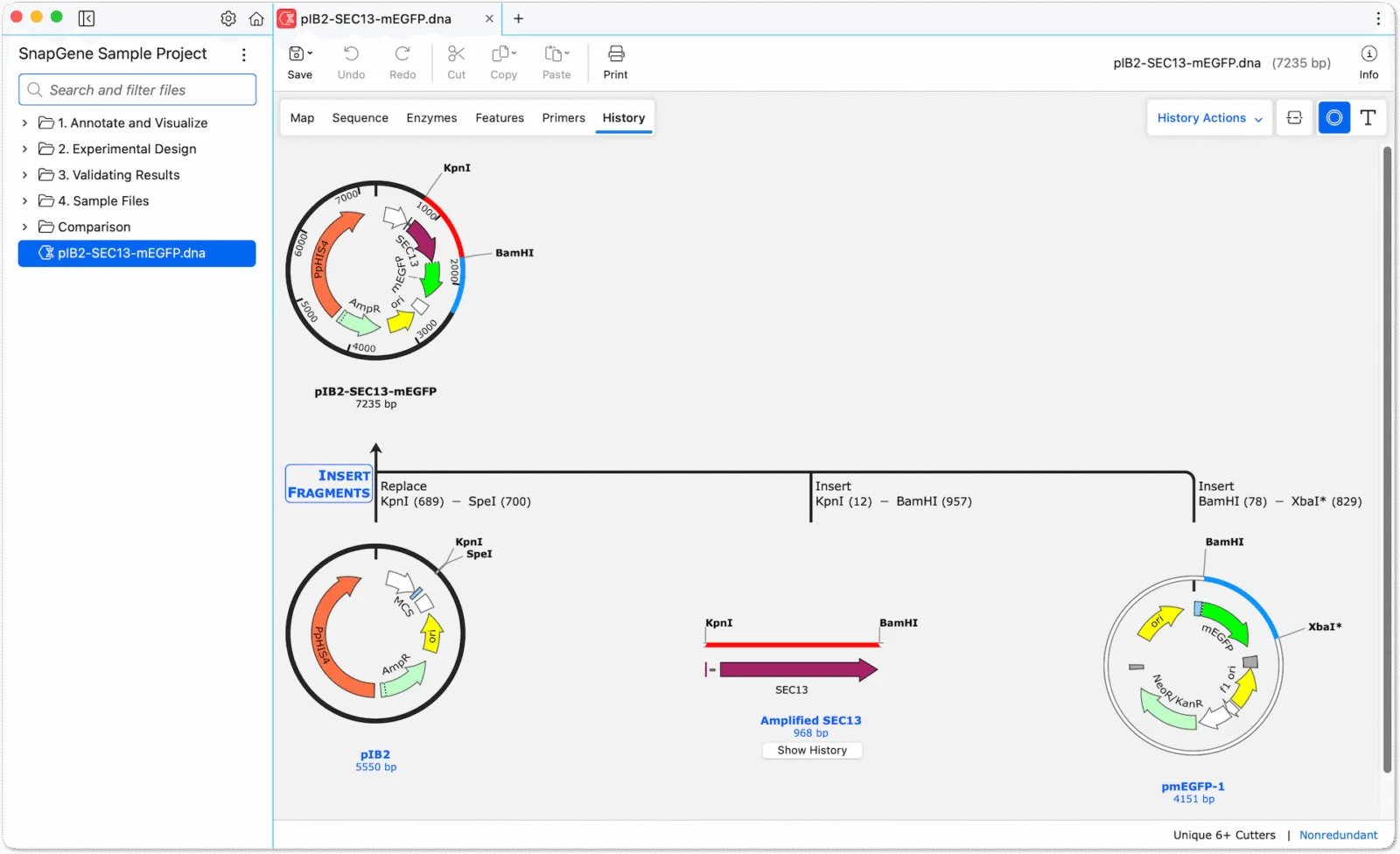
SnapGene is desktop software for designing, annotating, visualizing, and documenting DNA sequences and cloning procedures. Its workflows include plasmid maps, sequence editing, simulated cloning and PCR, alignments, and construct verification.
The application runs on Windows, Mac, and Linux. Files are stored through the operating system’s filesystem. SnapGene offers a 30-day fully functional trial without requesting payment information; after a subscription expires, it switches to Viewer mode.
SnapGene became part of Dotmatics. The company says it was co-founded in 2004 by Benjamin Glick.
A quick way to understand who this product may suit, where its limits matter, and which facts are most relevant before you compare alternatives.
Research groups, educators, and biotechnology or pharmaceutical teams that need desktop plasmid design, cloning simulation, sequence annotation, and construct verification.
Teams that require a general public API, browser-native collaborative editing, or a complete electronic laboratory notebook should assess other systems or pair SnapGene with separate tools, and should evaluate alternatives such as Benchling or Geneious Prime instead.
Command line, Desktop, Linux, macOS, Windows
7.8/10
These are the product-specific differences that may matter when deciding whether the software fits your workflow. They are based on documented evidence rather than a universal ranking.
These are documented constraints or practical friction points that may matter before you adopt the product.
Teams building automated connections to LIMS, ELN, or internal data systems must use supported file exchange, selected integrations, or command-line functions instead.
Evidence source ↗Users can still view, annotate, and share sequence files, but most paid editing and analysis functions are disabled.
Evidence source ↗Sequences submitted for scoring are temporarily uploaded and retained for up to 30 days, which matters for teams assessing sensitive sequence workflows.
Evidence source ↗For eligible students enrolled in an active degree-granting program.
Check current pricing →One-user academic subscription; multi-user prices are also published.
Check current pricing →One-user corporate subscription; multi-user prices are also published.
Check current pricing →Includes SSO and SCIM user provisioning.
Check current pricing →Single-seat permanent license; no upgrades to future versions or guaranteed future operating-system support.
Check current pricing →Single-seat permanent license; no upgrades to future versions or guaranteed future operating-system support.
Check current pricing →SnapGene is free for students when offered as part of a course by a professor or teacher.
Check current pricing →Fully functional trial; no payment information is requested.
Check current pricing →Pricing may change. Verify current plans on the vendor's website.
Compare similar products directly, then see which alternatives may make more sense when your requirements differ.
| Decision factor | SnapGene | Benchling | Geneious Prime |
|---|---|---|---|
| Core scope | Desktop sequence editing, plasmid visualization, cloning simulation, PCR and sequence verification. | Browser-based molecular biology tools include sequence editing, annotations, primers, alignments, restriction digests, assemblies, and CRISPR guides. Source ↗ | Includes molecular biology and sequence analysis workflows such as Sanger and NGS analysis, alignments, phylogenetics, cloning, and primer design. Source ↗ |
| Deployment model | Standalone desktop app; sequence files are stored through the local operating system. | Cloud-based R&D platform with molecular-biology sequence tools. Source ↗ | Desktop versions for Windows, Mac, and Linux; current team subscriptions include a shared Geneious Cloud workspace. Source ↗ |
| Pricing model | Published annual student, academic, and corporate prices; custom Organization pricing. | Custom pricing based on organizational solution and capabilities. Source ↗ | Published annual personal and team prices, with custom Enterprise pricing. Source ↗ |
Only factors supported by the available research are shown. The comparison is descriptive, not a ranking.
These products address broadly similar requirements. The descriptions focus on documented reasons a buyer might compare them with SnapGene.
| Deployment | Standalone desktop application |
|---|---|
| Operating systems | Windows, Mac, Linux |
| Latest version | 9.0.0, released November 3, 2026 |
| API | No public API; command-line functions are available |
| Storage | Files stored through the local operating system; CRISPR scoring uses temporary cloud storage |
| Integrations | LabArchives ELN and Dotmatics Bioregister |
| Free trial | 30 days; no payment information requested |
Verified installation, hosting, administration, or environment details that can affect implementation.
| Installation or hosting | Standalone desktop software; files are stored through the operating system's filesystem. The vendor supports deployment using conventional IT tools for large groups. Source ↗ |
|---|---|
| Operating systems | Windows, Mac, and Linux licenses are included with subscriptions. Source ↗ |
| Internet requirement | Internet access is required for license activation, license checks, updates, and deactivation. Source ↗ |
Documented portability, standards, export, or switching considerations. No switching-cost score is shown unless the evidence supports one.
SnapGene reads and writes several common molecular-biology formats, including GenBank, FASTA, ApE, Geneious, MacVector, and Vector NTI formats.
Evidence source ↗The command line supports converting individual or multiple sequence files, including multi-sequence FASTA or GenBank inputs.
Evidence source ↗A proprietary editorial score based on product capabilities, usability, value, performance, support and user sentiment evidence.
Official materials document a broad set of sequence, cloning, alignment, primer, and gel-simulation features across desktop operating systems. Public rating evidence is limited to three SelectScience reviews, so sentiment and comparative scores have limited confidence.
Methodology v1.0. The assessment weighs feature coverage (25%), ease of use (15%), value for money (20%), performance (15%), support (10%) and user sentiment (15%), using researched product evidence and verified review evidence where available. It is a TechZella editorial assessment, not a direct user-review average.
Key claims are linked to the sources used to verify them. This evidence record is separate from third-party user ratings.
TechZella evaluates software using documented product capabilities, pricing information, usability and value considerations, independent user evidence where available, and competitive context. The assessment is an editorial review, not a hands-on test unless one is explicitly identified. Our editorial assessment is based on 5 documented sources.
The current pricing page lists annual student, single-user academic and corporate prices, team quantities, and custom Organization pricing.
View source ↗Verified 2026-11-10The pricing page states that subscriptions include licenses for Windows, Mac, and Linux.
View source ↗Verified 2026-11-10SnapGene Support says there is no public API and identifies LabArchives, Dotmatics Bioregister, and command-line operations as supported connection or automation paths.
View source ↗Verified 2026-11-10The vendor's data-handling support page describes the desktop application, local file storage, license checks, and update communications.
View source ↗Verified 2026-11-10The release notes date version 9.0.0 to November 3, 2026, and describe its new primer database and CRISPR guide features.
View source ↗Verified 2026-11-10SnapGene Support says the fully functional trial lasts 30 days and does not request payment information.
View source ↗Verified 2026-11-10Answers begin with the clearest available response, followed by the context that helps you act on it.
No reviews yet. Be the first to share your experience.
Please log in to submit a review.