
Minitab's Python and R integration is limited to its desktop app.
Teams planning browser-only analysis should not assume they can run these language integrations in the web app.
Evidence source ↗
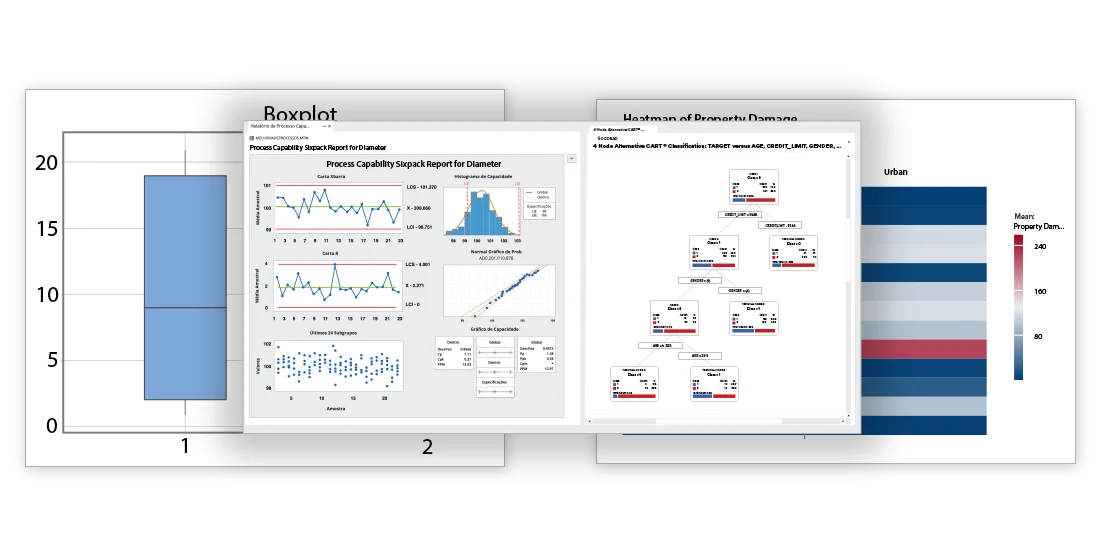
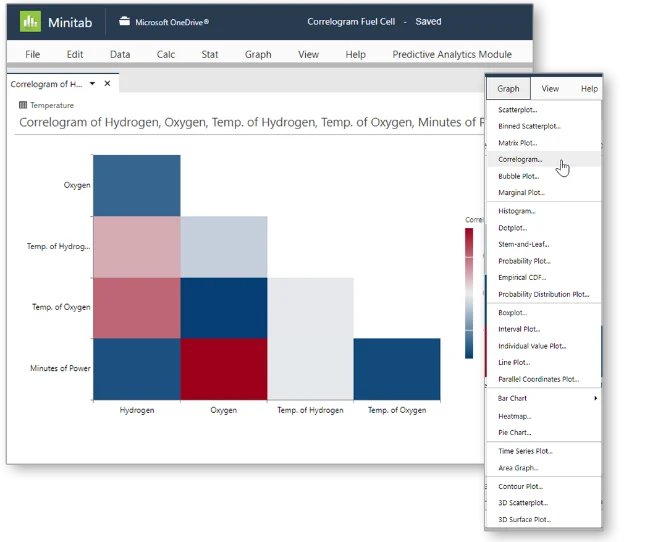
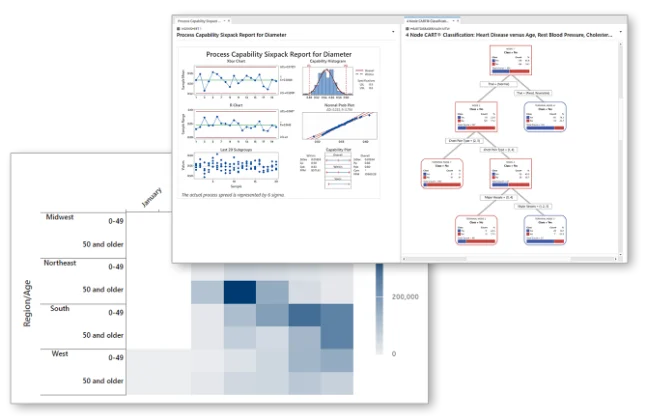
Minitab provides desktop and web-based statistical analysis, visualization, and quality tools, including regression, design of experiments, and control charts.
Official feature documentation covers broad statistical and quality methods, desktop and web access, and Python and R integration on desktop. G2 shows a 4.6/5 average across 227 reviews; some accessed reviews cite price and a learning curve.
This profile combines documented product information and independent evidence where available. It is not a hands-on test unless TechZella explicitly identifies one.
Minitab Statistical Software combines statistical analysis, visualization, and quality methods in desktop and web applications. Its documented capabilities include hypothesis testing, regression, design of experiments, control charts, and process capability analysis. The vendor’s current individual purchase page lists an annual single-user license at $1,995.
The desktop application is specified for Windows 11. The web application works through supported browsers, while Python and R integration is restricted to desktop use. These distinctions matter for organizations selecting between browser-only access and local analytic workflows.
A quick way to understand who this product may suit, where its limits matter, and which facts are most relevant before you compare alternatives.
Quality and process-improvement teams, analysts, and instructors who need a graphical statistical workflow for methods such as control charts, capability analysis, regression, and design of experiments.
Buyers seeking a low-cost statistical tool, a native macOS desktop application, or a general-purpose REST API should assess alternatives and integration requirements before purchasing, and should evaluate alternatives such as JMP instead.
Python, R, SaaS, Web, Windows
8.0/10
These are the product-specific differences that may matter when deciding whether the software fits your workflow. They are based on documented evidence rather than a universal ranking.
These are documented constraints or practical friction points that may matter before you adopt the product.
Teams planning browser-only analysis should not assume they can run these language integrations in the web app.
Evidence source ↗Mac users can use a supported browser for the web app, but the documented native desktop option is Windows-only.
Evidence source ↗Buyers should plan a focused evaluation period; the vendor's FAQ says the trial cannot be extended.
Evidence source ↗Single annual license. The vendor describes cloud and desktop access, technical support, updates, and a 12-month subscription.
Check current pricing →Annual subscription with Minitab Statistical Software access and additional Solution Center capabilities.
Check current pricing →Annual subscription that includes Minitab Statistical Software and additional analytics capabilities.
Check current pricing →Annual subscription including Minitab Statistical Software, Workspace, DOE by Effex, and Predictive Analytics.
Check current pricing →Pricing may change. Verify current plans on the vendor's website.
Compare similar products directly, then see which alternatives may make more sense when your requirements differ.
| Decision factor | Minitab | JMP |
|---|---|---|
| Core scope | Statistical methods include quality tools, control charts, capability analysis, regression, and design of experiments. | JMP lists design of experiments, regression, statistical modeling, and interactive visual analysis. Source ↗ |
| Programming integration | Minitab documents Python and R integration in its Windows desktop app. | JMP's product page emphasizes interactive visual analysis and statistical modeling; the cited page does not establish equivalent Python or R integration details. Source ↗ |
| Access model | The individual subscription page includes web and desktop access; desktop system requirements specify Windows 11. | JMP is described as desktop software, with annual subscriptions and support included. Source ↗ |
| Pricing model | The Minitab single annual license is listed at $1,995. | JMP documents annual subscriptions, but the cited purchase page does not display a price. Source ↗ |
Only factors supported by the available research are shown. The comparison is descriptive, not a ranking.
These products address broadly similar requirements. The descriptions focus on documented reasons a buyer might compare them with Minitab.
| Desktop operating system | Windows 11 |
|---|---|
| Web browsers | Chrome, Chromium Edge, or Safari |
| Internet connection | Required for the web app and activation of trial and single-user licenses |
| Python and R integration | Desktop app only |
| Trial | 14 days from activation |
| License term | 12-month individual subscription |
Verified installation, hosting, administration, or environment details that can affect implementation.
| Desktop installation | Minitab 22.5 desktop requirements specify Windows 11. Multi-user desktop license installations also require Minitab License Manager. Source ↗ |
|---|---|
| Web access | The Minitab web app requires an internet connection and supports Chrome, Chromium Edge, or Safari. Source ↗ |
Documented portability, standards, export, or switching considerations. No switching-cost score is shown unless the evidence supports one.
Minitab documents direct opening of Minitab, Excel, and text files, along with copy-and-paste and ODBC database import.
Evidence source ↗Desktop integration guides describe bringing Python or R-generated graphs and statistics into Minitab reports; this is an integration workflow, not evidence of automatic project migration.
Evidence source ↗A proprietary editorial score based on product capabilities, usability, value, performance, support and user sentiment evidence.
Official feature documentation covers broad statistical and quality methods, desktop and web access, and Python and R integration on desktop. G2 shows a 4.6/5 average across 227 reviews; some accessed reviews cite price and a learning curve.
Methodology v1.0. The assessment weighs feature coverage (25%), ease of use (15%), value for money (20%), performance (15%), support (10%) and user sentiment (15%), using researched product evidence and verified review evidence where available. It is a TechZella editorial assessment, not a direct user-review average.
Key claims are linked to the sources used to verify them. This evidence record is separate from third-party user ratings.
TechZella evaluates software using documented product capabilities, pricing information, usability and value considerations, independent user evidence where available, and competitive context. The assessment is an editorial review, not a hands-on test unless one is explicitly identified. Our editorial assessment is based on 7 documented sources.
The system requirements list Windows 11 for the desktop app and Chrome, Chromium Edge, or Safari for Minitab Web.
View source ↗Verified 2026-11-10The feature list includes Assistant tools, graphics, basic statistics, regression, and quality methods.
View source ↗Verified 2026-11-10Minitab's integration guide explicitly limits Python and R integration to the desktop app.
View source ↗Verified 2026-11-10The vendor's Minitab Statistical Software purchase page displays $1,995 per year for a single annual license.
View source ↗Verified 2026-11-10Minitab's subscription FAQ states the trial lasts 14 days and cannot be extended.
View source ↗Verified 2026-11-10The release notes give an October 21, 2026 release date and describe extended Shewhart control limits, acceptance control charts, and capability indices aligned with AIAG/VDA terminology.
View source ↗Verified 2026-11-10The G2 product reviews page displayed the aggregate rating and review count.
View source ↗Verified 2026-11-10Answers begin with the clearest available response, followed by the context that helps you act on it.
No reviews yet. Be the first to share your experience.
Please log in to submit a review.