
The edition choice affects dataset capacity and multicore processing.
Buyers should match BE, SE, or MP to data size and processor needs before comparing license costs.
Evidence source ↗
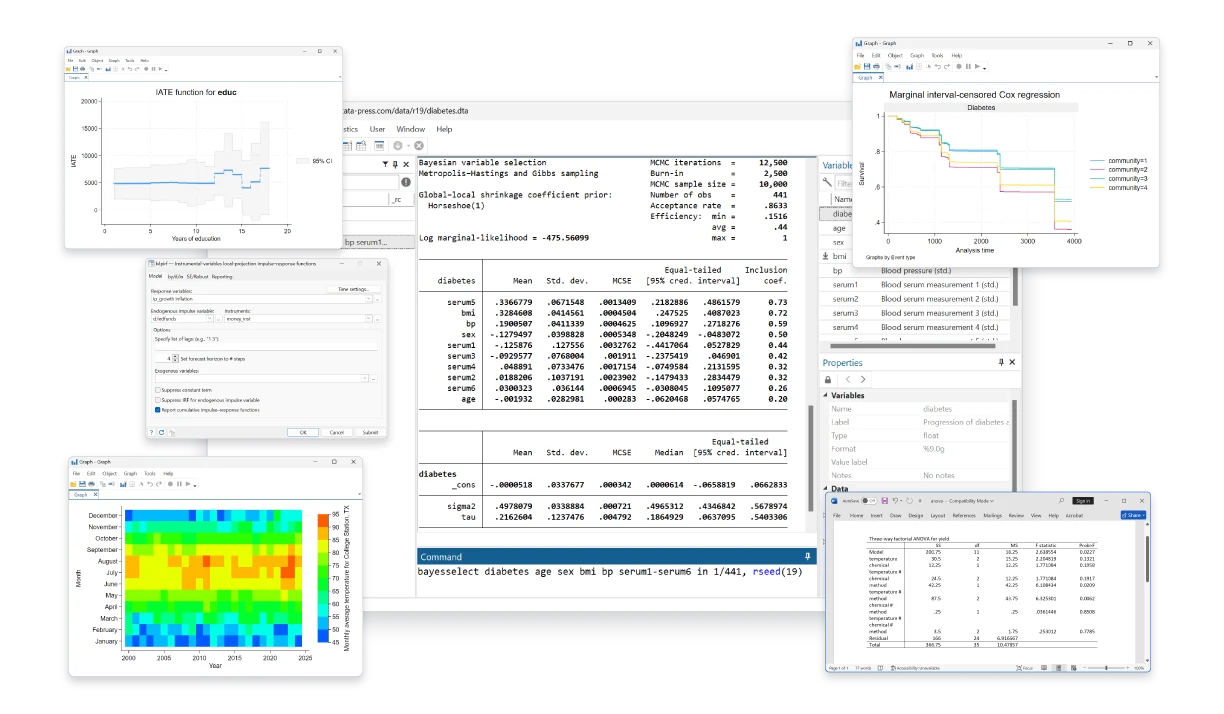
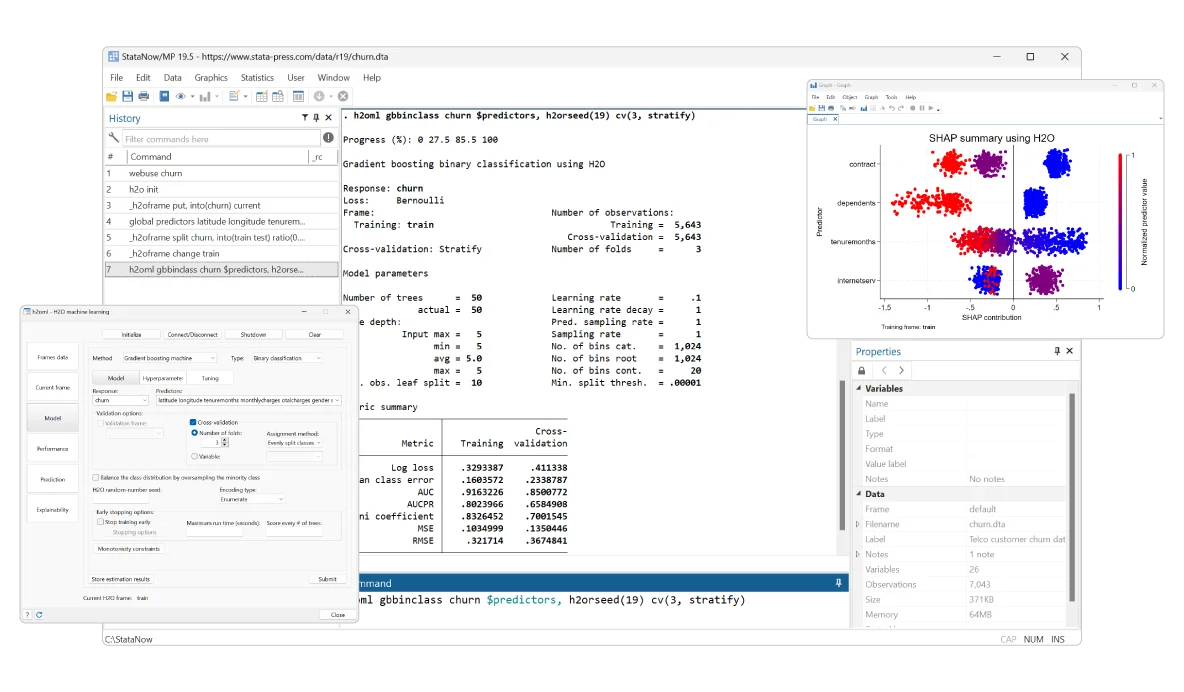
Stata is desktop statistical software for data management, analysis, visualization, and reproducible reporting. It supports statistical programming and integration with Python.
The software documents extensive statistical methods, reproducible reporting, and Python integration. G2 shows a 4.3/5 rating from 166 reviews, with visible comments praising analytical breadth while some mention cost and a learning curve.
This profile combines documented product information and independent evidence where available. It is not a hands-on test unless TechZella explicitly identifies one.
Stata is statistical software developed and sold by StataCorp LLC. Its workflow combines a graphical interface with a command language, supporting data preparation, statistical modeling, visualization, and reporting.
It is locally installed on Windows, macOS, or Linux rather than delivered as SaaS. Researchers can connect Stata workflows with Python and Jupyter, while buyers should select an edition based on dataset size and processing needs.
A quick way to understand who this product may suit, where its limits matter, and which facts are most relevant before you compare alternatives.
Researchers, analysts, and instructors who need a desktop statistics package with command-based reproducibility, a graphical interface, and established methods for survey, panel, time-series, or health data.
Teams seeking free, open-source software, browser-based collaboration, or a cloud-hosted analytics service may prefer another approach. Stata is locally installed desktop software, not SaaS, and should evaluate alternatives such as IBM SPSS Statistics instead.
API, Linux, macOS, Python, Windows
8.1/10
These are the product-specific differences that may matter when deciding whether the software fits your workflow. They are based on documented evidence rather than a universal ranking.
These are documented constraints or practical friction points that may matter before you adopt the product.
Buyers should match BE, SE, or MP to data size and processor needs before comparing license costs.
Evidence source ↗Ongoing access to new releases and StataNow features depends on the license and maintenance arrangement.
Evidence source ↗The customer or administrator handles installation and local computing requirements.
Evidence source ↗New annual license price listed for eligible faculty and staff at accredited degree-granting universities. Proof of affiliation is required.
Check current pricing →A short-term evaluation license is available by request. The public page reviewed does not specify its duration.
Check current pricing →Pricing varies by license and edition; StataCorp offers online ordering and quote requests for specific or multiuser requirements.
Check current pricing →Pricing may change. Verify current plans on the vendor's website.
Compare similar products directly, then see which alternatives may make more sense when your requirements differ.
| Decision factor | Stata | IBM SPSS Statistics | R |
|---|---|---|---|
| Core scope | Desktop statistical analysis, data management, graphics, and reporting. | Statistical analysis with base and separately purchasable add-on capabilities. Source ↗ | Free software environment for statistical computing and graphics, extended through packages. Source ↗ |
| Pricing model | Annual and perpetual licenses are available; business and many organization options may require a quote. | Subscription pricing is available, alongside term and perpetual licensing options. Source ↗ | Free software environment distributed under free-software terms. Source ↗ |
| Desktop platforms | Windows, macOS, and Linux. | The current SPSS subscription supports Windows and macOS. Source ↗ | Windows, macOS, and a wide variety of UNIX platforms. Source ↗ |
Only factors supported by the available research are shown. The comparison is descriptive, not a ranking.
These products address broadly similar requirements. The descriptions focus on documented reasons a buyer might compare them with Stata.



| Deployment | Locally installed desktop software; not SaaS |
|---|---|
| Supported operating systems | Windows, macOS, and 64-bit Linux |
| License types | Annual and perpetual; single-user, network, and other organization options |
| Editions | BE, SE, and MP |
| Python integration | Python execution from Stata; PyStata APIs to invoke Stata from Python |
| Database connections | JDBC, ODBC, SQL, or plugins for suitable database APIs |
Verified installation, hosting, administration, or environment details that can affect implementation.
| Installation or hosting | Locally installed desktop software for Windows, macOS, and Linux; StataCorp states it is not SaaS. Source ↗ |
|---|---|
| License assignment | Single-user licenses are assigned to an identified user and may be installed on multiple computers if only that user accesses the software. Source ↗ |
Documented portability, standards, export, or switching considerations. No switching-cost score is shown unless the evidence supports one.
Stata says datasets, graphs, scripts, and programs are cross-platform; license terms and supported operating systems remain separate considerations.
Evidence source ↗A proprietary editorial score based on product capabilities, usability, value, performance, support and user sentiment evidence.
The software documents extensive statistical methods, reproducible reporting, and Python integration. G2 shows a 4.3/5 rating from 166 reviews, with visible comments praising analytical breadth while some mention cost and a learning curve.
Methodology v1.0. The assessment weighs feature coverage (25%), ease of use (15%), value for money (20%), performance (15%), support (10%) and user sentiment (15%), using researched product evidence and verified review evidence where available. It is a TechZella editorial assessment, not a direct user-review average.
Key claims are linked to the sources used to verify them. This evidence record is separate from third-party user ratings.
TechZella evaluates software using documented product capabilities, pricing information, usability and value considerations, independent user evidence where available, and competitive context. The assessment is an editorial review, not a hands-on test unless one is explicitly identified. Our editorial assessment is based on 6 documented sources.
The compatibility page lists supported Windows versions, Mac systems, and 64-bit Linux.
View source ↗Verified 2026-11-10The official feature inventory covers statistical methods, import/export and SQL-related data capabilities, graphics, and reproducible reporting.
View source ↗Verified 2026-11-10Official documentation describes Python code inside Stata and calling Stata from Python, including API functions and Jupyter support.
View source ↗Verified 2026-11-10Stata's ordering FAQ describes it as desktop software installed locally by the customer or administrator.
View source ↗Verified 2026-11-10The official Prof+ pricing table lists Stata/BE at $175 annually for new purchases and requires institutional affiliation.
View source ↗Verified 2026-11-10The public G2 Stata review page displayed a 4.3 average and 166-review count when accessed.
View source ↗Verified 2026-11-10See the buyer questions below for sourced answers about evaluation access, supported operating systems, Python integration, business pricing, and whether Stata is SaaS.
No reviews yet. Be the first to share your experience.
Please log in to submit a review.