
Export API access is not included in the Professional plan according to the published plan comparison.
Teams planning downstream data exports should confirm API licensing and fees before committing to an architecture.
Evidence source ↗
Vena is a cloud FP&A platform for budgeting, forecasting, reporting and planning, with Excel as a central interface and integrations for finance and operational data.
Official materials document budgeting, forecasting, reporting, workflows, integrations and an Excel-centered interface. Public review pages show strong overall ratings, while selected review excerpts mention implementation effort and occasional performance concerns. Pricing is quote-based, so value
This profile combines documented product information and independent evidence where available. It is not a hands-on test unless TechZella explicitly identifies one.
A quick way to understand who this product may suit, where its limits matter, and which facts are most relevant before you compare alternatives.
Finance teams seeking governed budgeting, forecasting and reporting while retaining Excel-based templates and connecting ERP, HRIS and CRM data.
Teams seeking transparent self-service pricing, a documented free trial, or a lightweight tool with little implementation work may find the sales-led pricing and implementation requirements a poor match, and should evaluate alternatives such as Workday Adaptive Planning or Planful instead.
Azure, Microsoft Office, Microsoft Teams, SaaS, Web
8.0/10
These are the product-specific differences that may matter when deciding whether the software fits your workflow. They are based on documented evidence rather than a universal ranking.
These are documented constraints or practical friction points that may matter before you adopt the product.
Teams planning downstream data exports should confirm API licensing and fees before committing to an architecture.
Evidence source ↗The subscription is not the only resource requirement; finance and data owners should plan staff time for setup and validation.
Evidence source ↗Buyers need a sales quote to compare total costs for their user mix, modules and implementation scope.
Evidence source ↗Includes the Vena platform, Customer Success Manager, standard support, customer portal and Vena Copilot. Some add-ons, including Vena Insights, sandbox, expert managed services, premium support and Export API access, are listed as additional cost.
Check current pricing →Includes Professional features plus Vena Insights, premium support, sandbox environment and expert managed services. Pricing is not published.
Check current pricing →Pricing may change. Verify current plans on the vendor's website.
Compare the product with documented alternatives across the factors that can change a buying decision. Each row is evidence-backed rather than a generic feature checklist.
| Decision factor | Vena Solutions | Workday Adaptive Planning |
|---|---|---|
| Excel workflow | Excel is a central interface, with native Microsoft 365 integration. | Workday describes Excel connectivity for data in reports and presentations; its product page does not characterize Excel as the primary planning interface. Source ↗ |
| Planning scope | Budgeting, forecasting, scenario planning, reporting and cross-functional planning are documented. | Workday lists planning, unlimited versions and what-if scenarios, plus dashboards and process management. Source ↗ |
| Pricing model | Professional and Complete plans are published without dollar amounts; pricing is quote-based. | Workday lists pricing as variable and offers a quote, alongside a 30-day trial. Source ↗ |
| Decision factor | Vena Solutions | Planful |
|---|---|---|
| Excel workflow | Vena positions Excel as the central interface for planning and reporting. | Planful says customers can keep using Excel alongside its cloud financial performance platform. Source ↗ |
| Planning scope | Vena combines planning, reporting, workflow and collaboration functions in its FP&A platform. | Planful describes a platform spanning planning, close, consolidation and reporting. Source ↗ |
| Pricing model | Vena publishes named plans but requires a quote for prices. | Planful describes subscription pricing tailored to company size, users and selected modules; it does not publish rates on the cited company information page. Source ↗ |
Only factors supported by the available research are shown. The comparison is descriptive, not a ranking.
Compare similar products directly, then see which alternatives may make more sense when your requirements differ.
| Decision factor | Vena Solutions | Workday Adaptive Planning | Planful |
|---|---|---|---|
| Excel workflow | Excel is a central interface, with native Microsoft 365 integration. | Workday describes Excel connectivity for data in reports and presentations; its product page does not characterize Excel as the primary planning interface. Source ↗ | Planful says customers can keep using Excel alongside its cloud financial performance platform. Source ↗ |
| Planning scope | Budgeting, forecasting, scenario planning, reporting and cross-functional planning are documented. | Workday lists planning, unlimited versions and what-if scenarios, plus dashboards and process management. Source ↗ | Planful describes a platform spanning planning, close, consolidation and reporting. Source ↗ |
| Pricing model | Professional and Complete plans are published without dollar amounts; pricing is quote-based. | Workday lists pricing as variable and offers a quote, alongside a 30-day trial. Source ↗ | Planful describes subscription pricing tailored to company size, users and selected modules; it does not publish rates on the cited company information page. Source ↗ |
Only factors supported by the available research are shown. The comparison is descriptive, not a ranking.
These products address broadly similar requirements. The descriptions focus on documented reasons a buyer might compare them with Vena Solutions.
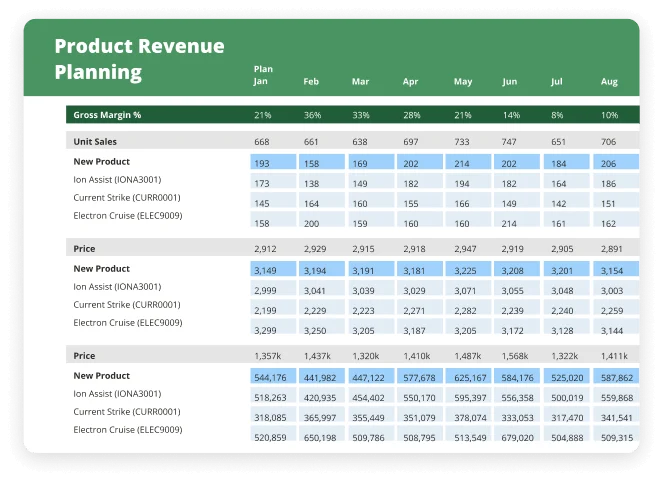
Vena is a cloud-based financial planning and analysis platform for budgeting, forecasting, reporting and related planning workflows. It connects financial and operational data to a centralized model while keeping Excel at the center of many planning tasks.
The product is aimed at finance teams that need structured collaboration, approvals, permissions and data controls across contributors. It also connects with systems such as ERP, CRM and HRIS platforms through native connectors, APIs and file-based integration methods.



| Deployment | Cloud SaaS |
|---|---|
| Hosting | Microsoft Azure; regional hubs documented in the United States, Canada and European Union |
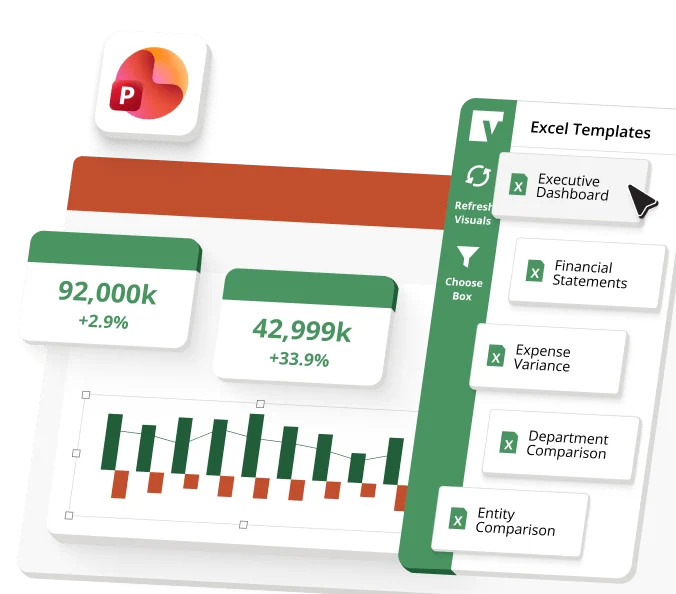
| Primary interface | Microsoft Excel |
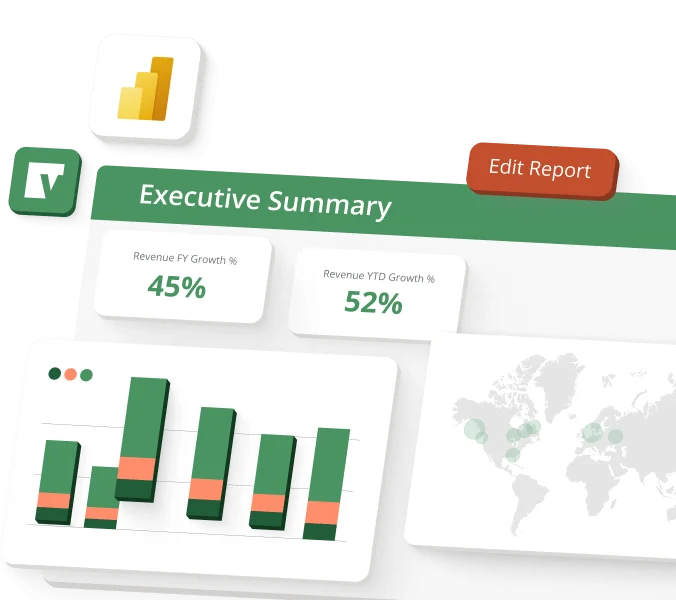
| Microsoft ecosystem | Microsoft 365, Teams, Power BI, Azure and Fabric integrations documented |
| API | Import APIs included in plan comparison; Export API access may require an additional fee |
| Free trial | No self-service trial verified; free demo available |
| Plans | Professional and Complete |
| Pricing | Quote-based; public dollar amounts not listed |
Verified installation, hosting, administration, or environment details that can affect implementation.
| Hosting | Cloud platform hosted in geographically distributed Microsoft Azure data centers, with hubs in the United States, Canada and the European Union. Source ↗ |
|---|---|
| Access | Web-based cloud service with Microsoft Excel integration; Vena also describes use across Microsoft 365 tools. Source ↗ |
Documented portability, standards, export, or switching considerations. No switching-cost score is shown unless the evidence supports one.
Vena documents import APIs and an Export API for extracting planning intersections and model hierarchies; Export API access requires contacting an account manager and may require an additional fee depending on plan.
Evidence source ↗A proprietary editorial score based on product capabilities, usability, value, performance, support and user sentiment evidence.
Official materials document budgeting, forecasting, reporting, workflows, integrations and an Excel-centered interface. Public review pages show strong overall ratings, while selected review excerpts mention implementation effort and occasional performance concerns. Pricing is quote-based, so value depends on the negotiated scope.
Methodology v1.0. The assessment weighs feature coverage (25%), ease of use (15%), value for money (20%), performance (15%), support (10%) and user sentiment (15%), using researched product evidence and verified review evidence where available. It is a TechZella editorial assessment, not a direct user-review average.
Key claims are linked to the sources used to verify them. This evidence record is separate from third-party user ratings.
TechZella evaluates software using documented product capabilities, pricing information, usability and value considerations, independent user evidence where available, and competitive context. The assessment is an editorial review, not a hands-on test unless one is explicitly identified. Our editorial assessment is based on 5 documented sources.
The pricing page lists both plans and Power User, Contributor and View Only licensing.
View source ↗Verified 2026-10-19The SOC report describes Azure hosting and geographically distributed Vena hubs in those regions.
View source ↗Verified 2026-10-19The integration page identifies ERP, CRM, HRIS, native connectors, bidirectional APIs and flat-file automation.
View source ↗Verified 2026-10-19The developer documentation describes these export data types and formats and explains access requires contacting an account manager.
View source ↗Verified 2026-10-19The plan comparison marks those items as available at additional cost in Professional.
View source ↗Verified 2026-10-19The demo page offers a free product demonstration; the pricing page lists paid plan structures without a trial offer.
View source ↗Verified 2026-10-19Does Vena offer a free trial? Vena’s official pages reviewed here advertise a free demo, not a self-service trial.
Does Vena have an API? Yes. Documentation describes import APIs and an Export API. The pricing comparison says import APIs are included and export access may cost extra; access details should be confirmed with Vena.
Which platforms does Vena support? Vena is a cloud service hosted on Azure and integrates with Microsoft Excel and other Microsoft 365 tools. It also connects to financial and operational systems.
How much does Vena cost? Vena lists Professional and Complete plans but does not publish prices. Buyers must request a quote.
No reviews yet. Be the first to share your experience.
Please log in to submit a review.