Editorial overview
Aggregated Overview
Official materials document multiple desktop and mobile platforms, common Dreamcast disc-image formats, a compatibility list, save states, cheats, and display enhancements. Google Play provides a public Android rating; performance and support scores remain cautious because no independent controlled tests were used.
This profile combines documented product information and independent evidence where available. It is not a hands-on test unless TechZella explicitly identifies one.
Overview
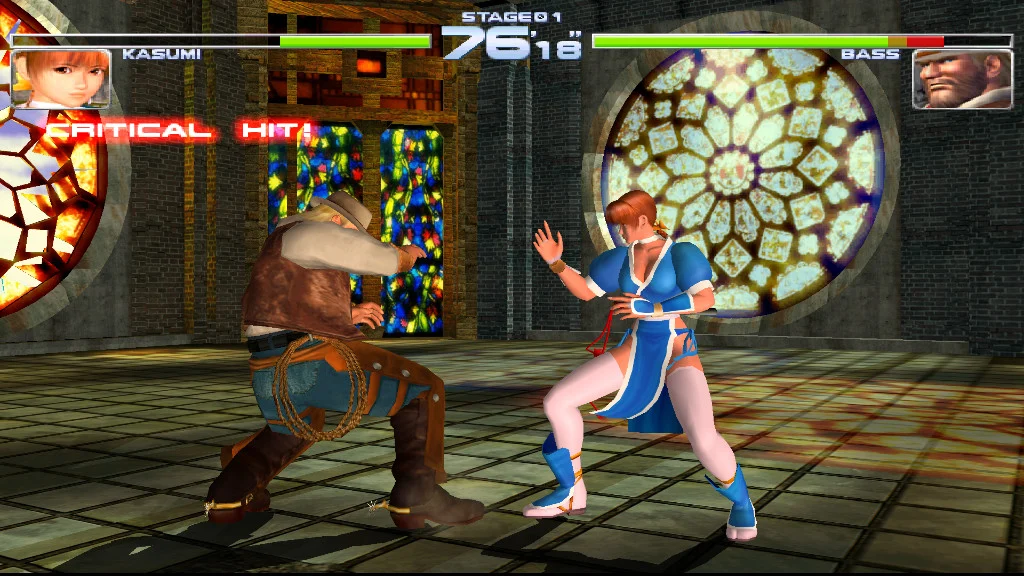
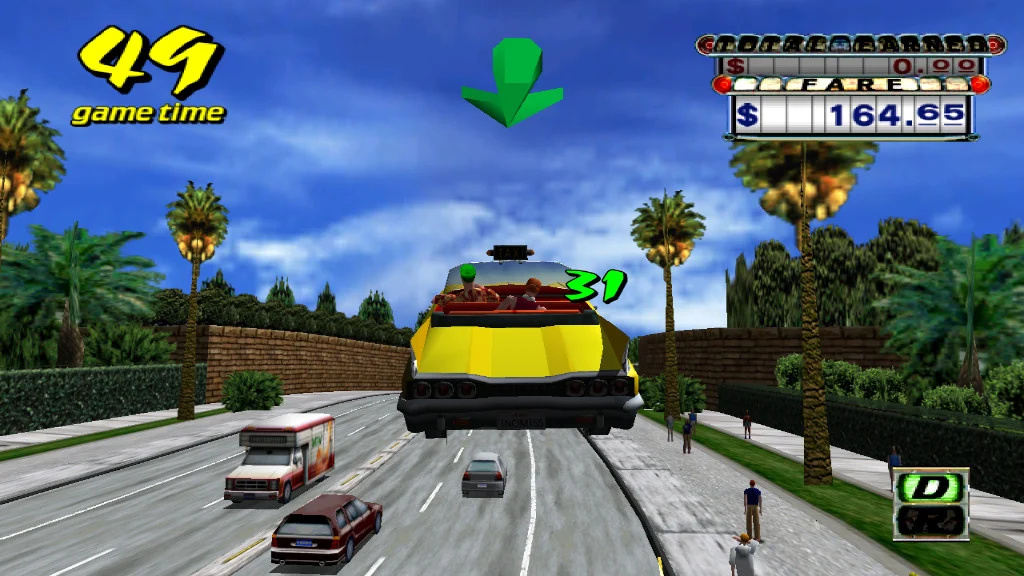
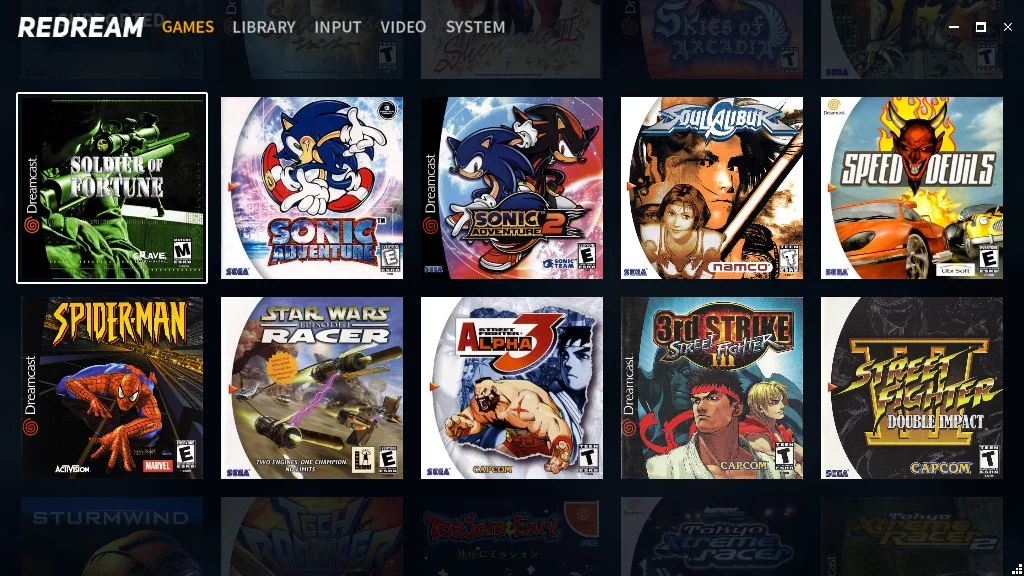
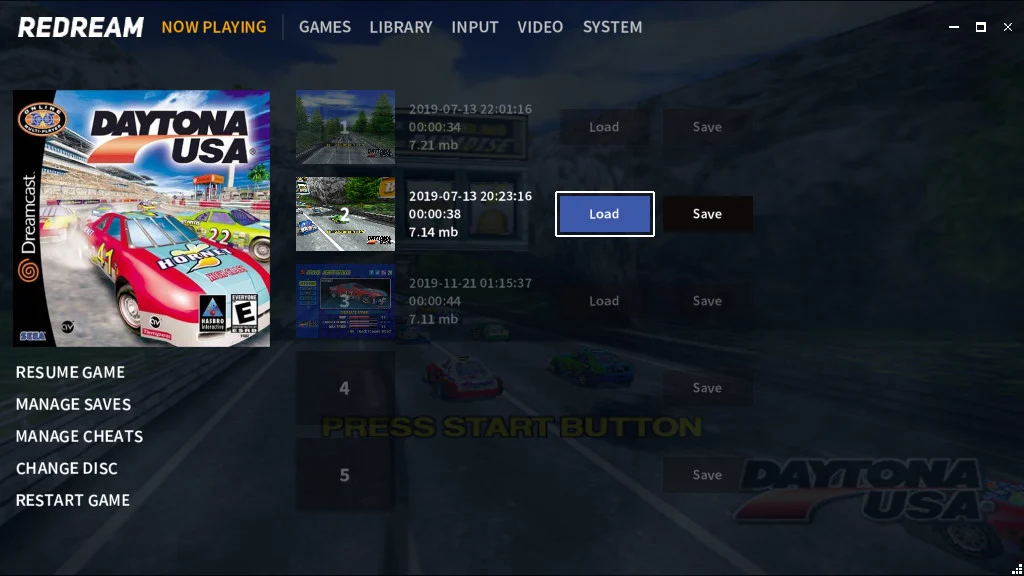
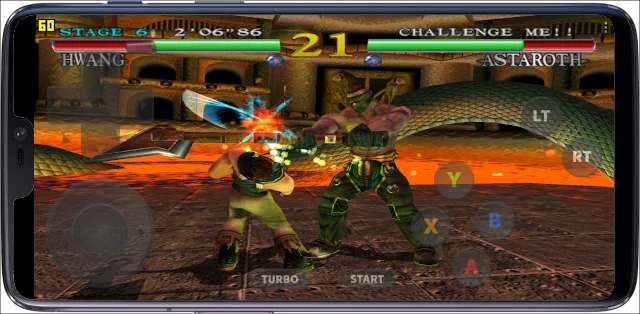
Redream is software for emulating Sega Dreamcast games on desktop systems, Android, and Raspberry Pi. Its official site describes a standalone player with automatic cover art, save states, cheat support, and high-definition rendering options.
The vendor publishes a compatibility list with individual game statuses. It currently reports 96.14% of listed titles as playable, but users should check specific games rather than treat that aggregate as a guarantee.
Redream Decision Snapshot
A quick way to understand who this product may suit, where its limits matter, and which facts are most relevant before you compare alternatives.
Best suited toPlayers seeking a standalone emulator focused on Dreamcast games across desktop systems or Android, with a compatibility list to check individual titles.
Look elsewhere ifUsers seeking one emulator for several console families, an officially documented public API, or a native iOS version, and should evaluate alternatives such as Flycast instead.
PlatformsAndroid, Linux, macOS, Raspberry Pi, Windows
TechZella assessment7.4/10
Redream — What Sets It Apart?
These are the product-specific differences that may matter when deciding whether the software fits your workflow. They are based on documented evidence rather than a universal ranking.
- The vendor publishes a title-by-title Dreamcast compatibility list, including playable, partially working, and broken statuses.
- Premium is a one-time, pay-what-you-want upgrade that applies across the supported platforms.
Editorial assessmentRedream Pros & Cons
Pros
- Runs on desktop systems, Android, and Raspberry Pi.
- Publishes compatibility statuses for individual Dreamcast titles.
- Supports several common Dreamcast disc-image formats.
- Premium is a one-time payment rather than a subscription.
Cons
- The software is focused on Dreamcast rather than multiple console families.
- The official help page warns that CDI images can cause compatibility issues.
- A public API and named third-party integrations are not documented.
Redream Gotchas & Operational Limits
These are documented constraints or practical friction points that may matter before you adopt the product.
The help page recommends extracting ZIP or 7z game archives before using them and supports GDI, BIN/CUE, CHD, and CDI disc images.
Buyers should check that their game files use a supported format and are extracted before troubleshooting launch issues.
Evidence source ↗The official help page advises against CDI images because they modify original GD-ROM content and can introduce compatibility problems.
The image format can affect game behavior, even when the emulator supports opening that format.
Evidence source ↗Redream Pricing & Plans
Free
$0
The vendor provides downloadable Redream builds; the official site presents Premium as an optional upgrade.
Check current pricing →Premium
$6, $8, $10, or $20 displayed
one-time
Pay-what-you-want upgrade. The page states that the payment works across supported platforms.
Check current pricing →Pricing may change. Verify current plans on the vendor's website.
Cost contextTotal Cost & Hidden Costs
The sticker price is rarely the whole cost. TechZella did not find published figures for the items below in the sources reviewed, so confirm them with the vendor before budgeting.
Implementation time
Not publicly documented. Ask for a typical onboarding and migration timeline for a team of your size, and whether paid onboarding is required.
Hosting & infrastructure
Not publicly documented for this product. For SaaS, hosting is normally part of the subscription; for self-hosted or hybrid deployments, budget for servers, backups, security patching and admin time.
Hidden fees & add-ons
No overage, add-on or premium-support fees were documented in the reviewed sources. Request a written quote that lists usage limits, minimum seats, integrations, support tiers and renewal terms.
Redream Competitors & Alternatives
Compare similar products directly, then see which alternatives may make more sense when your requirements differ.
Direct competitors
These products address broadly similar requirements. The descriptions focus on documented reasons a buyer might compare them with Redream.
CapabilitiesRedream Features
Emulation and compatibility
- Sega Dreamcast emulation
- GDI, BIN/CUE, CHD, and CDI disc-image support
- Published game-by-game compatibility list
Gameplay and library
- Save states
- Cheat support
- Automatic cover art
- Widescreen codes
Display
- High-definition rendering options, including 1080p and 4K as stated on the official homepage
Redream Specifications
| Target system | Sega Dreamcast |
|---|
| Desktop minimum operating systems | Windows 7+ 64-bit, macOS 64-bit, or Linux 64-bit |
|---|
| Android minimum | Android 5.0 |
|---|
| Desktop graphics requirement | OpenGL 3.1 |
|---|
| Desktop processor requirement | x86_64 with AVX2 or SSE2 support |
|---|
| Android processor requirement | 32-bit or 64-bit ARMv7/ARMv8 |
|---|
| Disc image formats | GDI, BIN/CUE, CHD, CDI |
|---|
| API | No public API documented in the official pages reviewed |
|---|
| Integrations | No named third-party integrations documented in the official pages reviewed |
|---|
| Free trial | No separate time-limited trial documented; a free version is available |
|---|
Our evidence-based assessmentTechZella Score
A proprietary editorial score based on product capabilities, usability, value, performance, support and user sentiment evidence.
7.4/10Moderate confidence
Official materials document multiple desktop and mobile platforms, common Dreamcast disc-image formats, a compatibility list, save states, cheats, and display enhancements. Google Play provides a public Android rating; performance and support scores remain cautious because no independent controlled tests were used.
Methodology v1.0. The assessment weighs feature coverage (25%), ease of use (15%), value for money (20%), performance (15%), support (10%) and user sentiment (15%), using researched product evidence and verified review evidence where available. It is a TechZella editorial assessment, not a direct user-review average.
Editorial transparency
Our Review Methodology
Key claims are linked to the sources used to verify them. This evidence record is separate from third-party user ratings.
TechZella evaluates software using documented product capabilities, pricing information, usability and value considerations, independent user evidence where available, and competitive context. The assessment is an editorial review, not a hands-on test unless one is explicitly identified. Our editorial assessment is based on 5 documented sources.
What TechZella adds- The vendor publishes a title-by-title Dreamcast compatibility list, including playable, partially working, and broken statuses.
- Premium is a one-time, pay-what-you-want upgrade that applies across the supported platforms.
Important limitations- Redream is focused on Dreamcast rather than emulating multiple console families.
- The official platform and help pages do not document a public API or named third-party integrations.
Evidence-backed claimsRedream supports desktop, Android, and Raspberry Pi platforms.The official homepage lists Windows, Mac, Linux, Android, and Raspberry Pi 4; the Premium page also names supported platforms.
View source ↗Verified 2026-10-04Premium uses a one-time, pay-what-you-want payment.The official Premium page describes a one-time payment and displays selectable amounts beginning at $6.
View source ↗Verified 2026-10-04Redream supports GDI, BIN/CUE, CHD, and CDI disc images.The official help page lists these supported image formats and discusses caveats for CDI images.
View source ↗Verified 2026-10-04The official compatibility list reports 96.14% of listed titles as playable.The compatibility page displays a 96.14% playable figure alongside game-level statuses.
View source ↗Verified 2026-10-04The Google Play listing displays a 3.6-star rating and 12.6K reviews.The public Android app listing displays the rating and rounded review count.
View source ↗Verified 2026-10-04 Independent review sources
Redream Ratings & Reviews
Ratings are published by the respective review platforms and may change over time.
Common questionsRedream FAQs
Answers begin with the clearest available response, followed by the context that helps you act on it.
Does Redream have a free version?
Yes. The official site offers downloads, and Premium is presented as an optional paid upgrade.
Is there a free trial?
The vendor describes a free version, not a separate time-limited trial.
Which platforms are listed?
Windows, Mac, Linux, Android, and Raspberry Pi are named by the official site.
Does Redream require a Dreamcast BIOS?
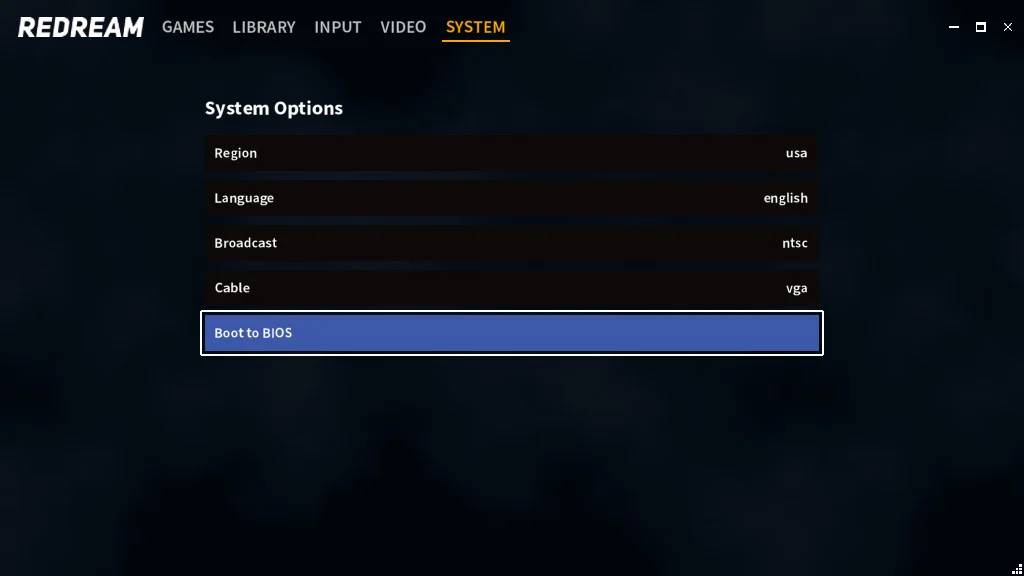
Yes. The vendor says Redream uses a replacement BIOS by default. An original BIOS can be added for features such as the original boot animation and audio CD player.
Does Redream provide an API or integrations?
No public API or named integration ecosystem was documented in the official pages reviewed.
Community feedback
Reviews
No reviews yet. Be the first to share your experience.
Write a Review
Please log in to submit a review.
Recently added Entertainment Software