
API development and troubleshooting are the customer's responsibility unless separately arranged.
Teams connecting a custom ERP or workflow may need internal technical capacity or an external implementation provider.
Evidence source ↗
Procurify is cloud procurement and spend-management software for purchase requests, approvals, purchase orders, receiving, and accounts payable workflows.
Official product material documents purchasing, approvals, budgets, receiving, AP, integrations, and mobile apps. Public review pages show 4.6/5 ratings, while custom quoted pricing limits value comparisons.
This profile combines documented product information and independent evidence where available. It is not a hands-on test unless TechZella explicitly identifies one.
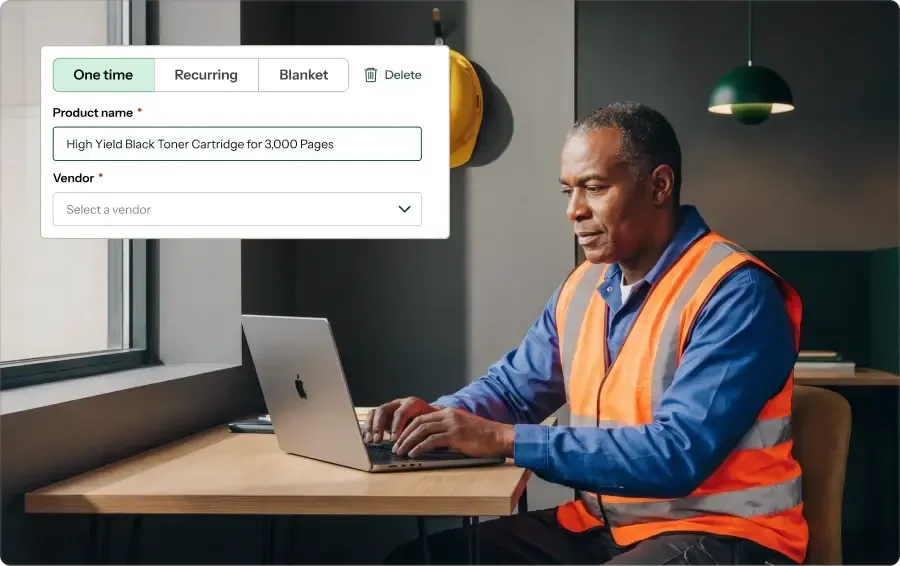
Procurify is procurement and spend-management software for finance, procurement, and operations teams. Its workflows cover purchase requests, approvals, purchase orders, receiving, vendor records, budgets, and accounts payable.
The platform is designed to connect purchasing activity with accounting systems and supplier catalogs. Its core Purchasing product includes requests, catalogs, vendors, purchase orders, approval routing, budgets, spend insights, account codes, accounting integrations, and mobile access.
Pricing is customized rather than listed as fixed public rates. Buyers should scope the required products, add-ons, user roles, and integrations before comparing subscription costs.
A quick way to understand who this product may suit, where its limits matter, and which facts are most relevant before you compare alternatives.
Organizations seeking centralized purchase requests, approval controls, vendor purchasing, receiving, and accounting handoffs, particularly mid-market teams using supported accounting systems.
Buyers requiring publicly listed fixed pricing, a self-serve free trial, or a publicly documented on-premises deployment should validate those needs before shortlisting, and should evaluate alternatives such as Coupa or SAP Ariba instead.
Android, Cloud, iOS, SaaS, Web
8.1/10
These are the product-specific differences that may matter when deciding whether the software fits your workflow. They are based on documented evidence rather than a universal ranking.
These are documented constraints or practical friction points that may matter before you adopt the product.
Teams connecting a custom ERP or workflow may need internal technical capacity or an external implementation provider.
Evidence source ↗Organizations expecting the AI intake workflow to be available to mobile requesters should confirm whether that limitation fits their processes.
Evidence source ↗Buyers need a quote reflecting their selected products, add-ons, user mix, and integrations to compare total costs.
Evidence source ↗Starting product includes purchase requests, catalogs, vendors, purchase orders, approvals, budgets, spend insights, account codes, accounting integrations, and mobile access. Quote depends on products, add-ons, users, and integrations.
Check current pricing →AP and Expense & Card are optional products. Guided Intake and Contracts are listed as add-ons. Individual rates are not publicly listed.
Check current pricing →Pricing may change. Verify current plans on the vendor's website.
Compare similar products directly, then see which alternatives may make more sense when your requirements differ.
These products address broadly similar requirements. The descriptions focus on documented reasons a buyer might compare them with Procurify.



| Deployment | Cloud SaaS |
|---|---|
| Web access | Desktop web |
| Mobile apps | iOS and Android |
| API | REST API; customer-built custom integrations may require technical resources |
| Pricing | Custom quote based on products, add-ons, users, and integrations |
| Free trial | No public free-trial details verified |
| Security claims listed by vendor | MFA, SSO, SOC 2 Type 2, and GDPR are listed on the pricing page |
| Support | Vendor lists 24/5 customer support |
| Head office mailing address | 701 West Georgia Street, Suite 1500, Vancouver, BC V7Y 1C6, Canada |
Verified installation, hosting, administration, or environment details that can affect implementation.
| Installation or hosting | Cloud-hosted SaaS platform; desktop web and mobile apps are documented. No public on-premises option was verified. Source ↗ |
|---|---|
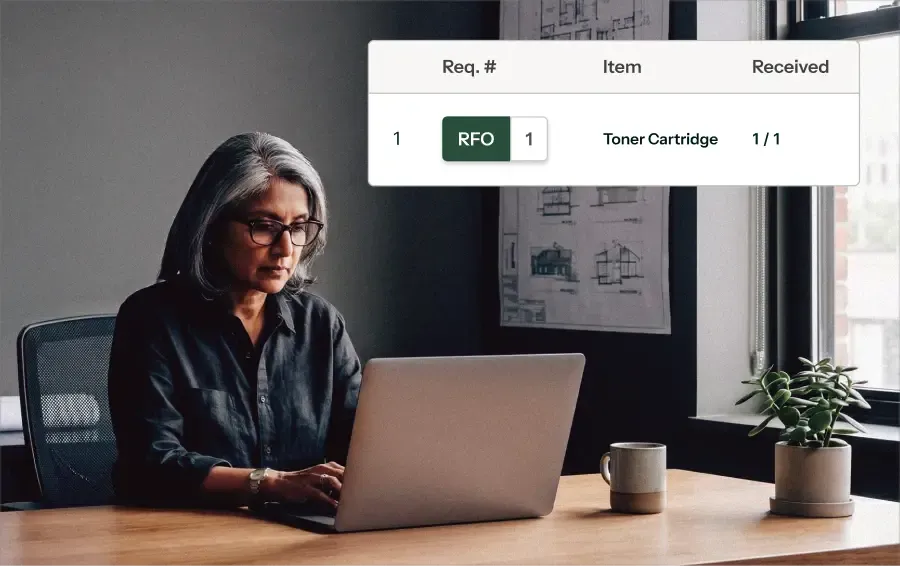
| Mobile applications | Official help material documents iOS and Android apps for requesting, approving, receiving, notifications, and purchase-order access. Source ↗ |
Documented portability, standards, export, or switching considerations. No switching-cost score is shown unless the evidence supports one.
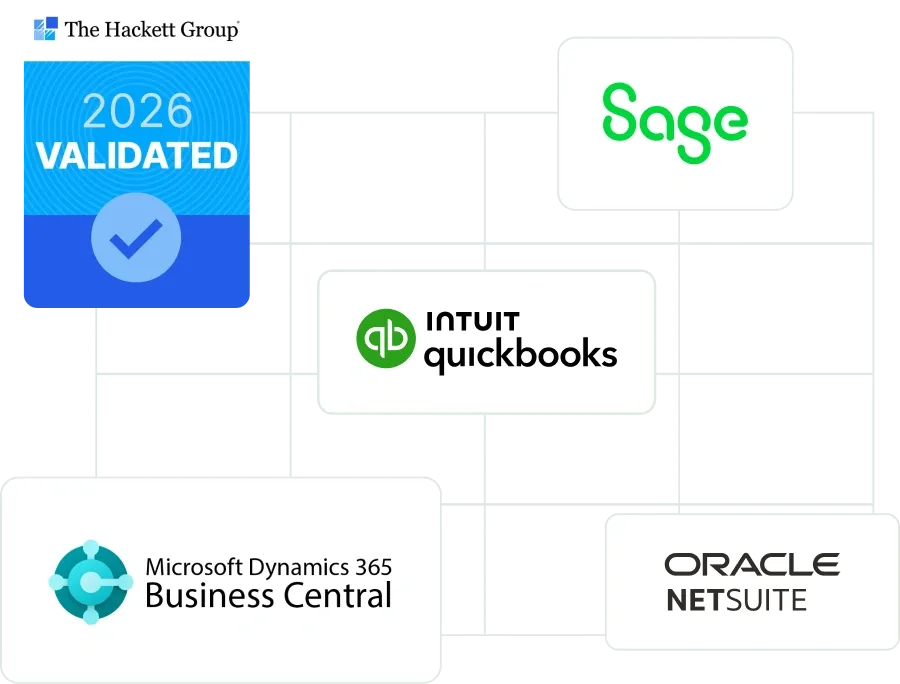
Documented integration options include supported accounting integrations, API, middleware, and CSV or flat-file exchange. Some flat-file exports may need adjustment before importing into another accounting system.
Evidence source ↗A proprietary editorial score based on product capabilities, usability, value, performance, support and user sentiment evidence.
Official product material documents purchasing, approvals, budgets, receiving, AP, integrations, and mobile apps. Public review pages show 4.6/5 ratings, while custom quoted pricing limits value comparisons.
Methodology v1.0. The assessment weighs feature coverage (25%), ease of use (15%), value for money (20%), performance (15%), support (10%) and user sentiment (15%), using researched product evidence and verified review evidence where available. It is a TechZella editorial assessment, not a direct user-review average.
Key claims are linked to the sources used to verify them. This evidence record is separate from third-party user ratings.
TechZella evaluates software using documented product capabilities, pricing information, usability and value considerations, independent user evidence where available, and competitive context. The assessment is an editorial review, not a hands-on test unless one is explicitly identified. Our editorial assessment is based on 7 documented sources.
The official pricing page says quotes depend on products, add-ons, users, and integrations, with Purchasing as the starting product.
View source ↗Verified 2026-10-07Official integration pages document QuickBooks, NetSuite, Sage Intacct, Microsoft Dynamics 365 Business Central, vendor PunchOuts, and API-based data exchange.
View source ↗Verified 2026-10-07The Procurify knowledge base documents mobile requests, approvals, receiving, photos, notifications, and purchase-order access for iOS and Android devices.
View source ↗Verified 2026-10-07The knowledge-base article says the add-on uses the organization's catalog and order history to suggest request details, vendors, account codes, and policy signals.
View source ↗Verified 2026-10-07Procurify's company page names these industries in its description of the customer base.
View source ↗Verified 2026-10-07The official contact page lists 701 West Georgia Street, Suite 1500, Vancouver, BC V7Y 1C6.
View source ↗Verified 2026-10-07The changelog lists Guided Intake as Procurify's first AI agent for order requests, dated September 28, 2026.
View source ↗Verified 2026-10-07Answers begin with the clearest available response, followed by the context that helps you act on it.
No reviews yet. Be the first to share your experience.
Please log in to submit a review.