
A BIOS dump from a legally owned PlayStation 2 is required.
Users need a compatible console and must arrange their own BIOS dump before completing setup.
Evidence source ↗
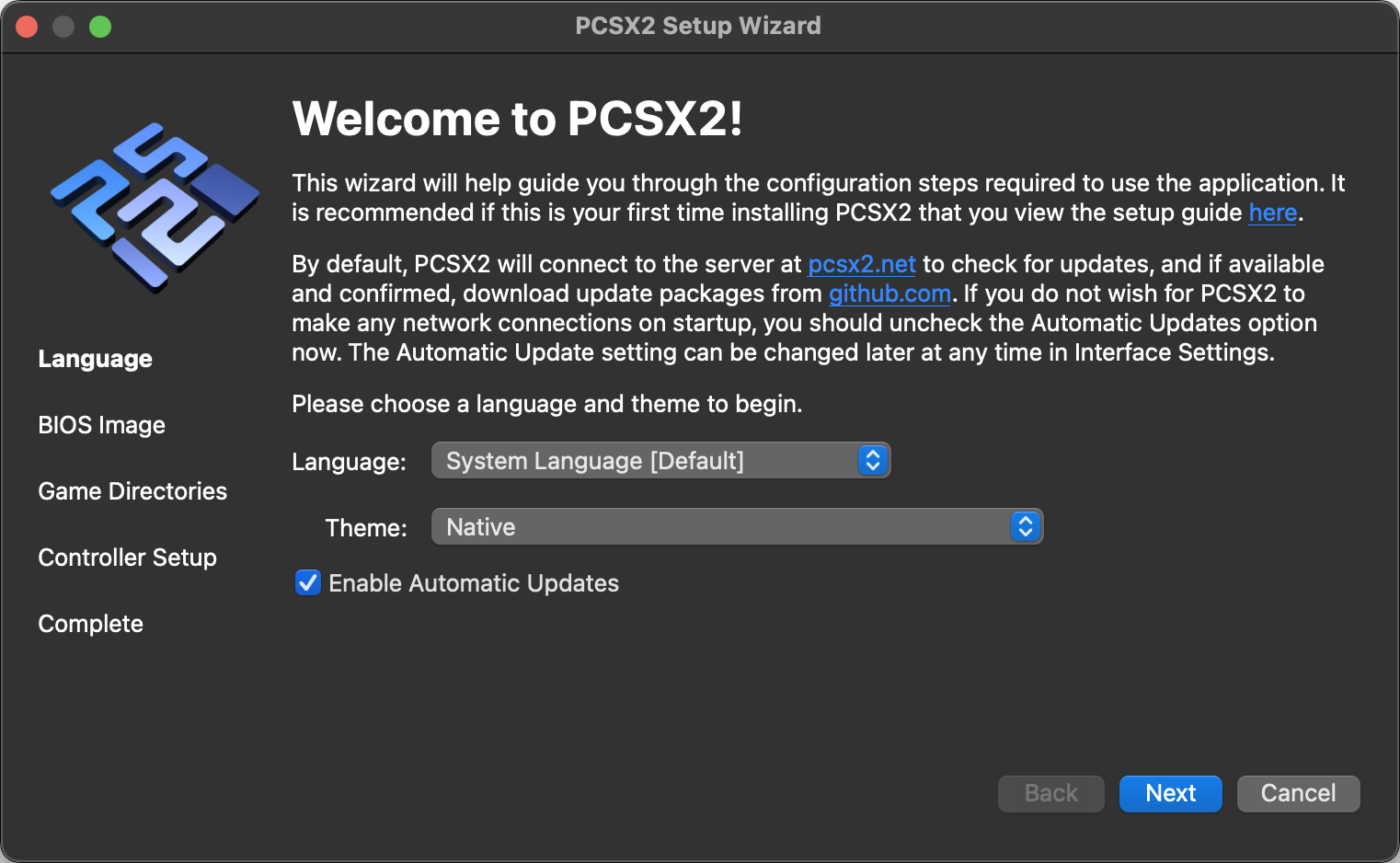
PCSX2 is a free, open-source PlayStation 2 emulator for Windows, Linux, and macOS. It runs PS2 software on desktop computers and supports graphics, controller, and game-specific configuration.
Scores reflect documented capabilities, free GPL licensing, setup requirements, and known compatibility caveats. No reliable third-party review rating or review sample was verified; user sentiment is therefore unscored.
This profile combines documented product information and independent evidence where available. It is not a hands-on test unless TechZella explicitly identifies one.
PCSX2 is a free, open-source emulator for PlayStation 2 software. It runs on Windows, macOS, and Linux, with official stable and nightly builds.
Users supply a BIOS dump from a PlayStation 2 they own. The project’s compatibility list and title-specific documentation help users check game status and troubleshoot settings.
The software supports configurable graphics, controllers, virtual memory cards, and game patches. Its 2.8.0 release was announced on August 28, 2026.
A quick way to understand who this product may suit, where its limits matter, and which facts are most relevant before you compare alternatives.
Desktop users who want to run PlayStation 2 games with configurable graphics, controllers, patches, and virtual memory cards.
Users seeking a mobile-first emulator, a turnkey experience without a PlayStation 2 BIOS dump, or guaranteed compatibility for every game, and should evaluate alternatives such as Play! instead.
Desktop, Linux, macOS, Windows
7.0/10
These are the product-specific differences that may matter when deciding whether the software fits your workflow. They are based on documented evidence rather than a universal ranking.
These are documented constraints or practical friction points that may matter before you adopt the product.
Users need a compatible console and must arrange their own BIOS dump before completing setup.
Evidence source ↗Long-term game progress should be saved through the game's memory-card system rather than relying only on emulator states.
Evidence source ↗Users may need to lower resolution or adjust settings for a specific title or computer.
Evidence source ↗PCSX2 is distributed as free software under GPL-3.0. No paid plans or trial are listed by the project.
Check current pricing →Pricing may change. Verify current plans on the vendor's website.
Compare similar products directly, then see which alternatives may make more sense when your requirements differ.
These products address broadly similar requirements. The descriptions focus on documented reasons a buyer might compare them with PCSX2.

| License | GNU General Public License version 3 or later |
|---|---|
| Supported operating systems | Windows, macOS, Linux |
| Deployment | Locally installed desktop application |
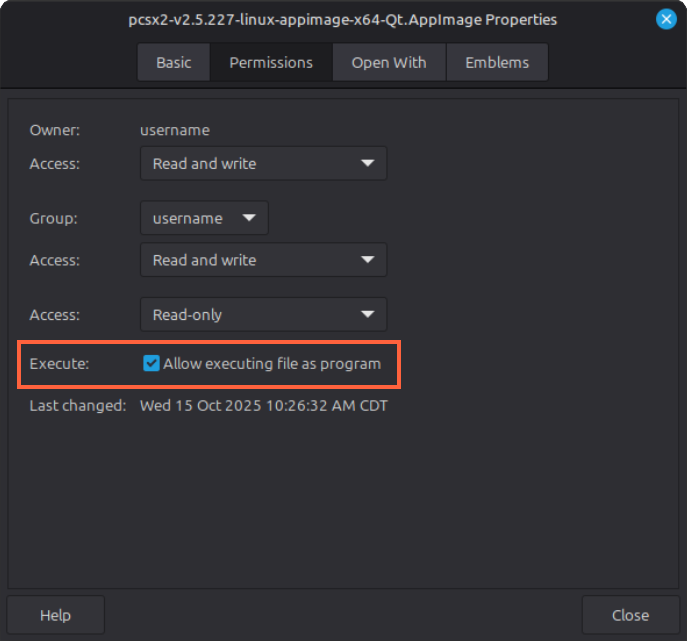
| Linux distribution formats | AppImage and Flatpak |
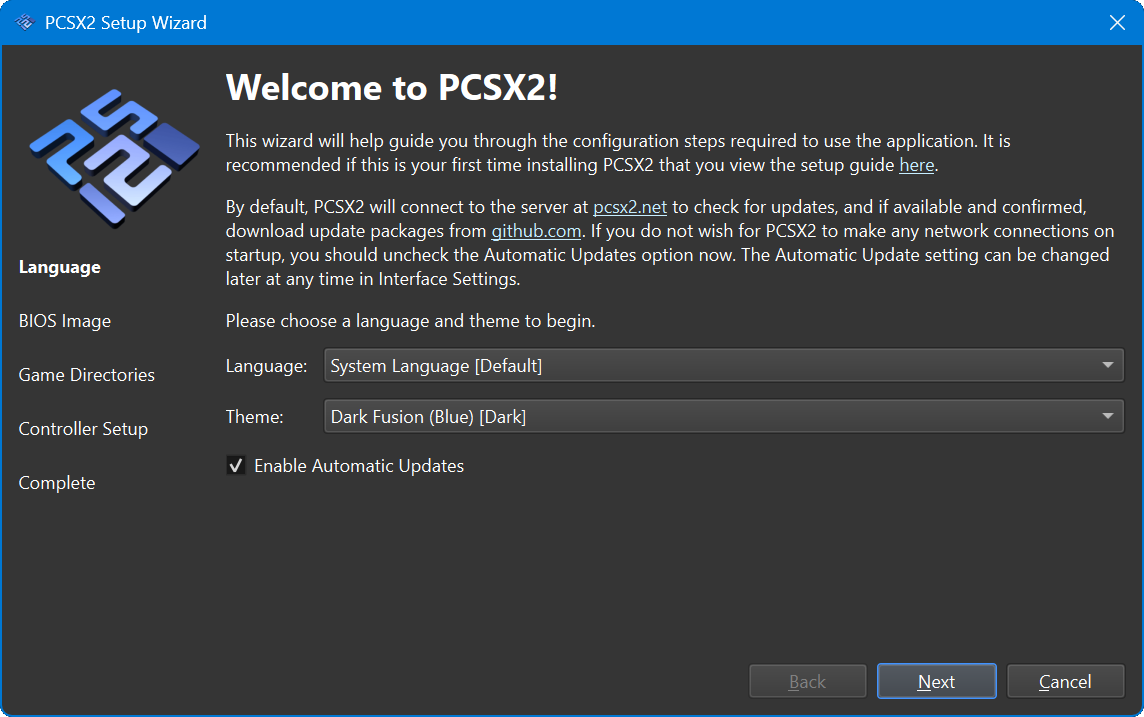
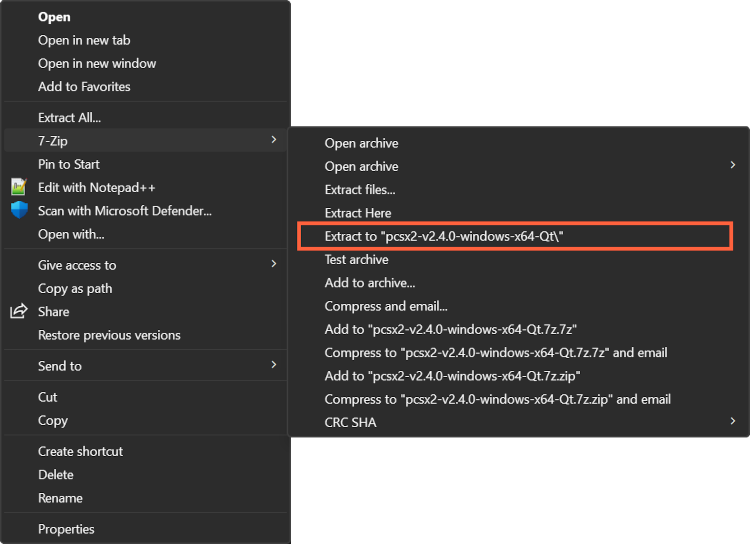
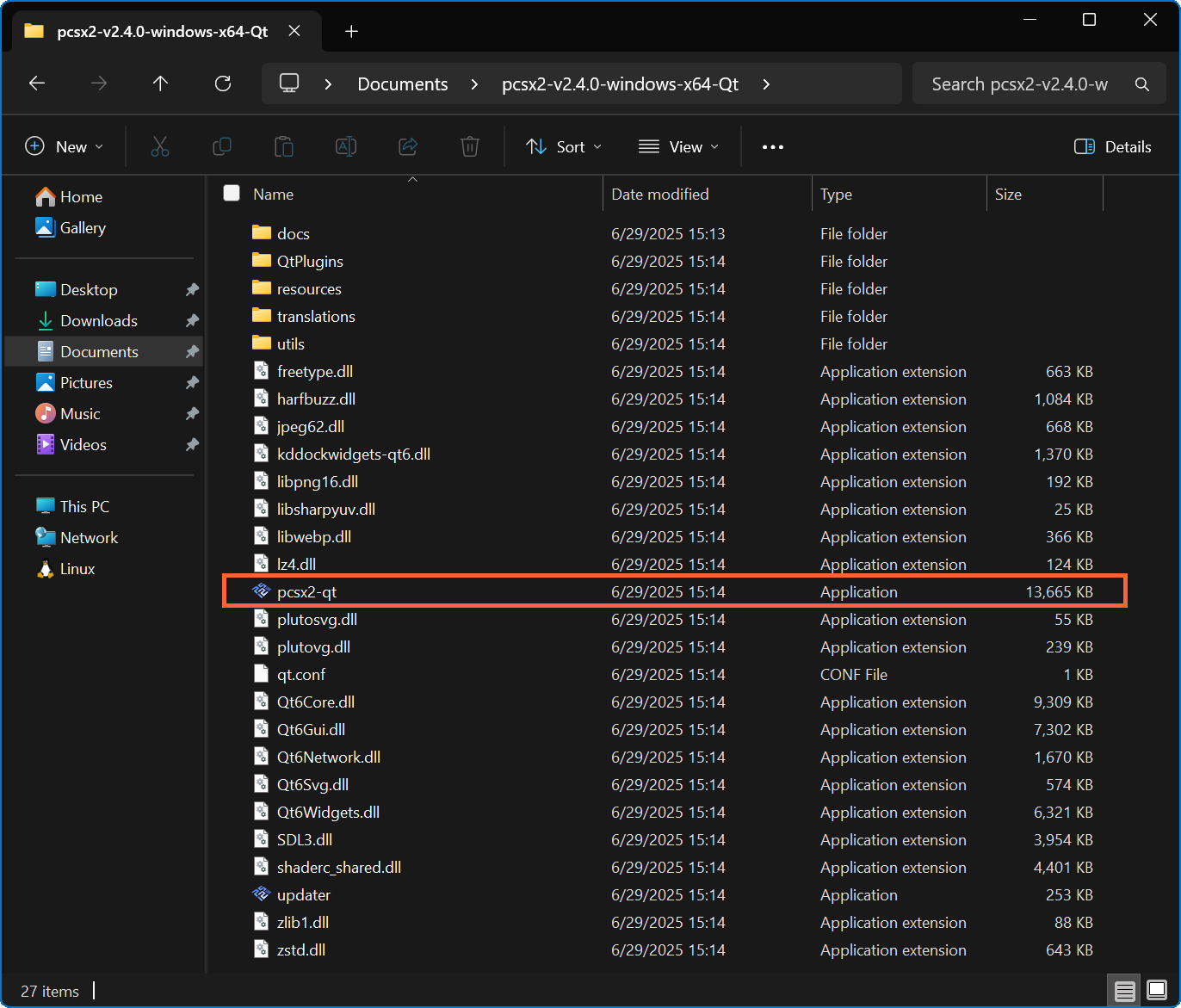
| Windows distribution | Installer and portable builds |
| Release channels | Stable and nightly |
| BIOS requirement | User-provided dump from a legally owned PlayStation 2 |
| API | No public product API documented |
| Integrations | No formal integrations documented |
| Free trial | Not applicable; the software is free |
Verified installation, hosting, administration, or environment details that can affect implementation.
| Installation or hosting | Locally installed desktop application. Windows offers installer and portable builds; macOS uses an application bundle; Linux offers AppImage and Flatpak. Source ↗ |
|---|---|
| Build channels | Stable builds are updated every several months; nightly builds are updated continuously during development. Source ↗ |
Documented portability, standards, export, or switching considerations. No switching-cost score is shown unless the evidence supports one.
The emulator supports virtual memory cards. The project does not guarantee save-state compatibility across versions and recommends memory cards for normal game saves.
Evidence source ↗A portable mode can keep data and configuration files in the application directory instead of the usual user-data location.
Evidence source ↗A proprietary editorial score based on product capabilities, usability, value, performance, support and user sentiment evidence.
Scores reflect documented capabilities, free GPL licensing, setup requirements, and known compatibility caveats. No reliable third-party review rating or review sample was verified; user sentiment is therefore unscored.
Methodology v1.0. The assessment weighs feature coverage (25%), ease of use (15%), value for money (20%), performance (15%), support (10%) and user sentiment (15%), using researched product evidence and verified review evidence where available. It is a TechZella editorial assessment, not a direct user-review average.
Key claims are linked to the sources used to verify them. This evidence record is separate from third-party user ratings.
TechZella evaluates software using documented product capabilities, pricing information, usability and value considerations, independent user evidence where available, and competitive context. The assessment is an editorial review, not a hands-on test unless one is explicitly identified. Our editorial assessment is based on 6 documented sources.
The official project repository describes PCSX2 as a free and open-source PS2 emulator and identifies the GPL-3.0 license.
View source ↗Verified 2026-10-03A history article published by the PCSX2 project says development began around the middle of 2001.
View source ↗Verified 2026-10-03The project README lists these platforms, and the setup documentation provides installation steps for each.
View source ↗Verified 2026-10-03The official repository and project intellectual-property page state that a BIOS dump from an owned console is required.
View source ↗Verified 2026-10-03The project's release announcement identifies the version and publication date.
View source ↗Verified 2026-10-03The configuration documentation warns about cross-version compatibility and recommends using memory cards for regular game saves.
View source ↗Verified 2026-10-03Answers begin with the clearest available response, followed by the context that helps you act on it.
No reviews yet. Be the first to share your experience.
Please log in to submit a review.