
BAM and CRAM files need matching index files.
Users must obtain or create indexes and keep them accessible alongside the data, especially when loading files by URL.
Evidence source ↗IGV is open-source software for viewing genomic data. It is available as a desktop application, a browser app, and an embeddable JavaScript component.
The assessment reflects documented file-format support, desktop and browser options, embedding and automation features, and MIT licensing. No reliable third-party review ratings or review text were verified; user_sentiment is set to 0 rather than inferred.
This profile combines documented product information and independent evidence where available. It is not a hands-on test unless TechZella explicitly identifies one.
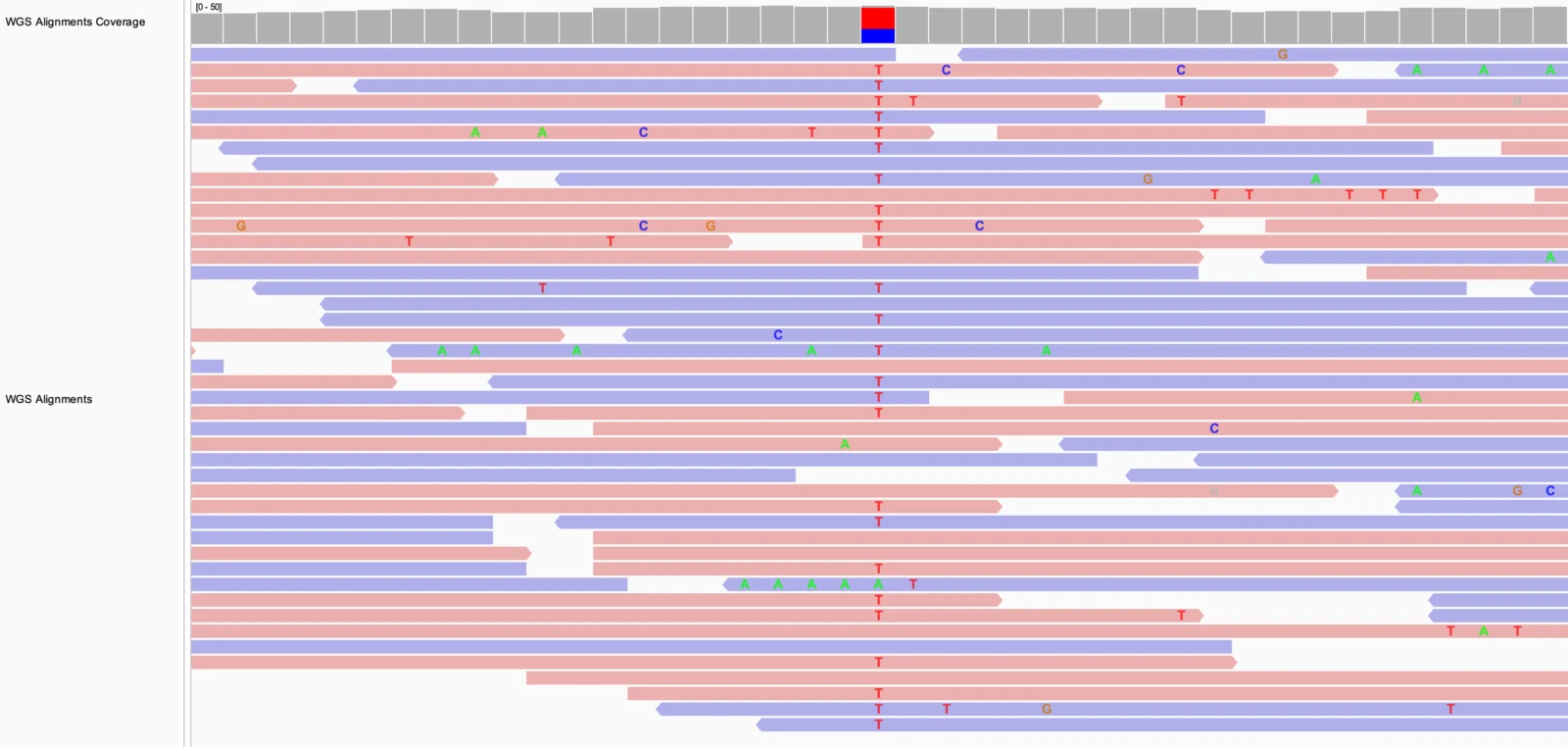
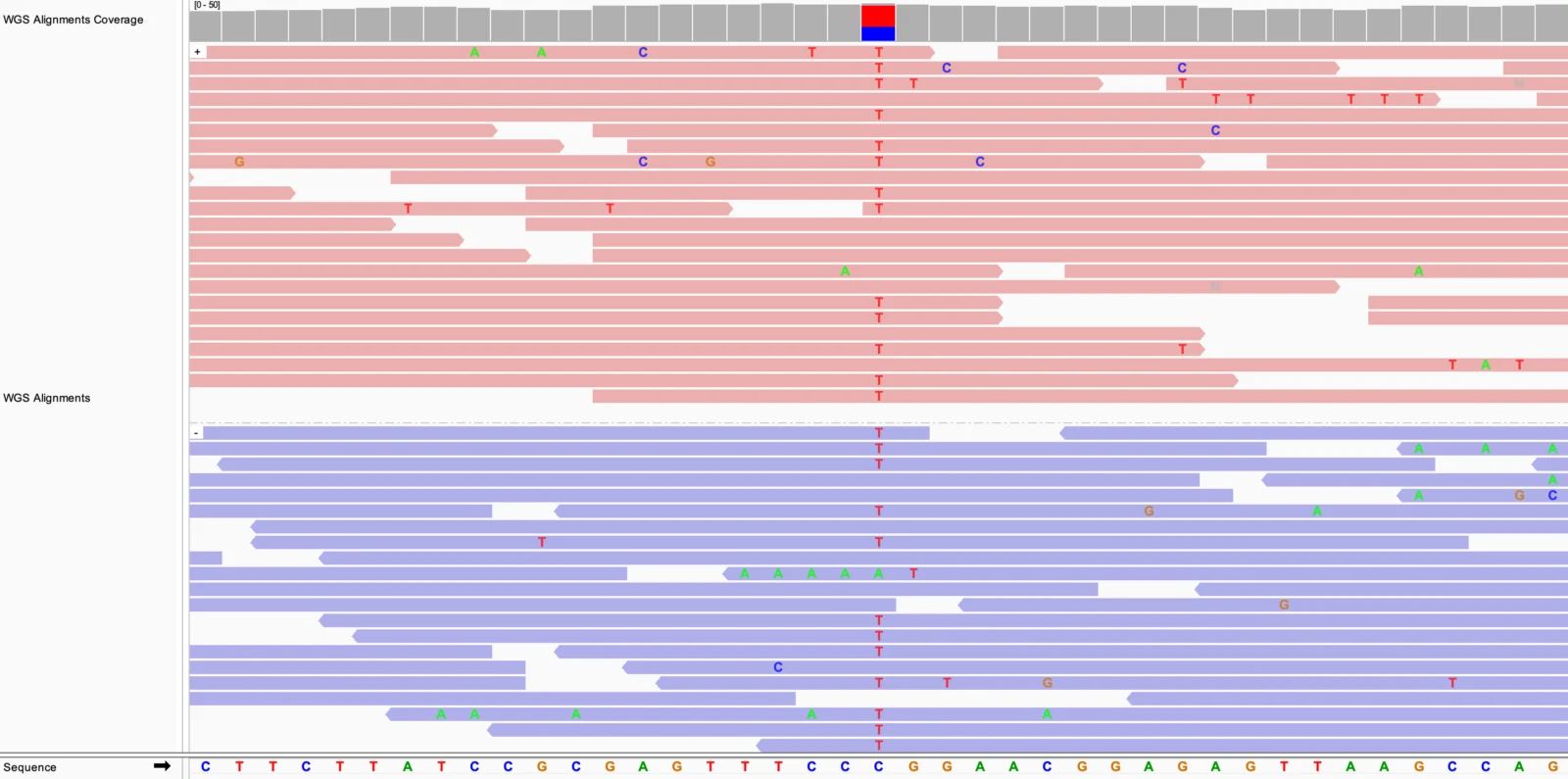
IGV is a genome visualization tool from the Broad Institute. Researchers use it to inspect genomic data and annotations in a shared coordinate view.
It comes as a desktop application, a browser app, and an embeddable JavaScript component. The forms serve different workflows: desktop users can run batch commands and utilities, while developers can incorporate igv.js into their own applications.
IGV is MIT-licensed. Its browser app reads local files in the browser without uploading them to the host site, while remote datasets can be loaded by URL or from supported cloud sources.
A quick way to understand who this product may suit, where its limits matter, and which facts are most relevant before you compare alternatives.
Researchers and genomics teams who need to inspect sequencing alignments, variants, and annotations in local or remotely hosted datasets.
Teams seeking a complete sequence-analysis pipeline or an enterprise-hosted service with documented onboarding and support plans; IGV documents visualization and related utilities, not those service guarantees, and should evaluate alternatives such as JBrowse 2 or UCSC Genome Browser instead.
API, Linux, macOS, Web, Windows
7.0/10
These are the product-specific differences that may matter when deciding whether the software fits your workflow. They are based on documented evidence rather than a universal ranking.
These are documented constraints or practical friction points that may matter before you adopt the product.
Users must obtain or create indexes and keep them accessible alongside the data, especially when loading files by URL.
Evidence source ↗Teams using Drive-backed datasets may need another supported source, such as Google Cloud Storage or a direct URL.
Evidence source ↗IGV is available under the MIT open-source license; no paid plans or trial terms are documented.
Check current pricing →Pricing may change. Verify current plans on the vendor's website.
Compare similar products directly, then see which alternatives may make more sense when your requirements differ.
| Decision factor | IGV | JBrowse 2 | UCSC Genome Browser |
|---|---|---|---|
| Core scope | Genome visualization across desktop, browser, and embeddable igv.js forms. | Open-source genome browser for web, desktop, and embedded use, with pluggable extensions. Source ↗ | Web-based genome assembly browser with hosted annotation tracks, custom tracks, and track hubs. Source ↗ |
| Deployment and embedding | Desktop application, hosted or self-hosted browser app, and JavaScript component. | Web and desktop apps, plus embedded components and extensions for other applications. Source ↗ | Hosted web browser; local installation of certain graphical-browser software is subject to licensing terms. Source ↗ |
| License and pricing | MIT-licensed software; no paid plan is documented. | Apache 2.0-licensed software; no paid plan is documented. Source ↗ | Non-commercial use of the graphical interface, including local installation, is free; some commercial local installations require a license. Source ↗ |
Only factors supported by the available research are shown. The comparison is descriptive, not a ranking.
These products address broadly similar requirements. The descriptions focus on documented reasons a buyer might compare them with IGV.
| License | MIT |
|---|---|
| Deployment | Desktop application, hosted or self-hosted web app, embeddable JavaScript component |
| Desktop platforms | Windows, macOS, Linux |
| Web browsers | Modern browsers; documentation lists Chrome, Safari, Firefox, and Edge testing |
| API | igv.js JavaScript API; desktop command-line and batch interfaces |
| Data types | Alignments, variants, annotations, quantitative tracks, and other genomic tracks |
| Data handling | IGV-Web runs in the browser and does not upload data to the host site |
Verified installation, hosting, administration, or environment details that can affect implementation.
| Desktop installation | Standalone desktop application for Windows, macOS, and Linux; packaged downloads can include Java. Source ↗ |
|---|---|
| Browser application | The team hosts IGV-Web; it runs in the browser and can also be self-hosted. Source ↗ |
| Embedding | igv.js is a JavaScript component for embedding a genome viewer in websites and web apps. Source ↗ |
Documented portability, standards, export, or switching considerations. No switching-cost score is shown unless the evidence supports one.
IGV loads common genomic files and URLs; the desktop application can save sessions, while the web documentation warns that some desktop sessions may not restore completely.
Evidence source ↗A proprietary editorial score based on product capabilities, usability, value, performance, support and user sentiment evidence.
The assessment reflects documented file-format support, desktop and browser options, embedding and automation features, and MIT licensing. No reliable third-party review ratings or review text were verified; user_sentiment is set to 0 rather than inferred.
Methodology v1.0. The assessment weighs feature coverage (25%), ease of use (15%), value for money (20%), performance (15%), support (10%) and user sentiment (15%), using researched product evidence and verified review evidence where available. It is a TechZella editorial assessment, not a direct user-review average.
Key claims are linked to the sources used to verify them. This evidence record is separate from third-party user ratings.
TechZella evaluates software using documented product capabilities, pricing information, usability and value considerations, independent user evidence where available, and competitive context. The assessment is an editorial review, not a hands-on test unless one is explicitly identified. Our editorial assessment is based on 4 documented sources.
The official documentation describes the Java desktop application, IGV-Web, and igv.js as the three forms of IGV.
View source ↗Verified 2026-11-11The official IGV-Web documentation states that IGV is open for use under an MIT open-source license.
View source ↗Verified 2026-11-11The official documentation describes local-file and URL loading and says the application runs in the browser without uploading data to the host site.
View source ↗Verified 2026-11-11The desktop guide lists BAM, SAM, and CRAM alignments and requires indexes for BAM and CRAM.
View source ↗Verified 2026-11-11Official documentation describes batch commands for loading data and capturing snapshots, plus igvtools for sorting, indexing, counting, and conversion tasks.
View source ↗Verified 2026-11-11The official What's New page documents the removal of Google Drive loading from the hosted app and notes Google Cloud Storage as a remaining option.
View source ↗Verified 2026-11-11See the structured FAQ entries for verified answers about pricing, data handling, file support, and embedding.
No reviews yet. Be the first to share your experience.
Please log in to submit a review.