
Third-party EDA conversion may not preserve all file details.
Review migrated schematics and boards in the target application before relying on them for production; repeated conversions may lose detail.
Evidence source ↗
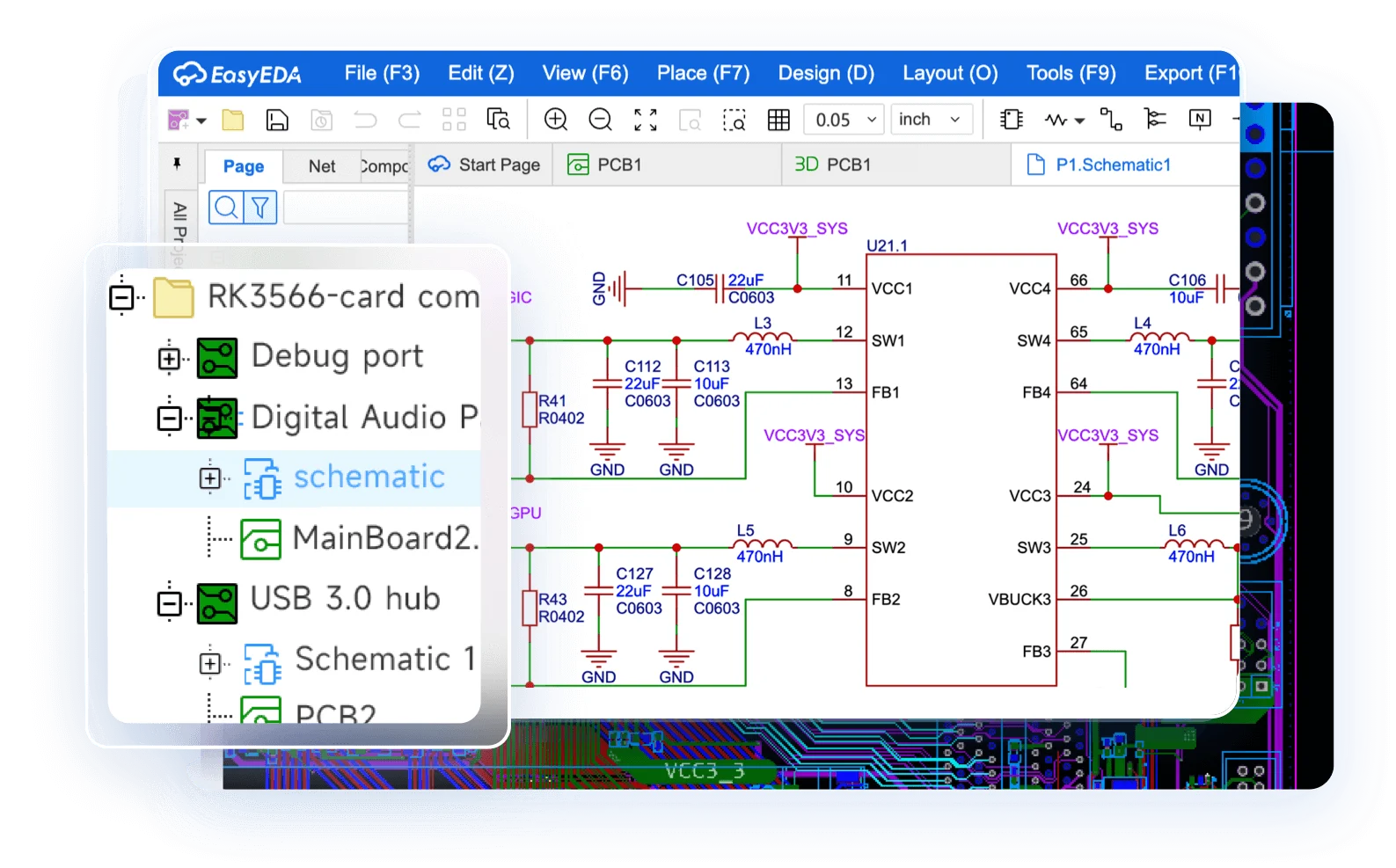
EasyEDA is an electronic design automation tool for schematic capture, circuit simulation and PCB layout, with browser and desktop versions.
The assessment reflects documented schematic, simulation, PCB, export, library, and migration capabilities, a free core editor, and G2's 4.4/5 rating from 20 reviews. Independent evidence is limited, and no hands-on testing was conducted.
This profile combines documented product information and independent evidence where available. It is not a hands-on test unless TechZella explicitly identifies one.
EasyEDA is an electronic design automation tool for electronics engineers, educators, students, makers, and hobbyists. Its editor combines schematic capture, circuit simulation, PCB layout, component libraries, and outputs such as bills of materials and Gerber fabrication files.
Users can work through a browser or desktop client. EasyEDA also documents component-purchasing links to LCSC and a PCB fabrication workflow connected with JLCPCB. These supply-chain links may streamline prototyping, though the associated parts and manufacturing orders are separate purchases.
A quick way to understand who this product may suit, where its limits matter, and which facts are most relevant before you compare alternatives.
Students, educators, makers, and electronics designers seeking browser-based schematic capture, circuit simulation, PCB layout, and a connected parts and fabrication workflow.
Teams needing guaranteed lossless conversion from other EDA formats or fully supported simultaneous editing should validate those workflows first; documentation warns that conversions can differ and Standard collaboration has limitations, and should evaluate alternatives such as KiCad or Altium Develop instead.
Cloud, Linux, macOS, Web, Windows
8.1/10
These are the product-specific differences that may matter when deciding whether the software fits your workflow. They are based on documented evidence rather than a universal ranking.
These are documented constraints or practical friction points that may matter before you adopt the product.
Review migrated schematics and boards in the target application before relying on them for production; repeated conversions may lose detail.
Evidence source ↗Teams should establish a save and editing process rather than assume conflict-free live co-editing.
Evidence source ↗Teams with larger project libraries or longer recovery needs may need paid services or a local workflow.
Evidence source ↗Core software features for individual and commercial use. Listed limits include 0.5 GB cloud storage, seven-day operation-log retention, and two parts per month for the parts service.
Check current pricing →Paid Individual plan; the page lists 10 GB storage, 30-day operation-log retention, and six parts per month for the parts service.
Check current pricing →Listed as coming soon. The pricing page describes advanced permission management, longer logs, increased storage, and multinode backup.
Check current pricing →The official page describes deployment on public cloud, private cloud, or an organization's own server room.
Check current pricing →Pricing may change. Verify current plans on the vendor's website.
Compare similar products directly, then see which alternatives may make more sense when your requirements differ.
| Decision factor | EasyEDA | KiCad | Altium Develop |
|---|---|---|---|
| Core scope | Browser and desktop EDA with schematic capture, simulation, PCB layout, and integrated parts/fabrication links. | Open-source desktop EDA application for schematic capture and PCB design. Source ↗ | A commercial EDA design platform; G2 lists it as a comparable PCB design product. Source ↗ |
| Deployment model | Web editor plus desktop clients; Pro documents online and offline modes. | Locally installed desktop application. Source ↗ | Not documented |
| Pricing model | Core features are free; paid annual subscriptions add services such as more storage and logs. | Open-source software available without a subscription fee. Source ↗ | G2 does not display pricing details for Altium Develop in the comparison listing. Source ↗ |
Only factors supported by the available research are shown. The comparison is descriptive, not a ranking.
These products address broadly similar requirements. The descriptions focus on documented reasons a buyer might compare them with EasyEDA.




| Deployment | Browser-based SaaS editor; downloadable desktop clients; Pro supports online, half-offline, and full-offline modes. |
|---|---|
| Desktop platforms | Windows, Linux, macOS |
| API | Editor API, scripts, and extensions are documented; this is not described as a general-purpose REST API. |
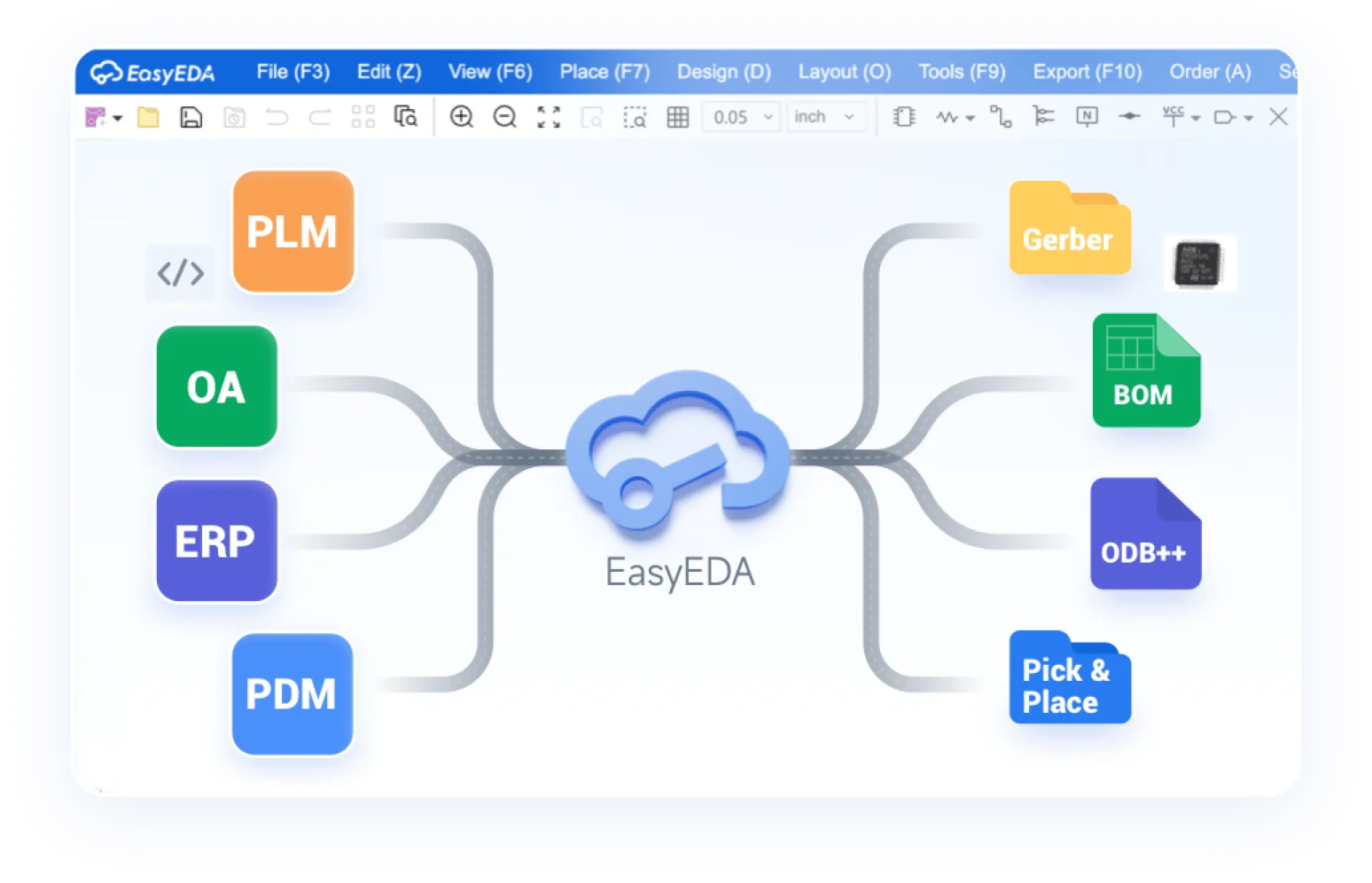
| Integrations | LCSC component sourcing and JLCPCB fabrication workflow; documented EDA imports include Altium, KiCad, EAGLE, and PADS. |
| Cloud storage | Free plan: 0.5 GB; paid Individual: 10 GB. |
| Data recovery | Pro documentation describes project history, backups, and a recycle bin that retains deleted items for 90 days. |
| Commercial use | Official pricing page states that PCBs designed with EasyEDA are available for commercial use. |
Verified installation, hosting, administration, or environment details that can affect implementation.
| Hosting and access | Browser editor with desktop clients for Windows, Linux, and macOS; Pro documentation describes online, half-offline, and full-offline modes. Source ↗ |
|---|---|
| On-premises option | The pricing page describes an on-premises hosting service available by quote, with deployment on public cloud, private cloud, or an organization's own server room. Source ↗ |
Documented portability, standards, export, or switching considerations. No switching-cost score is shown unless the evidence supports one.
The Pro format converter documents imports for Altium, Allegro OrCAD, PADS, KiCad, EAGLE, and EasyEDA formats. It warns that conversion is not guaranteed to be error-free.
Evidence source ↗Pro projects can be saved locally; the import/export guide documents recovery and project-file movement between online and offline modes.
Evidence source ↗A proprietary editorial score based on product capabilities, usability, value, performance, support and user sentiment evidence.
The assessment reflects documented schematic, simulation, PCB, export, library, and migration capabilities, a free core editor, and G2's 4.4/5 rating from 20 reviews. Independent evidence is limited, and no hands-on testing was conducted.
Methodology v1.0. The assessment weighs feature coverage (25%), ease of use (15%), value for money (20%), performance (15%), support (10%) and user sentiment (15%), using researched product evidence and verified review evidence where available. It is a TechZella editorial assessment, not a direct user-review average.
Key claims are linked to the sources used to verify them. This evidence record is separate from third-party user ratings.
TechZella evaluates software using documented product capabilities, pricing information, usability and value considerations, independent user evidence where available, and competitive context. The assessment is an editorial review, not a hands-on test unless one is explicitly identified. Our editorial assessment is based on 6 documented sources.
The official Standard user guide lists these editor functions and file formats.
View source ↗Verified 2026-11-10The user guide describes browser access and the download center lists desktop versions for the three operating systems.
View source ↗Verified 2026-11-10The official pricing page displays plan names, rates, billing terms, storage, and service limits.
View source ↗Verified 2026-11-10The official format-converter documentation lists supported file types and warns that conversion may not be fully consistent.
View source ↗Verified 2026-11-10The official Pro guide describes the marketplace, extension installation, and enabling external-interaction permissions.
View source ↗Verified 2026-11-10The G2 review page displays the rating and total review count.
View source ↗Verified 2026-11-10Answers begin with the clearest available response, followed by the context that helps you act on it.
No reviews yet. Be the first to share your experience.
Please log in to submit a review.