Editorial overview
Aggregated Overview
Assessment based on official feature, platform, edition and pricing documentation. No public review-platform rating or review sample was verified; these scores are editorial, not user ratings.
This profile combines documented product information and independent evidence where available. It is not a hands-on test unless TechZella explicitly identifies one.
Overview
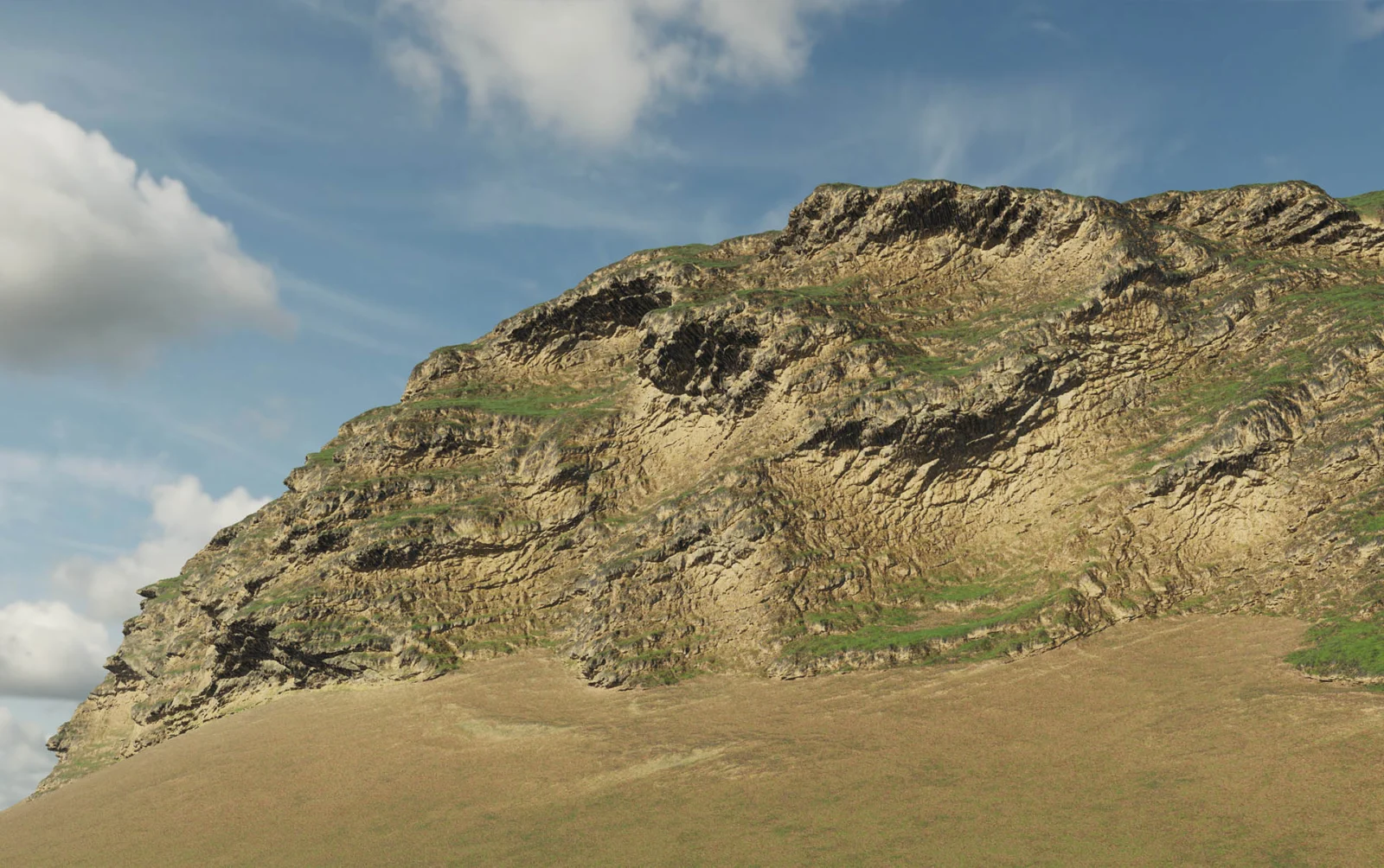
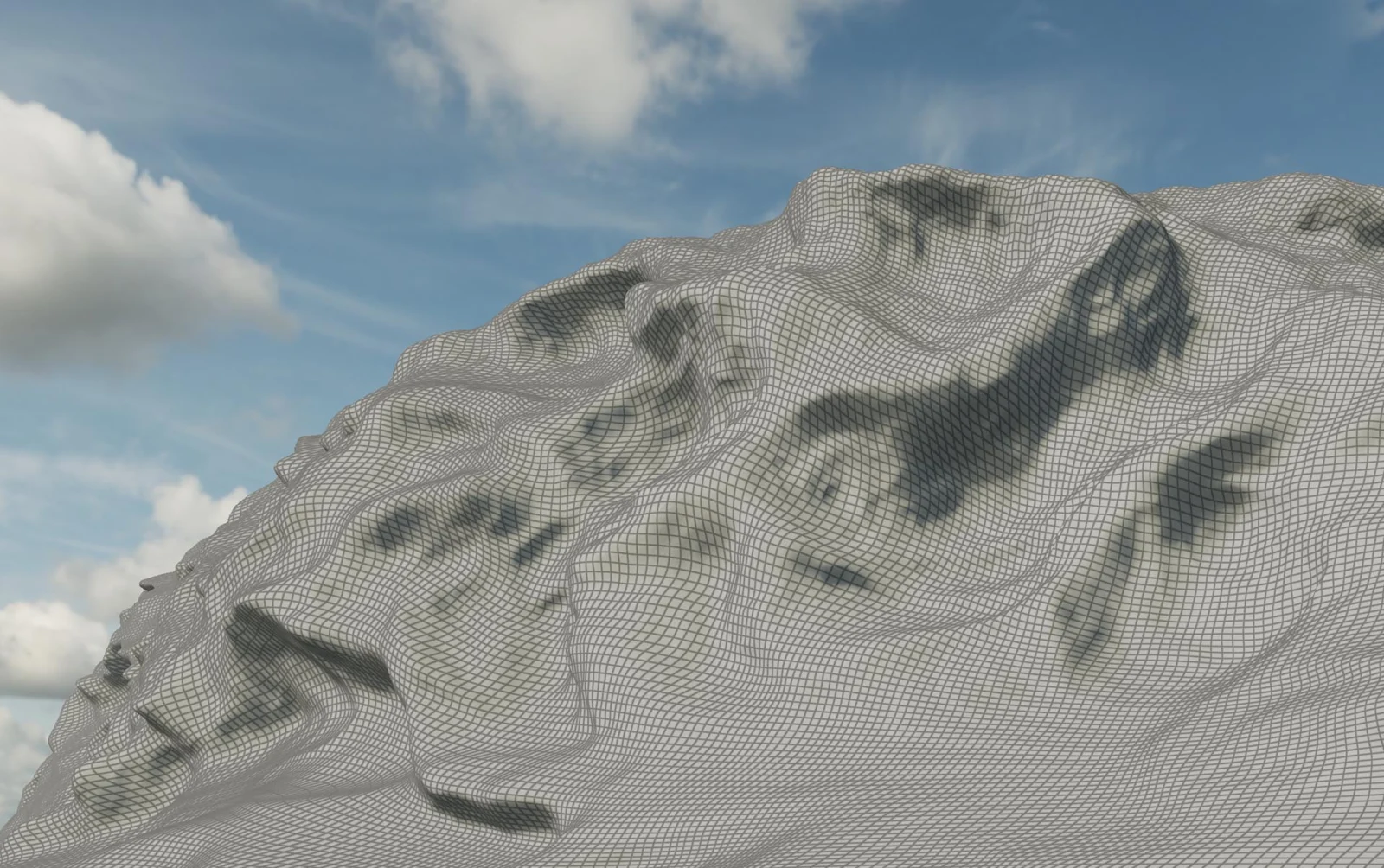
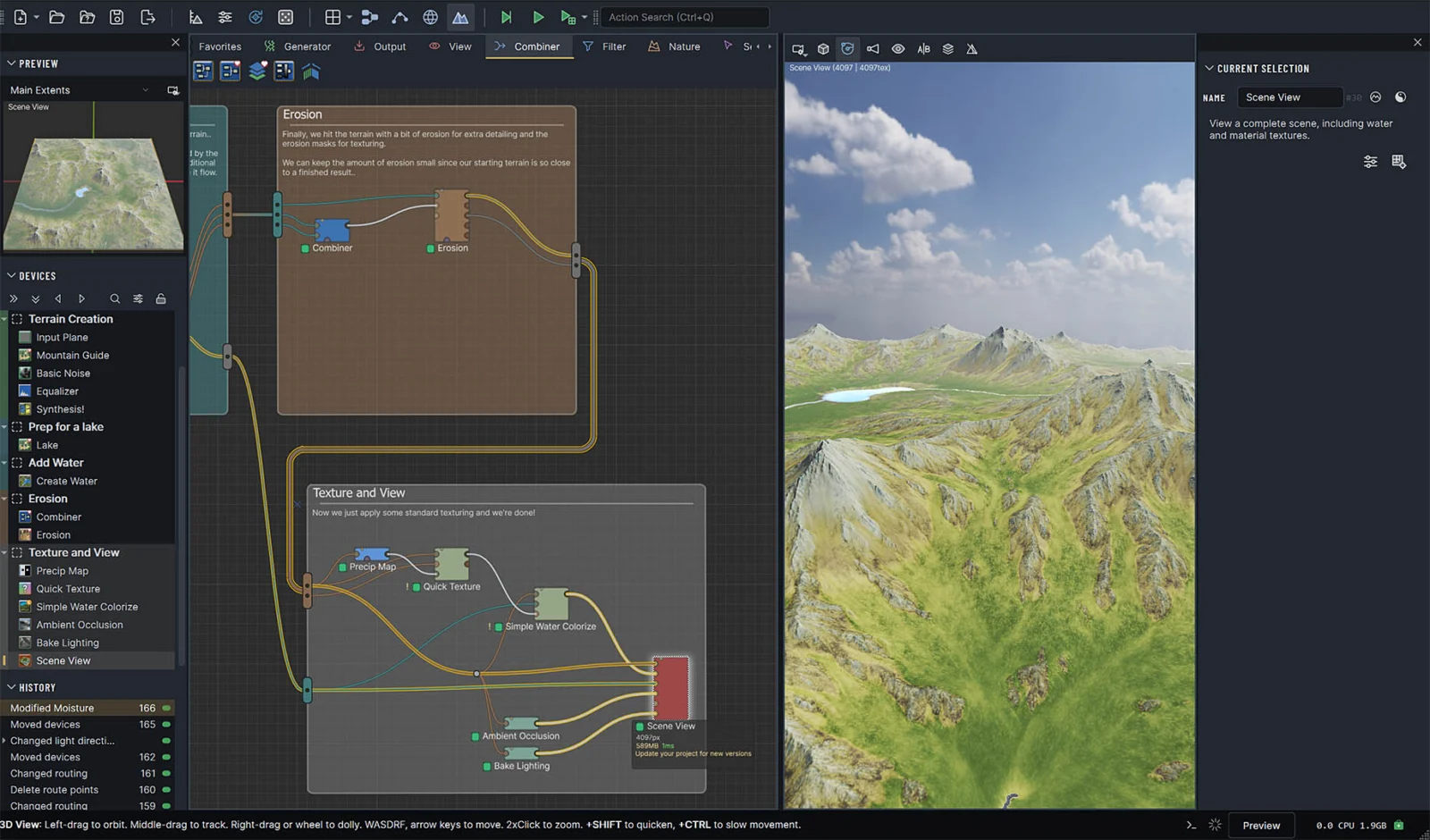
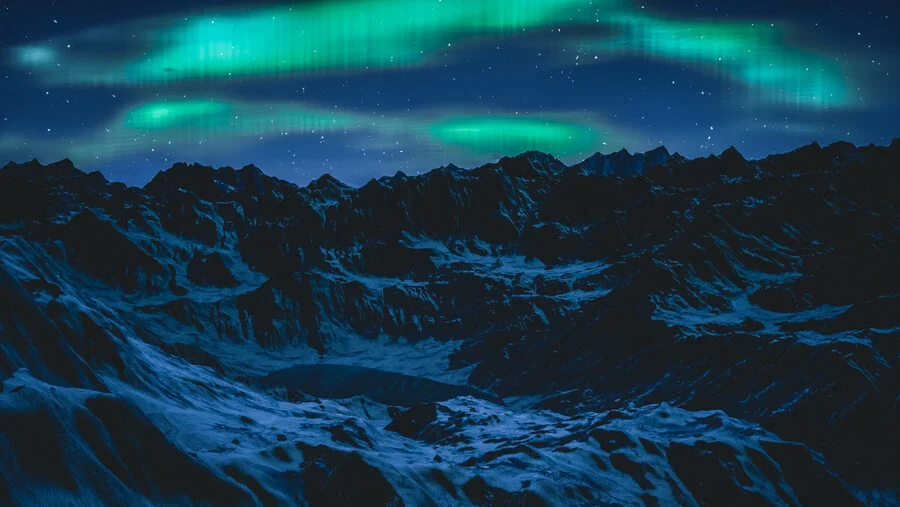
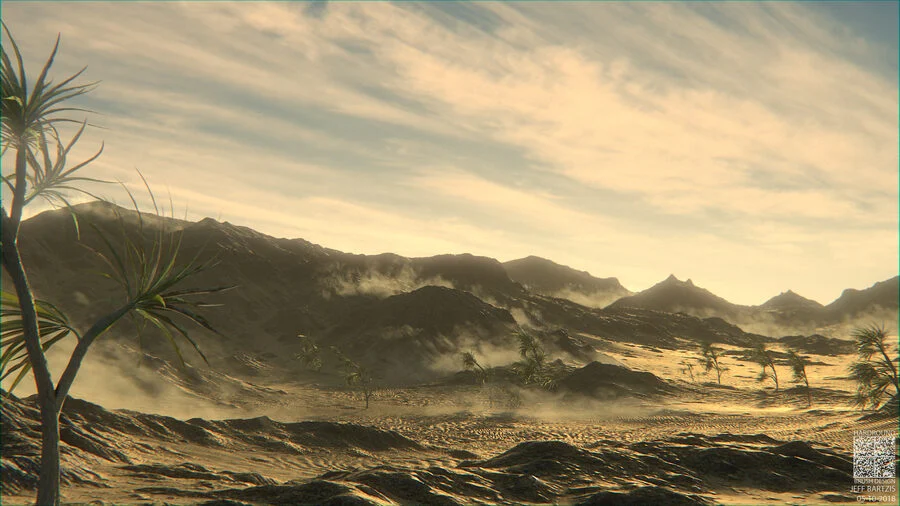
World Machine is desktop software for procedural terrain creation. Its graph-based workflow connects generators, filters, simulations and output devices, so users can revise terrain by changing upstream parameters.
The software exports heightfields, meshes, maps and glTF scenes for downstream workflows, including Unreal Engine, Unity, Godot and 3D content tools. These are file-based export workflows; the vendor lists direct engine plugins and an API as future roadmap work.
World Machine Software LLC was founded in 2008 and is based in Seattle. Native builds are available for Windows, macOS and Linux.
World Machine Decision Snapshot
A quick way to understand who this product may suit, where its limits matter, and which facts are most relevant before you compare alternatives.
Best suited toArtists and game or media teams building procedural terrain who need editable node graphs, geological simulation and standard-format exports. The free Basic edition also suits personal or educational evaluation.
Look elsewhere ifCommercial users who need an integrated Unreal or Unity plugin, a current public API, or tiled exports in the lower-cost Indie edition may need another workflow or a higher license tier, and should evaluate alternatives such as Gaea or World Creator instead.
PlatformsLinux, macOS, Windows
TechZella assessment6.8/10
World Machine — What Sets It Apart?
These are the product-specific differences that may matter when deciding whether the software fits your workflow. They are based on documented evidence rather than a universal ranking.
- Basic includes the same terrain toolset as Indie for personal and educational use, but limits output assets to 1025 × 1025 pixels and bars commercial use.
- Professional supports tiled terrain builds, all CPU cores and build automation, while the Studio license covers unlimited workstation installs at one physical location.
- The software exports common heightfield, mesh, map and glTF formats; the official roadmap lists direct API and engine plugins as future work, not current integrations.
Editorial assessmentWorld Machine Pros & Cons
Pros
- Free noncommercial edition includes the same terrain toolset as Indie.
- Native builds are available for Windows, macOS and Linux.
- Exports common terrain, mesh and image formats for downstream pipelines.
- Professional and Studio support tiled terrain builds and all available CPU cores.
- Paid licenses remain perpetual after the included update period ends.
Cons
- Basic is noncommercial and limits outputs to 1025 u00d7 1025 pixels.
- Indie resolution is constrained by available system RAM.
- Professional is required for tiled builds and all-core builds.
- A public API and direct engine plugins are not documented as current features.
- Access to new versions after the included update period may require renewal.
World Machine Gotchas & Operational Limits
These are documented constraints or practical friction points that may matter before you adopt the product.
Basic is free indefinitely but is restricted to non-commercial work and output assets up to 1025 × 1025 pixels.
A project intended for sale, a commercial game or another profit-making use requires a paid license, and large output workflows need a higher tier.
Evidence source ↗Direct integrations and an API appear on the roadmap as future work.
Teams should plan for file-based export and import rather than assume a supported direct engine plugin or public API.
Evidence source ↗Paid licenses are perpetual, but the included update period lasts one year.
The purchased version remains usable, while accessing releases issued after the update window may require a renewal whose price is shown in the Update Center.
Evidence source ↗World Machine Pricing & Plans
Basic
$0
one-time
Free Community Edition for personal, educational and other noncommercial use. Output limited to 1025 × 1025 pixels per asset.
Check current pricing →Indie
$119
one-time
Perpetual license with commercial export rights and one year of updates and support. Resolution is limited by available RAM.
Check current pricing →Professional
$299
one-time
Perpetual individual license with commercial export rights, tiled terrain, all-core builds, automation and one year of updates and support.
Check current pricing →Studio Site
$1999
one-time
Professional features with unlimited workstation installs at one physical location; includes one year of updates and support.
Check current pricing →Pricing may change. Verify current plans on the vendor's website.
Cost contextTotal Cost & Hidden Costs
Additional costs or implementation requirements that are documented in the available evidence.
License and updates
Indie is $119 one-time, Professional is $299 one-time, and Studio Site is $1,999 one-time. Paid licenses include one year of support and updates; renewal pricing is per license and available through the Update Center, but no public renewal amount is listed.
Evidence source ↗Implementation and onboarding
No paid onboarding or implementation service is listed on the purchase page. The free edition includes a nine-part beginner tutorial and over 100 example worlds; organizational silent installation is documented in the FAQ.
Evidence source ↗Hardware and infrastructure
World Machine is installed locally, so buyers provide compatible hardware. The vendor recommends 32 GB RAM and a dedicated GPU; no separate hosting charge is listed. Actual hardware costs are not specified.
Evidence source ↗World Machine Competitors & Alternatives
Compare similar products directly, then see which alternatives may make more sense when your requirements differ.
At a glance
Graphic Design SoftwareOnly factors supported by the available research are shown. The comparison is descriptive, not a ranking.
Direct competitors
These products address broadly similar requirements. The descriptions focus on documented reasons a buyer might compare them with World Machine.
CapabilitiesWorld Machine Features
Terrain creation
- Procedural node graph with generators, filters, simulations and output devices
- Erosion and water simulation
- Terrain layouts and PBR materials
- Custom Code devices using GPU compute shaders
Build and export
- Heightfield, VDM and mesh outputs
- Tiled terrain builds in Professional and Studio
- glTF and GLB scene export
- PNG, TIFF, EXR, RAW and other map formats
- Build automation in Professional and Studio
Workflow
- Groups, routing, macros and reusable blueprints
- Edit history and named snapshots in Professional and above
- Native desktop builds for Windows, macOS and Linux
- Built-in updater across supported platforms
World Machine Specifications
| Deployment | Native desktop software |
|---|
| Operating systems | Windows 10+; macOS 15 Sequoia+; Linux glibc 2.34+ |
|---|
| Recommended hardware | 8-core x86 CPU with AVX2 or Apple silicon; dedicated GPU; 32 GB RAM |
|---|
| License model | Perpetual paid licenses; one year of updates and support included |
|---|
| Free edition limit | Noncommercial use; maximum 1025 × 1025 pixels per asset |
|---|
| Commercial rights | Included with paid licenses |
|---|
| Output formats | Heightfield, VDM, OBJ, glTF/GLB, PNG, TIFF, EXR, RAW and others |
|---|
| API | No public API verified; API and direct engine plugins are listed on the roadmap |
|---|
| Integrations | File-based exports for Unreal Engine, Unity, Godot, Blender, Maya and Cinema 4D |
|---|
Exit planningMigration & Lock-In
Documented portability, standards, export, or switching considerations. No switching-cost score is shown unless the evidence supports one.
Data portability
Exports heightfields, VDMs, OBJ meshes, glTF/GLB scenes and maps in common formats including PNG, TIFF, EXR and RAW. The vendor describes these as standard files for downstream tools.
Evidence source ↗Project compatibility
The Dragontail Peak release notes say projects saved in earlier World Machine versions open in that release; users can selectively update devices or retain earlier device behavior.
Evidence source ↗Our evidence-based assessmentTechZella Score
A proprietary editorial score based on product capabilities, usability, value, performance, support and user sentiment evidence.
6.8/10Moderate confidence
Assessment based on official feature, platform, edition and pricing documentation. No public review-platform rating or review sample was verified; these scores are editorial, not user ratings.
Methodology v1.0. The assessment weighs feature coverage (25%), ease of use (15%), value for money (20%), performance (15%), support (10%) and user sentiment (15%), using researched product evidence and verified review evidence where available. It is a TechZella editorial assessment, not a direct user-review average.
Editorial transparency
Our Review Methodology
Key claims are linked to the sources used to verify them. This evidence record is separate from third-party user ratings.
TechZella evaluates software using documented product capabilities, pricing information, usability and value considerations, independent user evidence where available, and competitive context. The assessment is an editorial review, not a hands-on test unless one is explicitly identified. Our editorial assessment is based on 5 documented sources.
What TechZella adds- Basic includes the same terrain toolset as Indie for personal and educational use, but limits output assets to 1025 × 1025 pixels and bars commercial use.
- Professional supports tiled terrain builds, all CPU cores and build automation, while the Studio license covers unlimited workstation installs at one physical location.
- The software exports common heightfield, mesh, map and glTF formats; the official roadmap lists direct API and engine plugins as future work, not current integrations.
Important limitations- Basic output is capped at 1025 × 1025 pixels and cannot be used commercially.
- Indie build resolution depends on available RAM; tiled builds and all-core builds are Professional features.
- World Machine's roadmap describes an API and direct Unreal and Unity plugins as planned, so buyers should not assume these are currently available.
- Paid licenses include one year of updates; continued access to new releases requires an optional renewal.
Evidence-backed claimsWorld Machine has a free, noncommercial Basic edition.The Basic edition is free for personal and educational work, but commercial use requires a full license.
View source ↗Verified 2026-11-16World Machine runs natively on Windows, macOS and Linux.The vendor lists Windows 10+, macOS 15 Sequoia+ and Linux with glibc 2.34+ as supported.
View source ↗Verified 2026-11-16Paid licenses use one-time pricing and include a year of updates.The purchase page lists one-time prices for Indie, Professional and Studio Site and says one year of updates is included.
View source ↗Verified 2026-11-16World Machine exports to common formats used by game engines and 3D applications.The feature page lists heightfield, VDM, OBJ, glTF/GLB and common image-map formats, and names Unreal Engine, Unity, Godot, Blender, Maya and Cinema 4D.
View source ↗Verified 2026-11-16A public API and direct Unreal and Unity plugins are not presented as current features.The roadmap places an API and plugins connecting World Machine directly to Unreal, Unity and AI development tools under future work.
View source ↗Verified 2026-11-16World Machine Software LLC was founded in 2008 and is located in Seattle.The company page identifies the company as founded in 2008 and located in Seattle, Washington.
View source ↗Verified 2026-11-16 Common questionsWorld Machine FAQs
Answers begin with the clearest available response, followed by the context that helps you act on it.
Is World Machine free?
Yes. Basic is free for personal, educational and other noncommercial projects, with a 1025 × 1025 pixel output limit.
Does World Machine offer a free trial?
No. The Basic edition is not time limited. The FAQ also says buyers can request a fully functional 45-day Professional trial through the helpdesk.
Can I use World Machine for commercial projects?
Yes, with a paid license. The vendor says commercial export rights are included with paid licenses; Basic is restricted to noncommercial work.
Does World Machine have an API or direct Unreal and Unity plugins?
The roadmap lists an API and direct plugins as future work. Current documented workflows export files for those engines.
Which operating systems does World Machine support?
The vendor lists Windows 10 or later, macOS 15 Sequoia or later, and Linux with glibc 2.34 or later.
Community feedback
Reviews
No reviews yet. Be the first to share your experience.
Write a Review
Please log in to submit a review.
Recently added Graphic Design Software